 United States
 Best Seller
 Label Printers
 All PDAs
 All Tablets
 All Thermal Labels
 Printer Accessories
Receive Orders
Manage daily orders from your online store or selling platforms.


 United States
You are currently viewing:
United States
Items in your shopping cart will be removed when you change country
Your cart is currently empty.

Every Order Deserves a Professional Start
Before a package reaches your customer, a clearshipping label helps it move faster, scan cleaner, and look more professional from the first touchpoint.


Receive Orders
Manage daily orders from your online store or selling platforms.
Print Shipping Labels
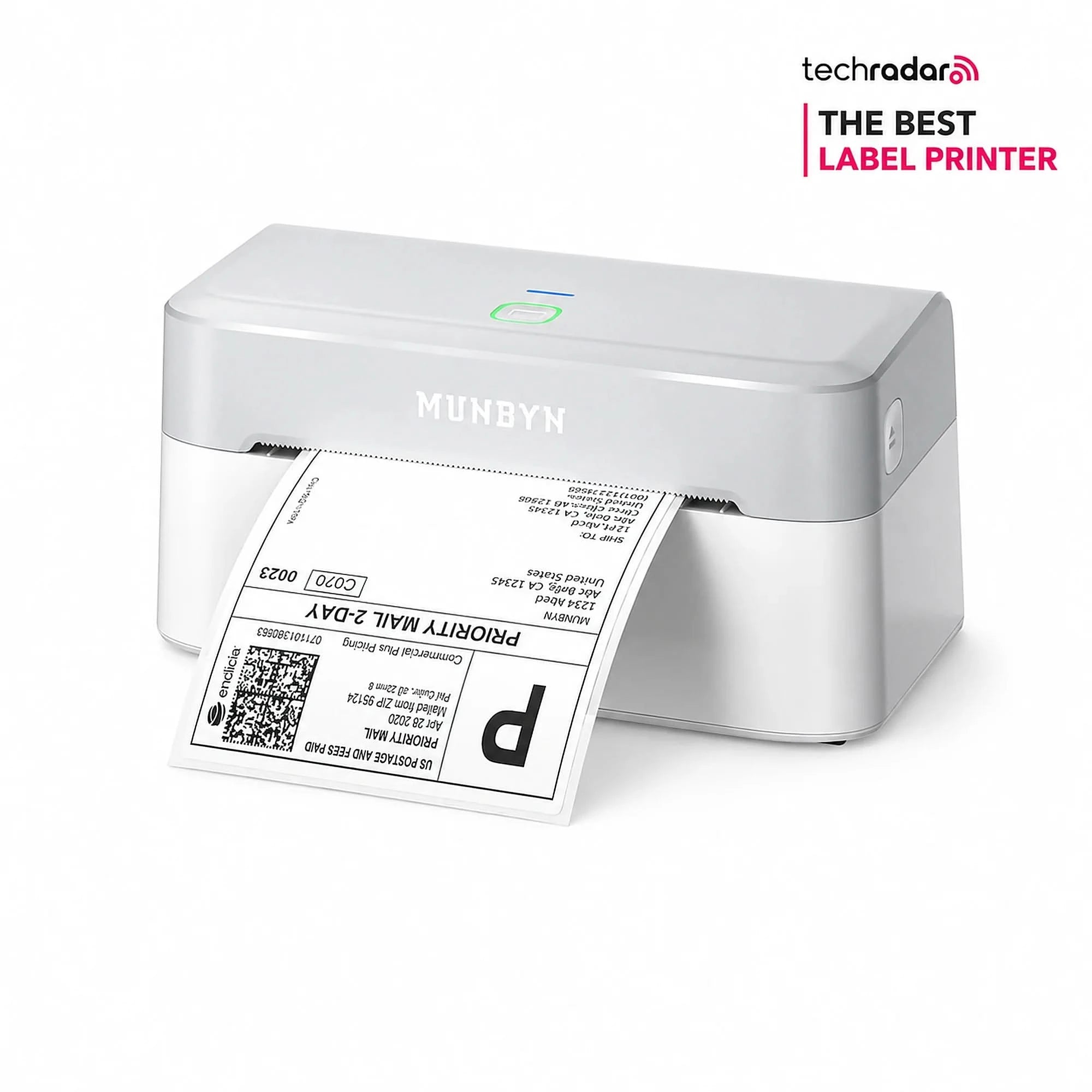
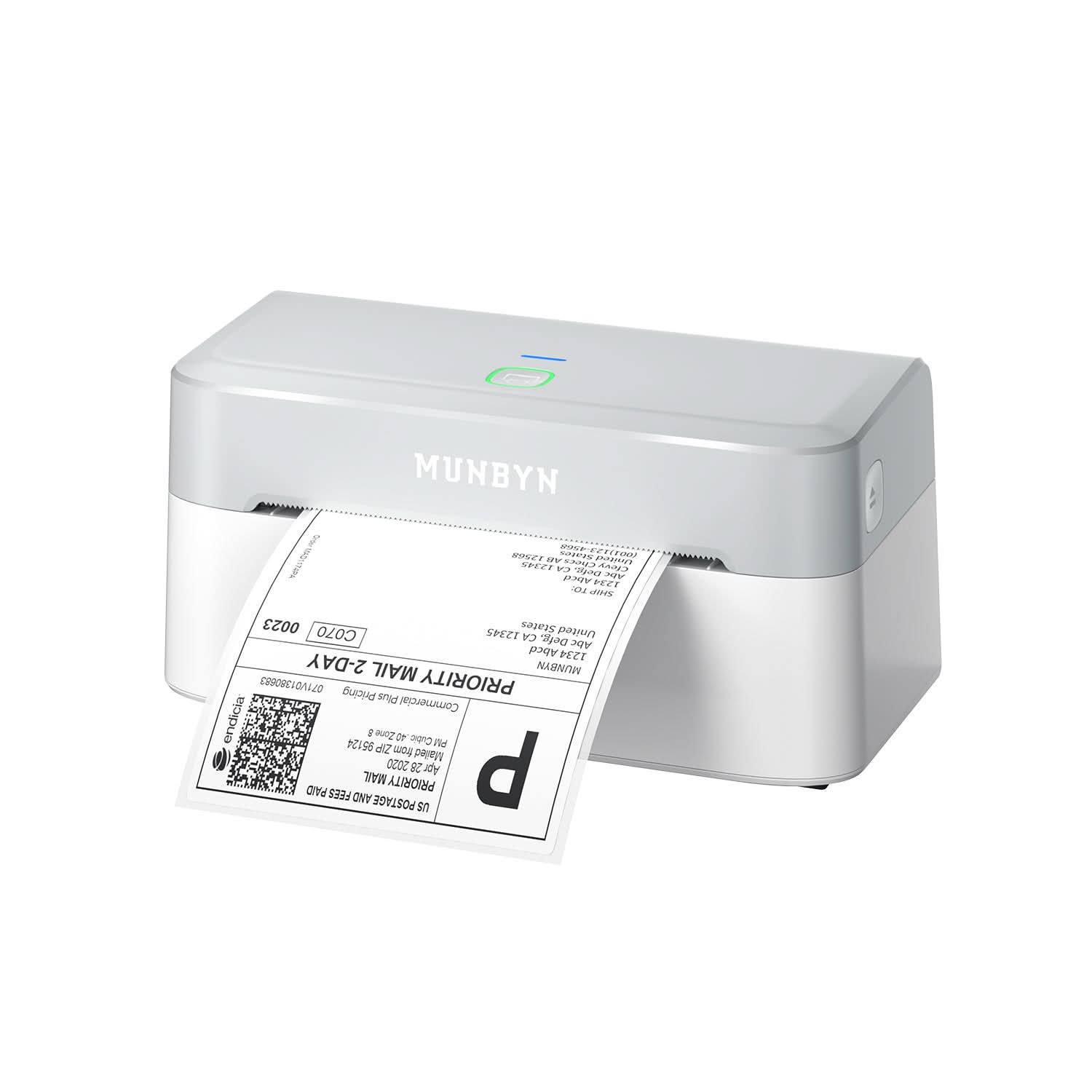
Print clear 4x6 shipping labels with a MUNBYN thermal label printer.
Pack and Label
Peel, stick, and apply labels directly to boxes, mailers, or packages.
Ship with Confidence
Keep your fulfillment area organized and ready for the next batch of orders.
What Shipping Labels Can Do
One Label, Many Shipping Moments
From carrier labels to internal order notes, shipping labels keep your fulfillment process clear and organized.

Print standard carrier labels for boxes, mailers, and packages.

Print clean address labels for envelopes, parcels, and small packages.

Make returns easier with clear and ready-to-apply return labels.

Print multiple labels quickly for daily order batches.

Add SKU, item names, or internal order labels to keep packages organized.

Use the same setup for simple product names, barcodes, and inventory labels.
Start simple, grow faster, and upgrade when your fulfillment workflow needs more flexibility.


Pair your MUNBYN printer with the right labels to start shipping faster from day one.
MUNBYN RW403B Bluetooth Thermal Label Printer
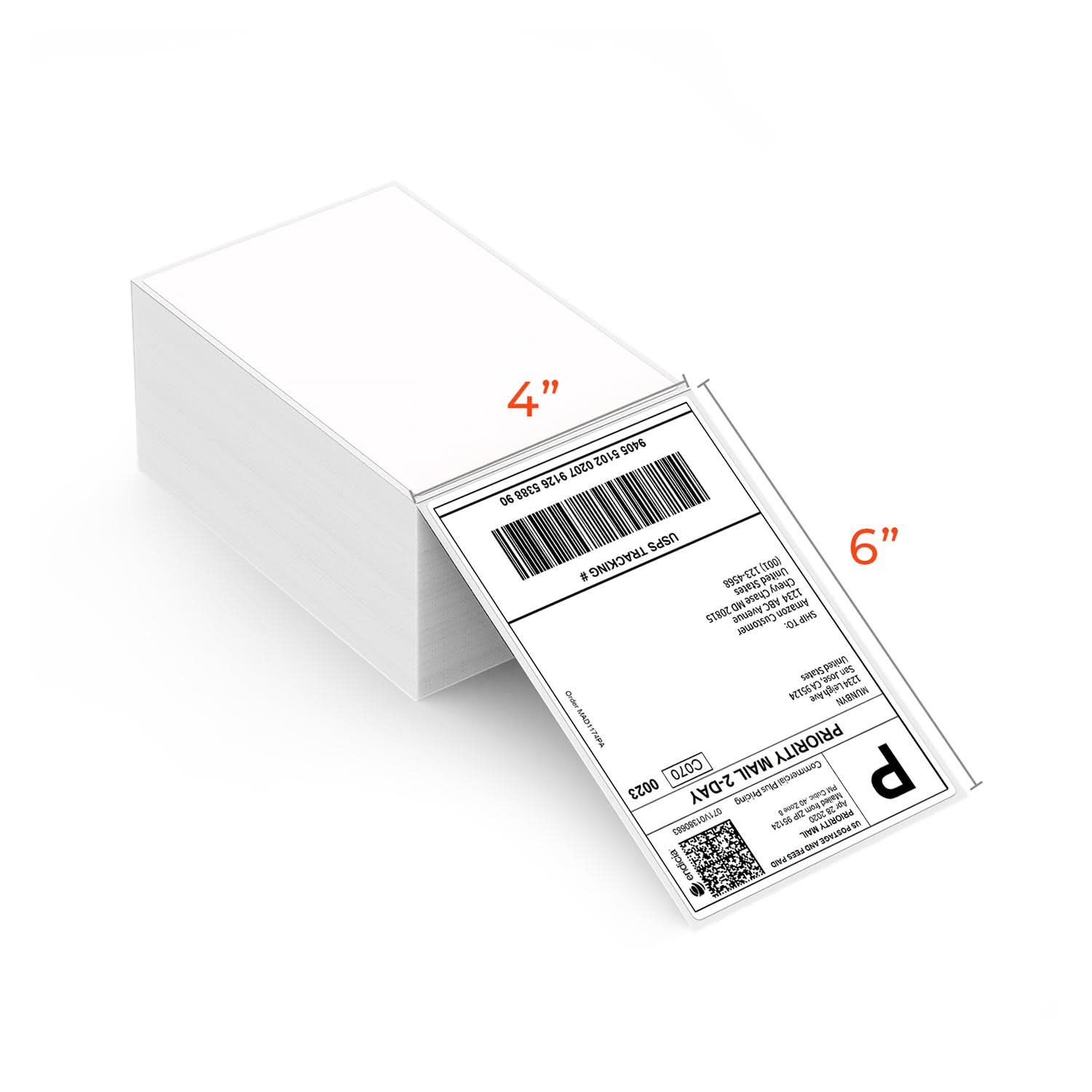
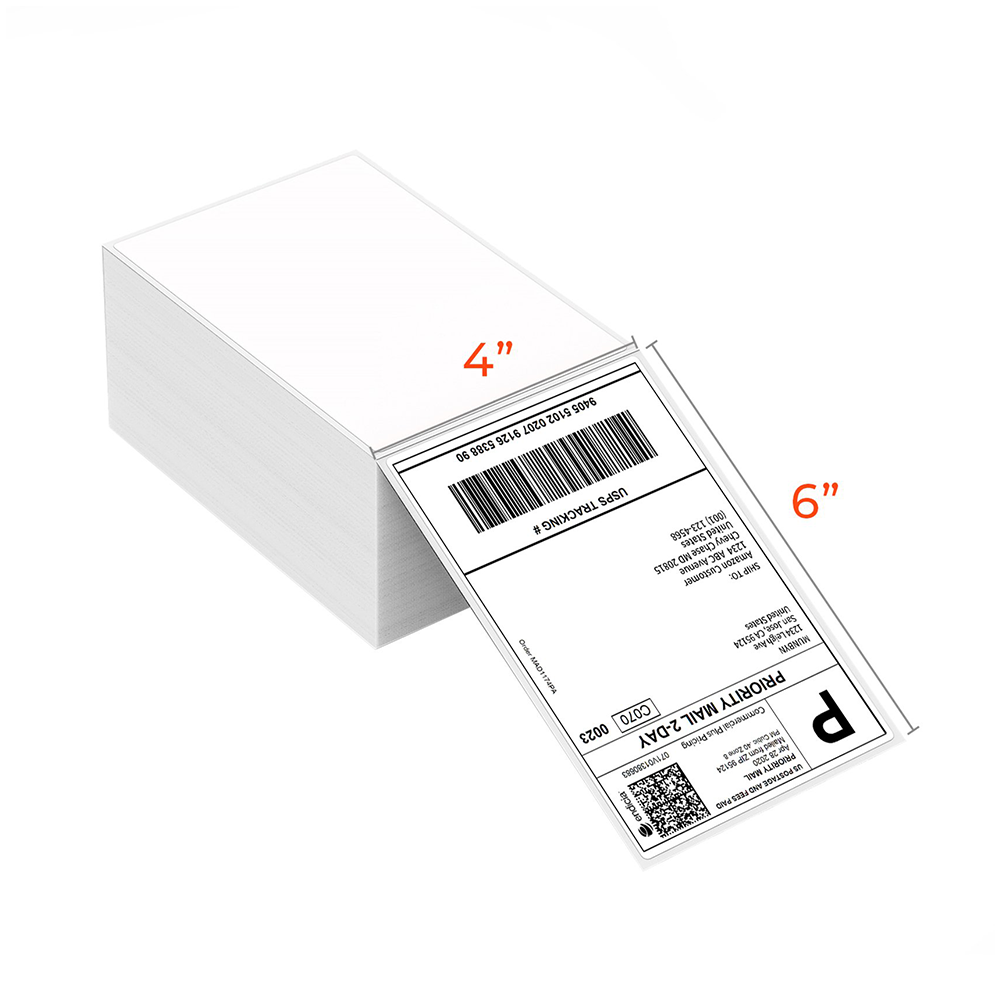
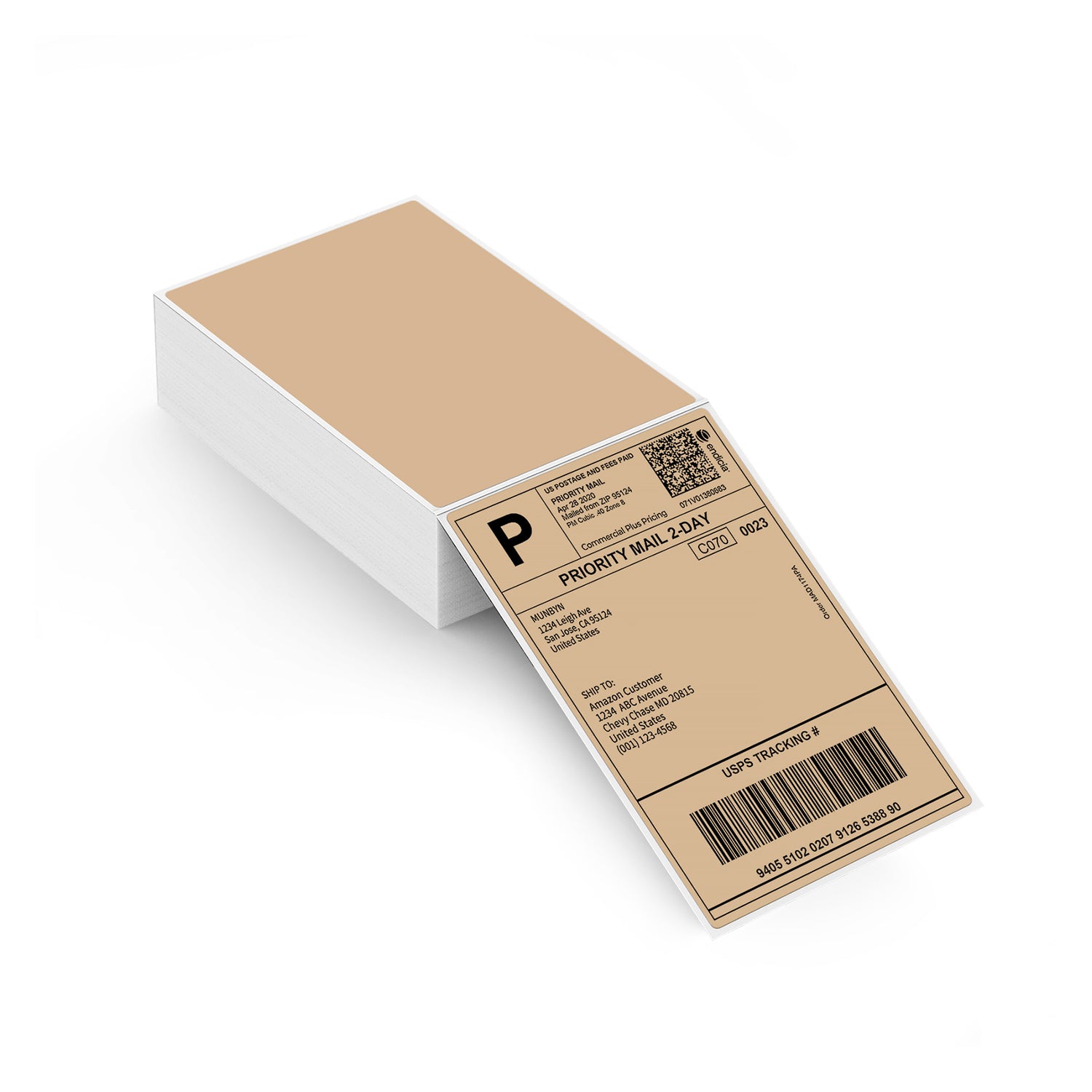
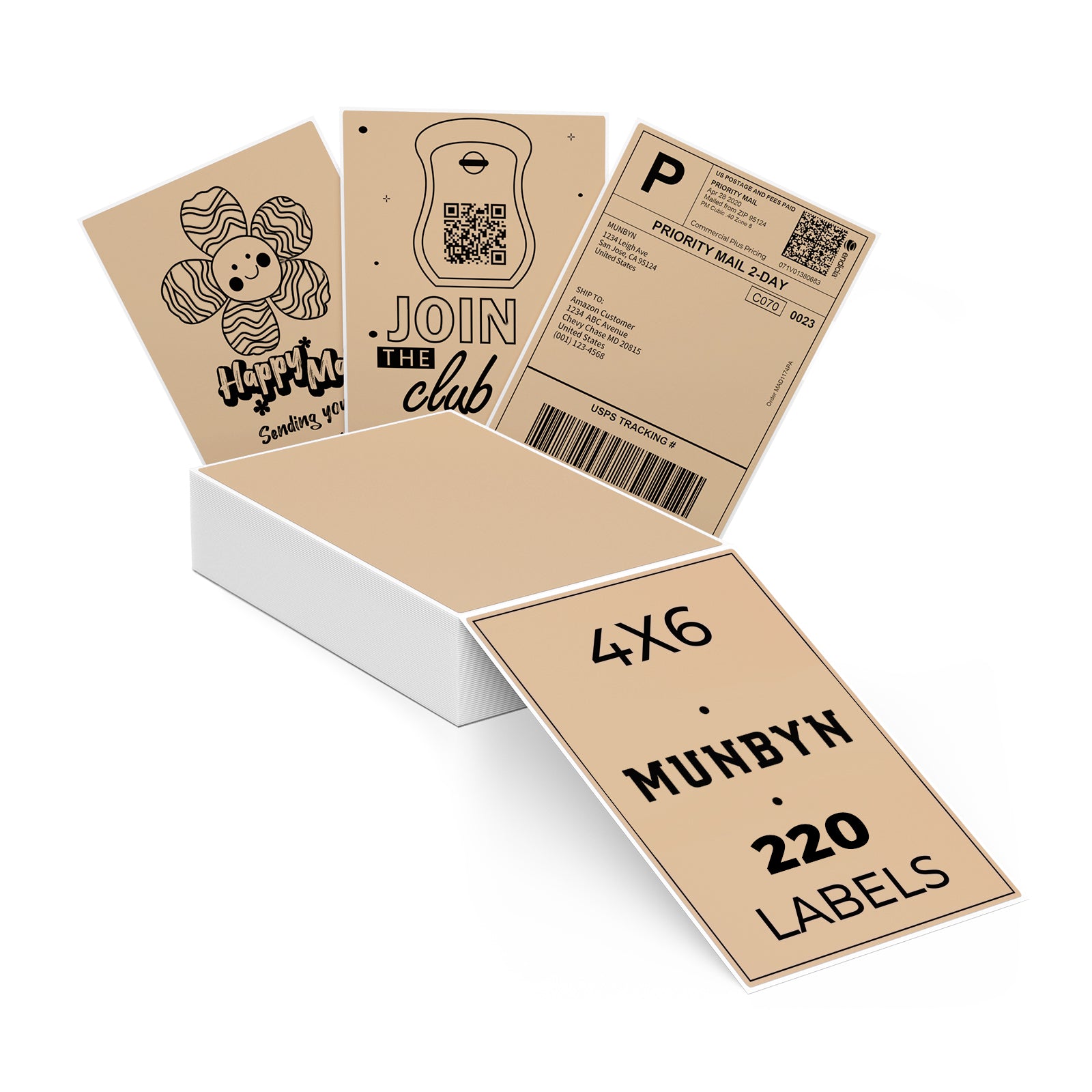
MUNBYN 4x6 Fan-Fold Direct Thermal Shipping Labels for Ecommerce Orders
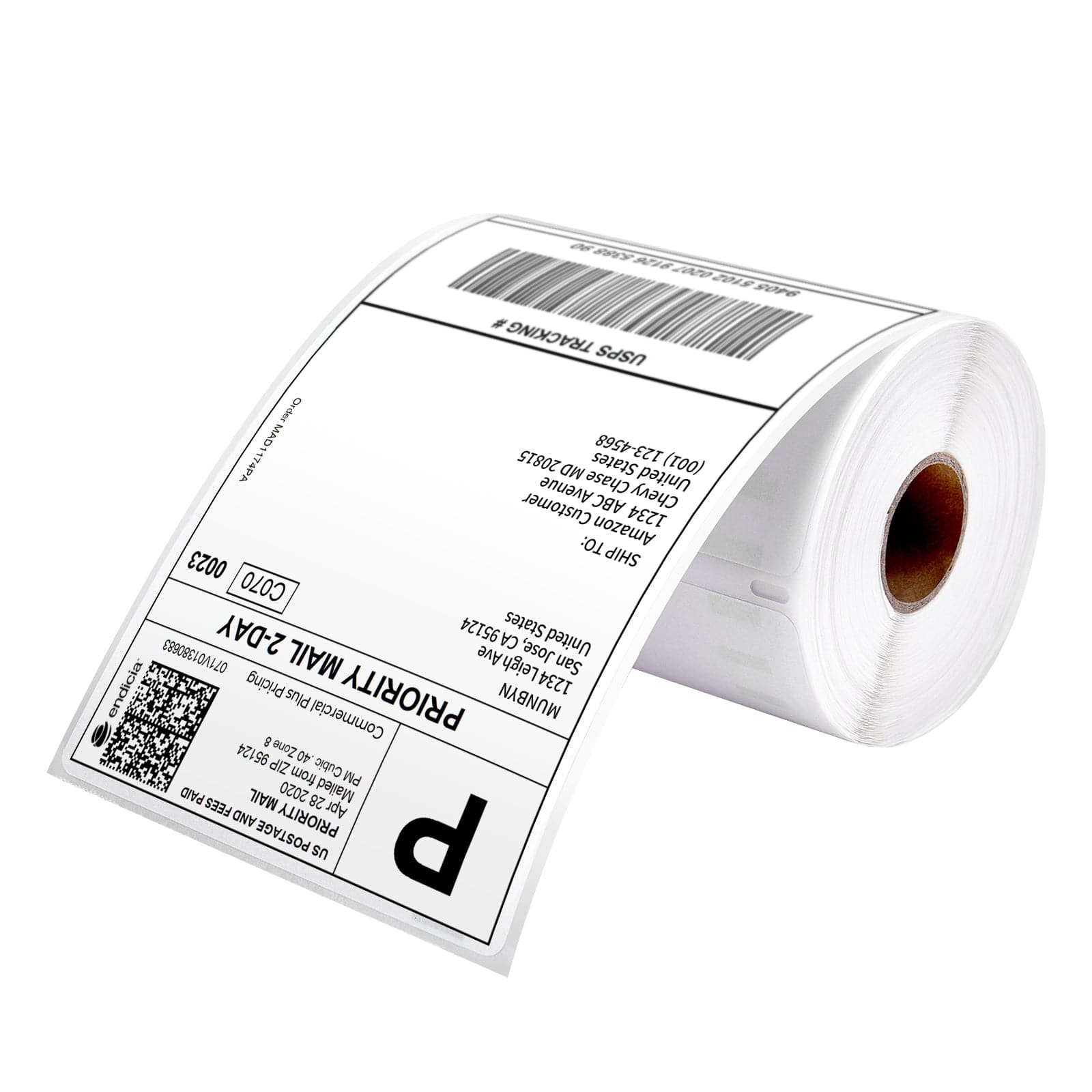
MUNBYN 4x6 Direct Thermal Shipping Roll Labels
MUNBYN 4x6 Fan-Fold Direct Thermal Shipping Labels for Ecommerce Orders
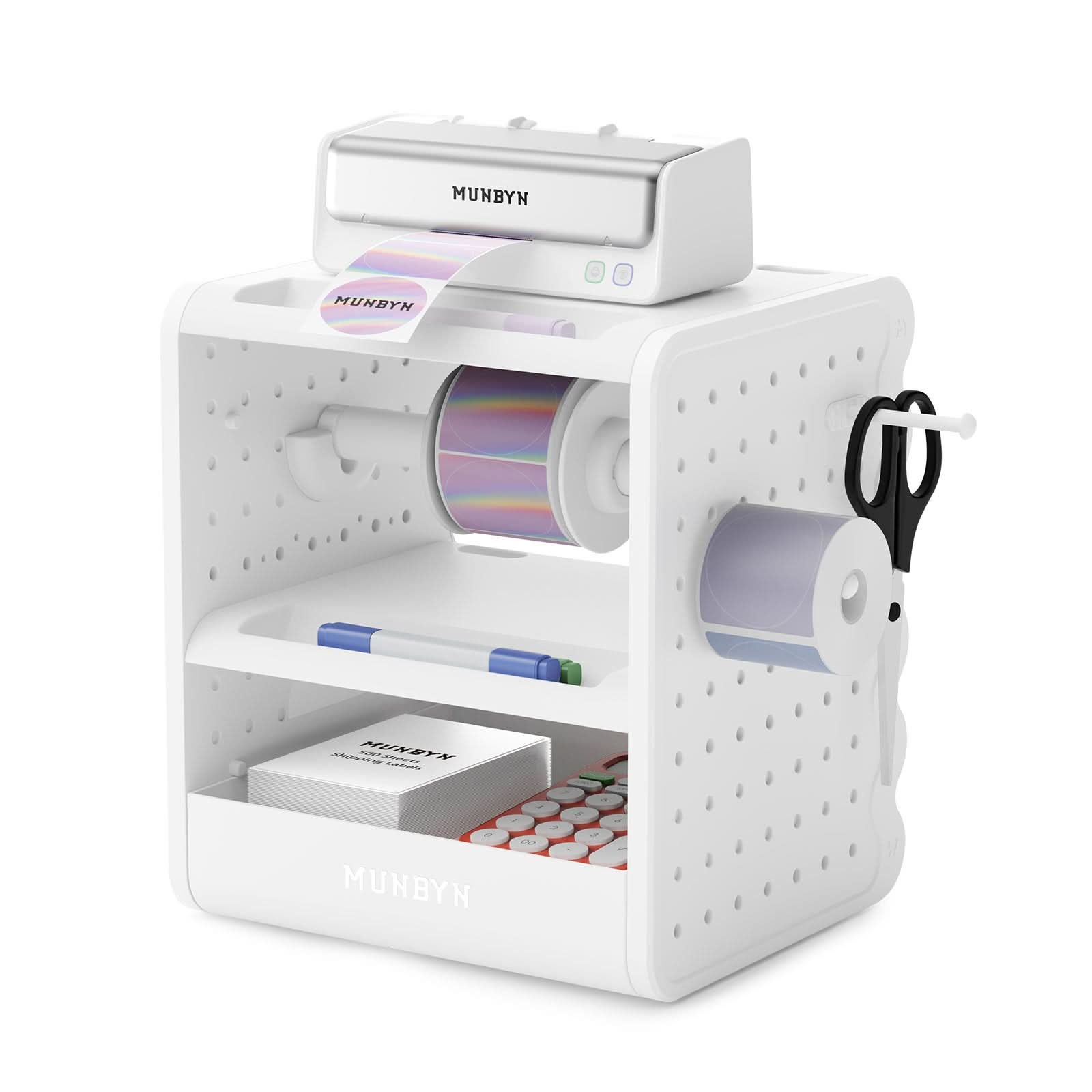
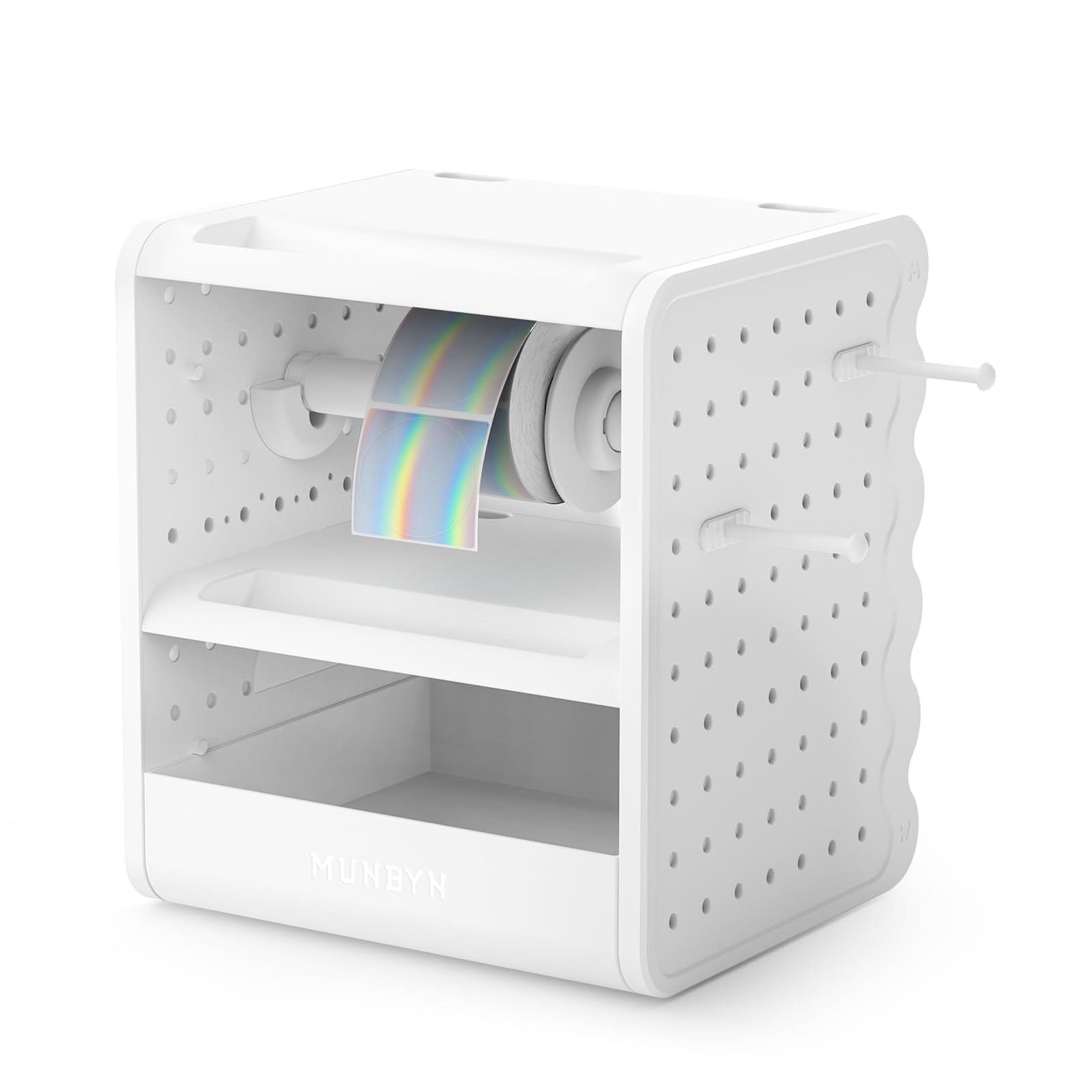
MUNBYN ILH02 3-in-1 Label Holder for Printer and Roll Storage
MUNBYN RW941B Bluetooth Thermal Label Printer
MUNBYN 4x6 Fan-Fold Direct Thermal Shipping Labels for Ecommerce Orders
MUNBYN 4x6 Direct Thermal Shipping Roll Labels
MUNBYN 4x6 Fan-Fold Direct Thermal Shipping Labels for Ecommerce Orders
MUNBYN ILH03 5-in-1 Label Holder and Desk Organizer
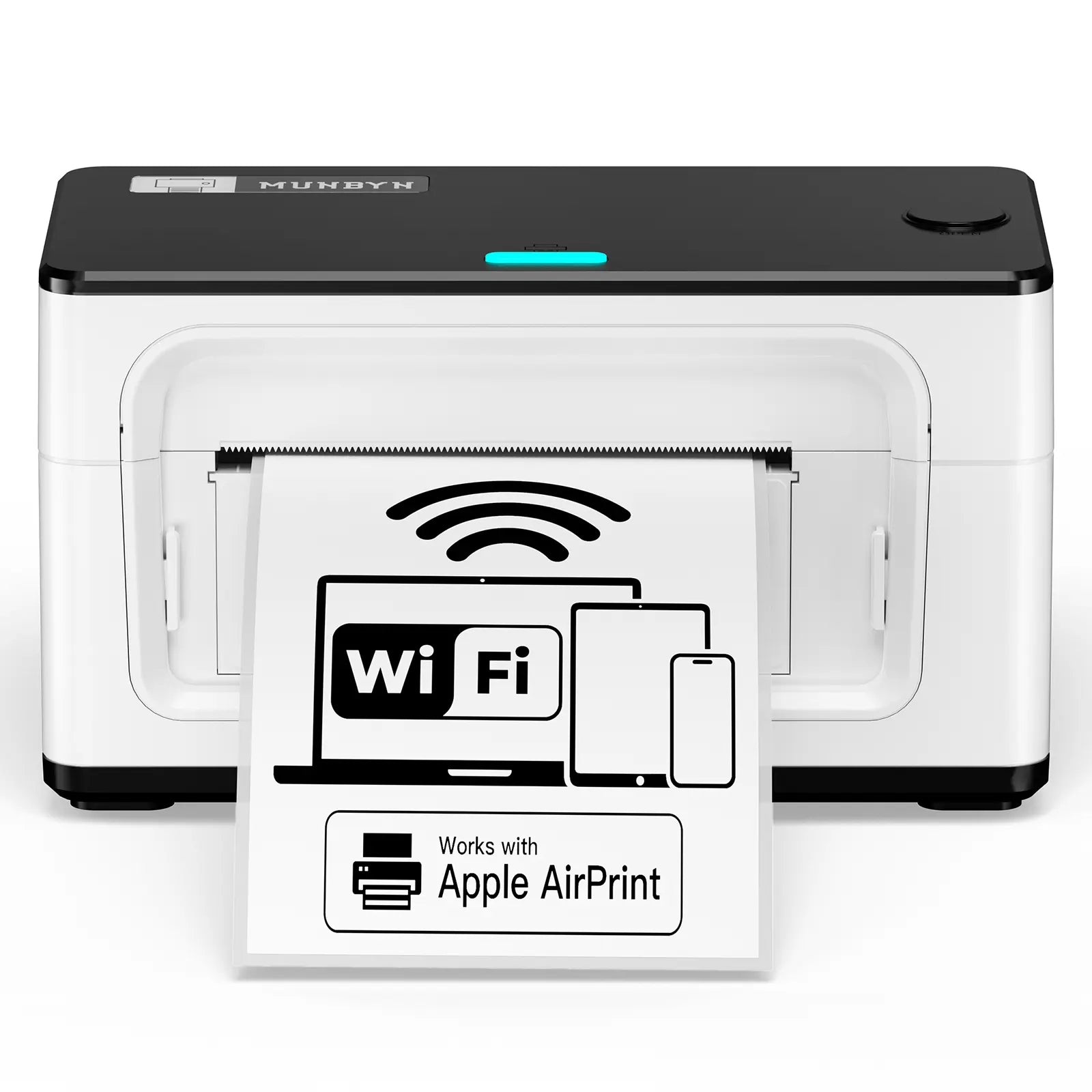
MUNBYN RW941AP AirPrint Thermal Label Printer
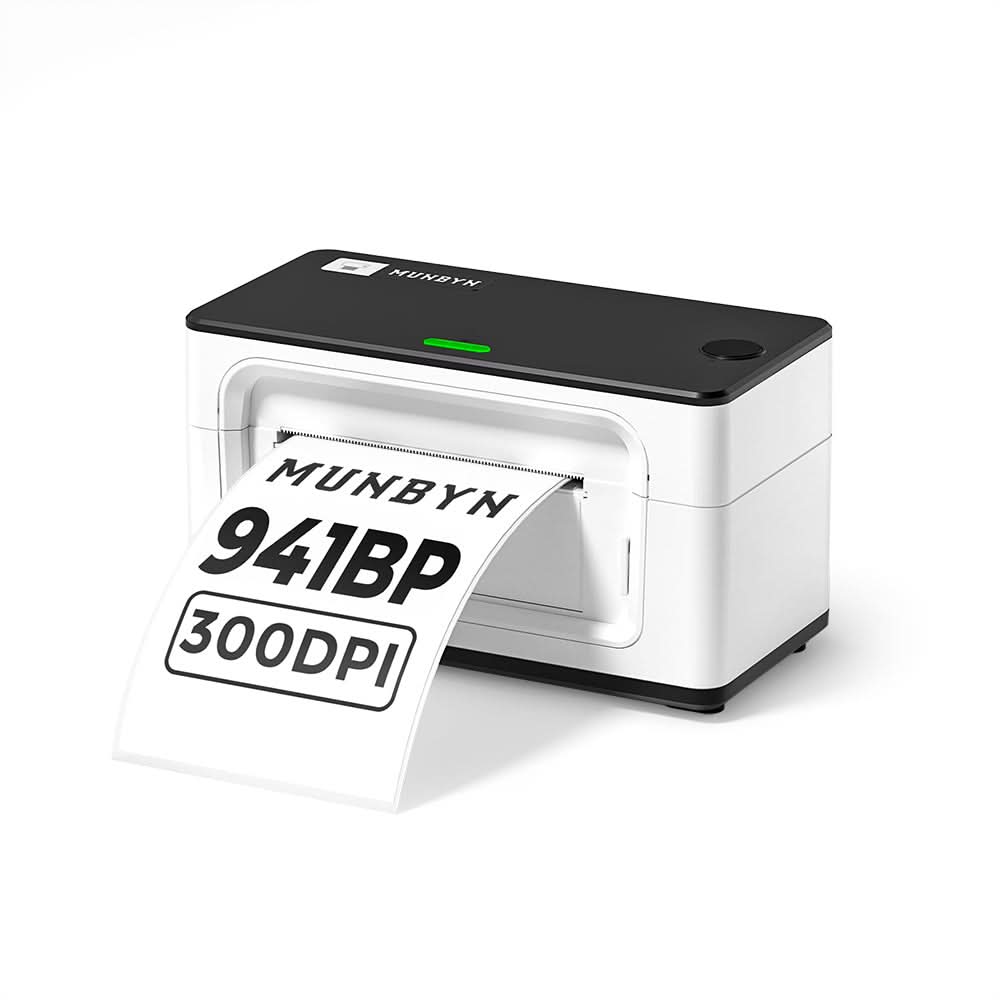
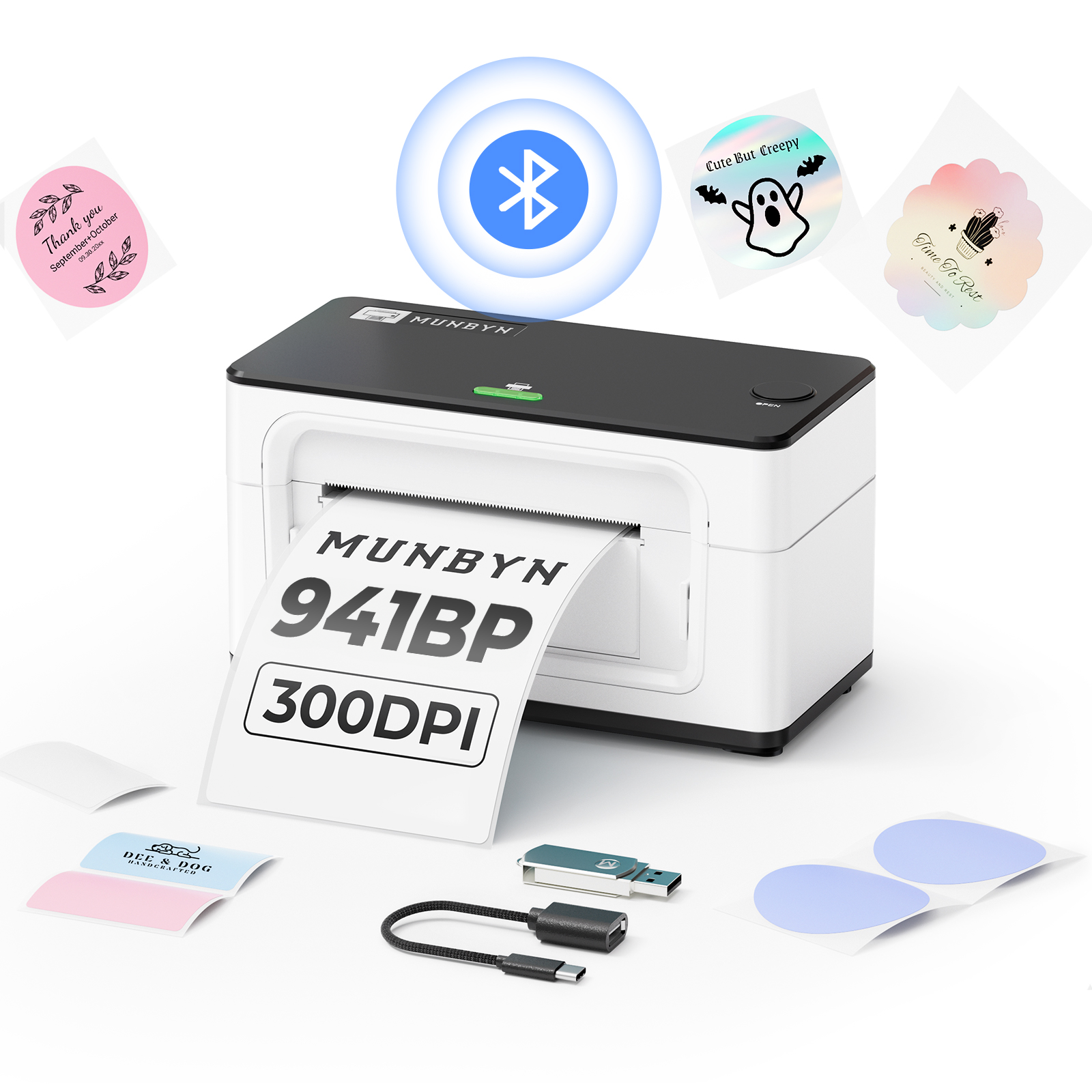
MUNBYN RW941BP 300DPI Bluetooth Thermal Label Printer
MUNBYN 4x6 Fan-Fold Direct Thermal Shipping Labels for Ecommerce Orders
MUNBYN 4x6 Direct Thermal Shipping Roll Labels
MUNBYN 4x6 Fan-Fold Direct Thermal Shipping Labels for Ecommerce Orders


Real Sellers Built
with MUNBYN
See how small businesses use MUNBYN to pack, label, and ship every day.
Trusted by small businesses worldwide*
For shipping, product, and packaging workflows*
Try your setup with confidence*
Reliable support for everyday shipping*


Mia
Online Store Starter
“I stopped cutting paper labels and started shipping orders faster from day one.”


Daniel
Growing eCommerce Seller
“Batch printing helped us keep up when daily orders started growing.”


Sophia
High-Volume Fulfillment Lead
“When every minute counts, a smoother label workflow keeps our orders moving.”
Find Your Shipping Station
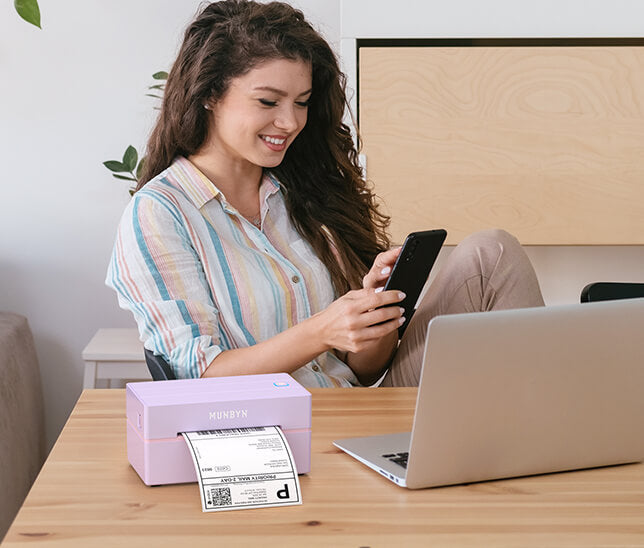
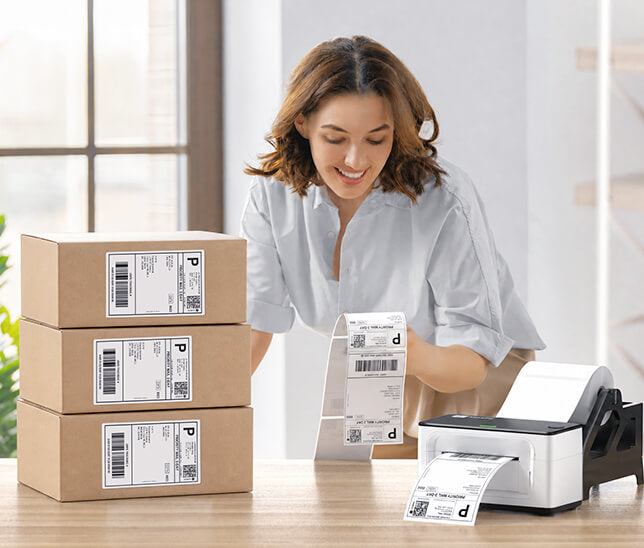
A compact shipping setup for sellers printing orders from a home office, bedroom desk, or small packing table.
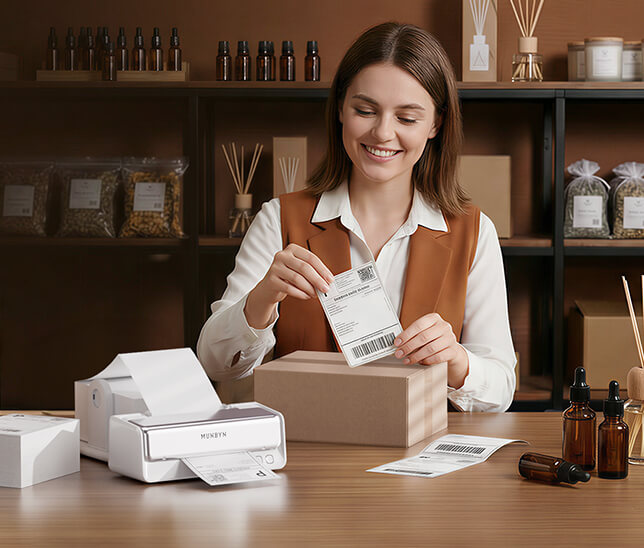
A more efficient workflow for stores handling more orders, SKUs, and daily package volume.
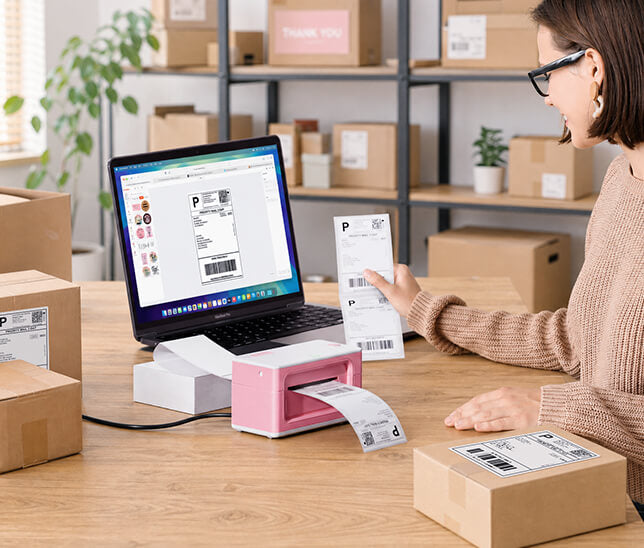
A flexible setup for sellers and teams that need stable daily printing and multi-device workflows.
Use the same labeling workflow to organize products, print SKU labels, and prepare items before shipping.
Once your shipping workflow is set, use MUNBYN labels to organize products and create a better unboxing experience.


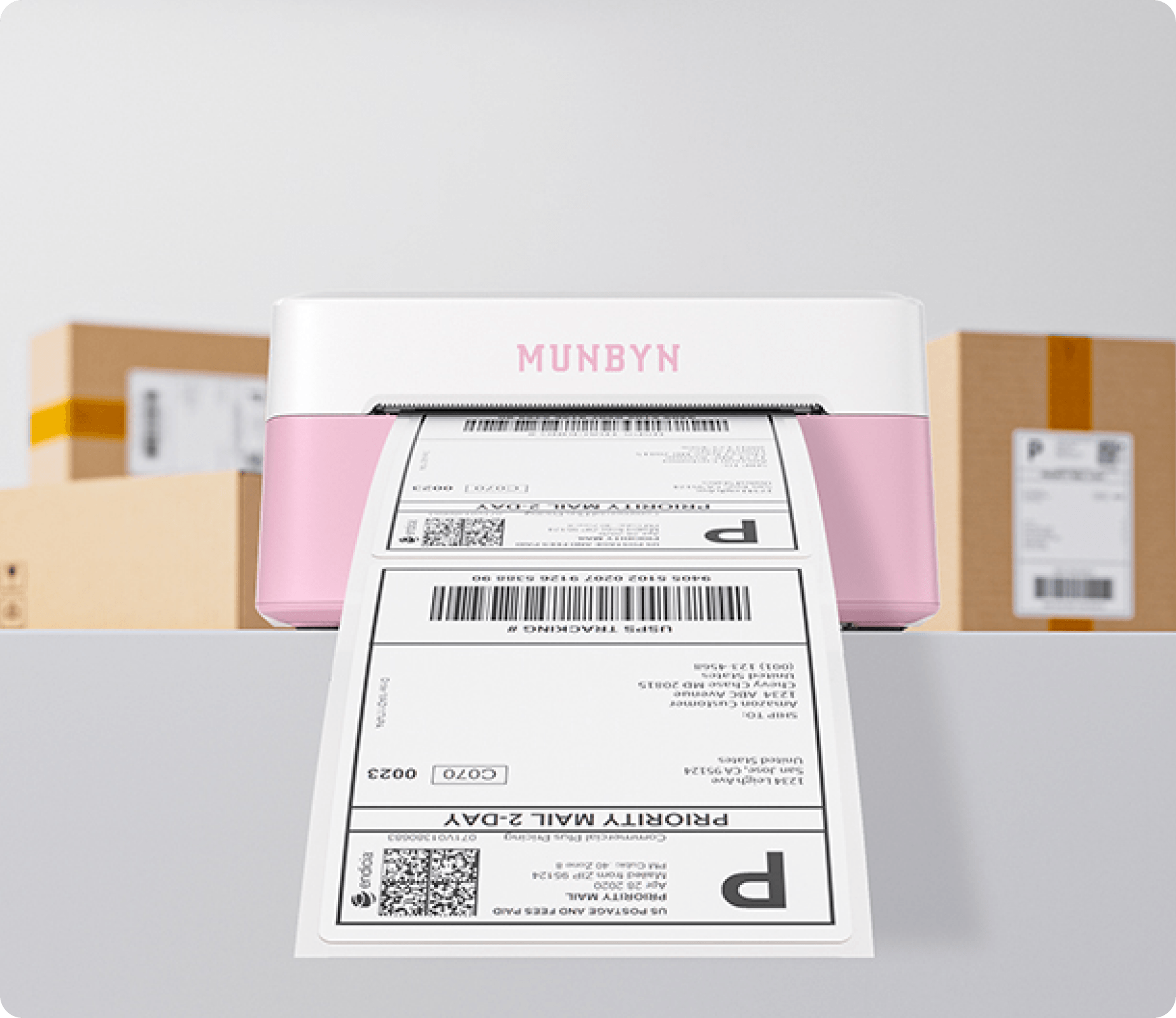
Choose your MUNBYN shipping setup and start printing clear, ready-to-ship labels for every order.
Most shipping workflows use 4x6 shipping labels for carrier labels, address labels, and package barcodes.
No. MUNBYN thermal label printers use direct thermal printing, so you do not need ink or toner.
The 403B is a strong starter choice for new sellers who need shipping labels and basic product labels.
The 941B is designed for growing stores that print more shipping labels and manage more daily orders.
The 941AP is recommended for sellers who need WiFi, AirPrint, and flexible multi-device printing.
Yes. Many MUNBYN label printers can print both shipping labels and product labels, depending on your label size and workflow.
For shipping, start with 4x6 shipping labels. If you also manage products or SKUs, add product labels or barcode labels to your setup.
For most standard 4x6 shipping labels, 203DPI is enough. If you also print small text, product details, or premium product labels, a 300DPI model may be a better fit.