


 United States
 Best Seller
 Label Printers
 All PDAs
 All Tablets
 All Thermal Labels
 Printer Accessories


 United States
You are currently viewing:
United States
Items in your shopping cart will be removed when you change country
Your cart is currently empty.
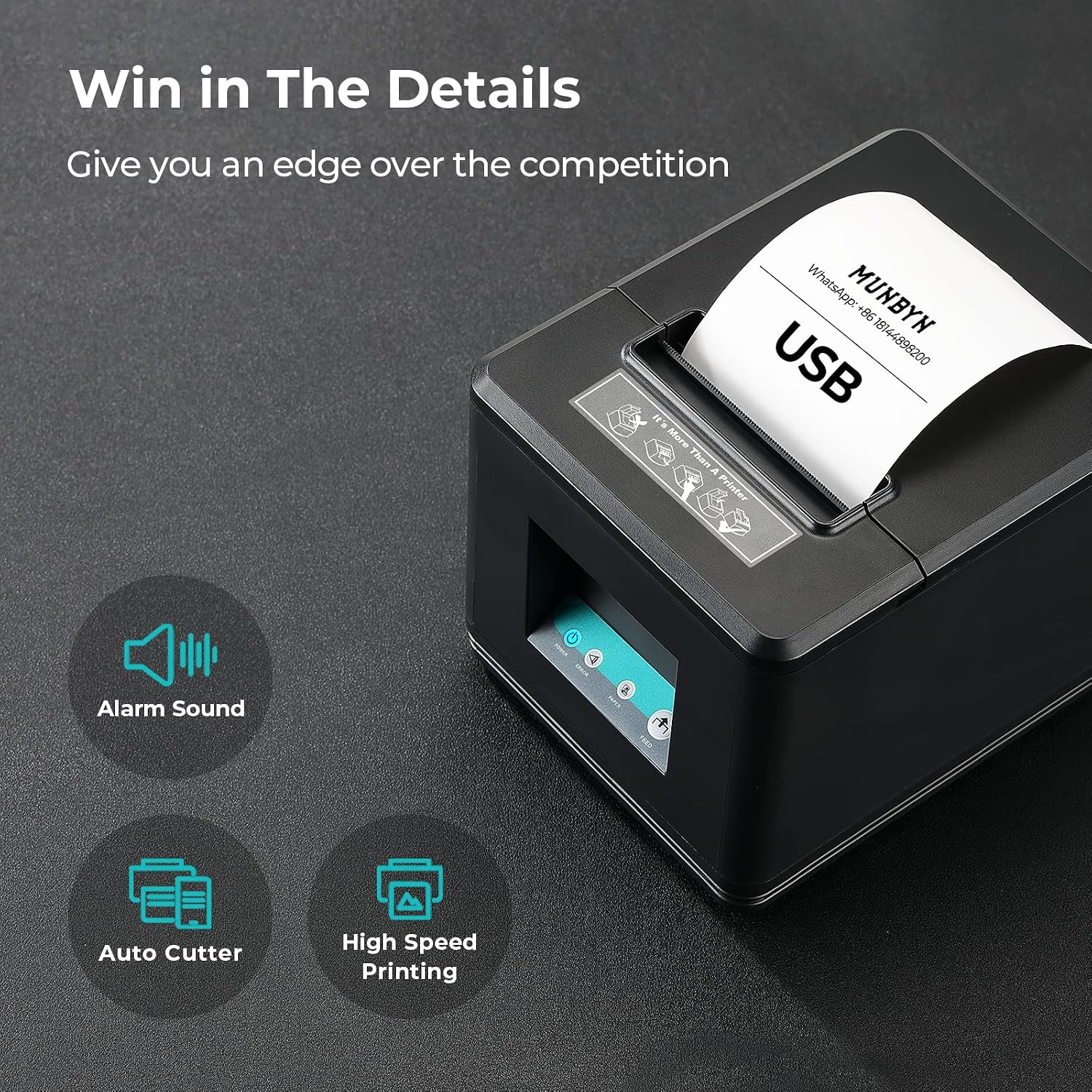

200mm/s fast receipt printing
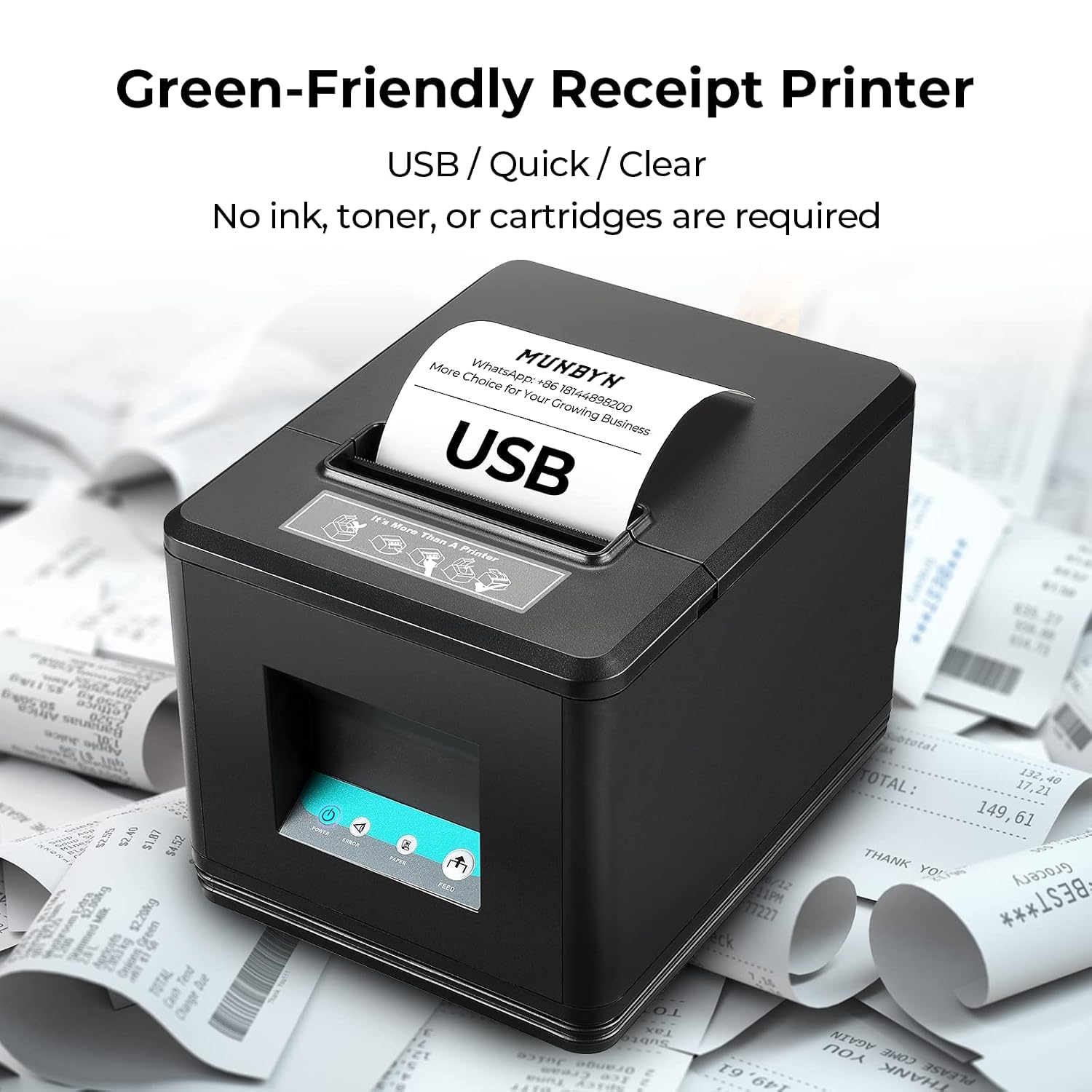
Automatic cutter with ink-free thermal printing
203 DPI print resolution
Free Shipping on Orders Over $79*
Ships within 48 Hours.
14-day Risk-free Trial
2-Year Warranty & Lifetime Support
30-day Price-Match
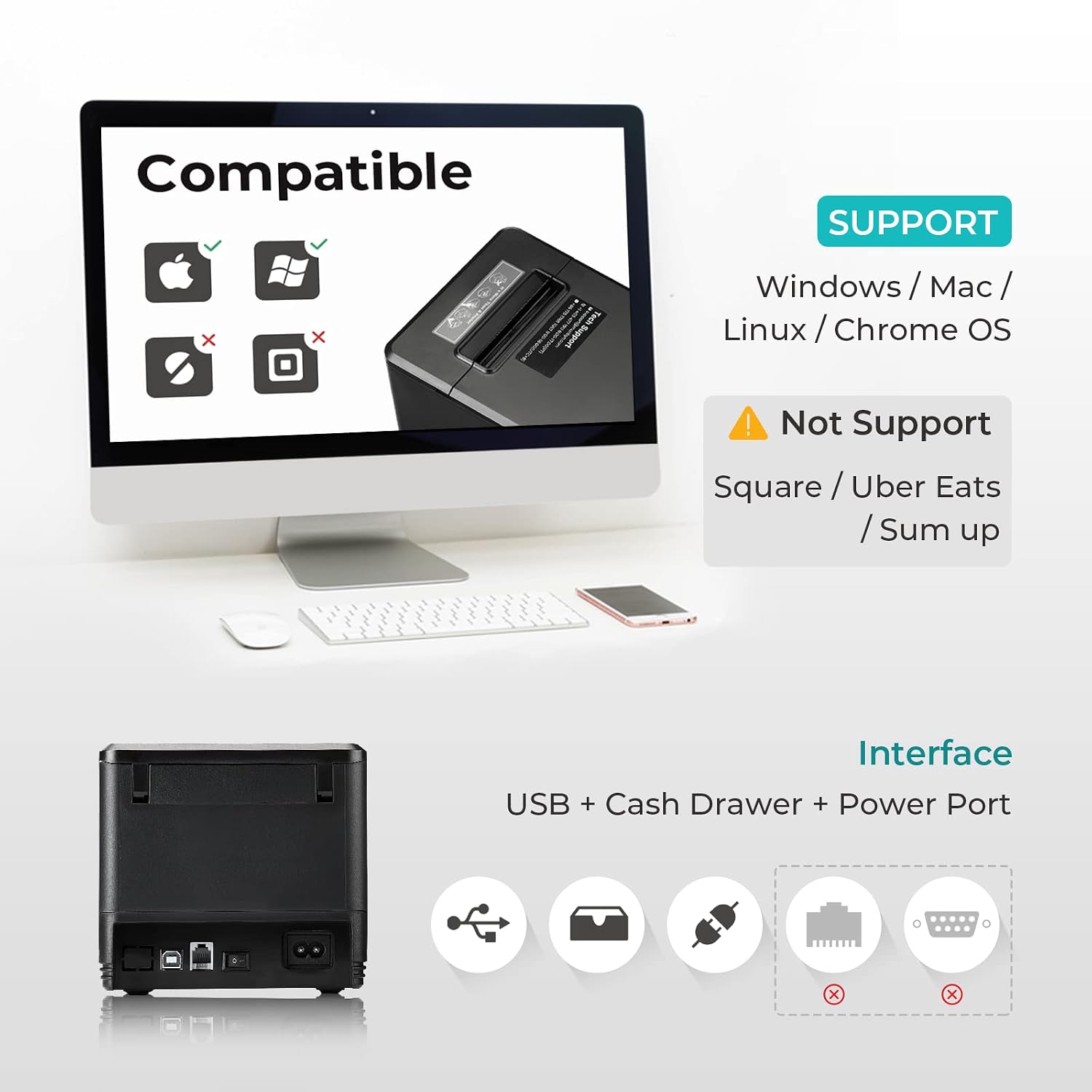
Windows, Mac, Linux and Chrome OS with compatible USB and ESC/POS setups.
Interface for compatible cash drawer connections.
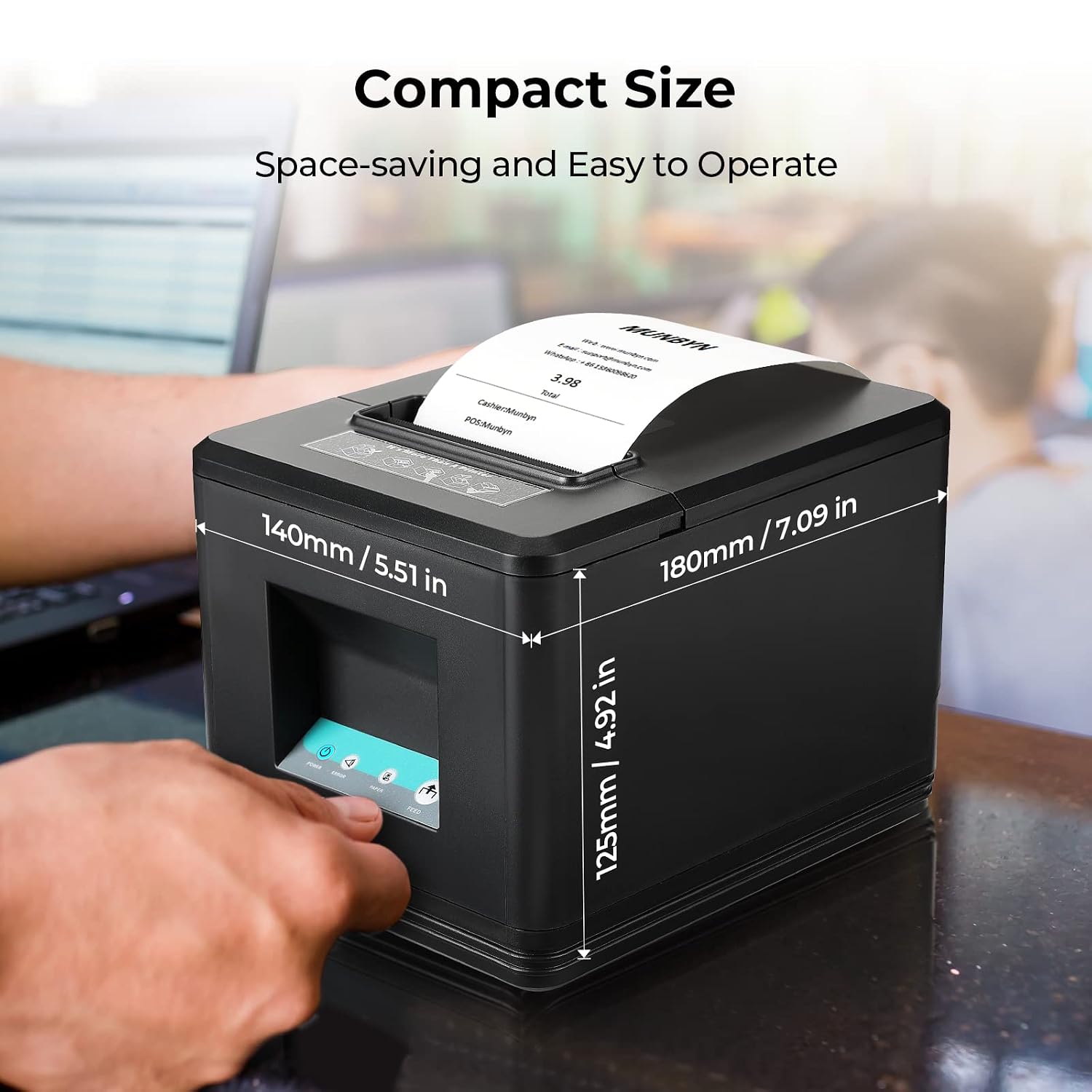
Wall-mountable design helps free up counter space.
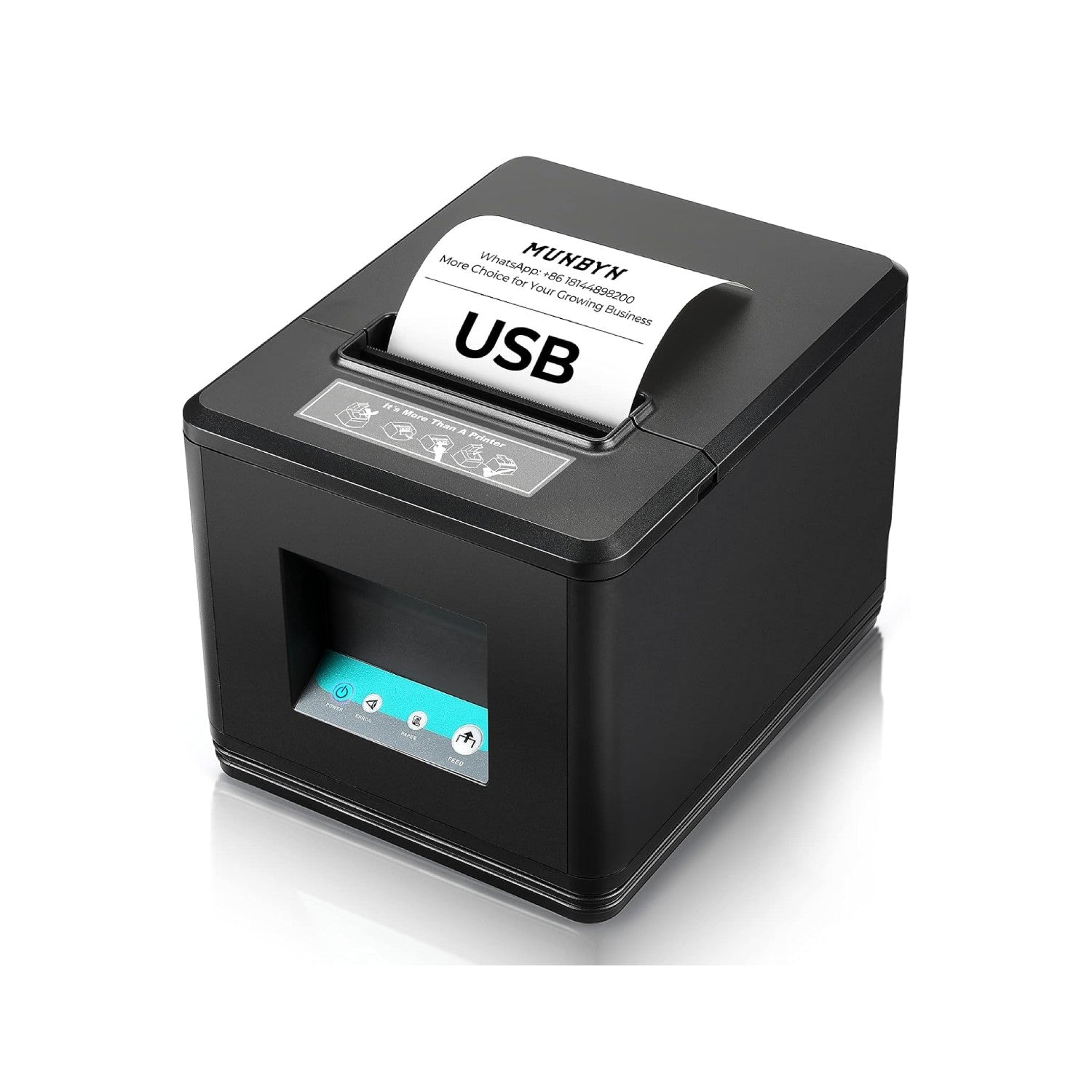
Keep everyday receipt printing simple with the MUNBYN P098 80mm USB Thermal Receipt Printer. Designed for retail stores, restaurants, takeout businesses, and other POS environments, the P098 provides reliable wired printing through a simple USB connection.
With print speeds of up to 200mm/s and an automatic cutter, the P098 helps keep checkout and order processing moving efficiently. Its direct thermal printing technology requires no ink, toner, or ribbon, making it easy to maintain and economical for everyday use.
The P098 supports ESC/POS commands and is compatible with Windows, Mac, Linux, and Chrome OS systems. Its wall-mountable design also helps save valuable counter space, making it suitable for compact checkout areas and kitchen printing setups.
Please check your POS software and device compatibility before purchasing. The P098 uses a USB-only connection and does not support Bluetooth, Wi-Fi, iPhone, iPad, iOS devices, Square, PayPal Zettle, Shopify POS, Vagaro, DoorDash, Uber, or Grubhub.
• 80mm / 3 1/8" thermal receipt printing
• USB-only connection
• Up to 200mm/s printing speed
• Automatic receipt cutter
• ESC/POS command support
• Compatible with Windows, Mac, Linux, and Chrome OS
• Wall-mountable design
• Direct thermal printing — no ink, toner, or ribbon required
• Supports compatible cash drawer connections
• Designed for retail, restaurants, takeout, and POS environments
Model: P098
Printing method: Direct thermal
Paper width: 3 1/8" (80mm)
Print width: 79.5 +/- 0.5mm
Print speed: 200mm/s
Resolution: 203 DPI
Connection: USB
Command: ESC/POS
Auto cutter: Yes
Cash drawer interface: Supported
Operating systems: Windows; Mac support requires final US driver confirmation
Driver and manual links will be added after the US support URLs are confirmed.
Customers praised this thermal receipt printer for its fast, high-quality printing and easy setup. "Works like a champ" at half the price of competitors. Notable features include the auto cutter and quiet operation. While lightweight build suggests average quality, reliability is strong with long-term use. Mixed feedback on customer service response times.
We use this printer with out register and pharmacy POS system and he works great. Have worked every time and never complains. Your highly recommend. Thank you.
This is a good product. Compact size and good looking. Printing is clear and fast. It supports multiple languages. I tested with English and Chinese. It worked very well. The testing tool in the driver CD is a very useful and easy to use. And the customer support team is very nice too.
Very good receipt printer. I use them in all Dalbagay office in the us and canada. Easy set up, high speed print !
Does its job and value for price.Average quality only. Dont expect heavy quality.Light weight.
Works well and has great print quality
We normally buy the Epson receipt printers but have had intermittent connectivity issues with many of them, the munbyn had been great so far, it connected easily and quickly first time. I also had an issue with the driver where the auto cutter wasn't working with the windows driver so I reached out to support via email and Whatsapp and both were responsive and very helpful, and resolved my issue.Will be buying more as our other Epsons fail.
Great products. Easy to configure and use. Great Tech support and customer service. I had some minor issues, and they took care of it right away.
The first one I bought was faulty. I sent that one back and purchased another one. The second one works like a charm and came within 2 days of ordering it. Customer service isn’t any help they don’t respond to your emails or if they do it will take awhile. I recommend just sending it back and ordering a new one if it’s faulty.
Good
Printer is really good, was hard to set up at the start but really good now, works like a charme
I purchased the printers in 2021. Never had an issue. They work great especially for the price. Customer service is outstanding as well. Very responsive and helpful! That’s why I purchased more for my second location! I’d recommend their products for any business owners.
I bought this in April and had a little issue in December. Seller is very patient to solve the problem and even sent me a new one! We need it urgently so seller ups overnight to me which is awesome! Definitely best trustworthy seller!
I was happy at first because of the fast shipping and easy set up. However the printer didn't last a year. It begins to missed area when printing within a few months and finally stop printing in less than a year. I try to contact the manufacturer but no one call me back. (Update). Seller finally responded and was able to replace the item. Their response time was slow because of holidays hours and different time zone. Hopefully the new printer would last longer and I Will update my review.2024 updateThe replacement unit send by the seller is a lot better. This have last over a year and still going strong.
Super fast and precise. All other types of printers should work this well. Extremely satisfied.
Good quality and fast printing printer!
Prints very fast and high quality. Customer support is great.
Prints better than any thermal printer we have ever had!
The seller is excellent. I had a hick-up with the software installation. But he took the full responsibility even though it was late at his place and helped us fix the problem.
This printer is the only one you’ll ever need.Super easy to setup. Printing is super smooth and clean. The auto cutter comes in handy so you no longer have to tear receipts. I’ll be purchasing more of these in the future for more registers.
Like the ease in installing.
It works
We love our MunByn machine. It is so quiet and fast and prints very clearly! We also like that you can just drop the paper roll into the machine when putting in a new roll. It has truly simplified our receipt printing process!
A++++
Printer is being used to replace a cranky older receipt printer. This one was easy enough to set up for the computer, but I had a little difficulty getting our internal point of sale software to function correctly. I believe that is more on me than the printer, though. Overall worth it, for sure!
Product is excellent, I love it, it makes printing more cost effective.
this is a value printer, very quick and does the job
I have 2 expensive CITIZEN thermal receipt printers and wanted to add a new one, so I found this great printer with much affordable cost and high quality. I am very satisfied with it.
Fast and nice
Great for our Gas station and Convenience Store
Good
Works Great
Work great easy to set up.
Compatibility and setup answers for the USB receipt printer.
P098 uses 3 1/8" (80mm) thermal receipt paper.
No. It uses direct thermal printing and does not require ink, toner or ribbons.
No. P098 is a USB-only printer.
No. The Amazon product information states that P098 is not compatible with iPhone, iPad or iOS devices.
No. Square compatibility is not supported for this model.
Shopify POS compatibility is not guaranteed. Confirm your exact POS workflow before ordering.
Windows support is stated on the Amazon page. Mac support appears in the product listing information and should be confirmed against the final US driver before publishing.
Connect by USB, install the driver, load 80mm thermal paper and print a test receipt. The final US driver and manual links will be added when confirmed.
The Amazon product information lists a cash drawer interface. Confirm your drawer and POS wiring before purchase.


