Scroll to top

Print Anything, Anywhere

Your ideas, your space — print wherever inspiration strikes.

Ink-Free, Worry-Free

Zero ink. Time, money, and planet-saving.

Fast to Print, Easy to Keep Going

High speed:150 mm/s = one 4×6 label per second.

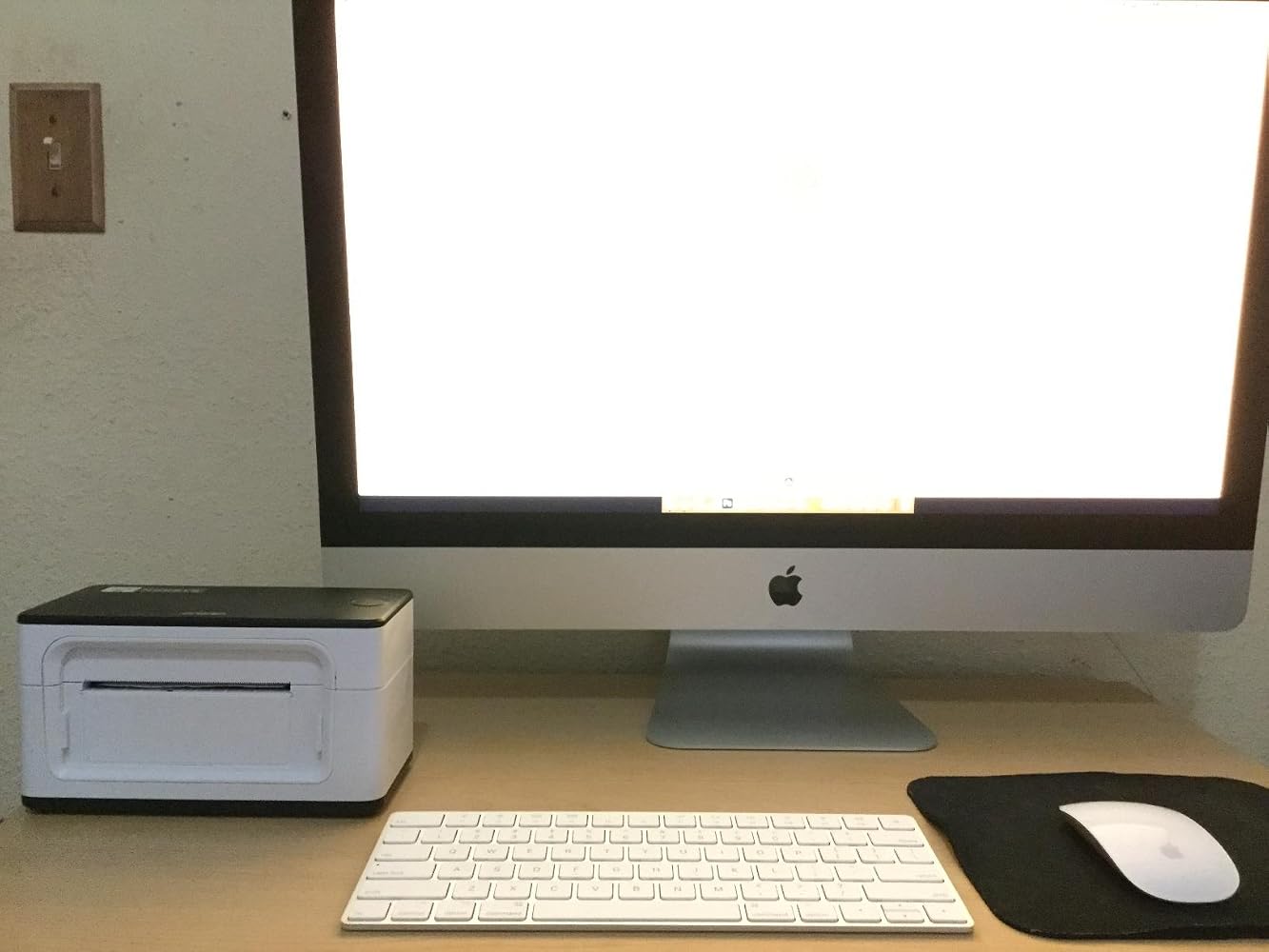
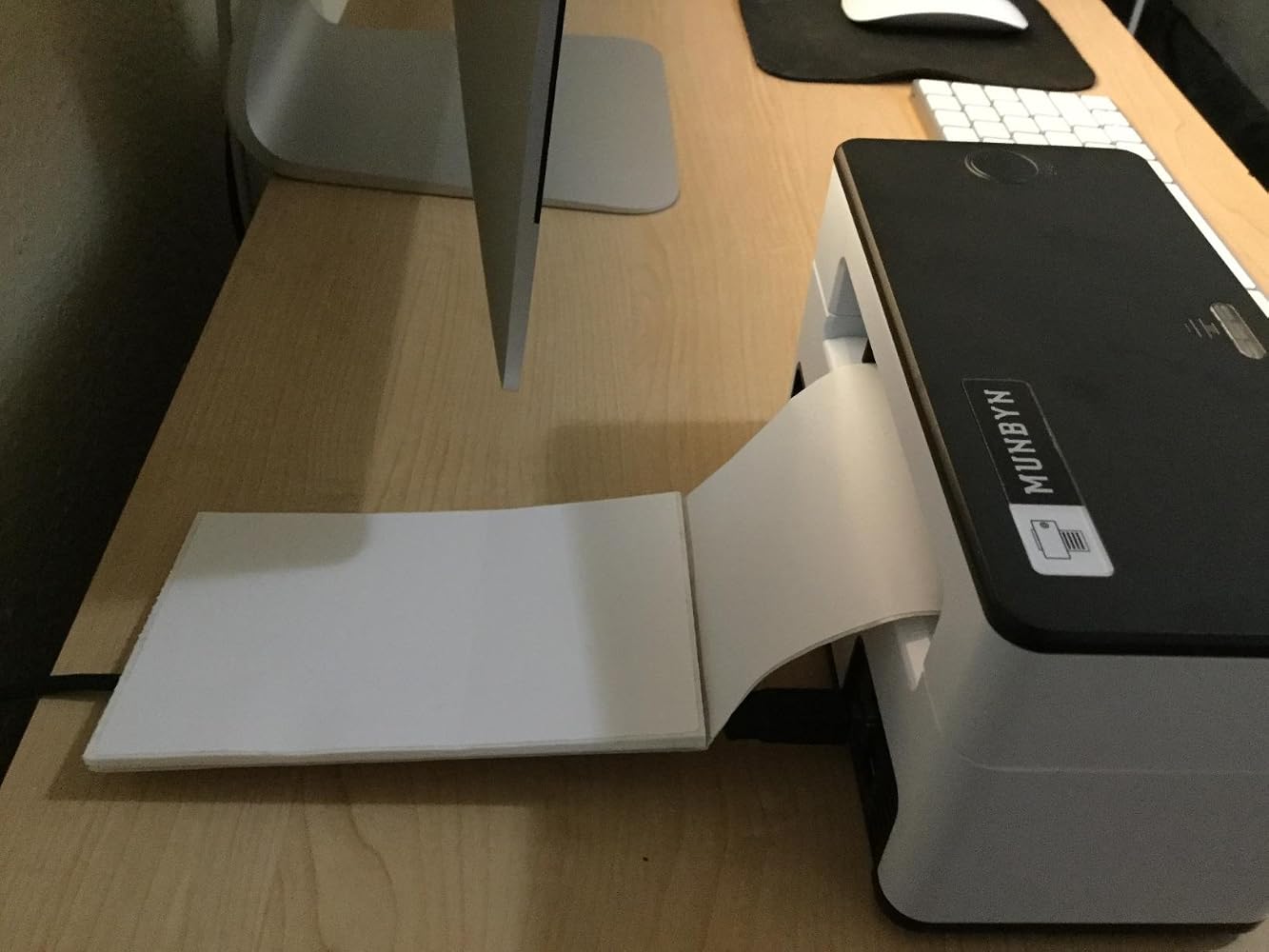
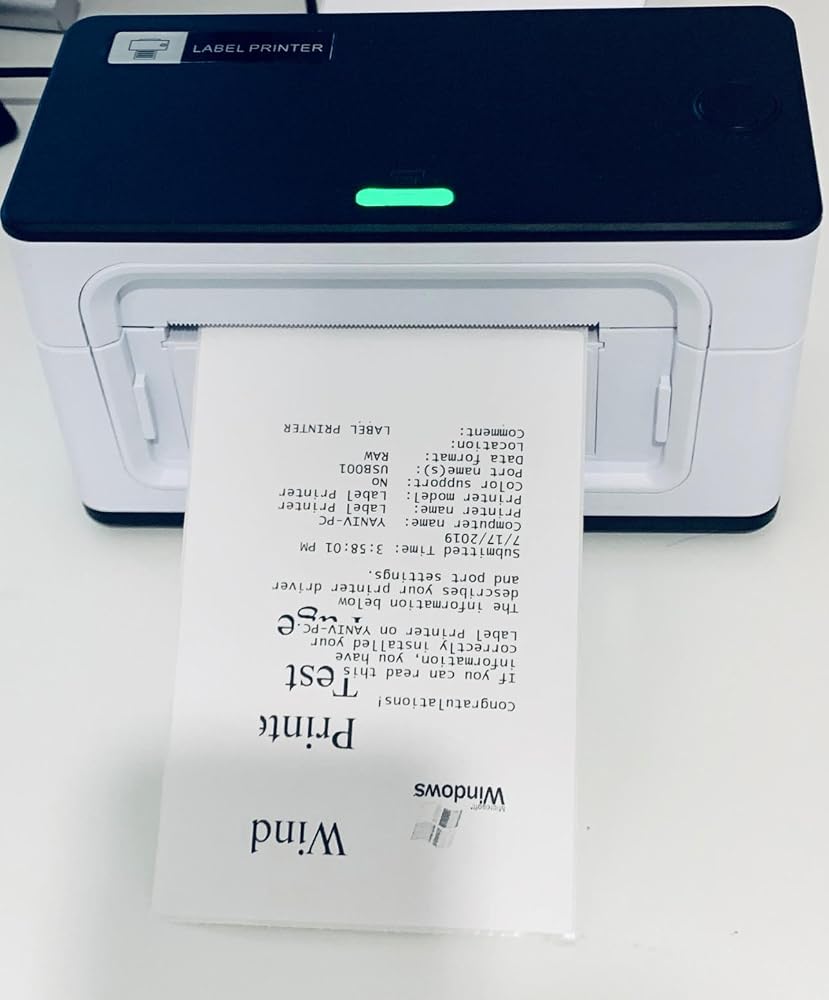
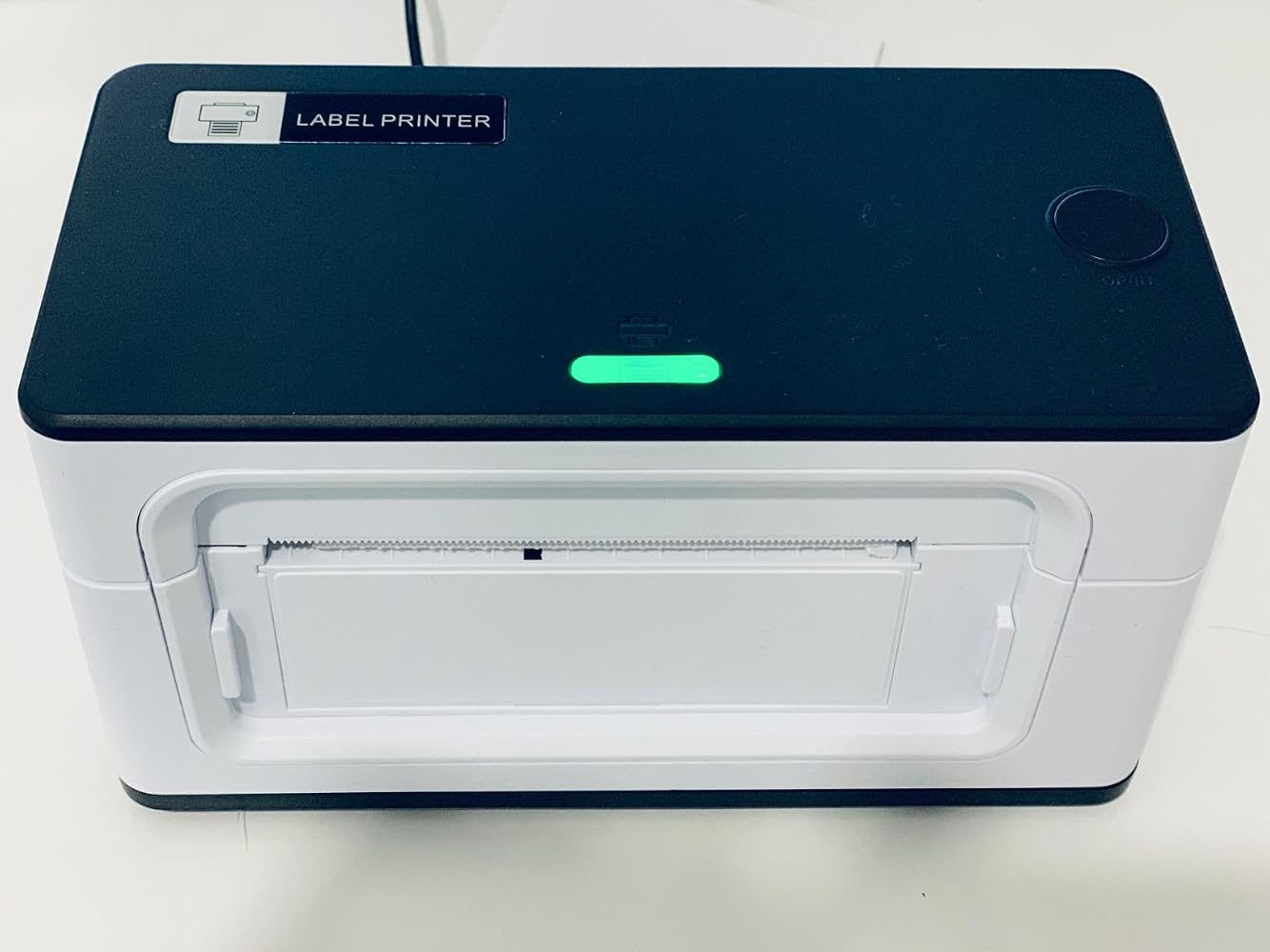
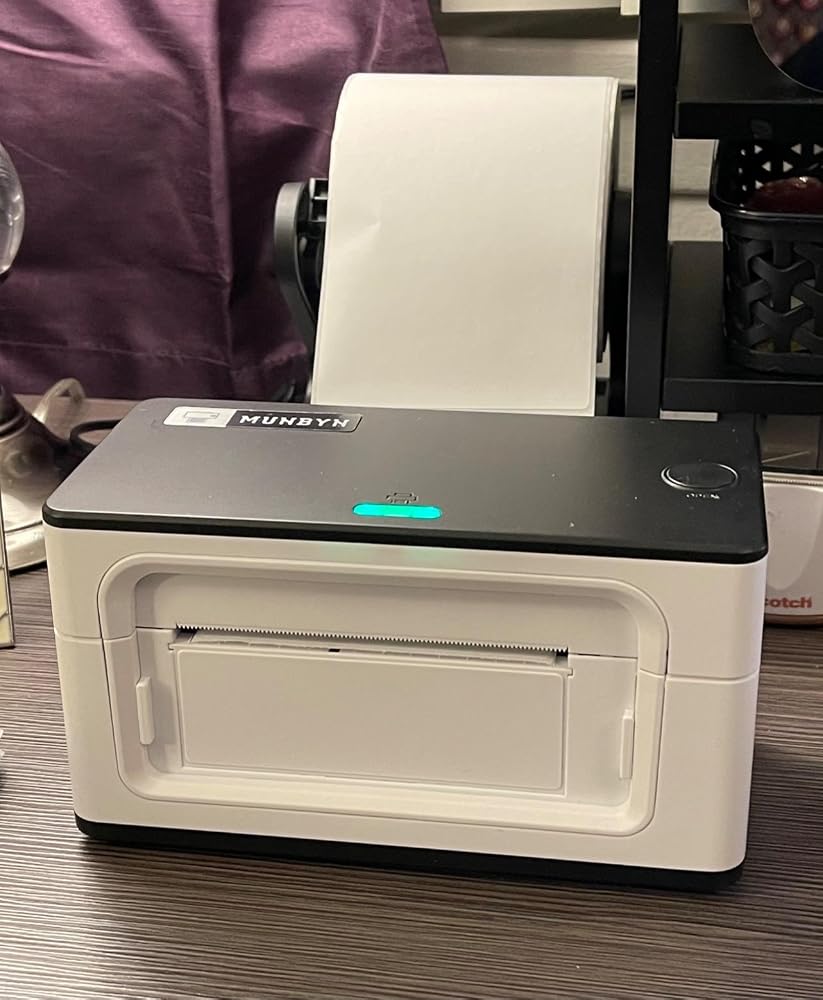
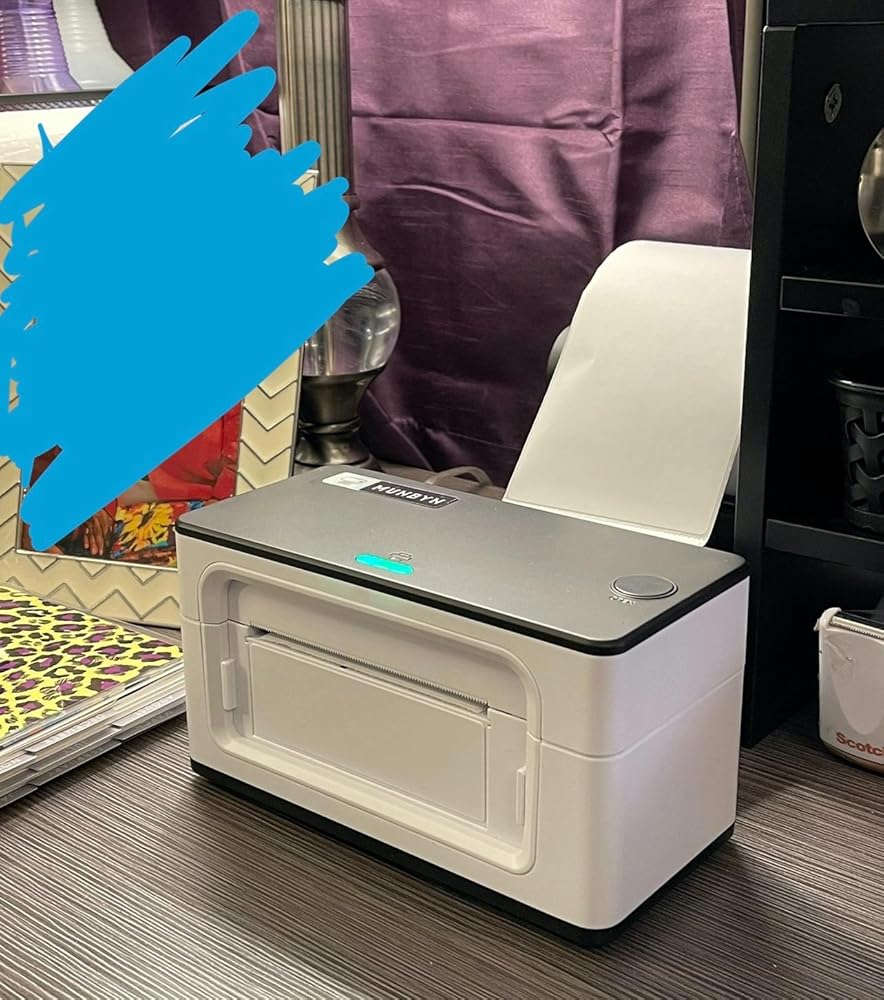
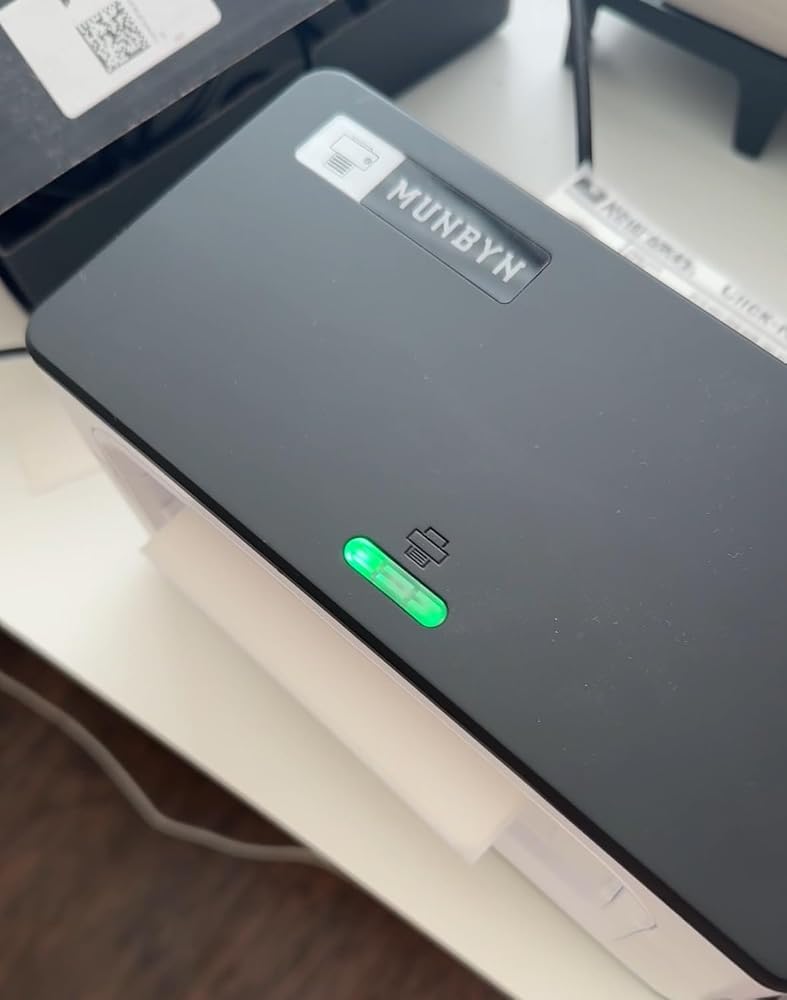
MUNBYN RealWriter 941B thermal label printer with white finish, showing front view of the compact thermal label printing device.
MUNBYN RW941B Bluetooth Thermal Label Printer
$129.99

Product details

Basic Introduction

SKU

- ITPP941B-WH-US

Moel Type

- 941B

Resolution

- 203 DPI

Printing Speed

- 150 mm/s

Weight

- 0.9 Kg

Product Dimensions

- 198x96x109mm(L*W*H)

Compatibility
Connectivity

Bluetooth:Windows/iOS/Android
USB:Windows、Mac OS

Compatible Label Sizes

- 40-110 mm

Special Feature

- Portable

Compatible Devices

- Laptops, Mac, PC, Windows

Power Adapter

- 24V/2A

Others
Usage Scenarios

- Warehouses
- Retail
- Offices
- Business
- Home

Service Warranty

- 2-Year Warranty
- Technical Support

Included in the Box

  • Printer

  • USB Flash Drive

  • Type C line

  • USB Cable

  • Adapter

  • Standard Plug

  • User Manual

  • Quick Tips

  • Labels

Download our app

High-End Labels in Minutes
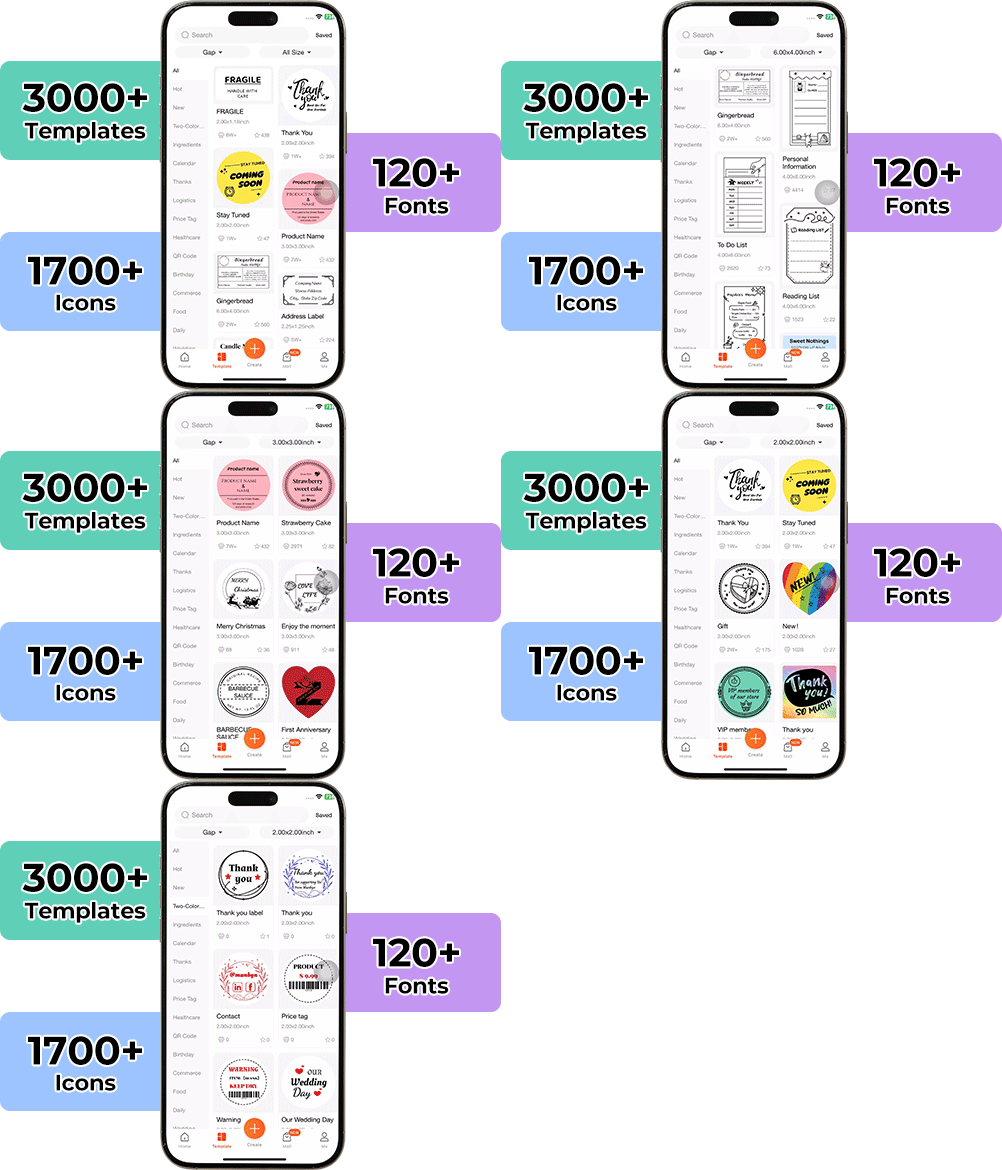
Designing custom packaging has never been this simple. Using the MUNBYN app and our versatile DIY Labels, you have a library of 3,000+ design assets and templates at your command.

Craft bespoke logos and promotional stickers that perfectly capture your brand’s personality—all while keeping your budget in check.


Google Play

Google Play

Download Now

 
Online Editor

Online Editor

Create Now

 
User Manual

User Manual

Download Now

Woman using a laptop with a barcode scanner on a desk

Women-Led Tools for Everyday Small Business Printing

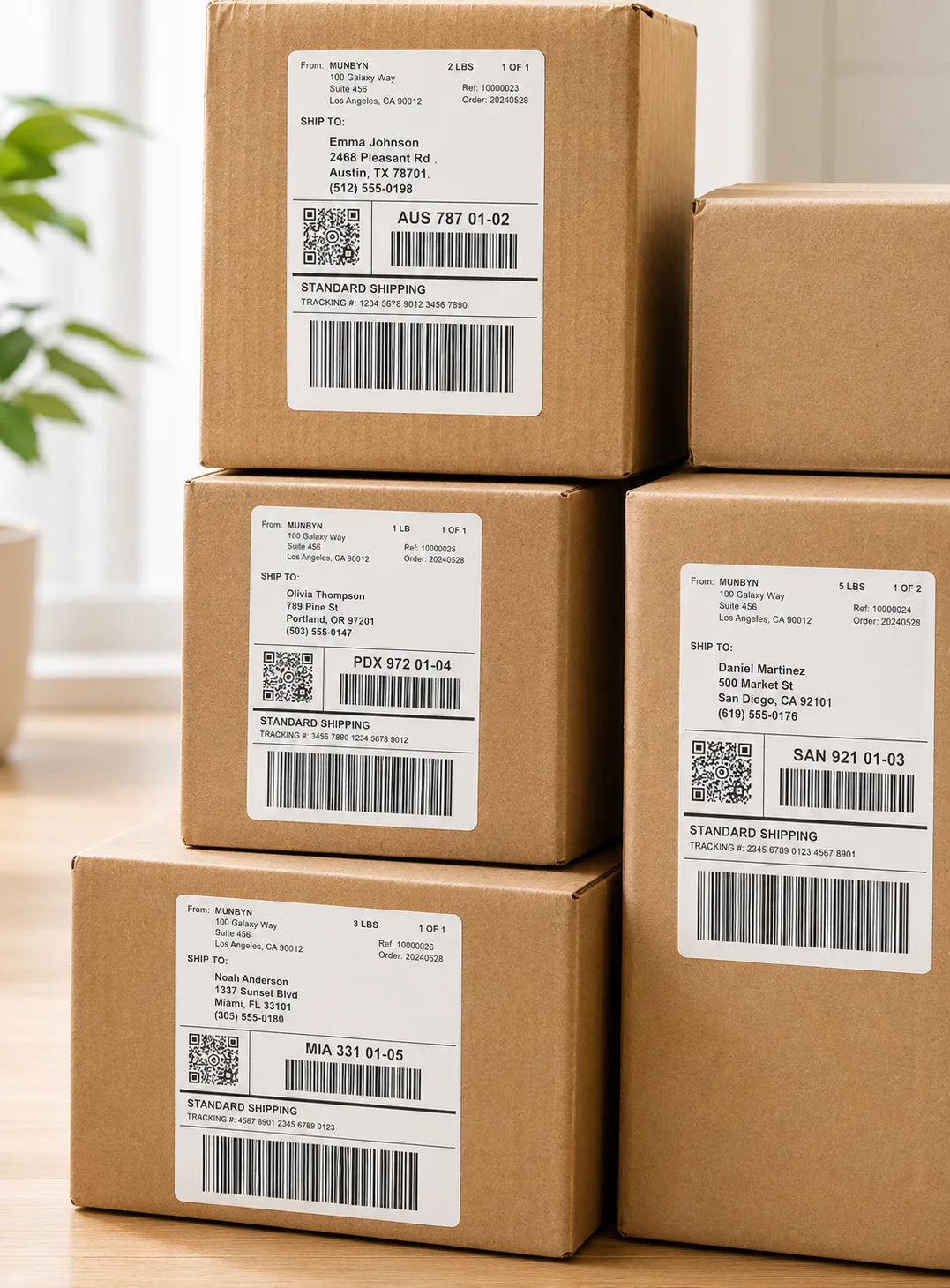
The RW941B carries MUNBYN’s women-led philosophy into a simple, reliable label printing solution for small businesses, home office. Built for daily shipping and organization, this shipping label printer helps sellers print clear labels, reduce manual work, and keep orders moving with confidence.

Wireless Freedom for Modern Workflows

Print directly from your phone, tablet, or computer without being tied to your desk. With seamless Bluetooth connectivity and broad device compatibility, the RW941B shipping label printer keeps your shipping workflow smooth, efficient, and hassle-free.
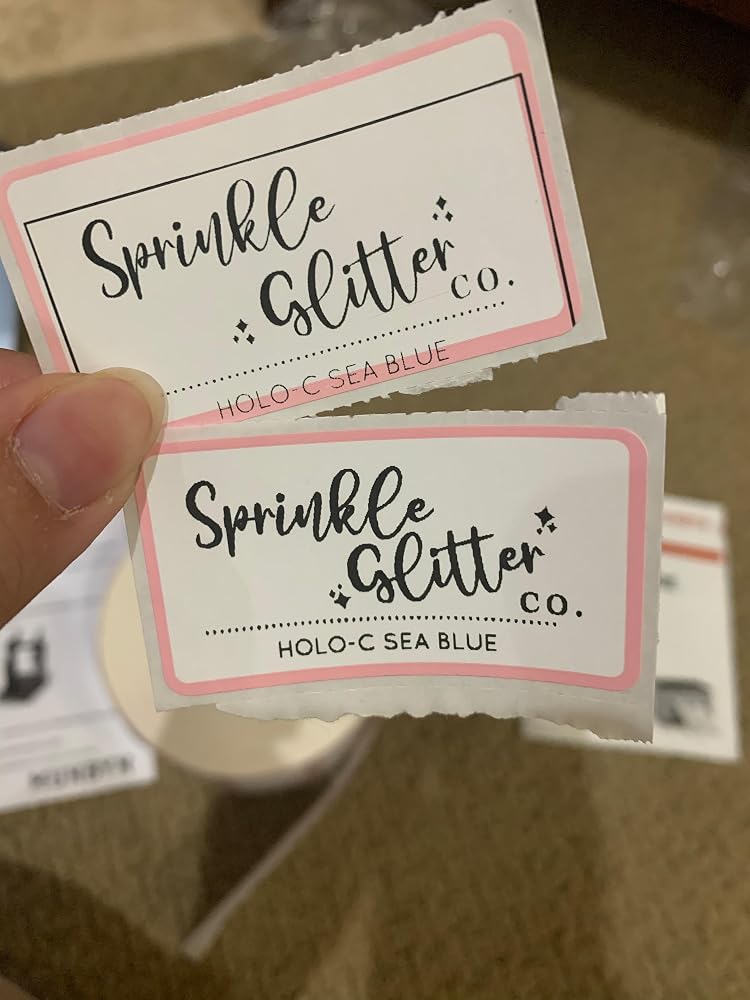
Smart Calibration for Daily Label Tasks

Set of five colorful square icons in a horizontal row.

From Shipping Labels to Custom Stickers

Thanks to intelligent automatic label calibration, this thermal label printer for shipping ensures perfect alignment every time with minimal waste and setup. Spend less time troubleshooting and more time growing your business.

Your all-in-one tool for major marketplaces and carriers, including but not limited to

Etsy logo in orange on a white background
Amazon logo on a white background
Ebay logo in multicolor on a white background
Shopify logo on a white background
FedEx logo in purple and orange on a white background
UPS logo on a white background
Shipwire logo on a white background
Ninjavan logo with a red circle and black text on a white background
J&T Express logo in red on a white background
DHL logo in red on a white background
Easypost logo on a white background
Flash Express logo with a black lightning bolt on a white background
Poshmark logo on a white background
ShipStation logo on a white background
Easyship logo on a white background
ShippingEasy logo in green on a white background
XPSship.com logo on a white background

Designed to print more than 980,000* labels in shipping labels

How People Use MUNBYN

Print life and label quantity estimates are based on laboratory calculations (150 KM printhead life × 4×6" label length). Actual performance may vary due to print frequency, label material, operating environment, and maintenance conditions.

Shipping Label

Custom Labels

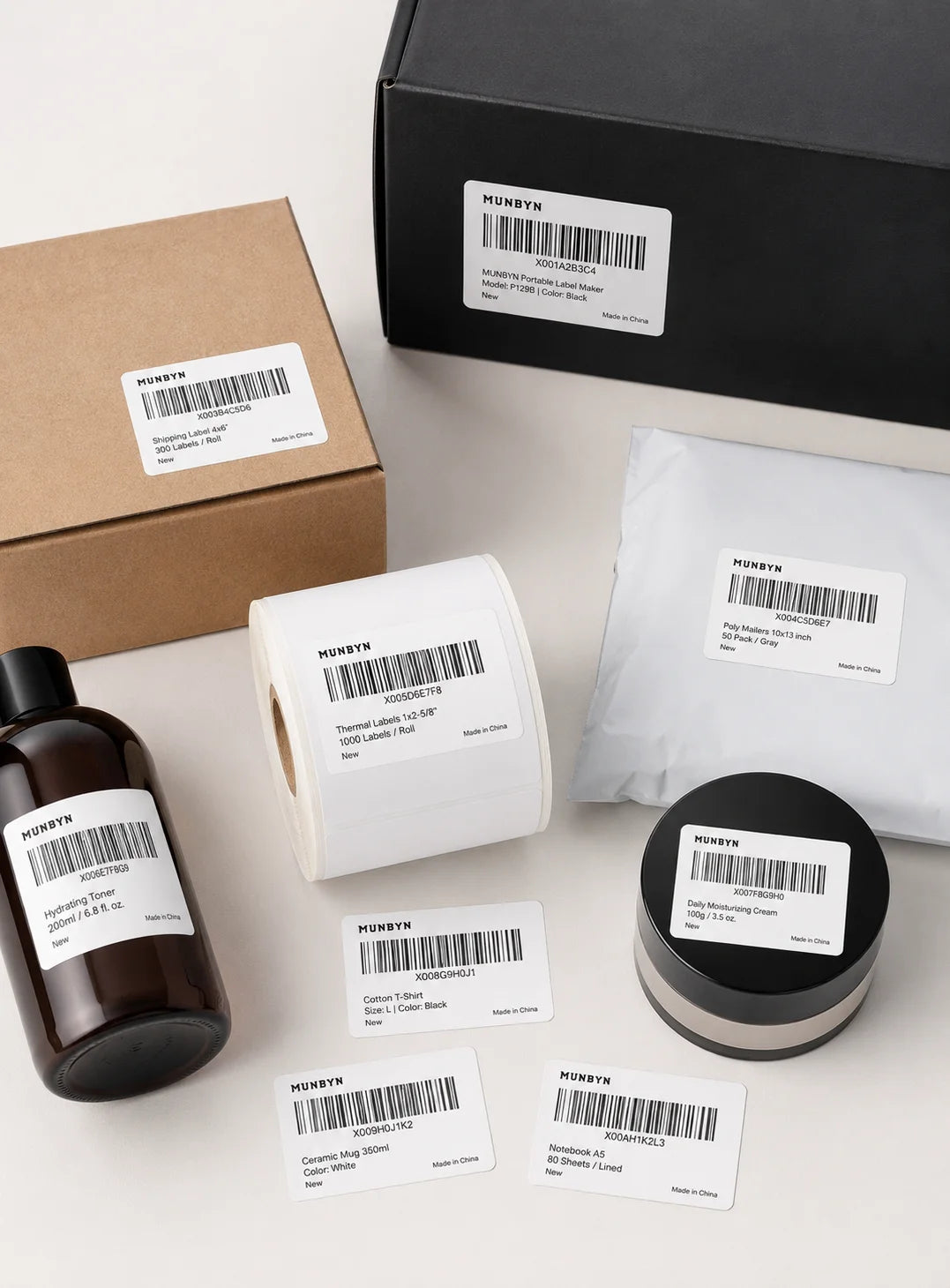
Barcode Labels

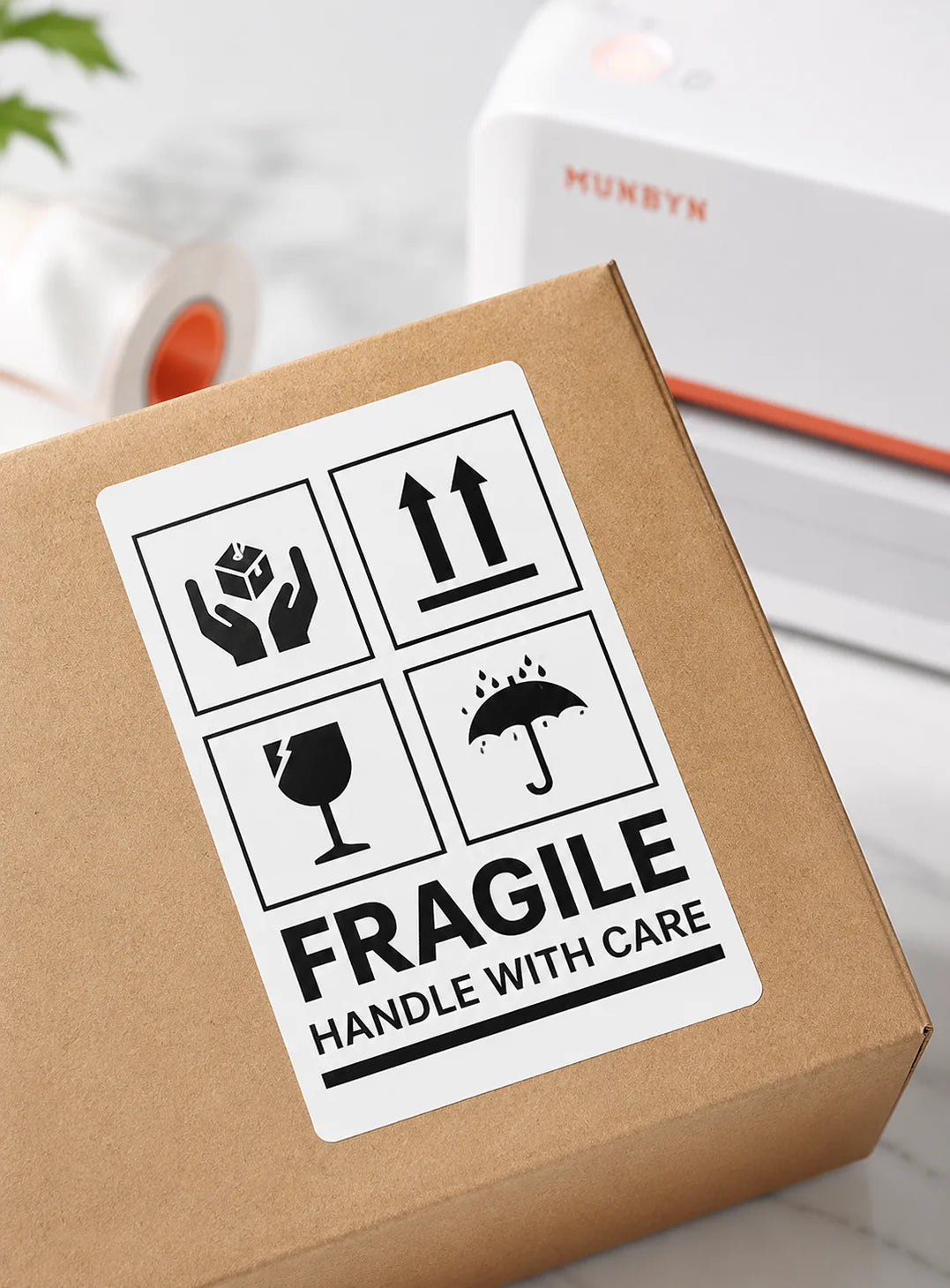
Fragile Labels

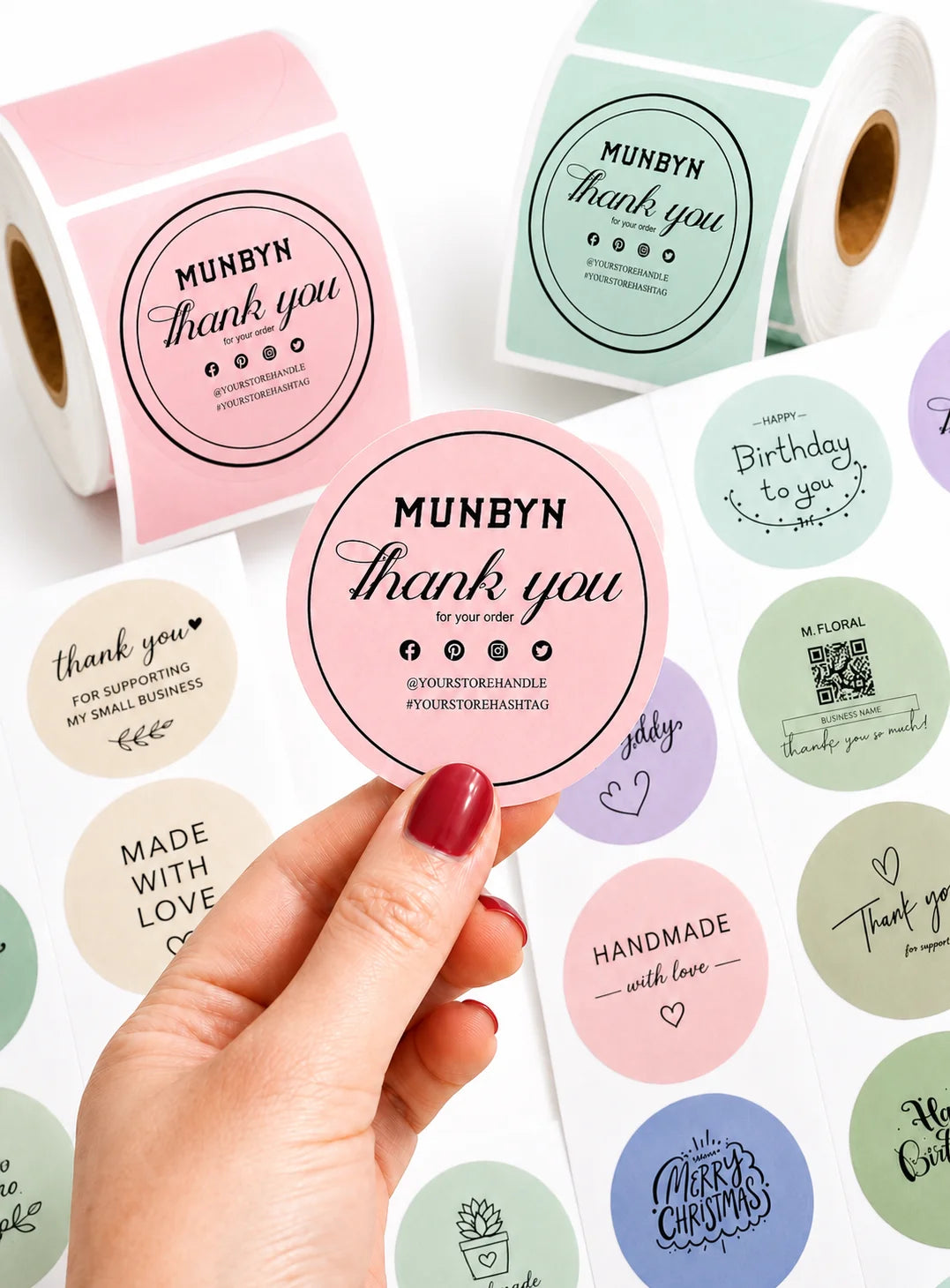
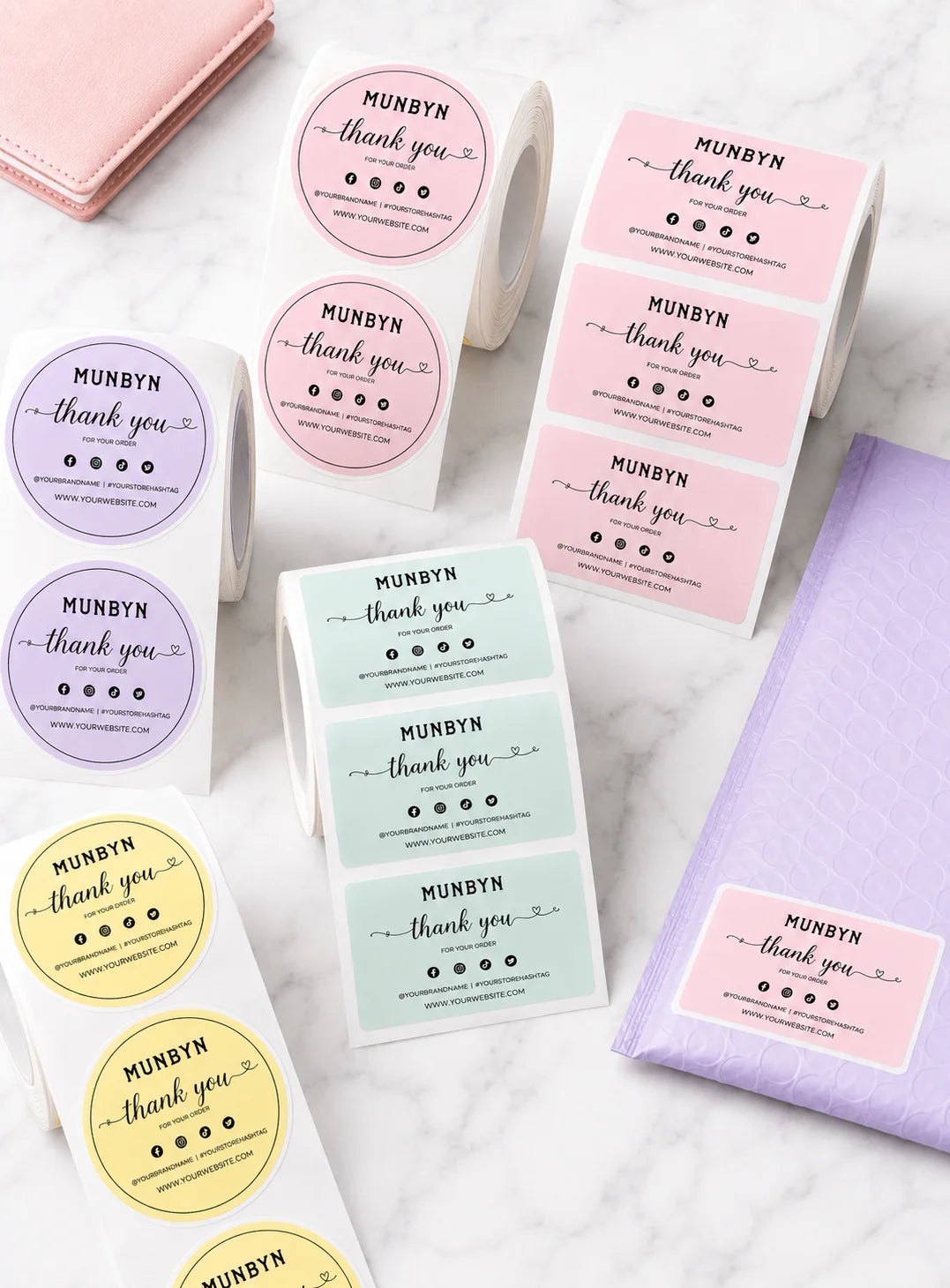
Branded Labels

Stickers for Daycare/School

FAQs

Please read our FAQs page to find out more.

What is the MUNBYN RW941B designed for?

The MUNBYN RW941B is a 203 DPI thermal label printer for daily shipping, barcode, address, inventory, and product labeling. It is designed for online sellers, home offices, retail operations, and warehouses that need fast 4 x 6 label printing without ink or toner.

How does the MUNBYN RW941B connect to phones and computers?

The RW941B uses Bluetooth with iOS and Android phones or tablets through the MUNBYN Print app. Windows, macOS, Linux, and Chromebook computers connect by USB. Choose the connection intended for your device and confirm the label dimensions before printing.

Which marketplaces and carriers are compatible with the RW941B?

The RW941B can print labels from Shopify, Etsy, eBay, Amazon, Poshmark, Royal Mail, FedEx, ShipStation, ShippingEasy, and other shipping services. Download or open the label from the platform, select the RW941B, and keep the document at its intended size for reliable barcode scanning.

What label widths does the MUNBYN RW941B support?

The RW941B supports direct thermal labels from 40 to 110 mm wide, or approximately 1.57 to 4.3 inches. It can handle standard 4 x 6 shipping labels as well as narrower barcode, address, product, and organization labels. Recalibrate after switching to a different size.

Does the RW941B need ink, toner, or ribbons?

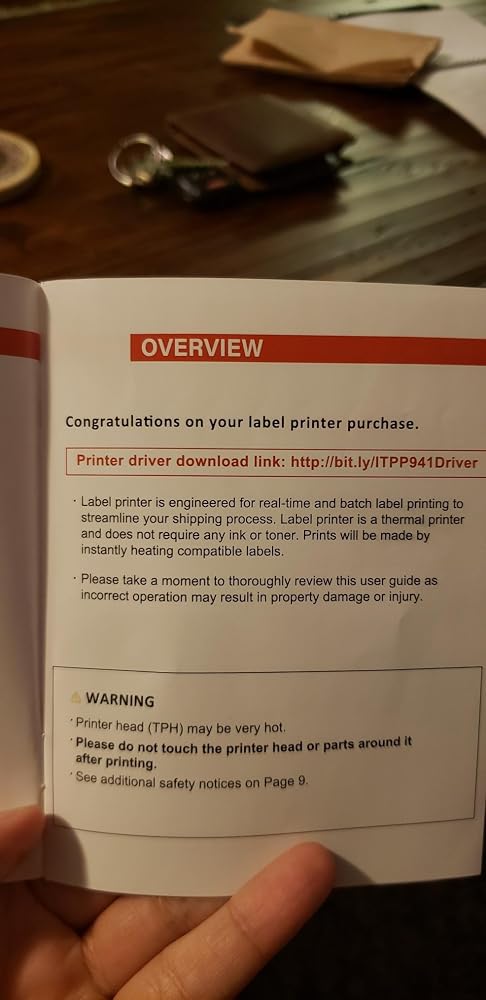
No. The RW941B uses direct thermal technology, so the only regular printing consumable is compatible direct thermal label media. Protect unused labels from heat, moisture, and direct sunlight because these conditions can affect the thermal coating.

How fast and clear is the MUNBYN RW941B?

The RW941B prints at 203 DPI with a listed speed of up to 150 mm/s. This resolution is suitable for standard shipping text, addresses, and barcodes. Label quality, print density, connection type, and the complexity of the document can affect actual output.

How does automatic label identification work on the RW941B?

Automatic label identification helps the RW941B detect and calibrate the loaded media so each print begins in the correct position. Load the labels straight, adjust the guides, and run calibration after changing sizes. The document must still use the correct width, height, orientation, and scale.

What should I check if the RW941B prints blank or misaligned labels?

Make sure the thermal side of the label faces the print head, then reload the media straight and recalibrate. Verify the document size and disable scaling that changes the layout. A test print can confirm alignment before a batch. The RW941B includes a two-year warranty and technical support.

Didn’t find your answer?

Don't hestitate to contact us

Free shipping and returns