Scroll to top

Print Anything, Anywhere

Your ideas, your space — print wherever inspiration strikes.

Ink-Free, Worry-Free

Zero ink. Time, money, and planet-saving.

Fast to Print, Easy to Keep Going

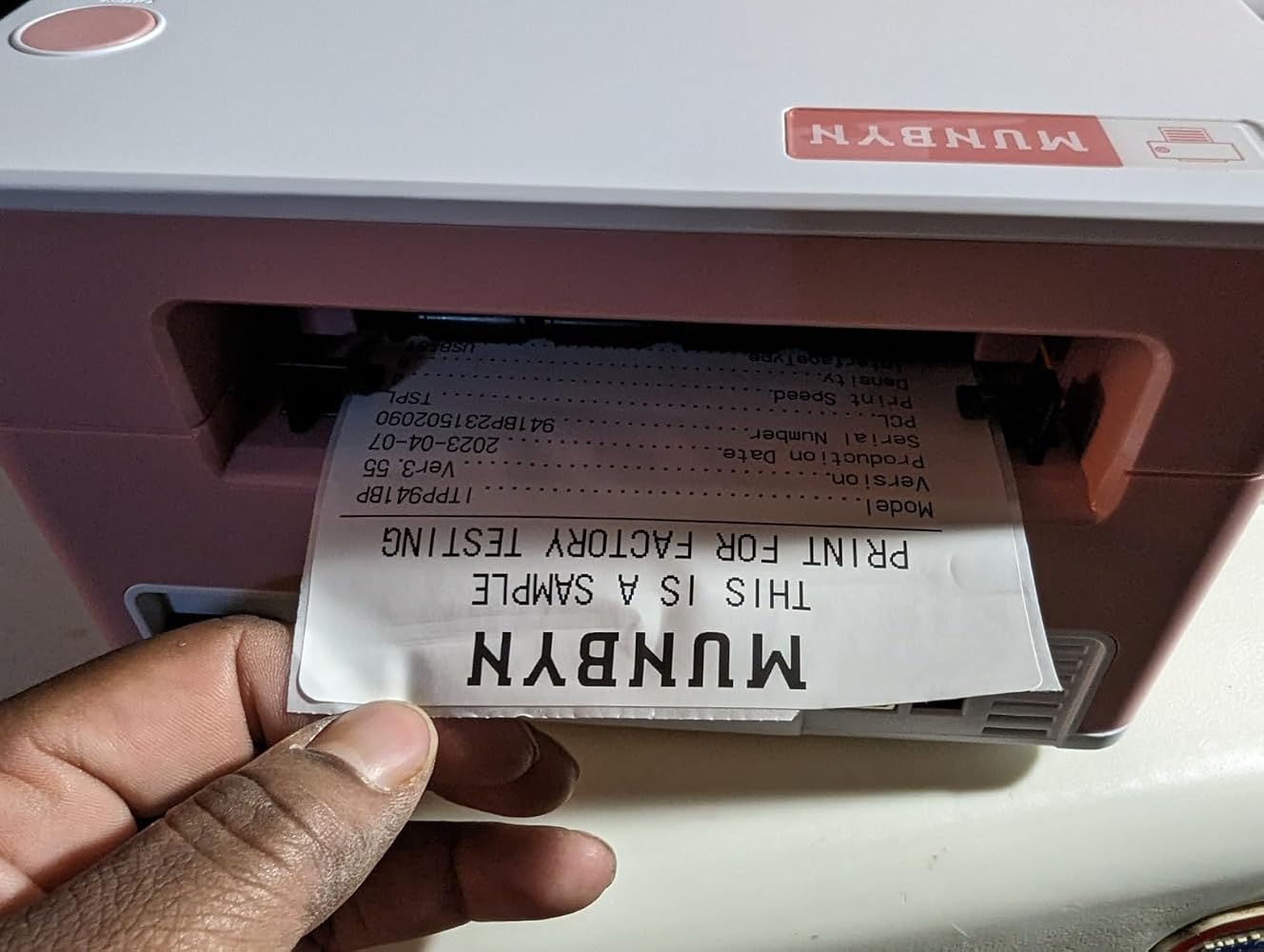
High speed:150 mm/s = one 4×6 label per second.

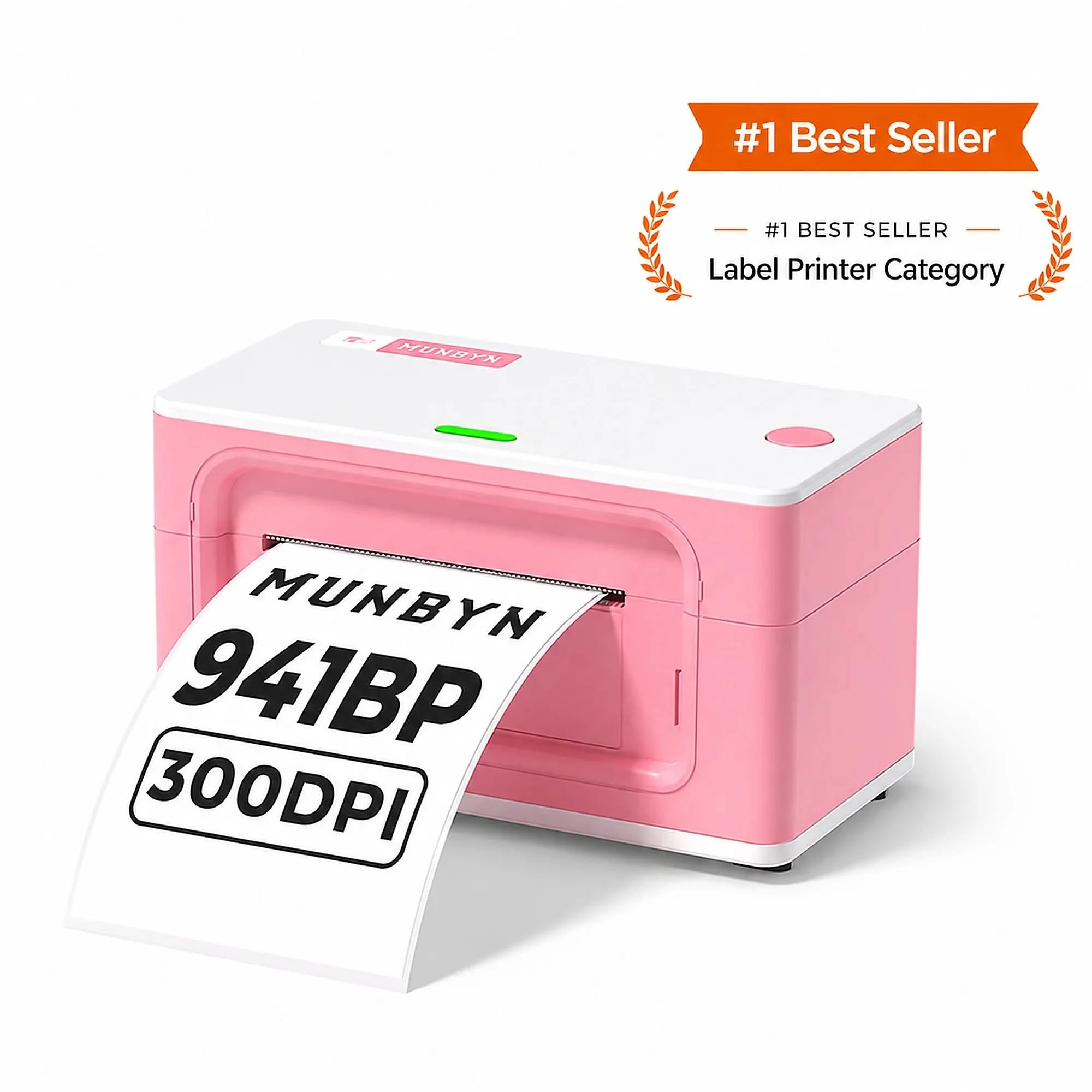
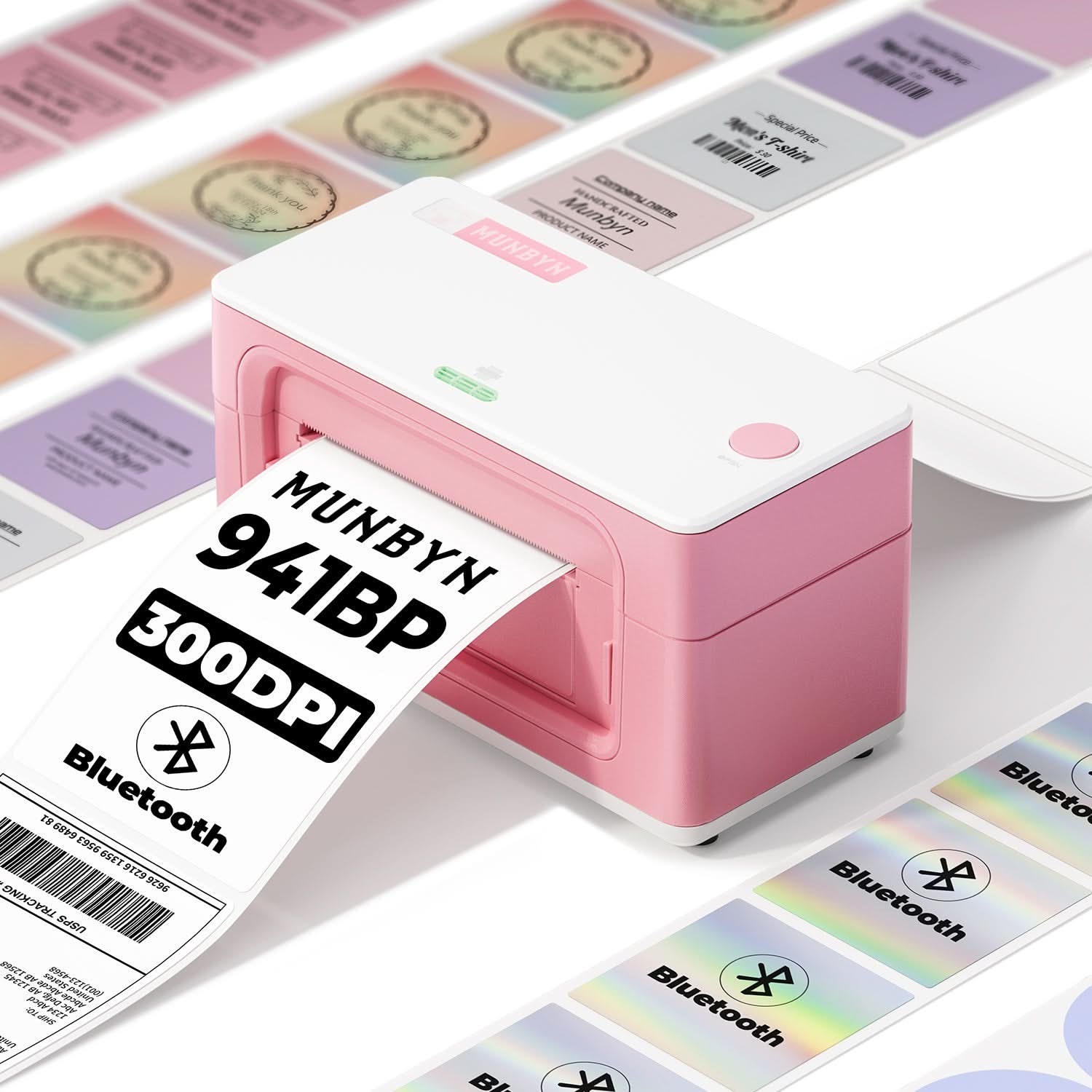
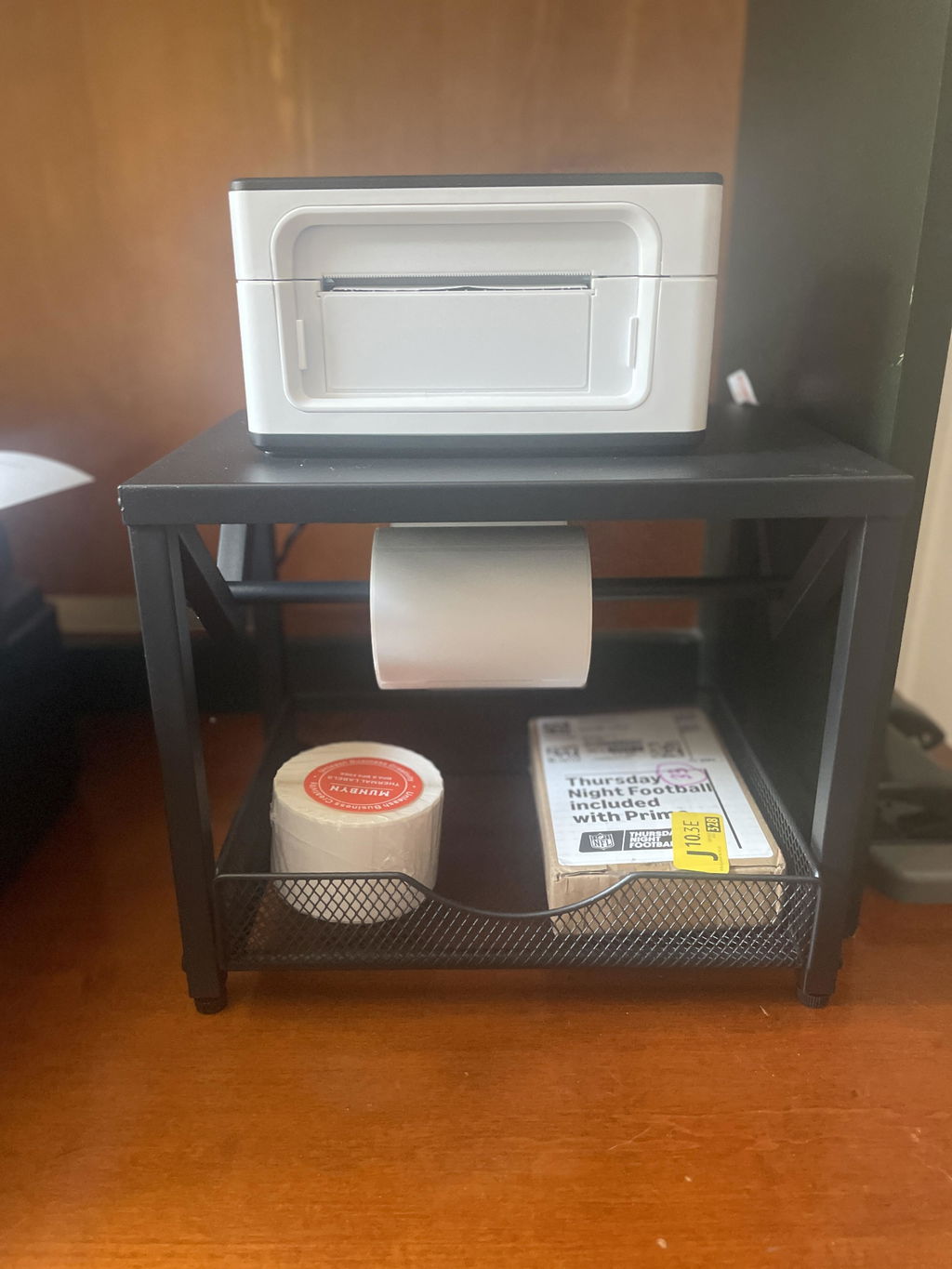
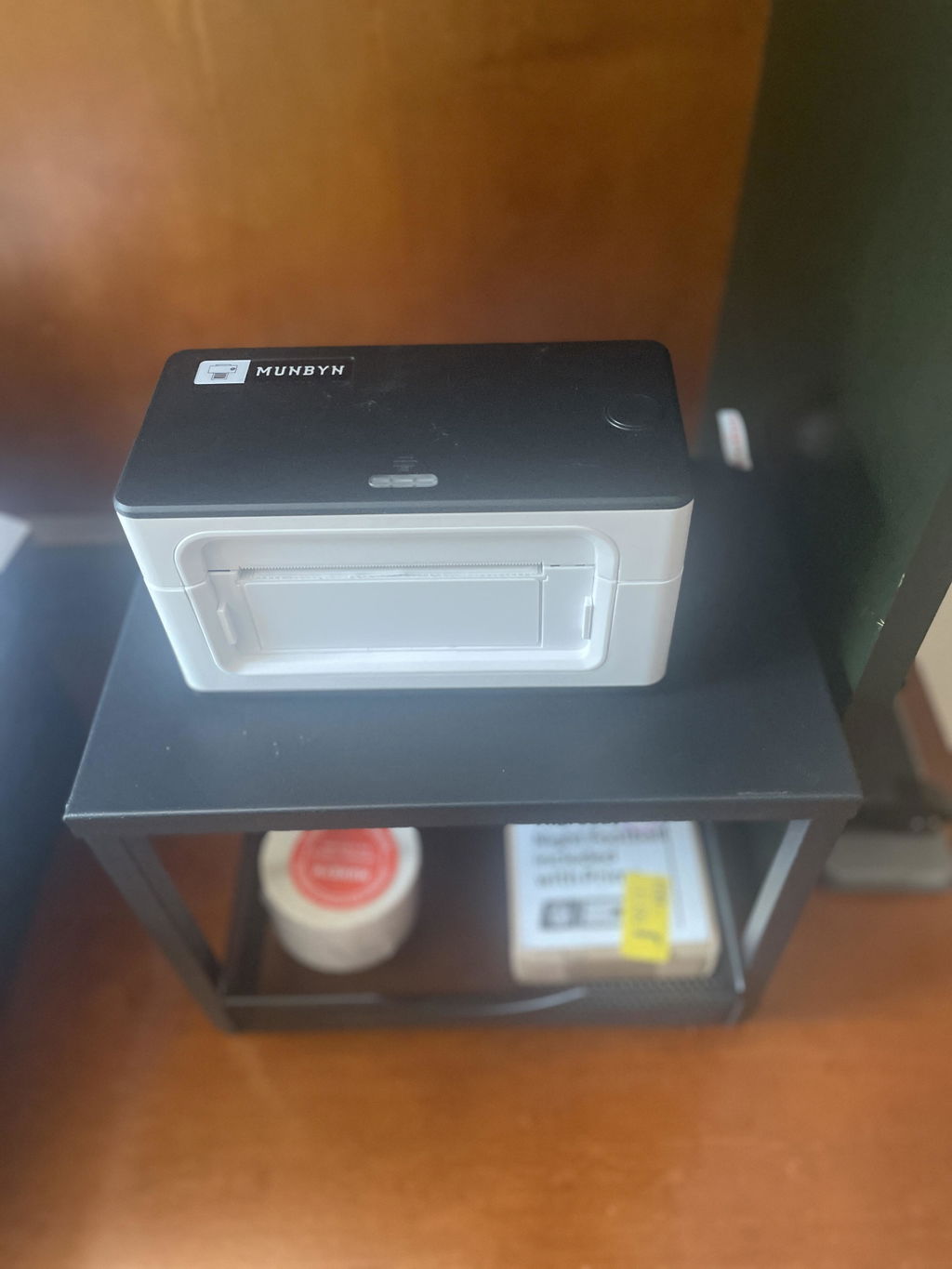
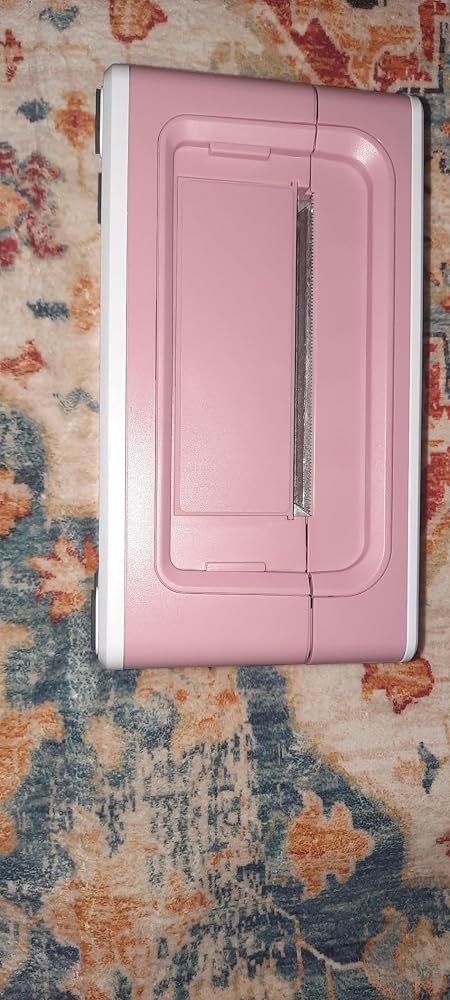
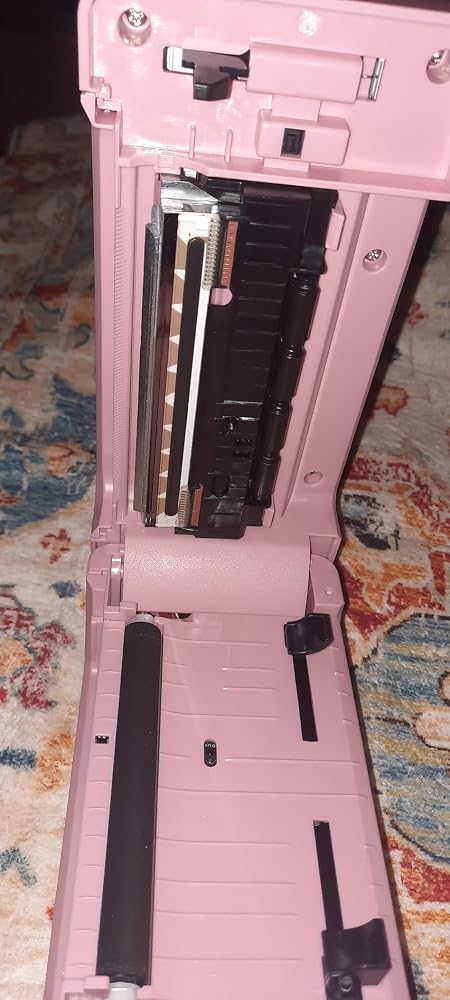
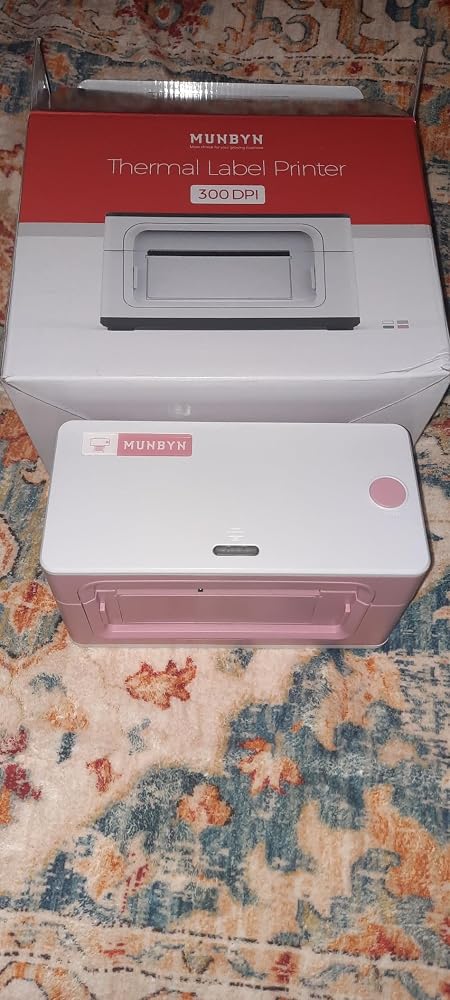
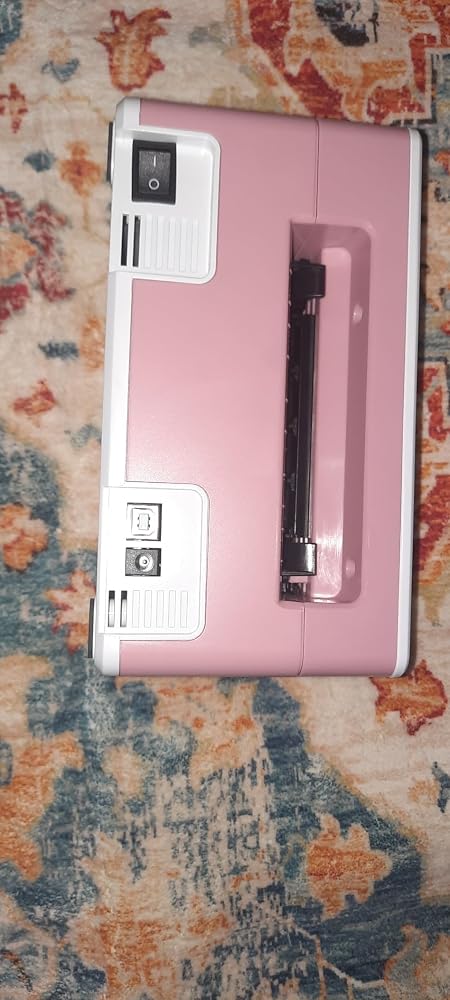
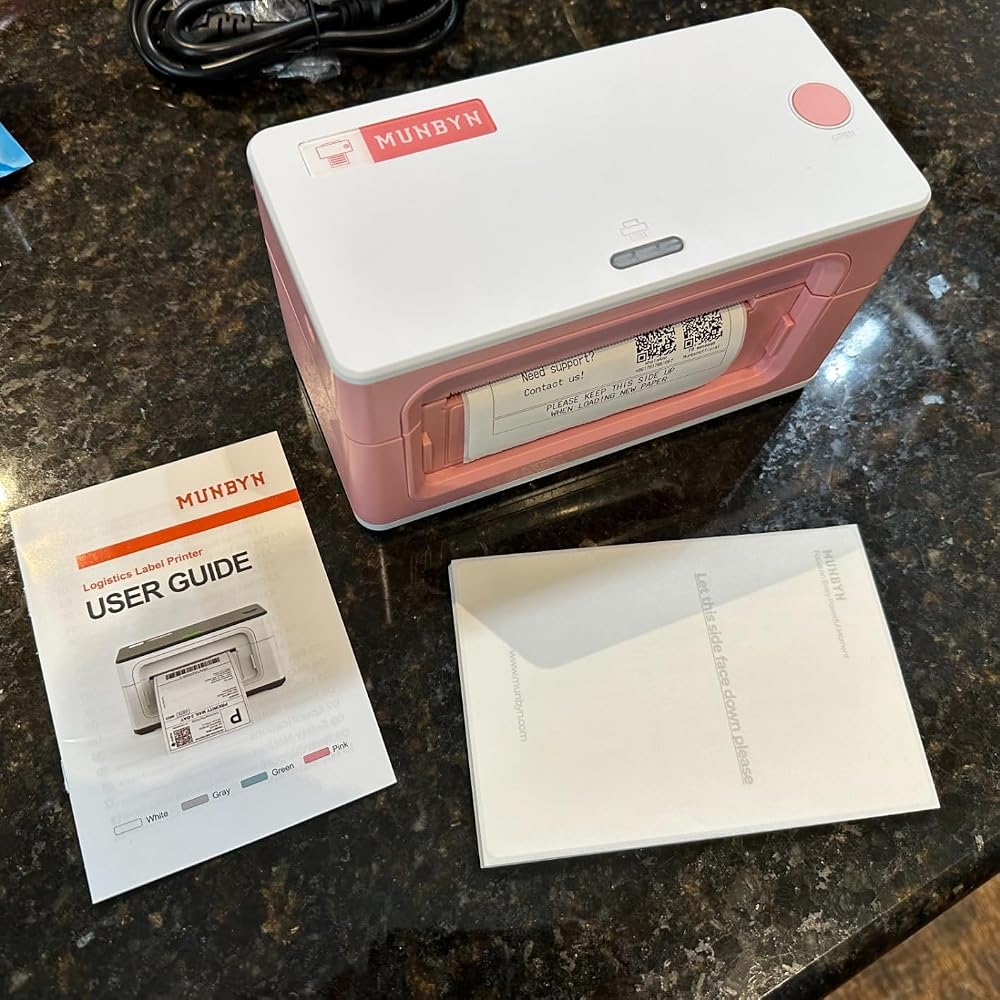
MUNBYN RealWriter 941BP thermal label printer with white finish and 300 DPI resolution
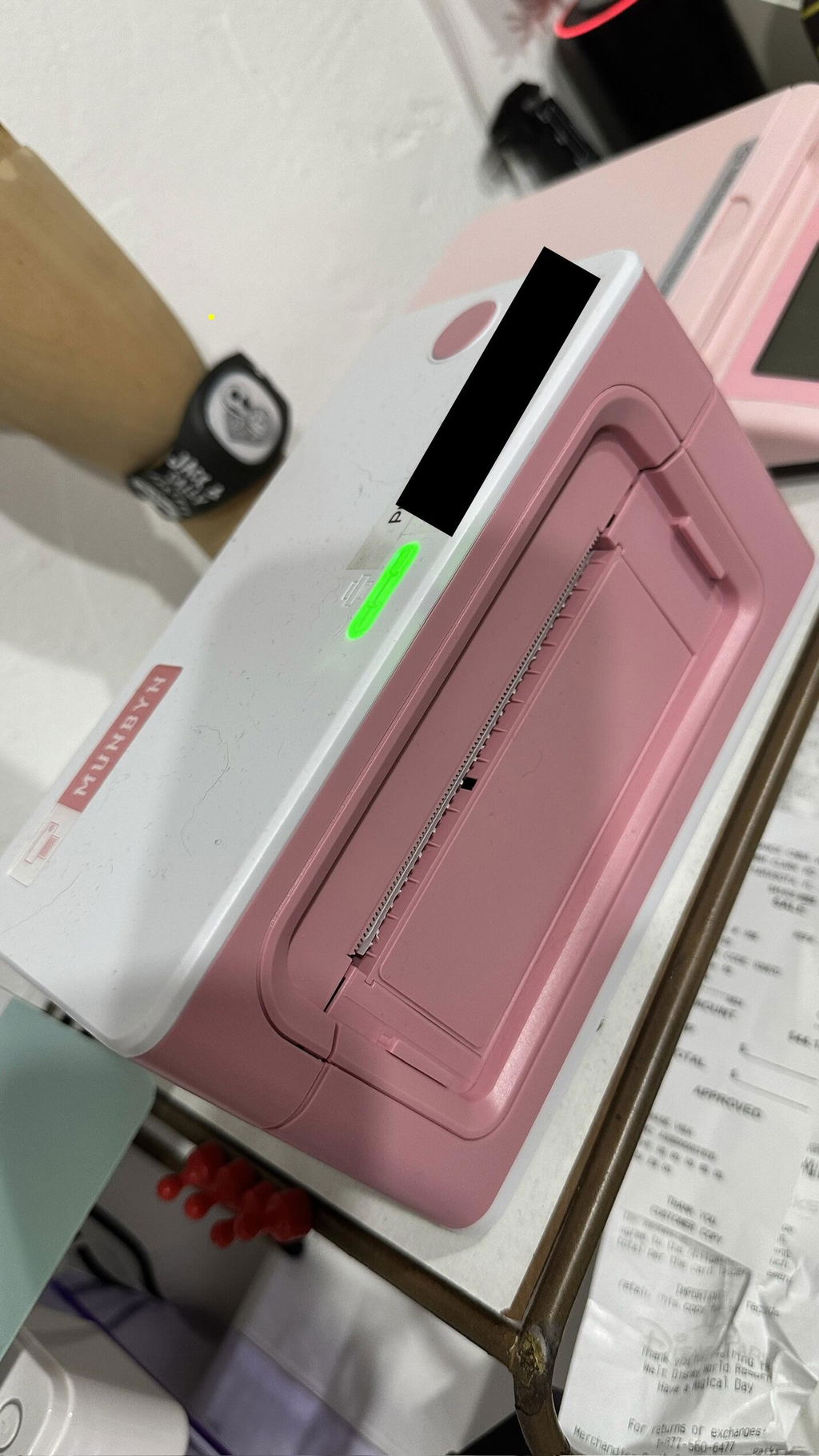
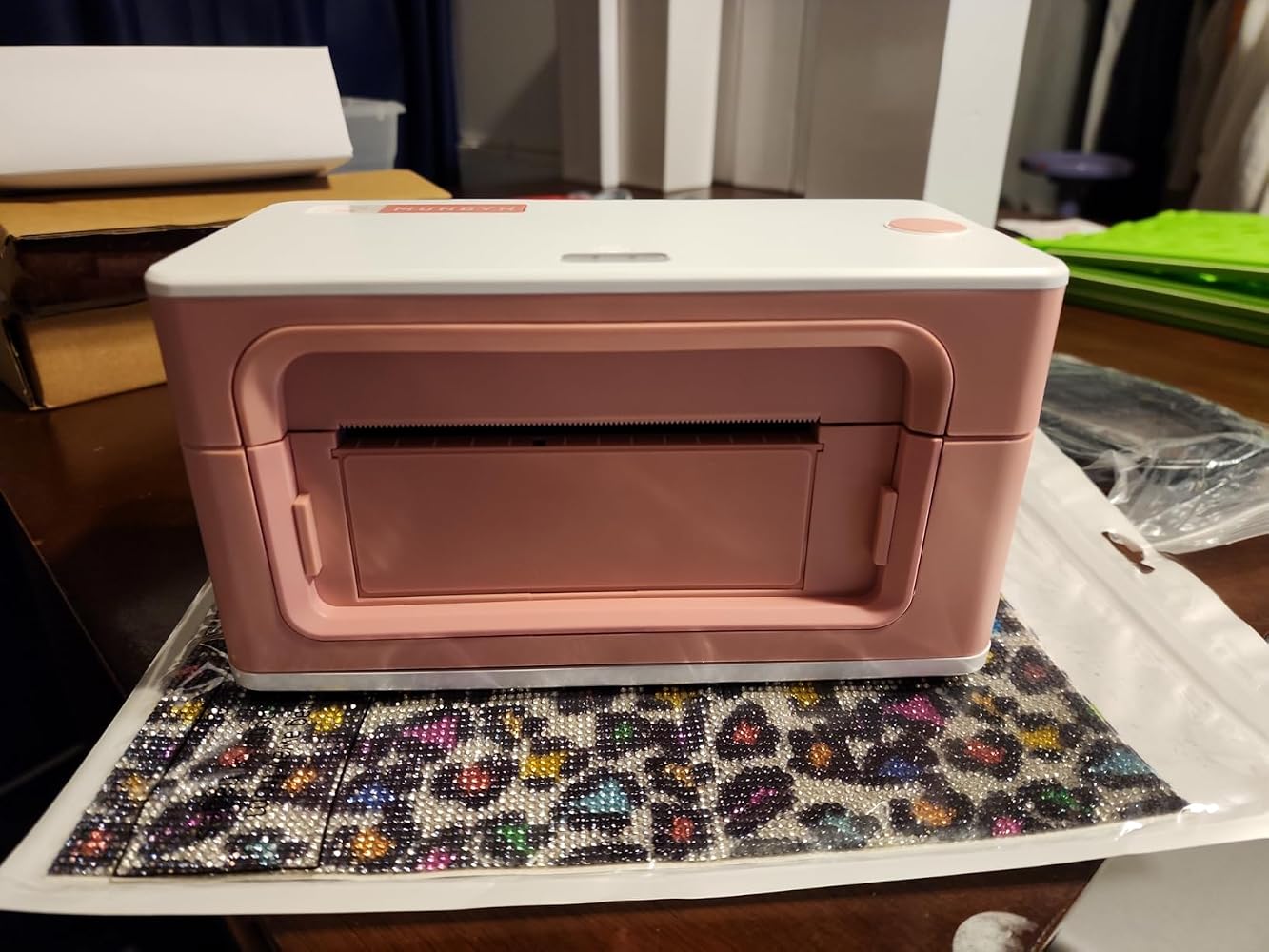
MUNBYN RW941BP 300DPI Bluetooth Thermal Label Printer
$139.99

Product details

Basic Introduction

SKU

- ITPP941BP-WH-US

Moel Type

- 941BP

Resolution

- 300 DPI

Printing Speed

- 150 mm/s

Weight

- 0.9 Kg

Product Dimensions

- 198x96x109mm(L*W*H)

Compatibility
Connectivity

Bluetooth:Windows/iOS/Android
USB:Windows、Mac OS

Compatible Label Sizes

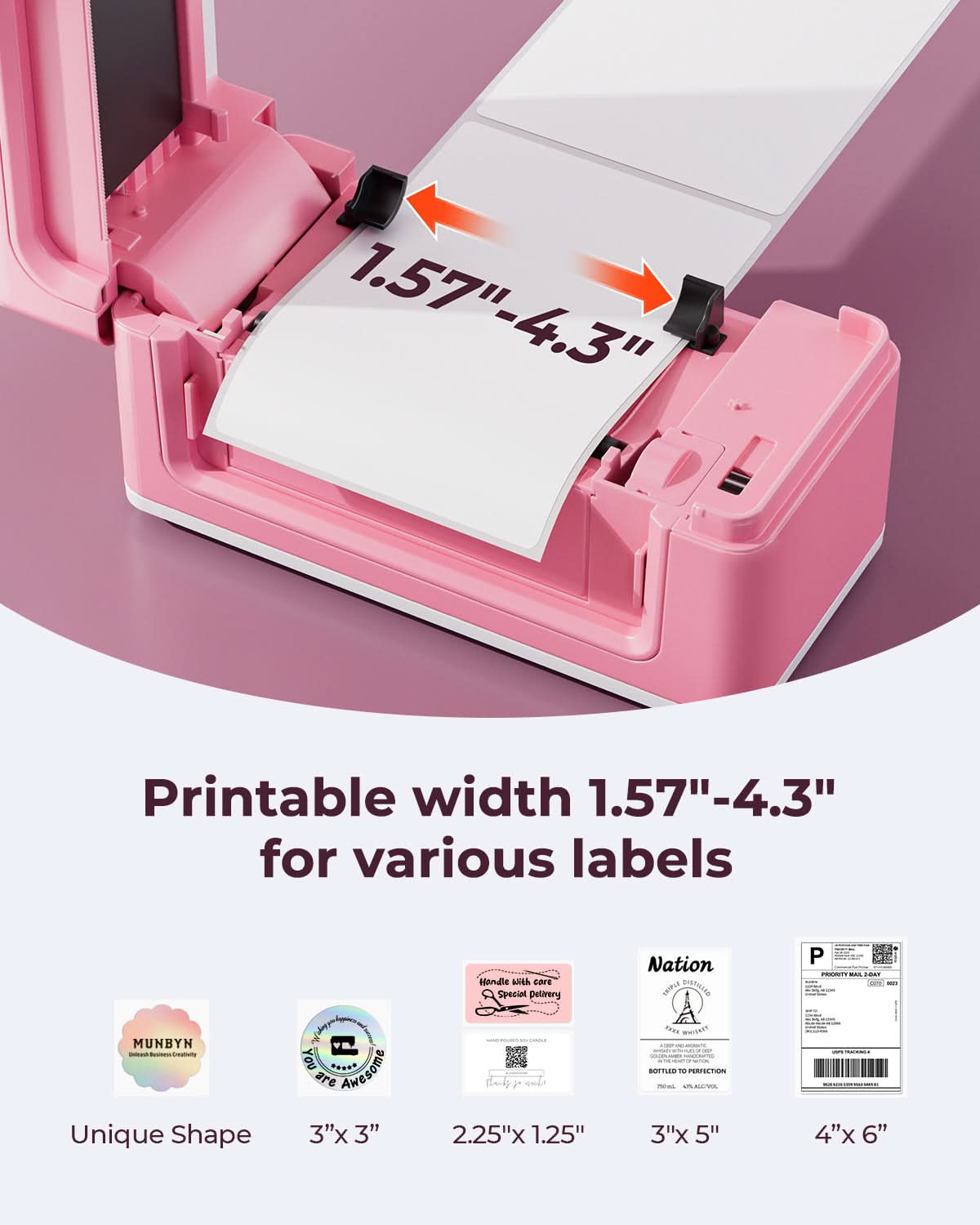
- 40-110 mm

Special Feature

- Portable
- 300 DPI

Compatible Devices

- Laptops, PC, Smartphones, Tablets

Power Adapter

- 24V/2A

Others
Usage Scenarios

- Warehouses
- Retail
- Offices
- Business
- Home

Service Warranty

- 2-Year Warranty
- Technical Support

Included in the Box

  • Printer

  • USB Flash Drive

  • Type C line

  • USB Cable

  • Adapter

  • Standard Plug

  • User Manual

  • Quick Tips

  • Labels

Download our app

High-End Labels in Minutes
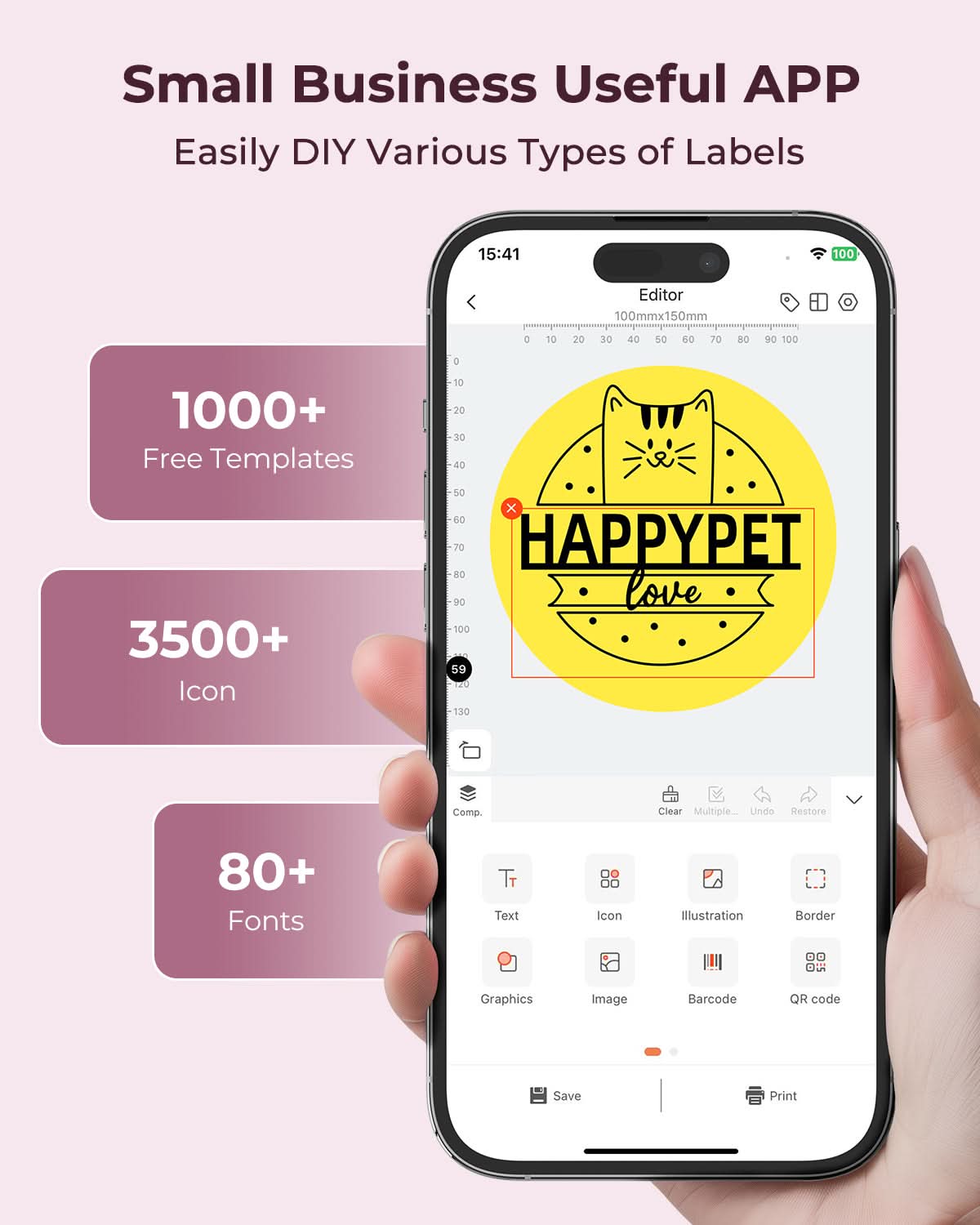
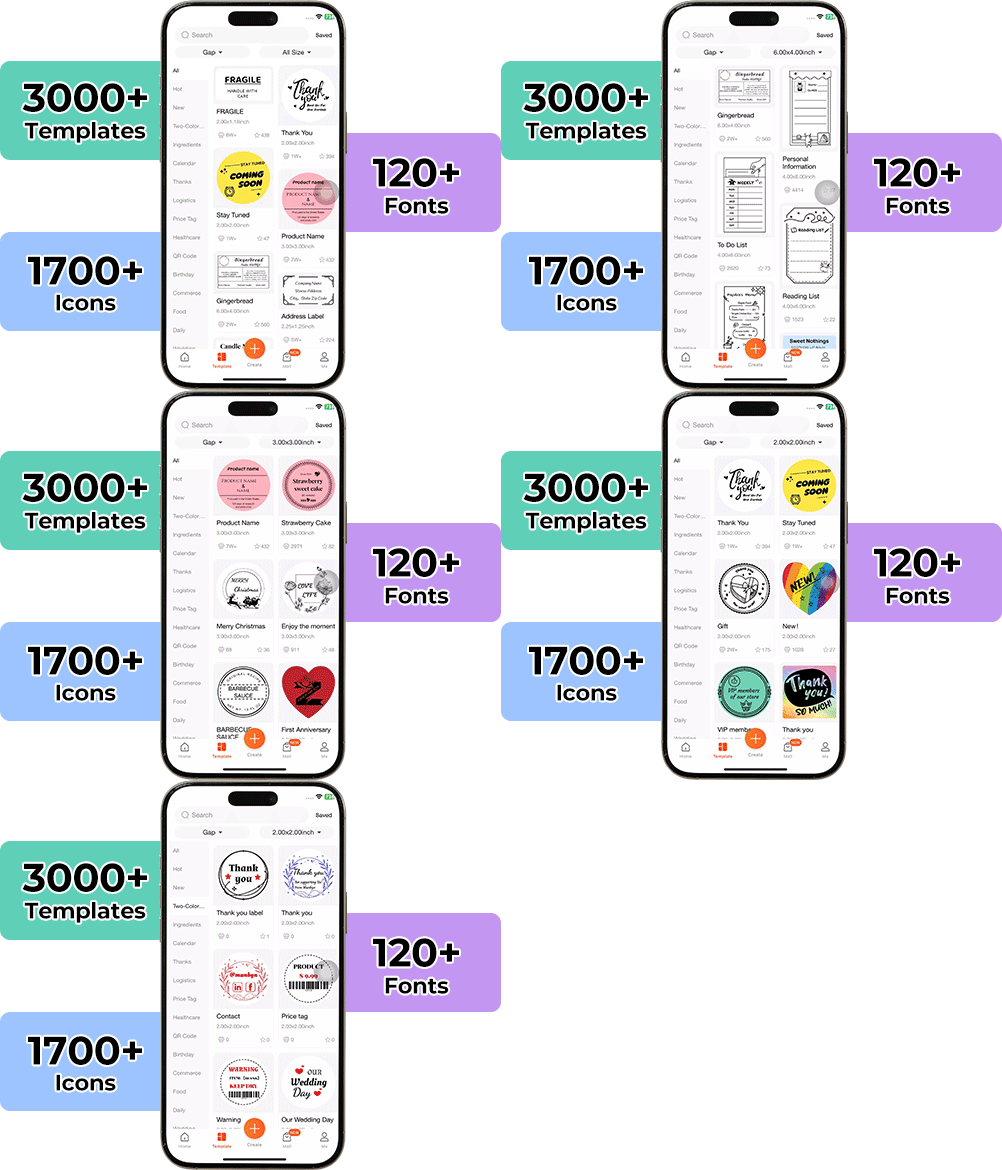
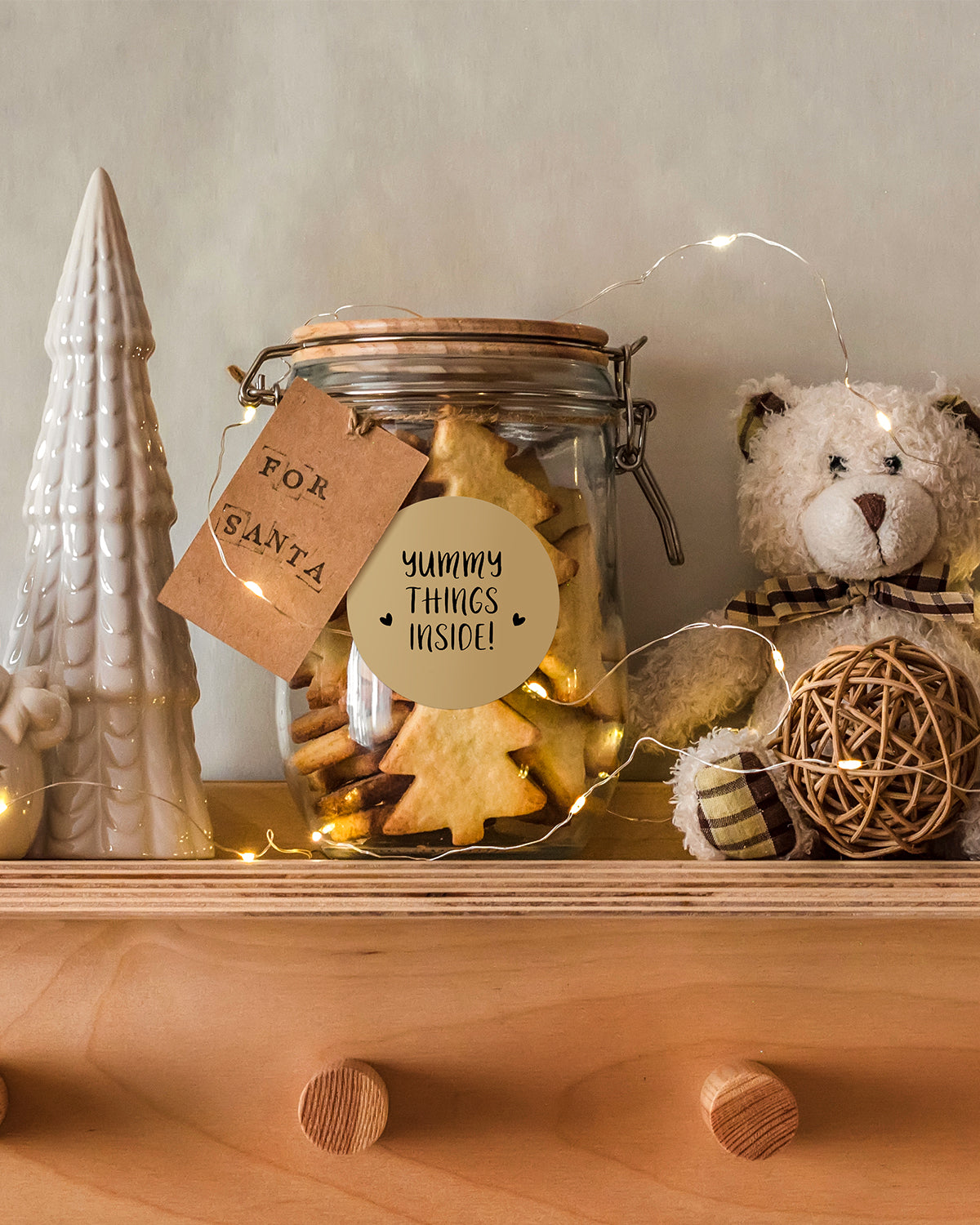
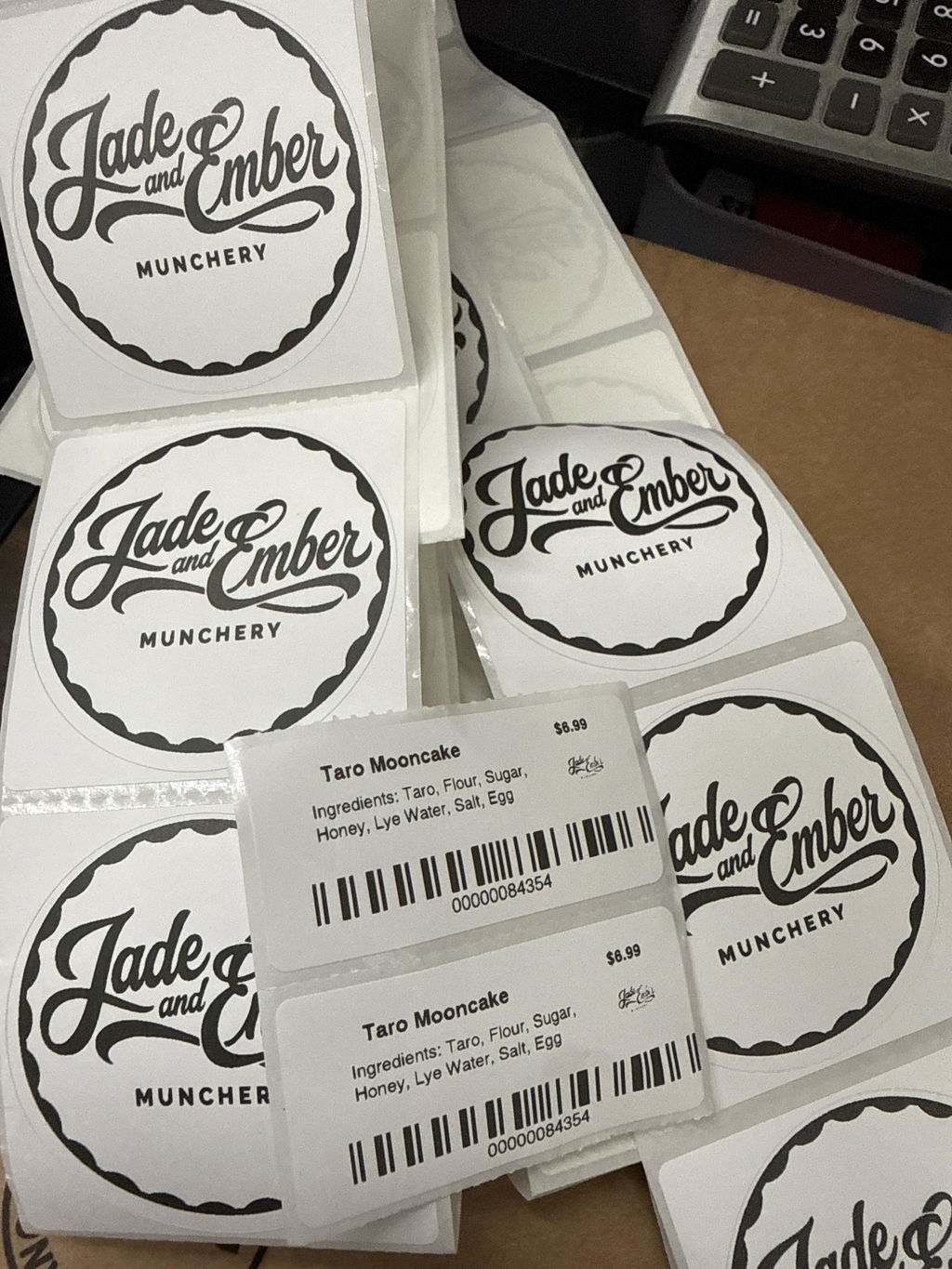
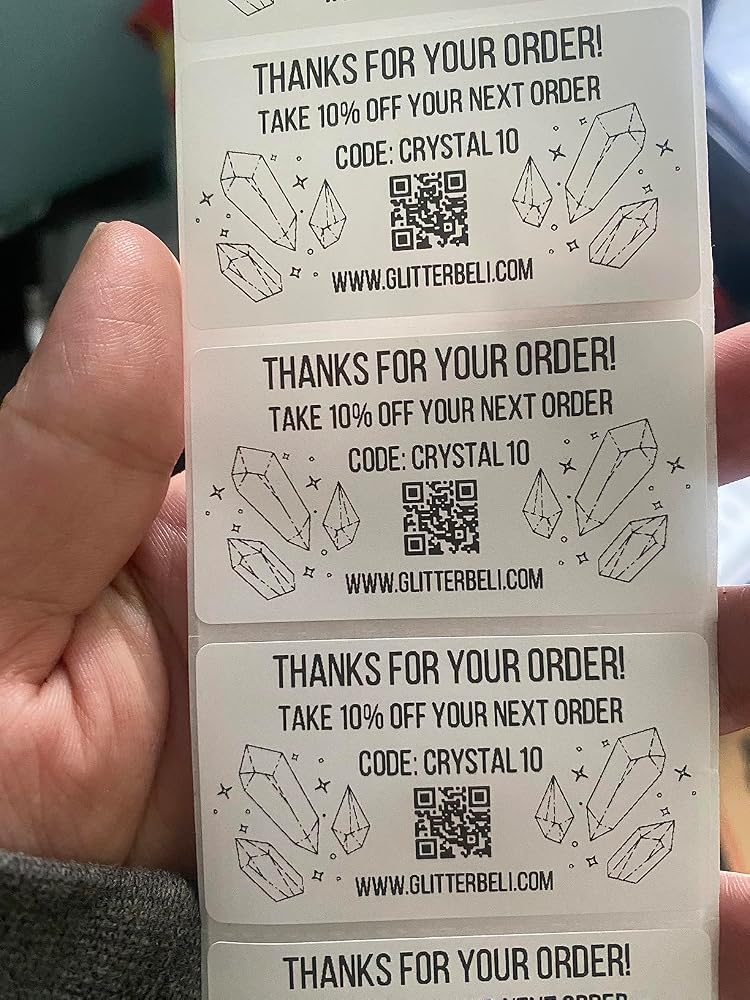
Designing custom packaging has never been this simple. Using the MUNBYN app and our versatile DIY Labels, you have a library of 3,000+ design assets and templates at your command.

Craft bespoke logos and promotional stickers that perfectly capture your brand’s personality—all while keeping your budget in check.


Google Play

Google Play

Download Now

 
Online Editor

Online Editor

Create Now

 
User Manual

User Manual

Download Now

Woman using a laptop with a barcode scanner on a desk

Women-Led Design for Professional Label Workflows

The RW941BP reflects MUNBYN’s women-led approach to building practical tools for real business growth. Designed for online sellers, warehouses, retail teams, and home businesses, this 300DPI label printer helps turn daily shipping, barcode printing, and product labeling into a clearer, faster, and more polished workflow.

Wireless Printing Across Every Major Platform

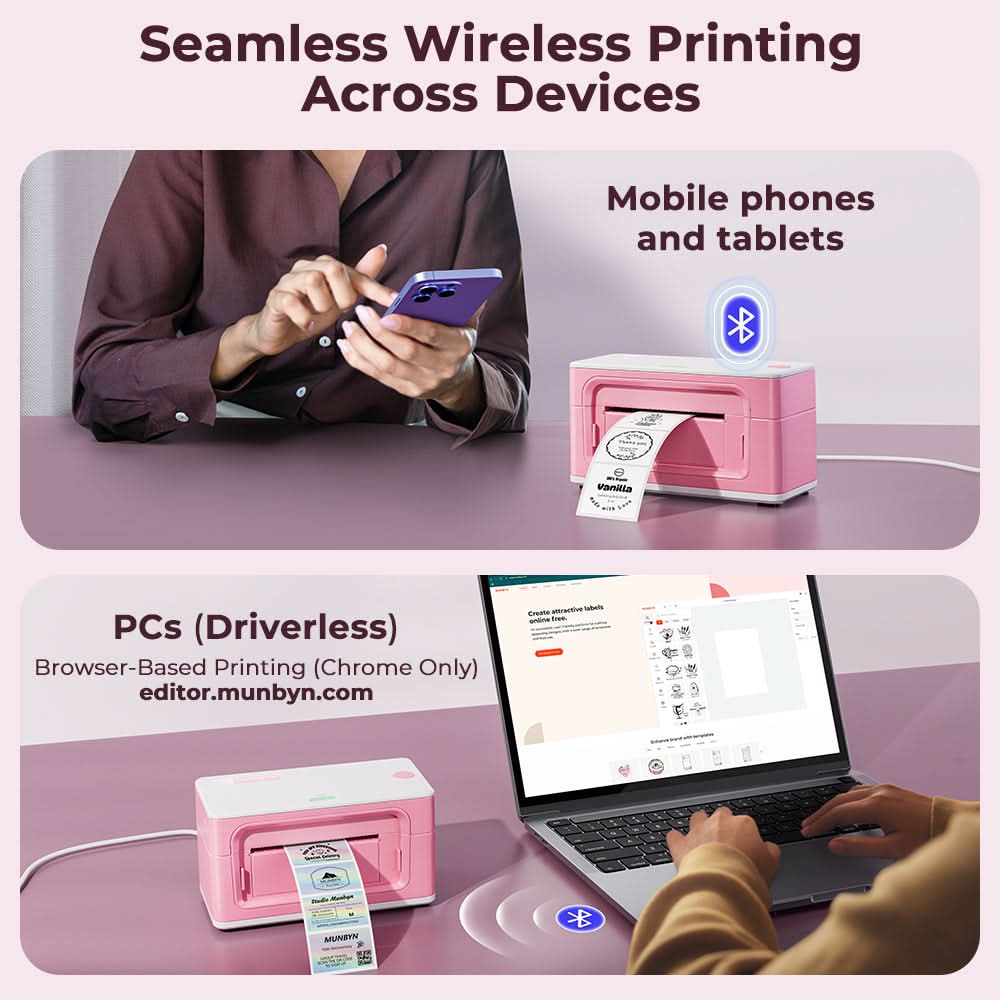
Connect the MUNBYN RW941BP by Bluetooth or USB and print from your phone, tablet, laptop, or desktop with ease. Compatible with Windows, Mac, iOS, and Android, this wireless shipping label printer supports workflows across Shopify, Etsy, Amazon, eBay, USPS, UPS, FedEx, ShipStation, Shippo, and more.

Crystal-Clear 300 DPI Printing

Set of five colorful square icons in a horizontal row.

Sharper Barcodes. Faster Labels. Fewer Reprints.

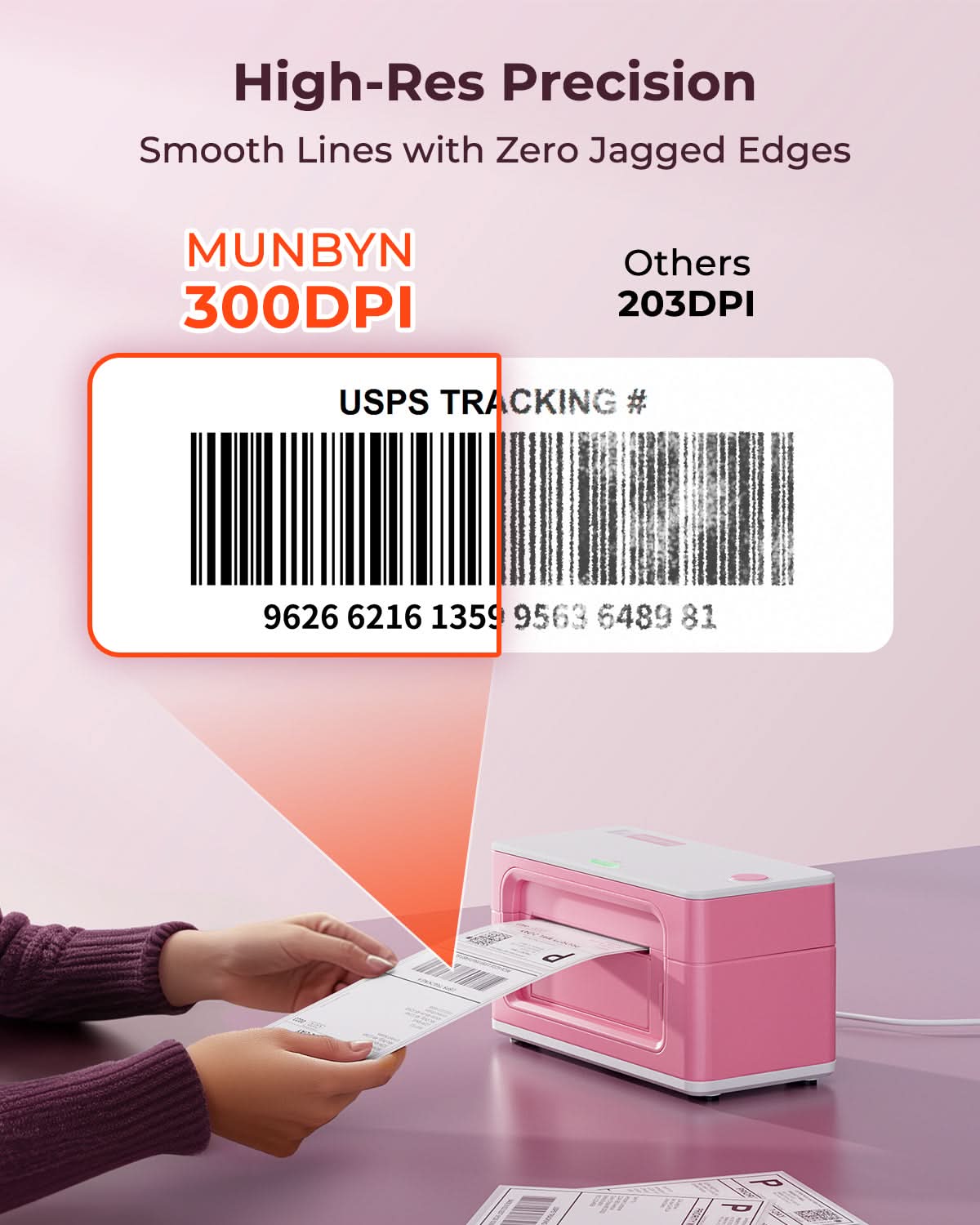
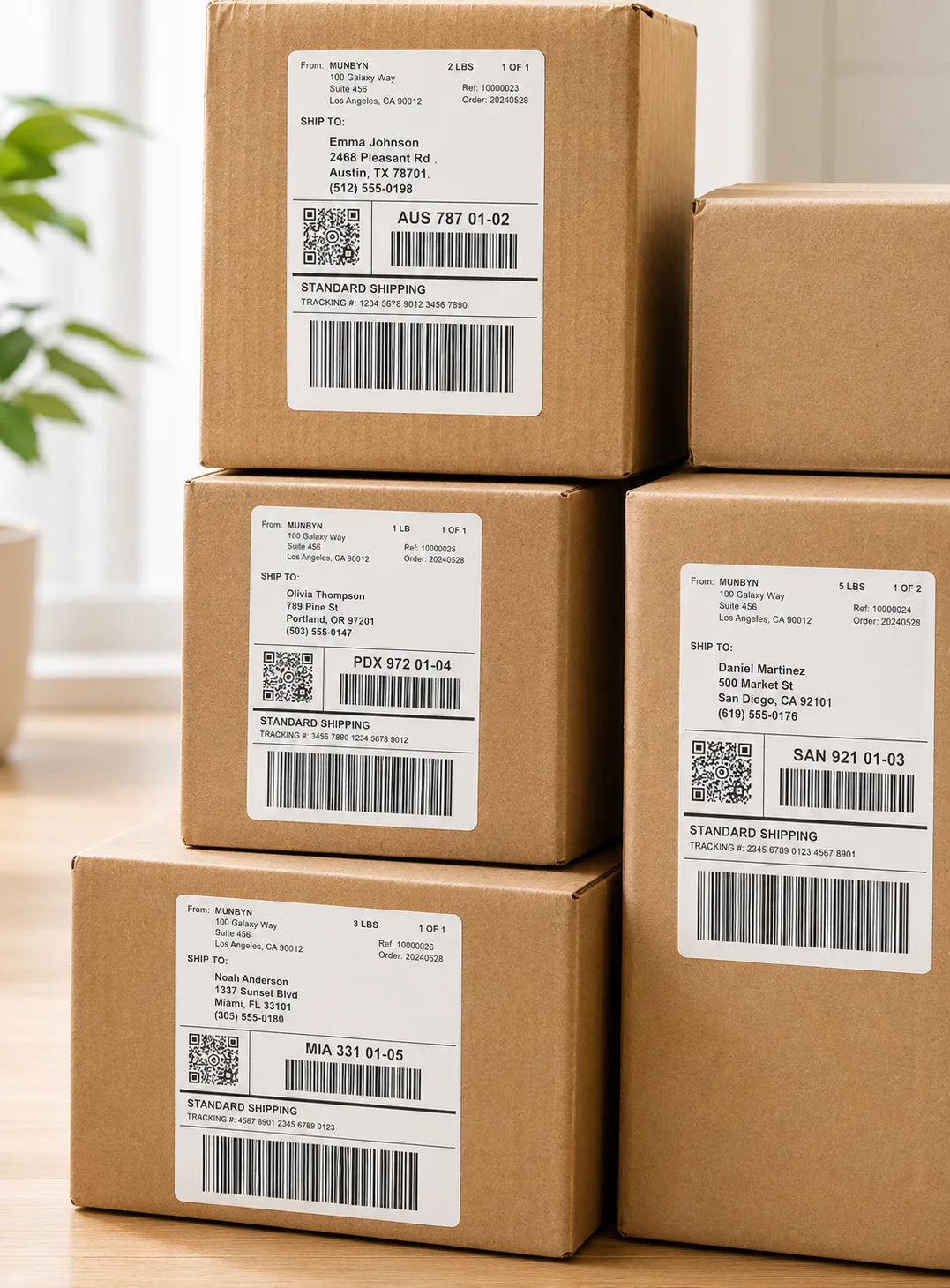
Experience razor-sharp results with the MUNBYN 300 DPI thermal printer. Print crisp text, detailed graphics, QR codes, and barcodes that stay clear and easy to scan—ideal for shipping labels, product labels, and inventory management.

Your all-in-one tool for major marketplaces and carriers, including but not limited to

Etsy logo in orange on a white background
Amazon logo on a white background
Ebay logo in multicolor on a white background
Shopify logo on a white background
FedEx logo in purple and orange on a white background
UPS logo on a white background
Shipwire logo on a white background
Ninjavan logo with a red circle and black text on a white background
J&T Express logo in red on a white background
DHL logo in red on a white background
Easypost logo on a white background
Flash Express logo with a black lightning bolt on a white background
Poshmark logo on a white background
ShipStation logo on a white background
Easyship logo on a white background
ShippingEasy logo in green on a white background
XPSship.com logo on a white background

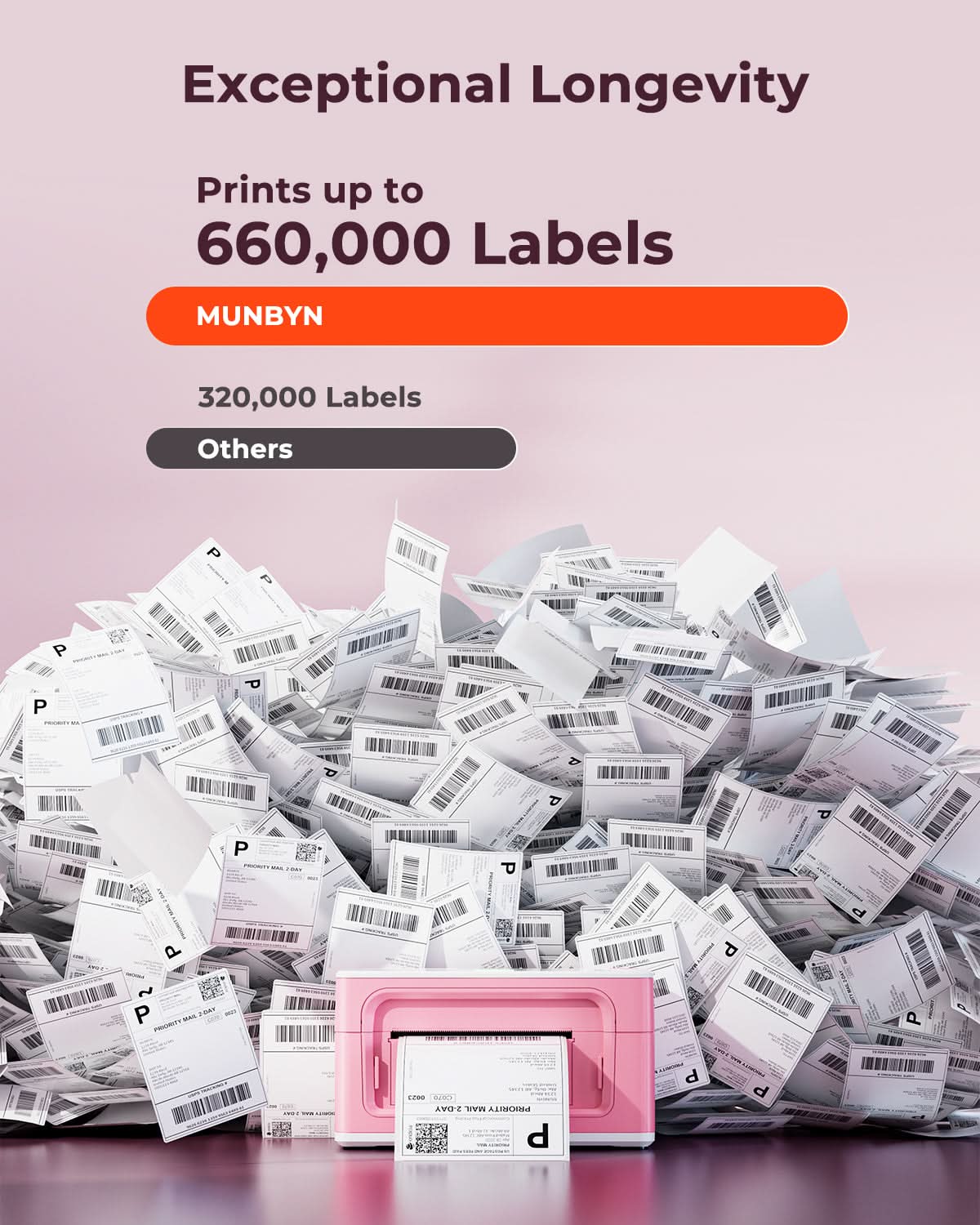
Designed to print more than 980,000* labels in shipping labels

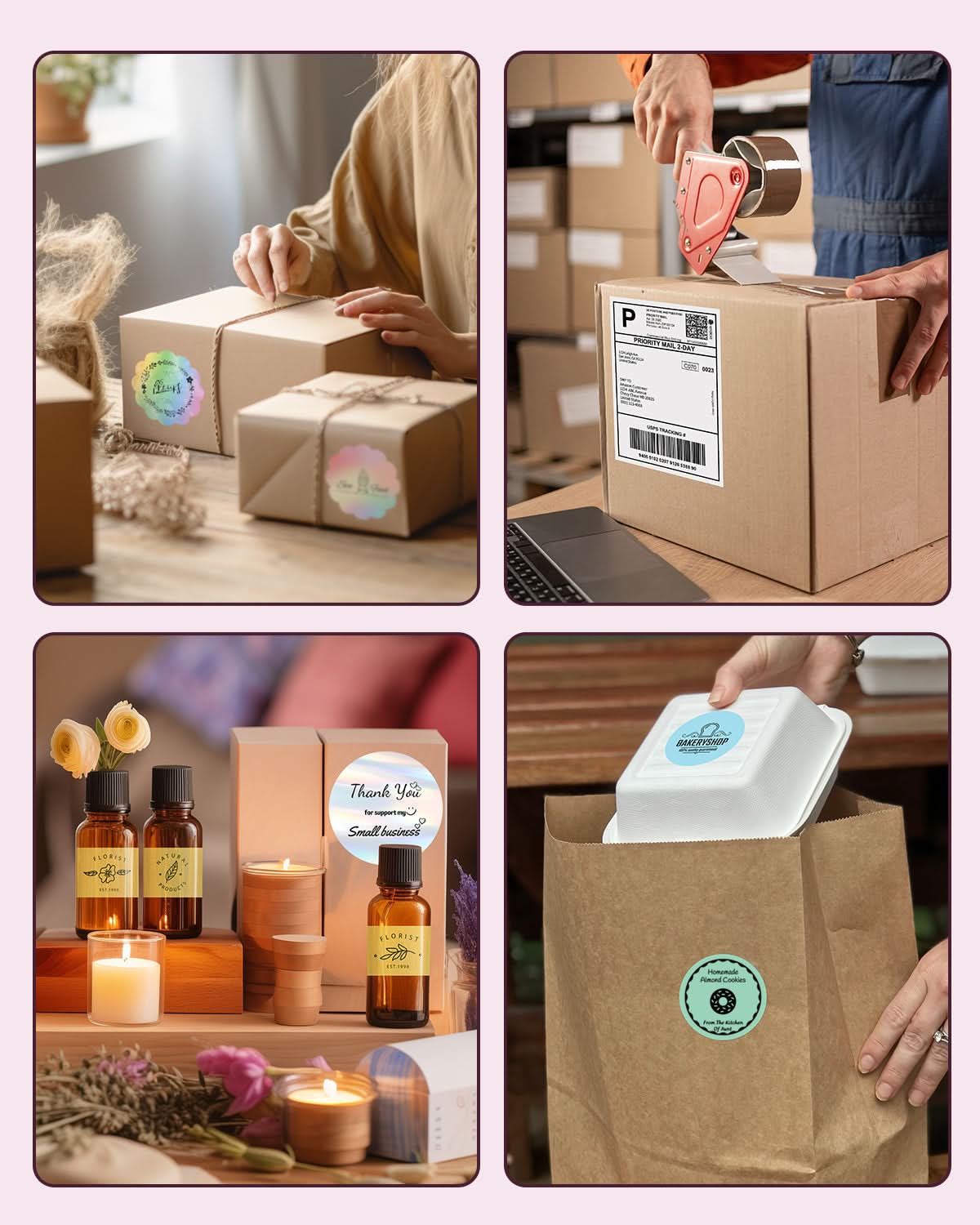
How People Use MUNBYN

Print life and label quantity estimates are based on laboratory calculations (150 KM printhead life × 4×6" label length). Actual performance may vary due to print frequency, label material, operating environment, and maintenance conditions.

Shipping Label

Custom Labels

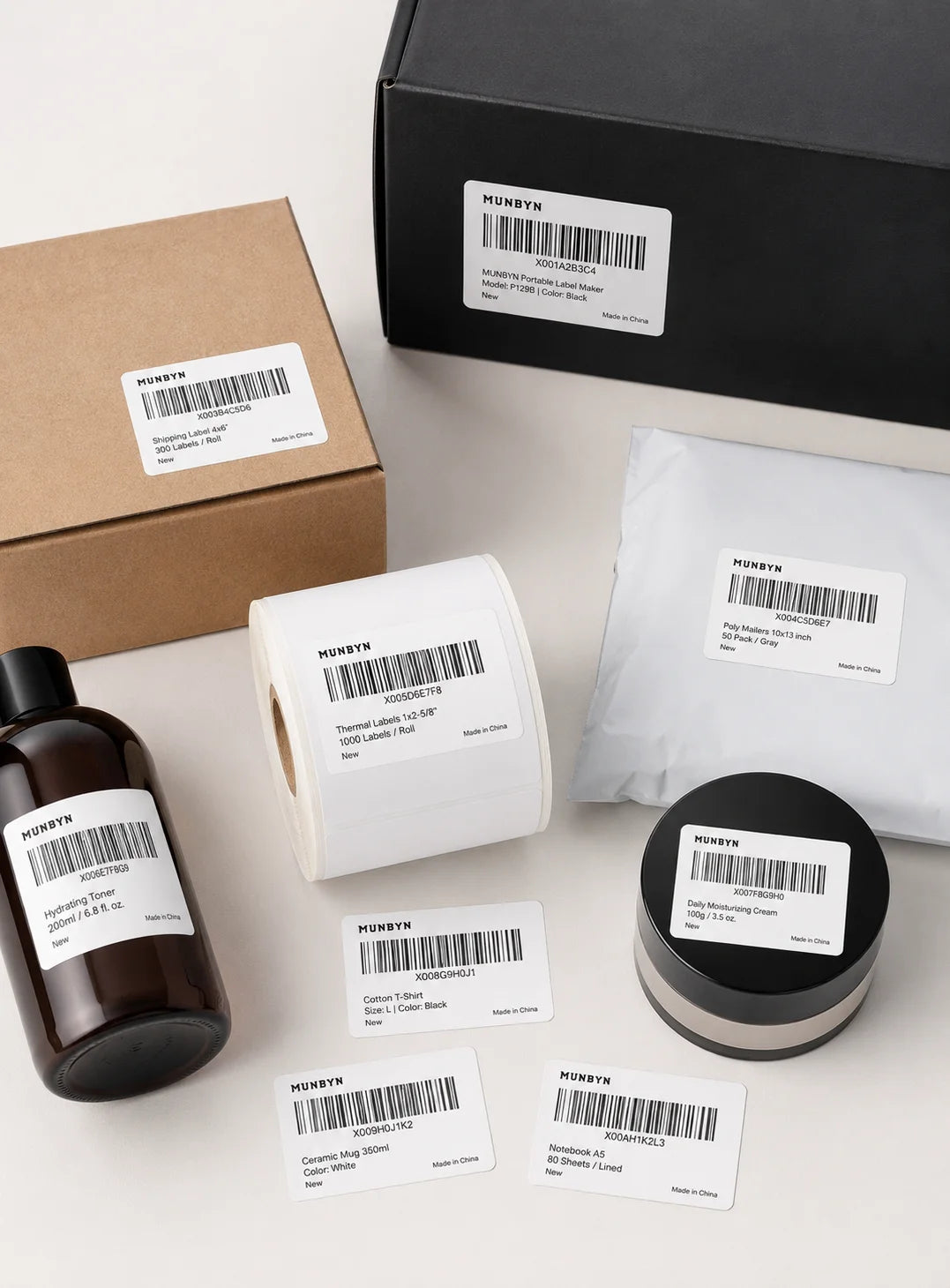
Barcode Labels

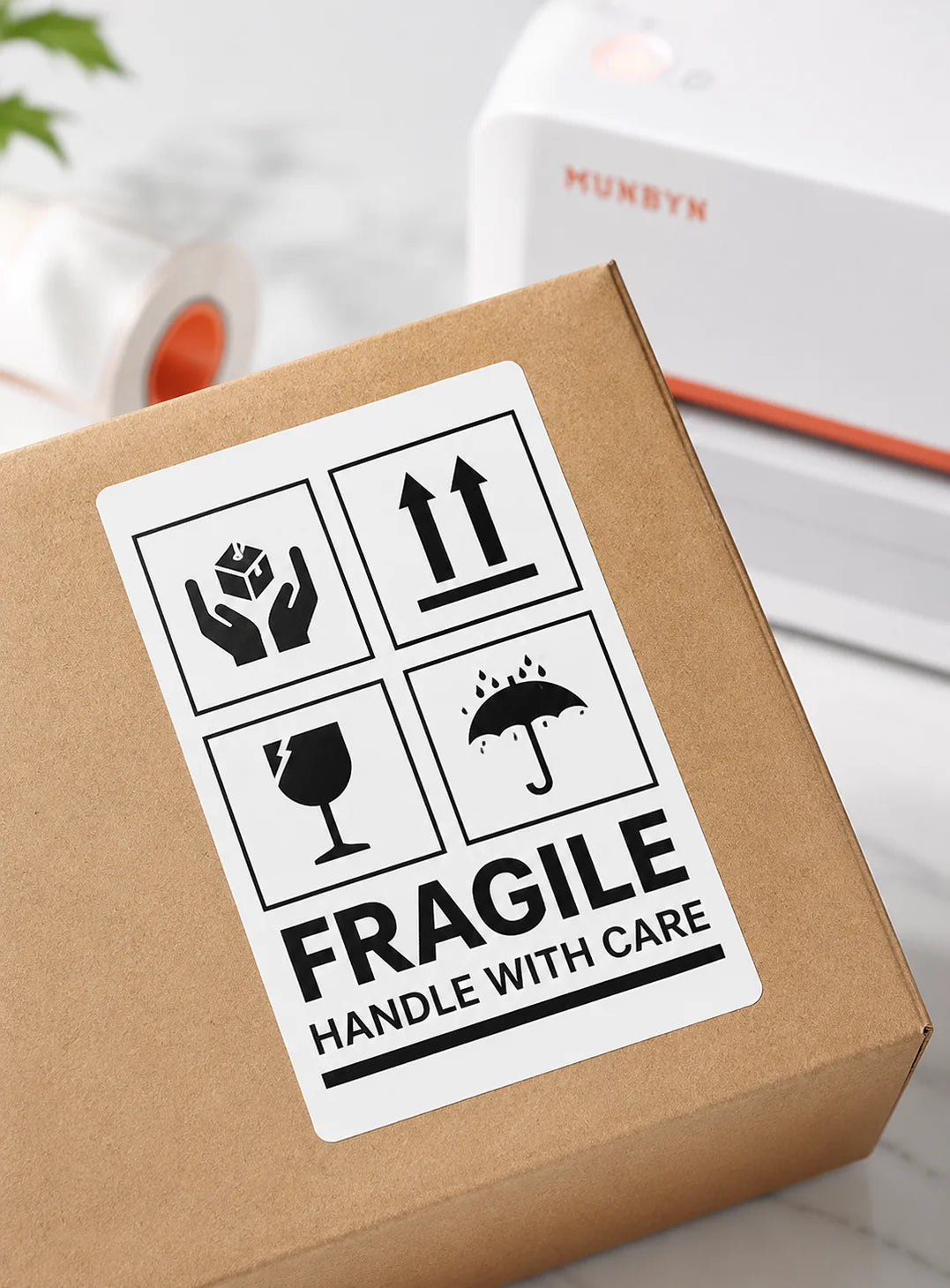
Fragile Labels

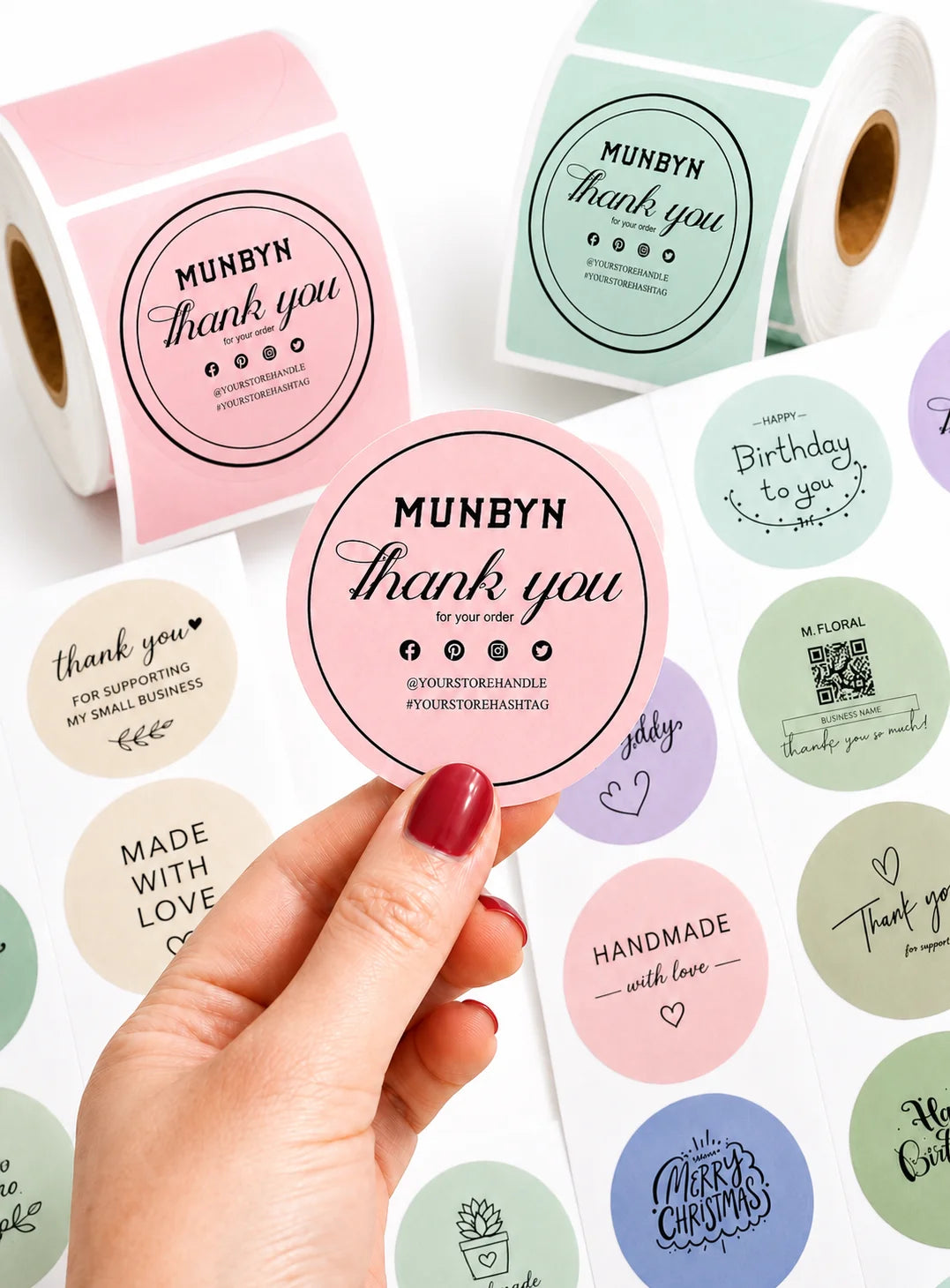
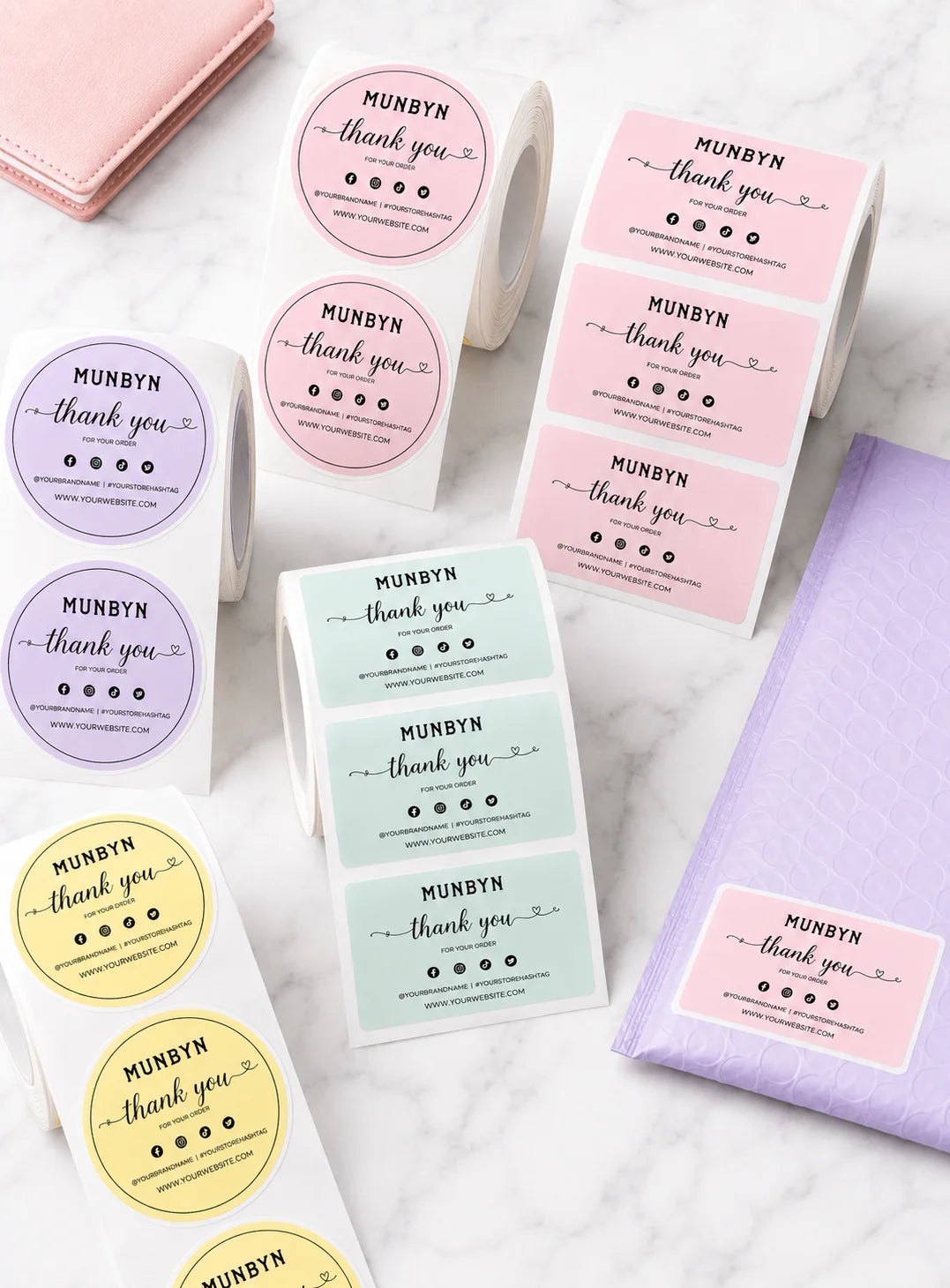
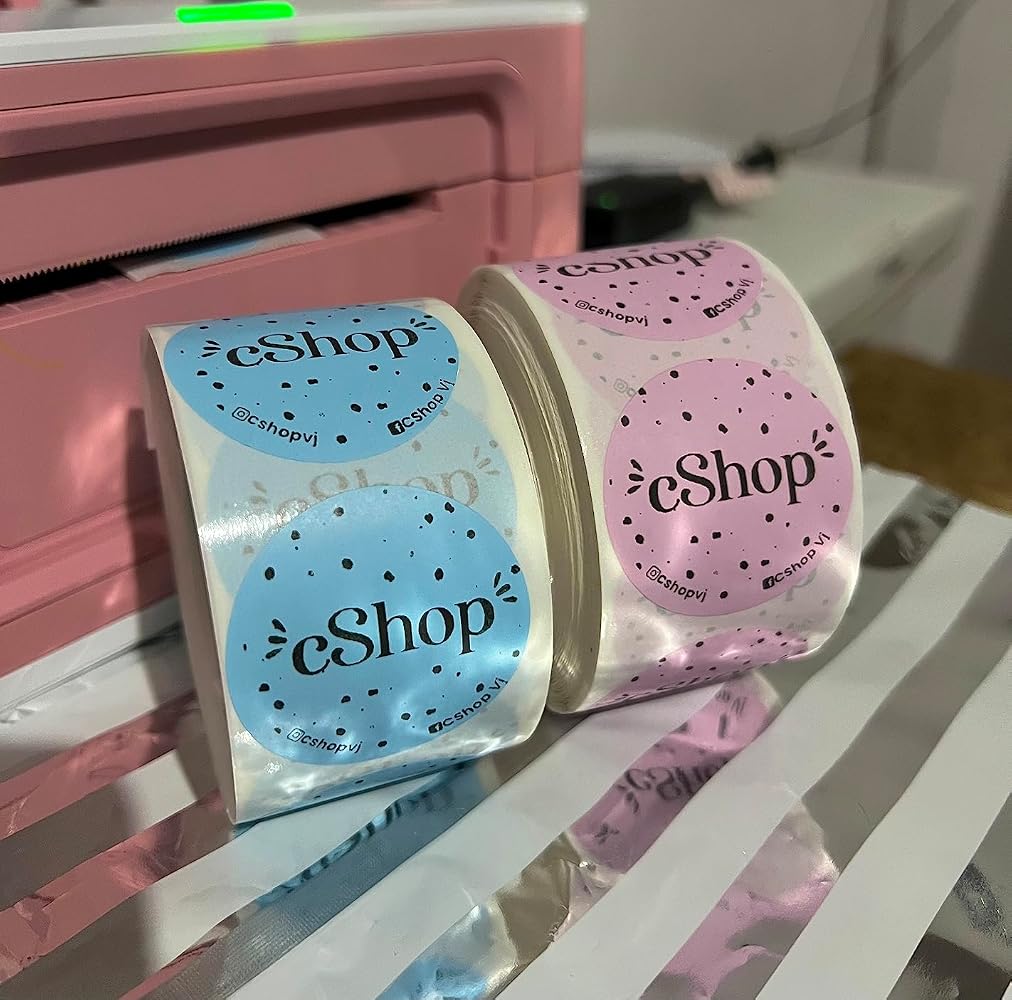
Branded Labels

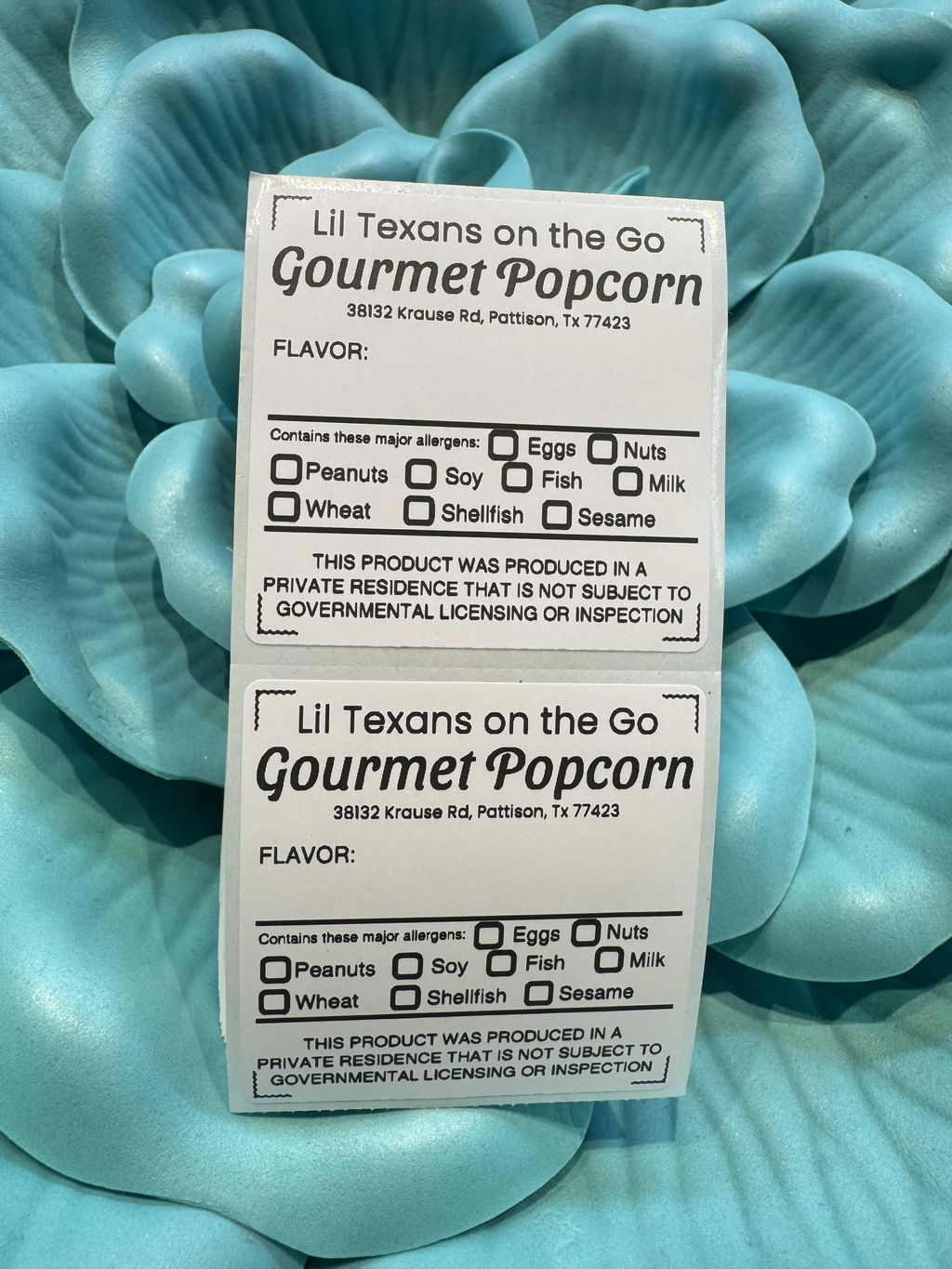
Stickers for Daycare/School

FAQs

Please read our FAQs page to find out more.

What is the MUNBYN RW941BP designed for?

The MUNBYN RW941BP is a 300 DPI direct thermal printer for detailed shipping labels, return labels, barcodes, QR codes, product labels, and branded stickers. It is suited to ecommerce fulfillment, warehouses, retail counters, offices, and home businesses that need sharper small text and dense codes.

How does the MUNBYN RW941BP connect to phones and computers?

The RW941BP connects by Bluetooth to iPhone, iPad, Android, and Windows devices. Windows and Mac computers can also connect by USB. Mobile users print through the MUNBYN Print app, while computer users should select the correct printer and match the document dimensions to the loaded labels.

Which shipping and ecommerce platforms work with the RW941BP?

The RW941BP can print labels generated by UPS, USPS, FedEx, Etsy, eBay, Shopify, Amazon, Shippo, Easyship, ShipStation, PayPal, and other major shipping platforms. Download the label from the platform, confirm its page size, and avoid scaling that changes the barcode or address layout.

What label sizes can the MUNBYN RW941BP print?

The RW941BP supports direct thermal labels from 40 to 110 mm wide, covering standard 4 x 6 shipping labels and narrower barcode, address, product, and organization labels. Load the labels straight and select the same width and height in the print settings before starting a batch.

Does the RW941BP require ink, toner, or cartridges?

No. The RW941BP uses direct thermal printing, so it does not require ink, toner, or ribbon cartridges. Use compatible direct thermal labels and store unused media away from excessive heat, sunlight, and moisture to protect the heat-sensitive coating.

What print resolution and speed does the RW941BP provide?

The RW941BP prints at 300 DPI with a listed speed of up to 150 mm/s. The higher resolution is useful for small text, compact barcodes, QR codes, and detailed product labels. Actual speed and appearance can vary with print density, label quality, connection method, and design complexity.

Why choose the 300 DPI RW941BP instead of a 203 DPI label printer?

A 300 DPI print head places more dots in the same area than a 203 DPI model, helping fine text, small barcodes, QR codes, and detailed graphics print more clearly. It is a practical choice when label designs contain compact information or when branding details need sharper edges.

What should I check if an RW941BP label is cropped or will not scan?

Confirm that the label file uses the exact physical dimensions, disable Fit to Page when it changes the scale, and make sure the thermal side faces the print head. Recalibrate after changing label sizes and print one test label before a batch. The RW941BP includes a two-year warranty and technical support.

Didn’t find your answer?

Don't hestitate to contact us

Free shipping and returns