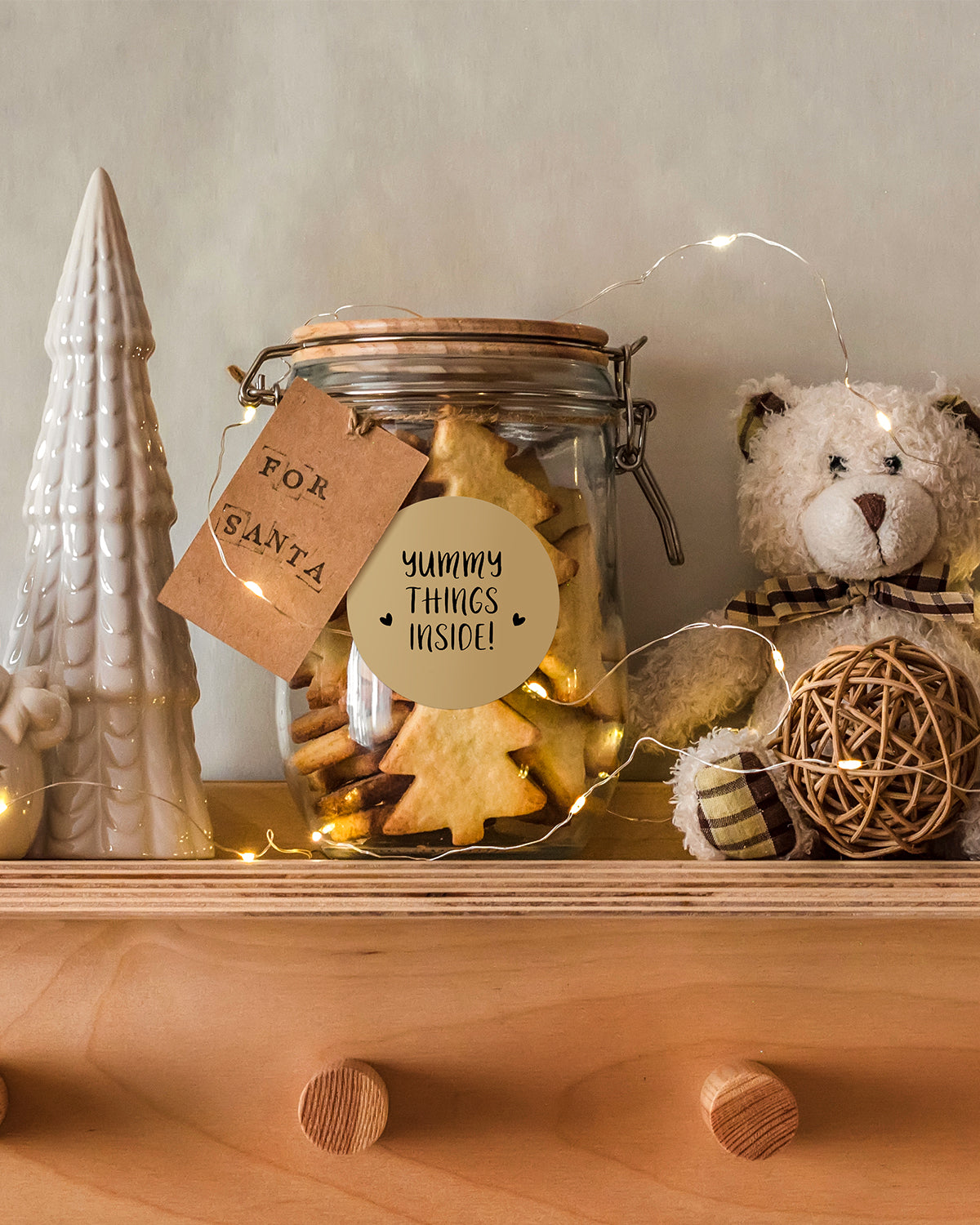
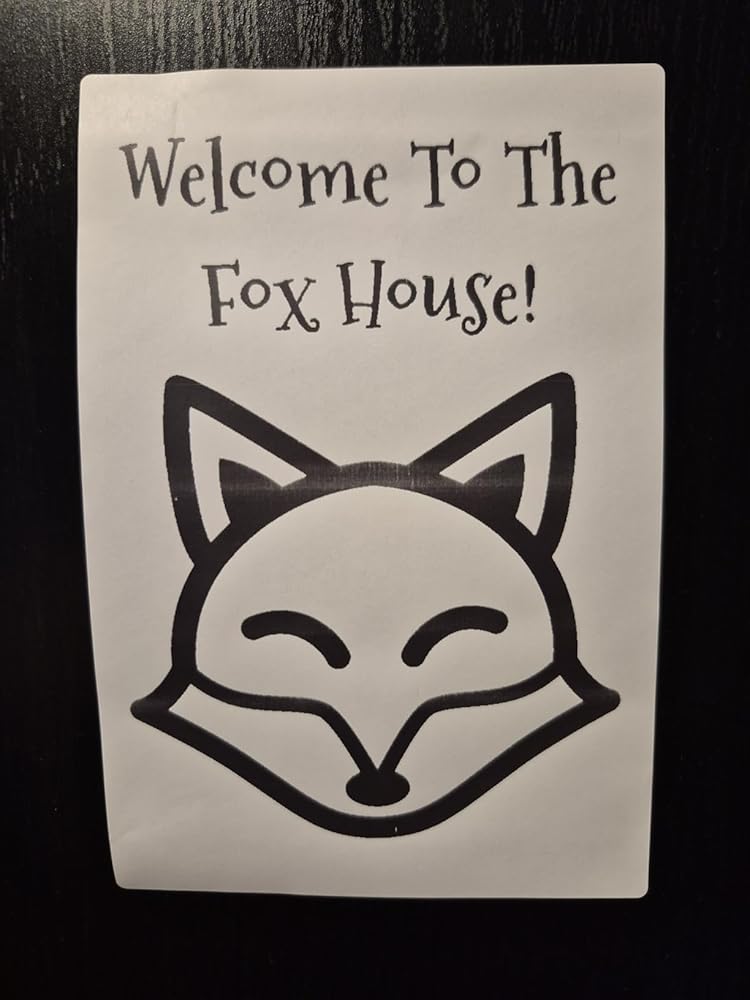
Scroll to top

Print Anything, Anywhere

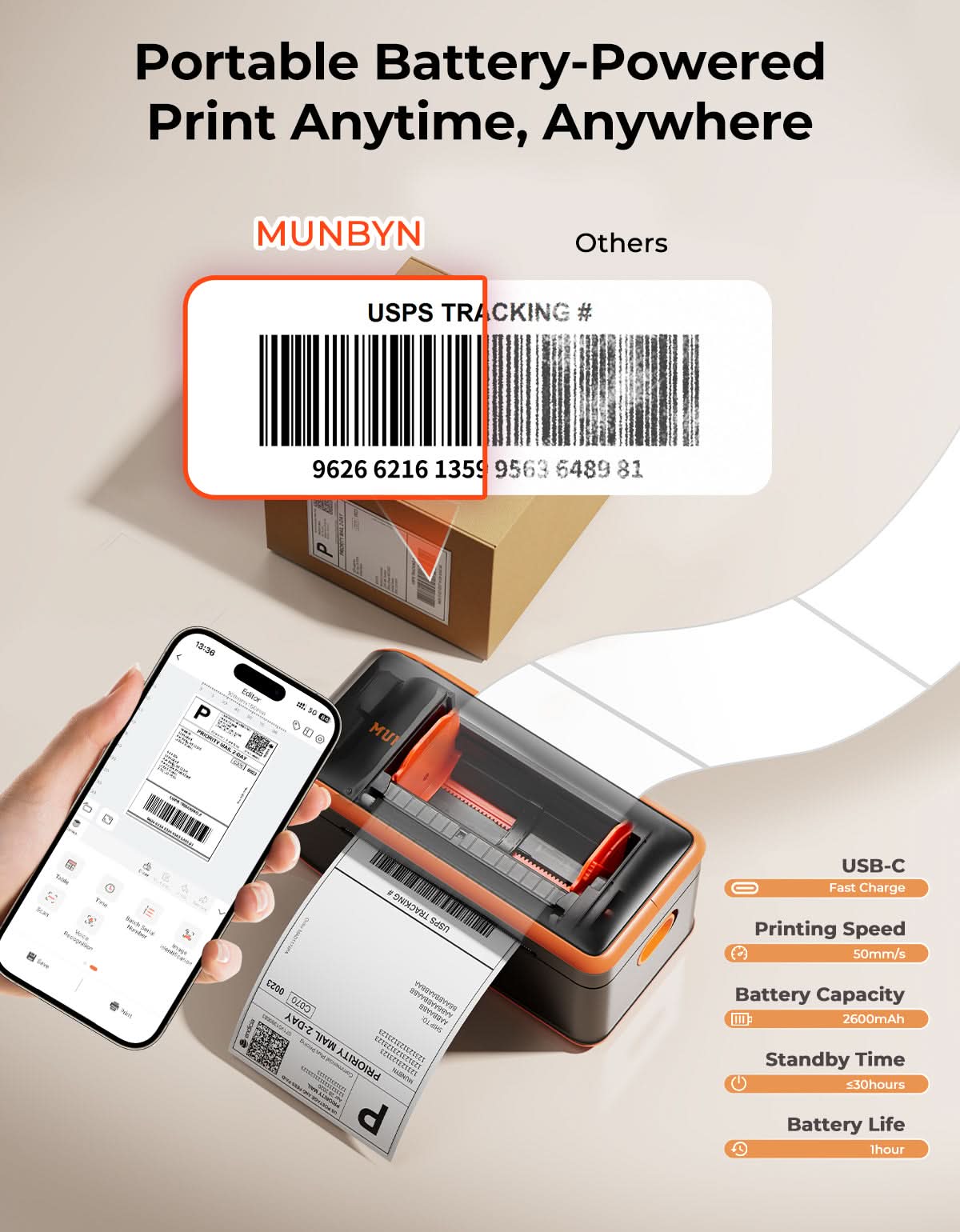
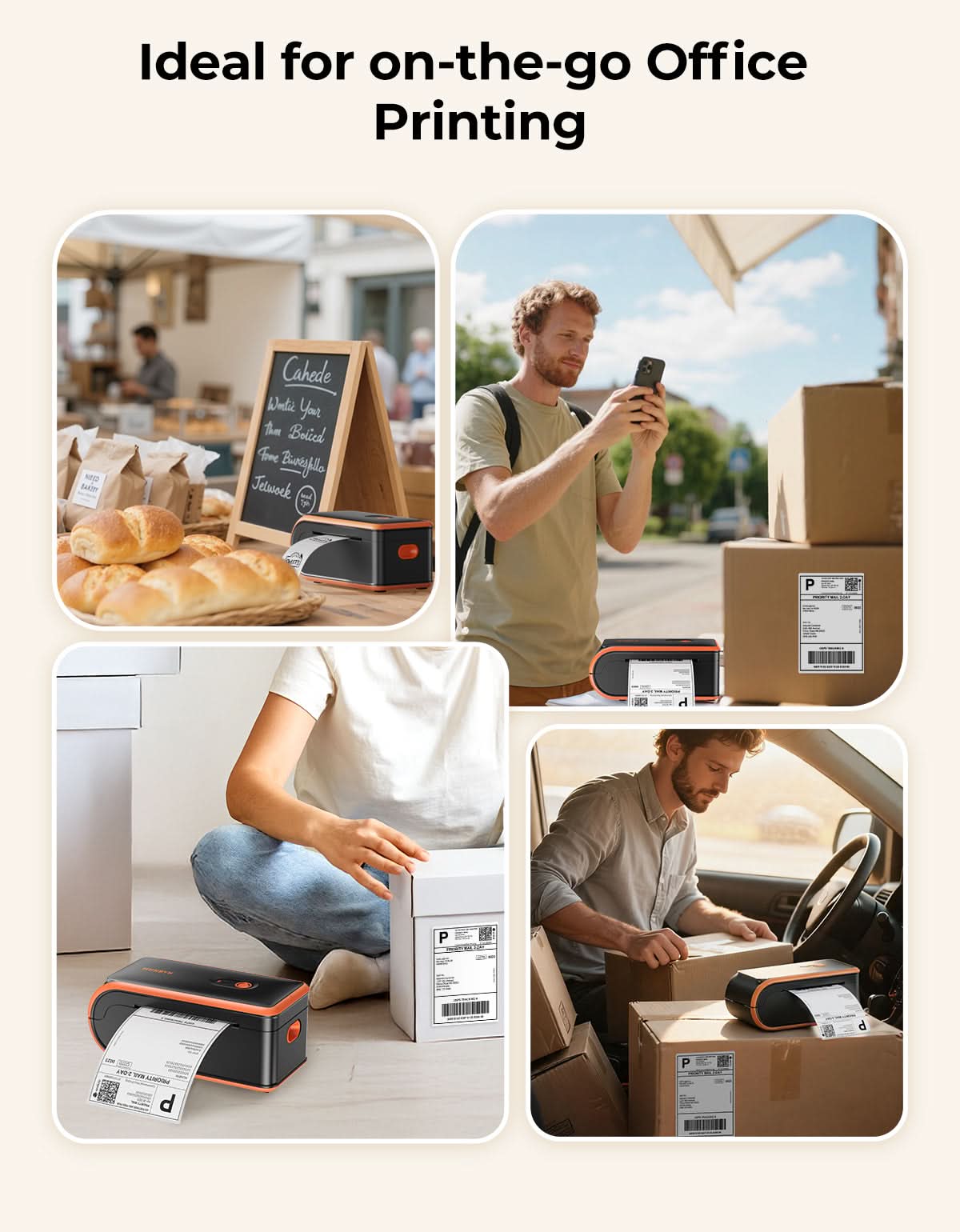
Your ideas, your space — print wherever inspiration strikes.

Ink-Free, Worry-Free

Zero ink. Time, money, and planet-saving.

Fast to Print, Easy to Keep Going

High speed:150 mm/s = one 4×6 label per second.

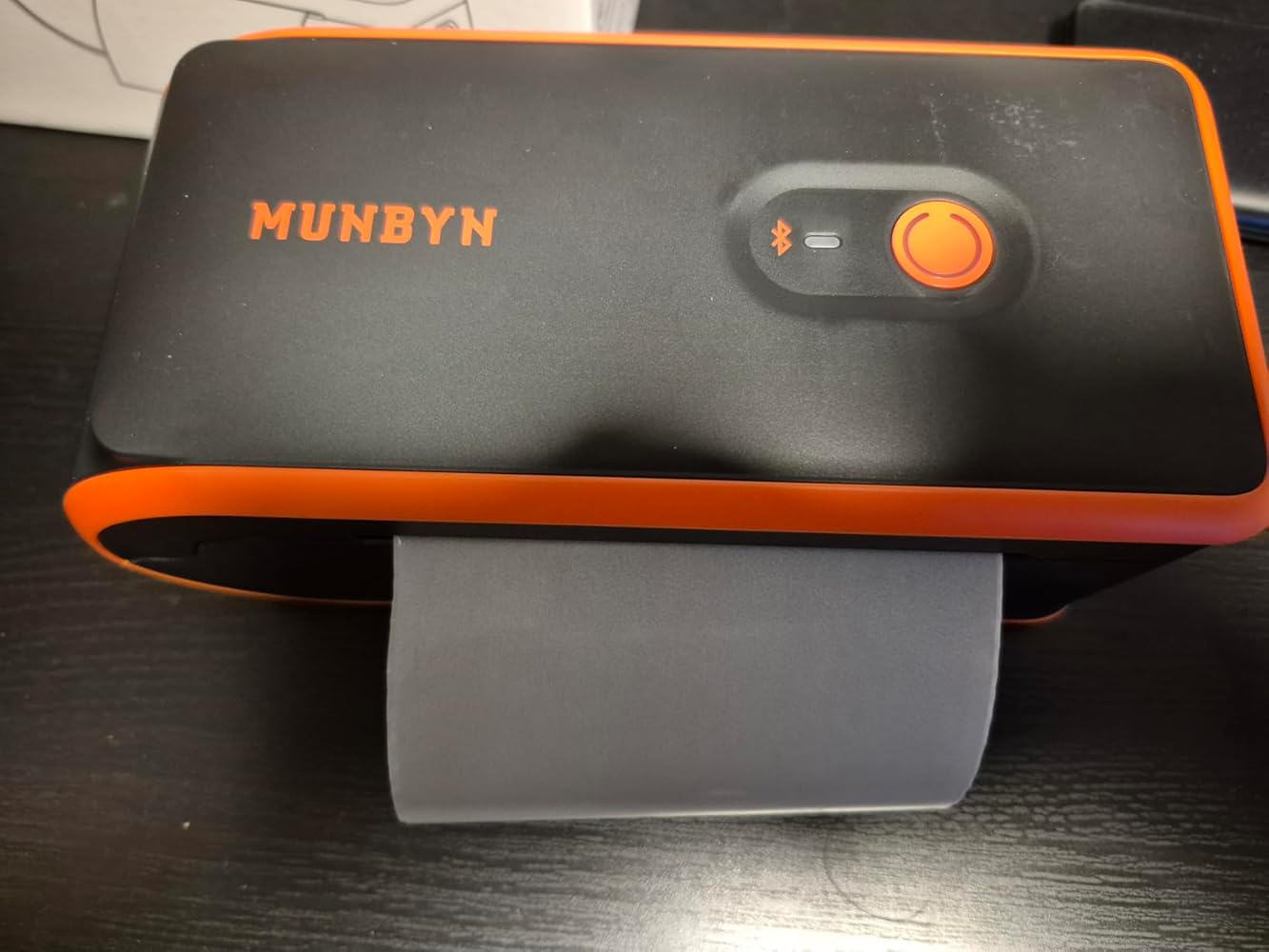
MUNBYN MC240 Bluetooth Thermal Label Printer with Built-in Paper Bin & Battery
MUNBYN MC240 Battery-Powered Wireless Label Printer for Mobile Labeling
$79.99

Product details

Basic Introduction

SKU

- LY001-BKUS12

Moel Type

- MC240

Resolution

- 203 DPI

Printing Speed

- 150 mm/s

Weight

- 0.7 Kg

Product Dimensions

- 206x94x90mm(L*W*H)

Compatibility
Connectivity

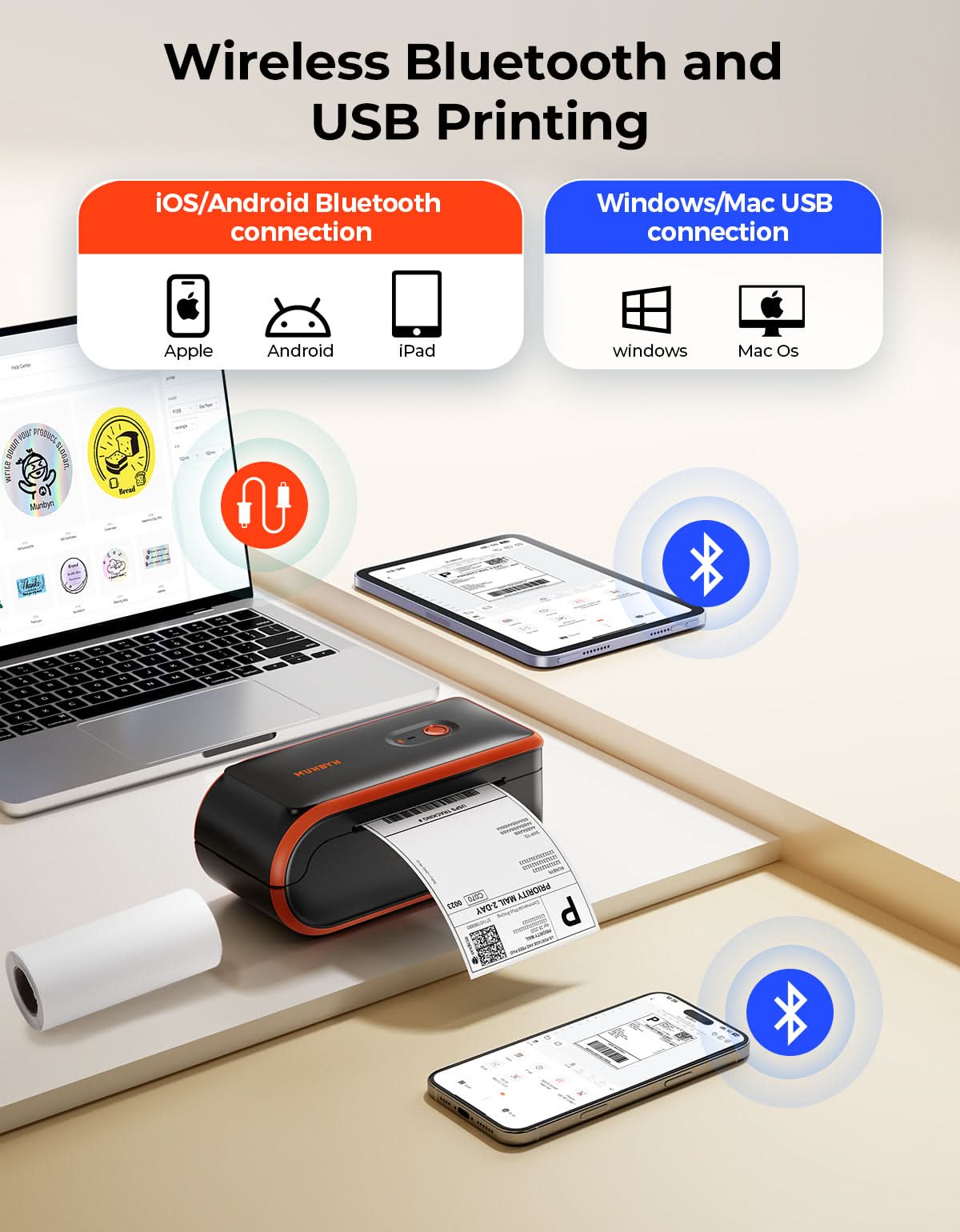
Bluetooth: iOS, Android, Windows, Mac
USB: Windows, Mac OS

Compatible Label Sizes

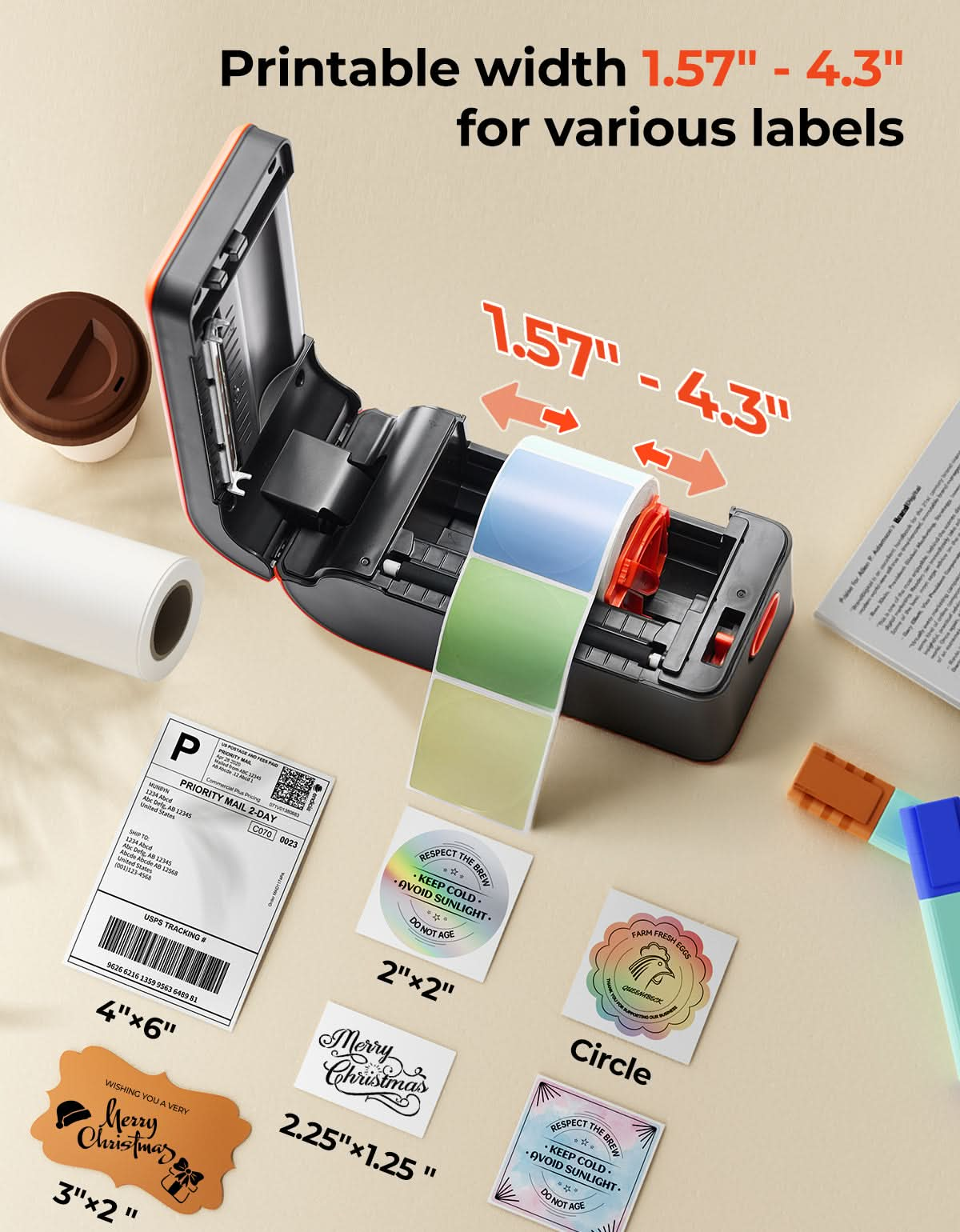
- 40-108 mm

Special Feature

- Battery Portable
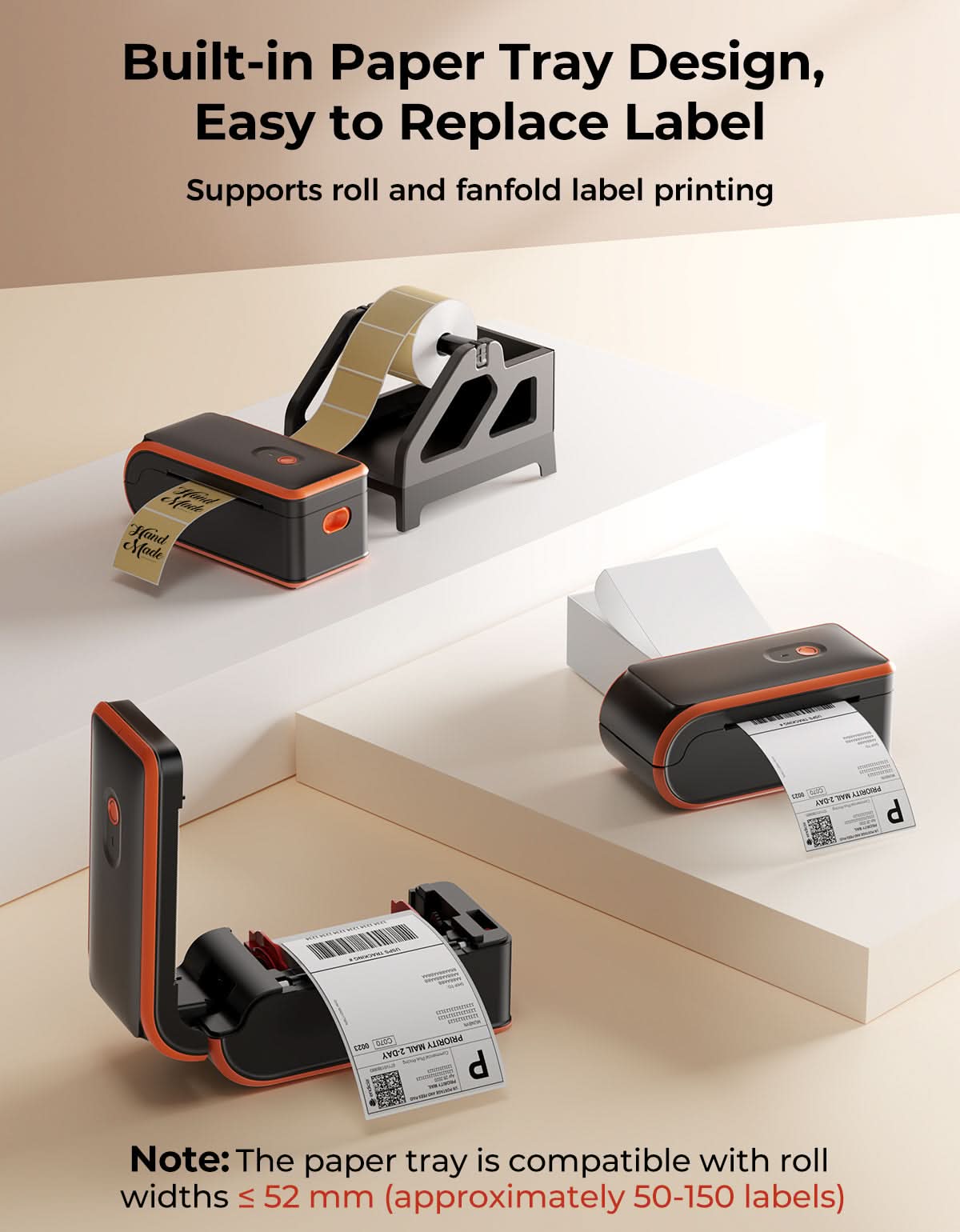
- Built-in Paper Tray

Compatible Devices

- Windows, MacOS

Power Adapter

- Input:AC 100V-240V, 50-60HZ
- Output:5V-2A

Others
Usage Scenarios

- Warehouses
- Retail
- Offices
- Business
- Home

Service Warranty

- 2-Year Warranty
- Technical Support

Included in the Box

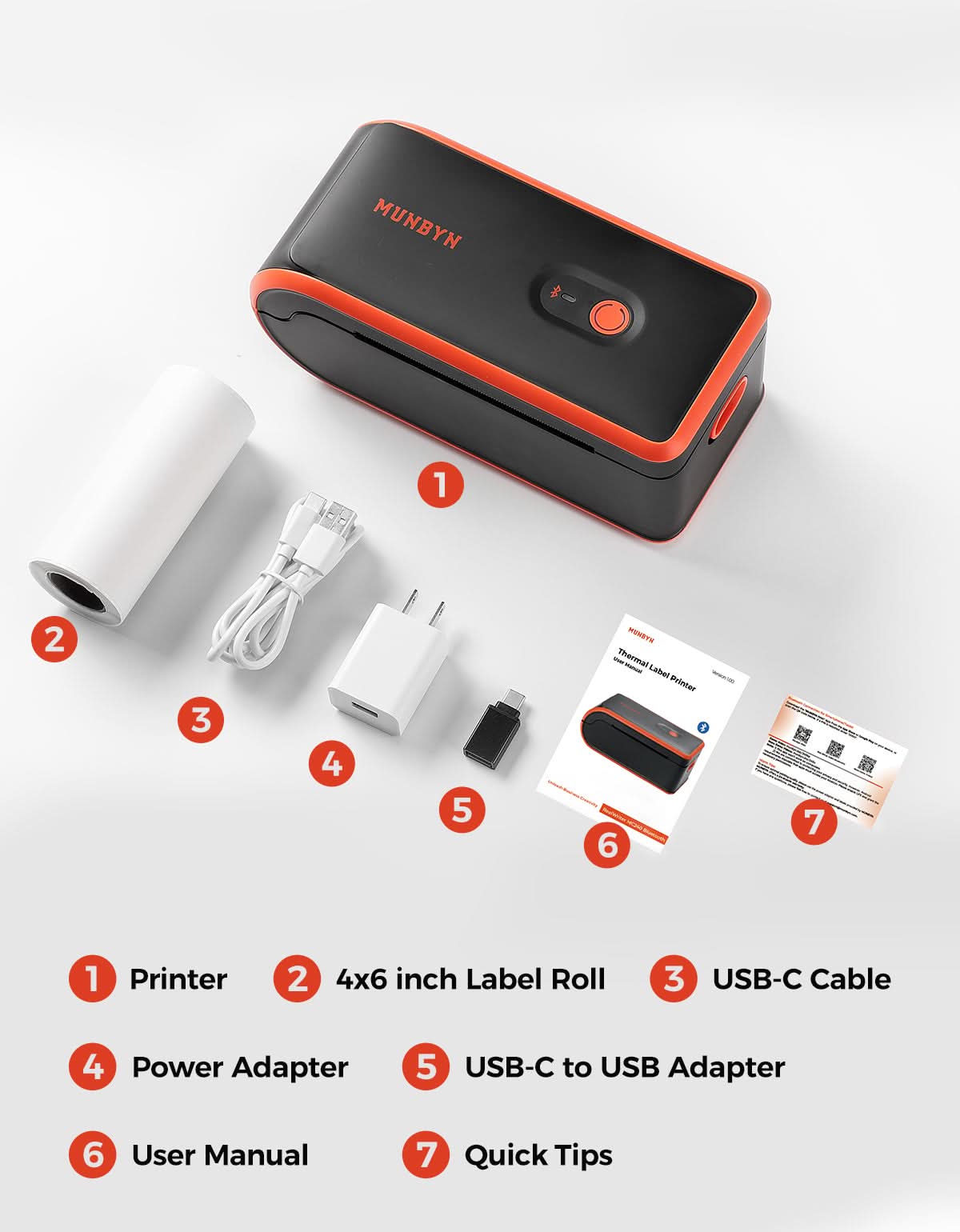
  • Printer

  • USB Cable

  • Adapter

  • User Manual

  • Power Adapter

  • Quick Tips

  • Labels

Download our app

High-End Labels in Minutes
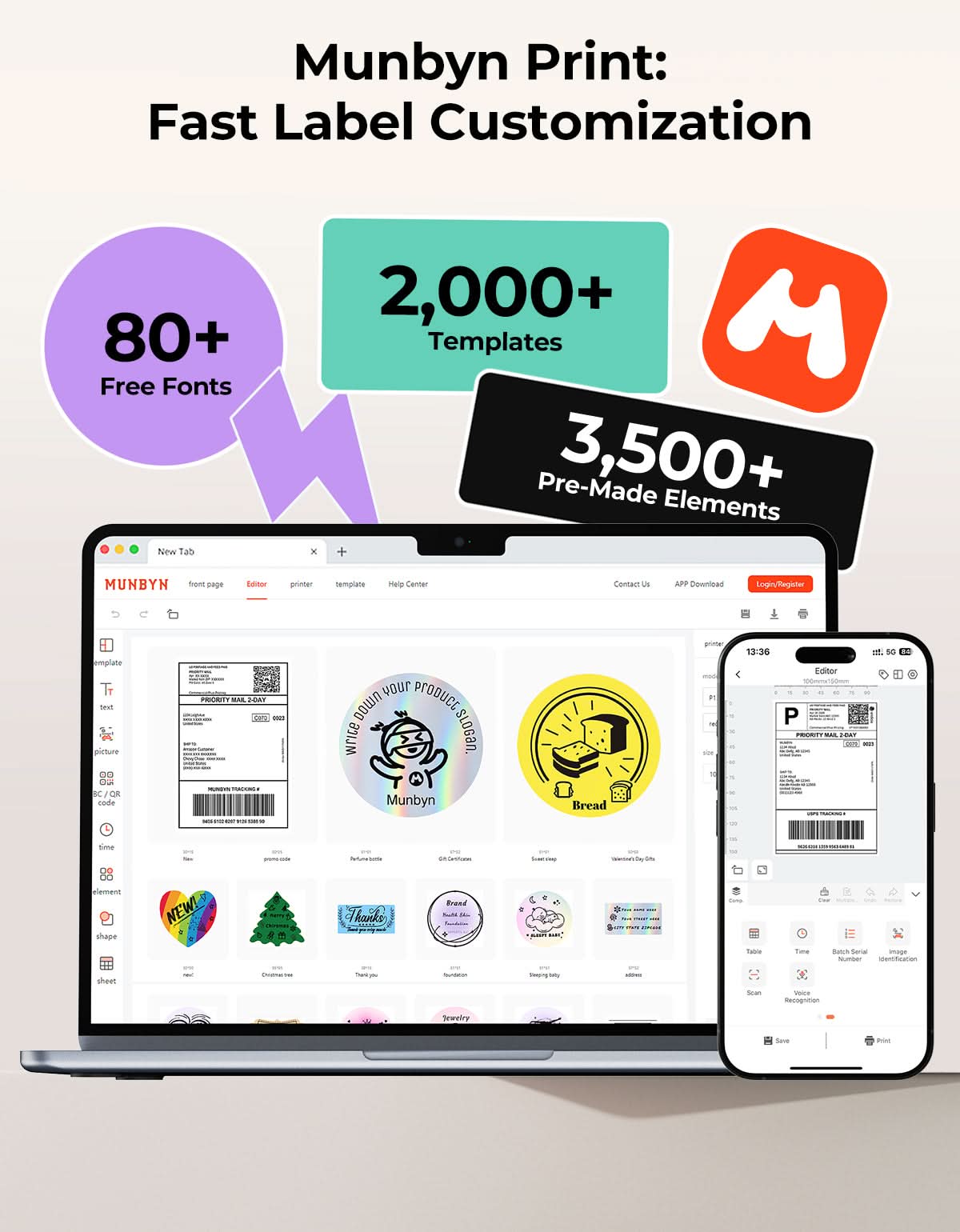
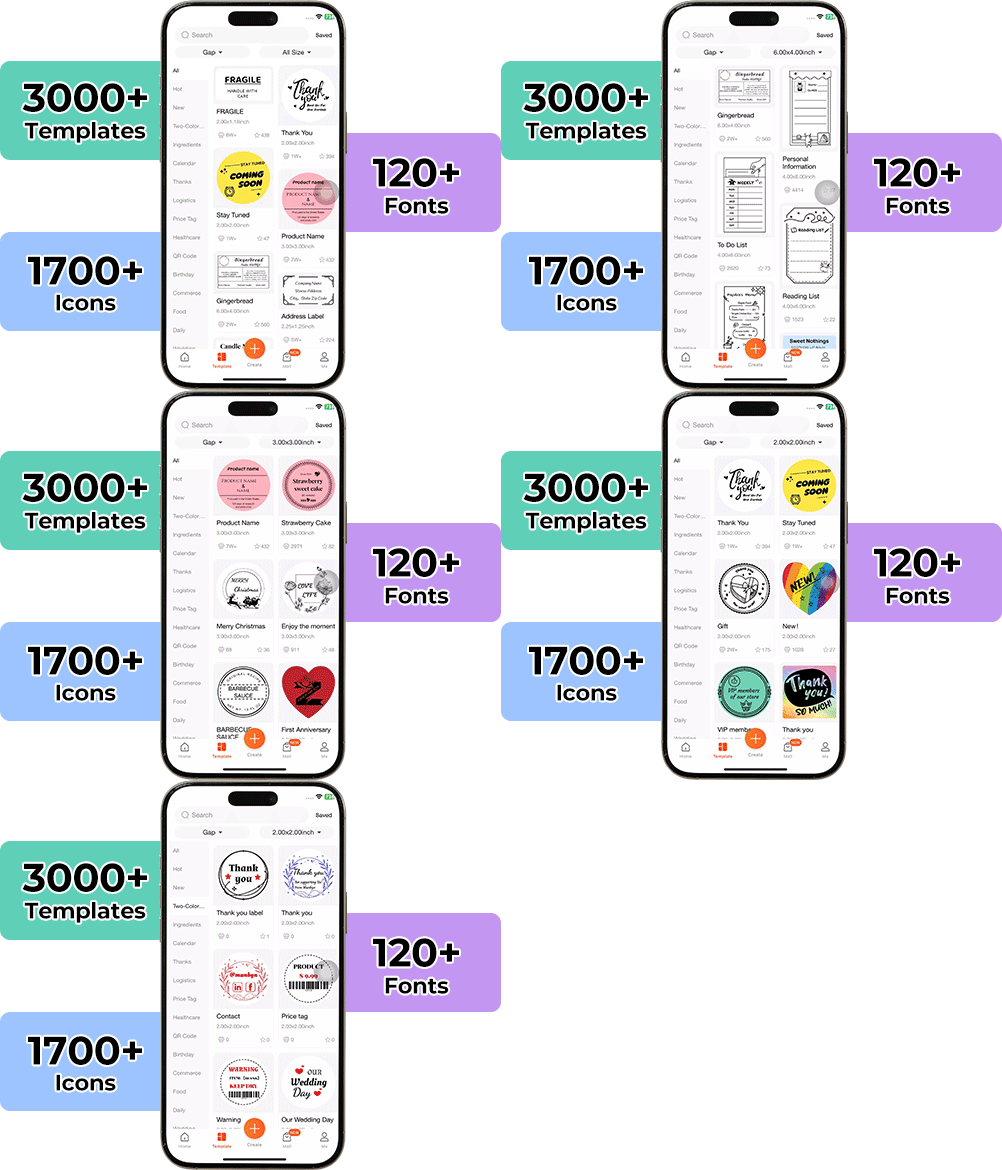
Designing custom packaging has never been this simple. Using the MUNBYN app and our versatile DIY Labels, you have a library of 3,000+ design assets and templates at your command.

Craft bespoke logos and promotional stickers that perfectly capture your brand’s personality—all while keeping your budget in check.


Google Play

Google Play

Download Now

 
Online Editor

Online Editor

Create Now

User Manual

User Manual

Download Now

Woman using a laptop with a barcode scanner on a desk

Women-Led Design for Labeling Anywhere

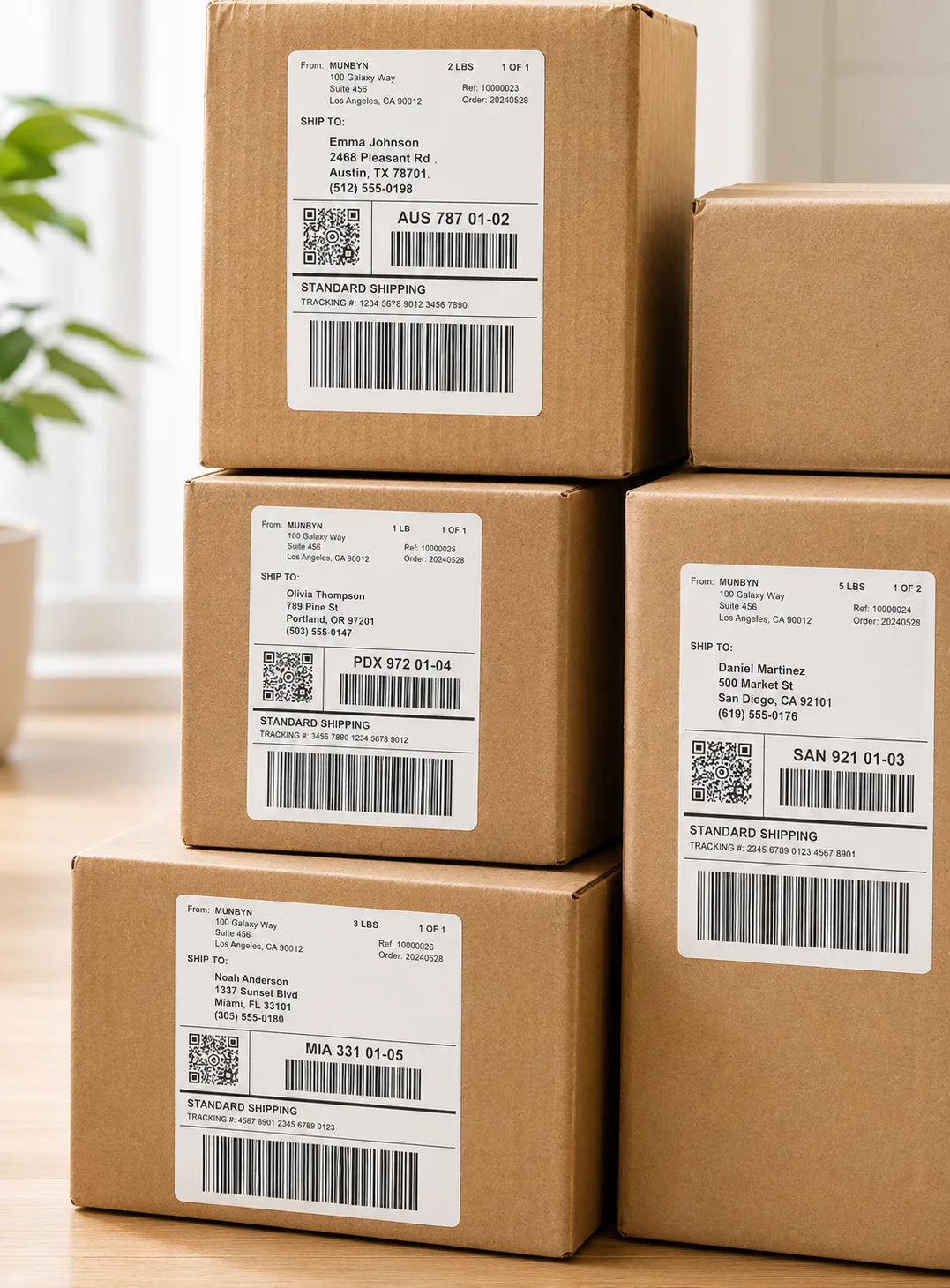
The MC240 reflects MUNBYN’s women-led approach to making business tools more flexible, practical, and easy to use. Built for mobile labeling, home offices,retail stores, and on-the-go sellers, this battery-powered wireless label printer helps you create clear shipping, barcode, and product labels wherever work happens.

Battery-Powered Freedom Beyond the Desk

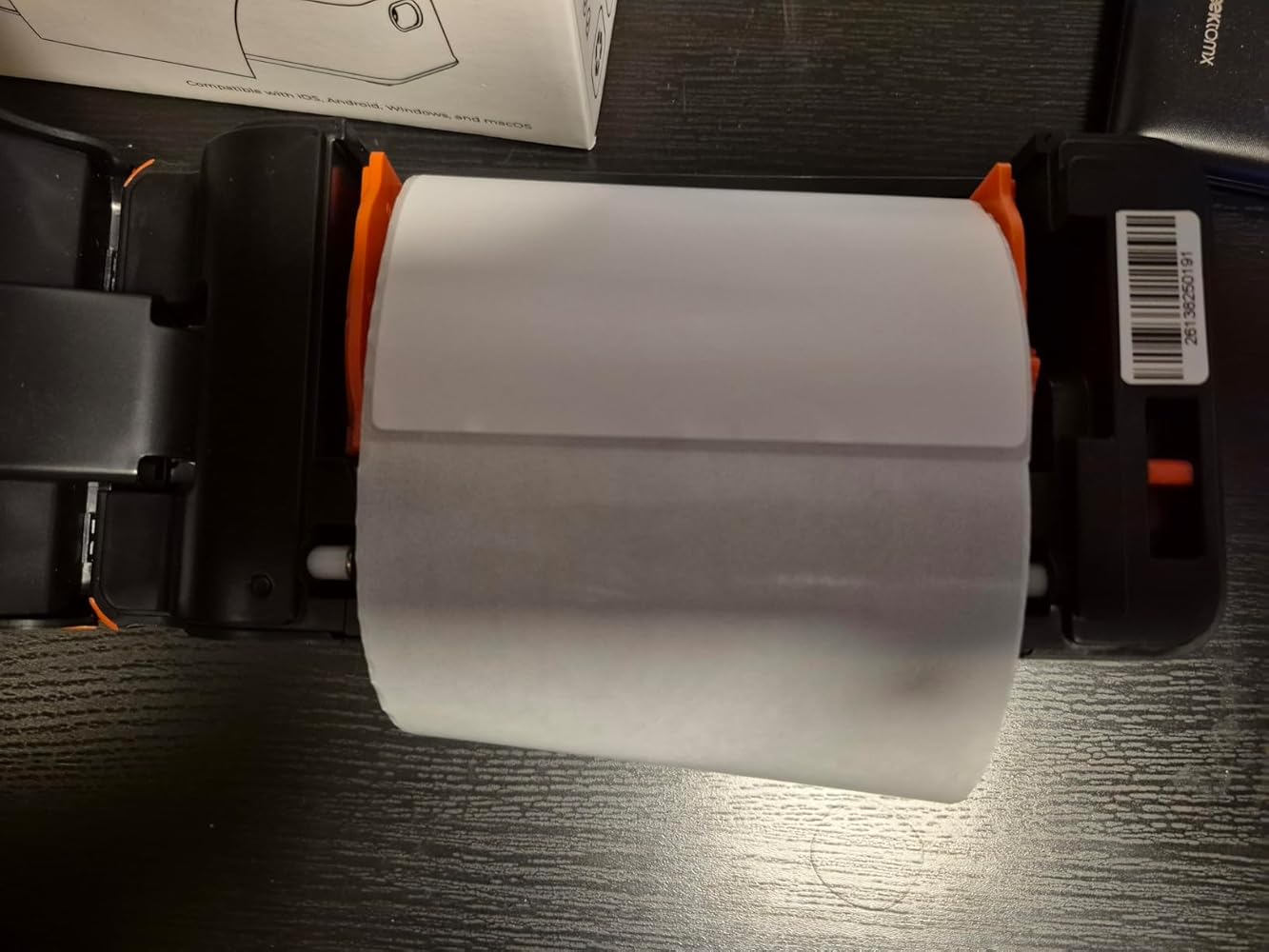
The MUNBYN MC240 combines a rechargeable battery, Bluetooth connectivity, and USB support, so you can print from the MUNBYN Print App on iOS and Android or connect to Windows, Mac, and Chromebook devices. Its compact body and built-in paper tray make mobile label printing cleaner, easier, and more portable.

Flexible Label Support for Mobile Workflows

Set of five colorful square icons in a horizontal row.

Internal Tray or External Feed, Ready When You Are

The MC240 battery powered portable printer supports direct thermal labels from 1.57" to 4.3" wide, with a built-in paper tray for compact label rolls and external feed support for larger labels. With fast 150 mm/s printing, it handles address labels, barcode labels, product stickers, and shipping labels without ink or toner.

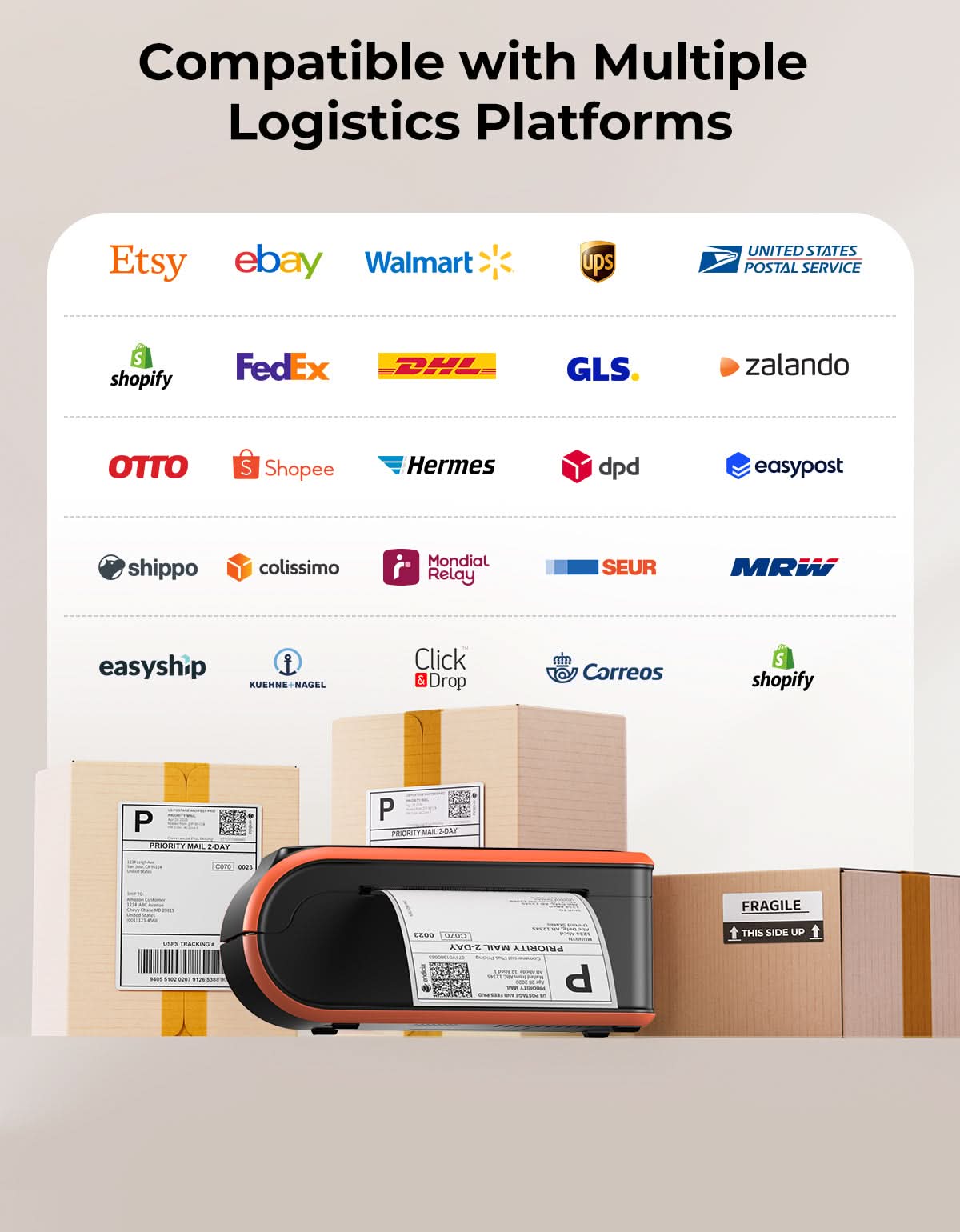
Your all-in-one tool for major marketplaces and carriers, including but not limited to

Etsy logo in orange on a white background
Amazon logo on a white background
Ebay logo in multicolor on a white background
Shopify logo on a white background
FedEx logo in purple and orange on a white background
UPS logo on a white background
Shipwire logo on a white background
Ninjavan logo with a red circle and black text on a white background
J&T Express logo in red on a white background
DHL logo in red on a white background
Easypost logo on a white background
Flash Express logo with a black lightning bolt on a white background
Poshmark logo on a white background
ShipStation logo on a white background
Easyship logo on a white background
ShippingEasy logo in green on a white background
XPSship.com logo on a white background

Designed to print more than 980,000* labels in shipping labels

How People Use MUNBYN

Print life and label quantity estimates are based on laboratory calculations (150 KM printhead life × 4×6" label length). Actual performance may vary due to print frequency, label material, operating environment, and maintenance conditions.

Shipping Label

Custom Labels

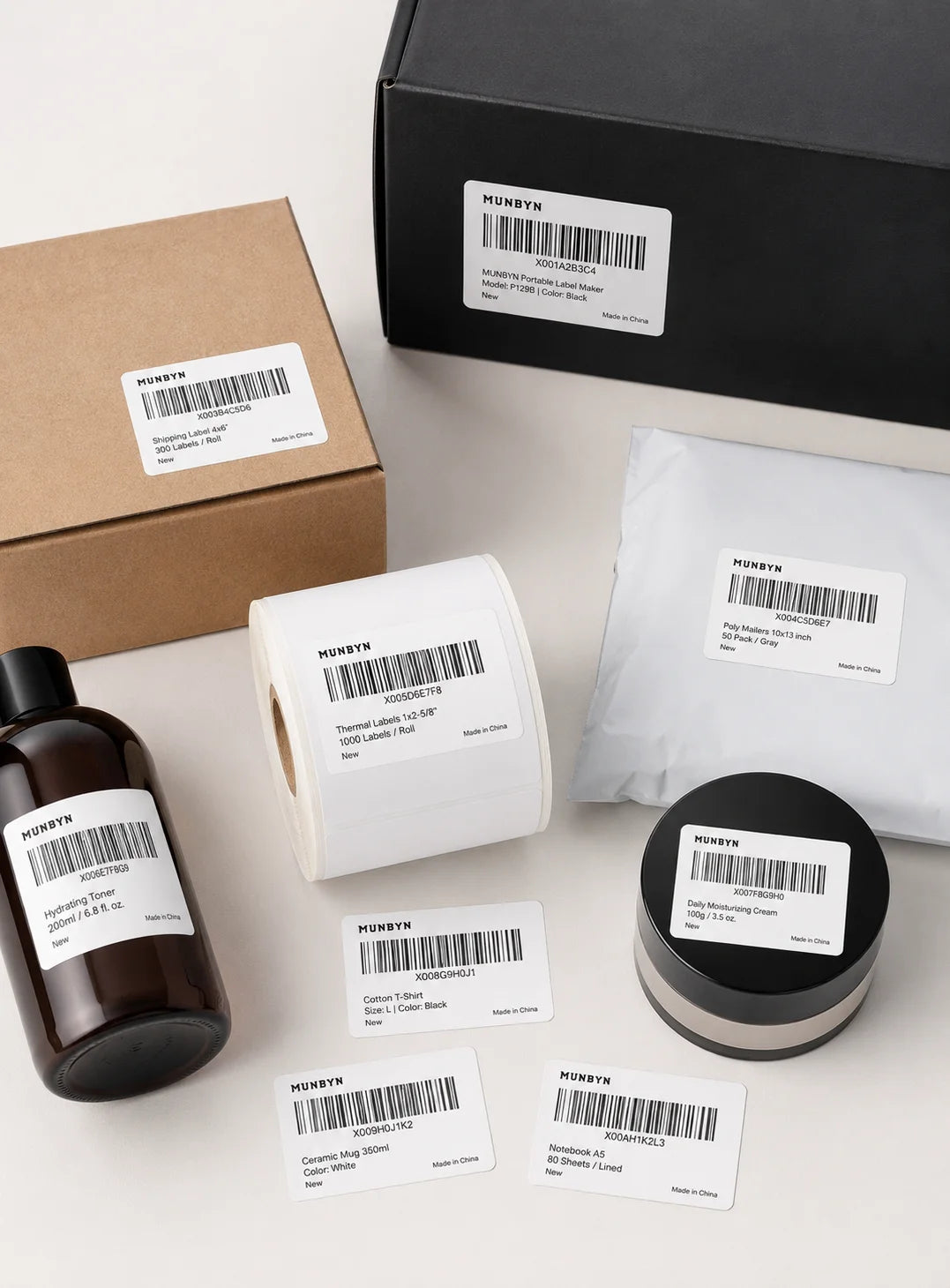
Barcode Labels

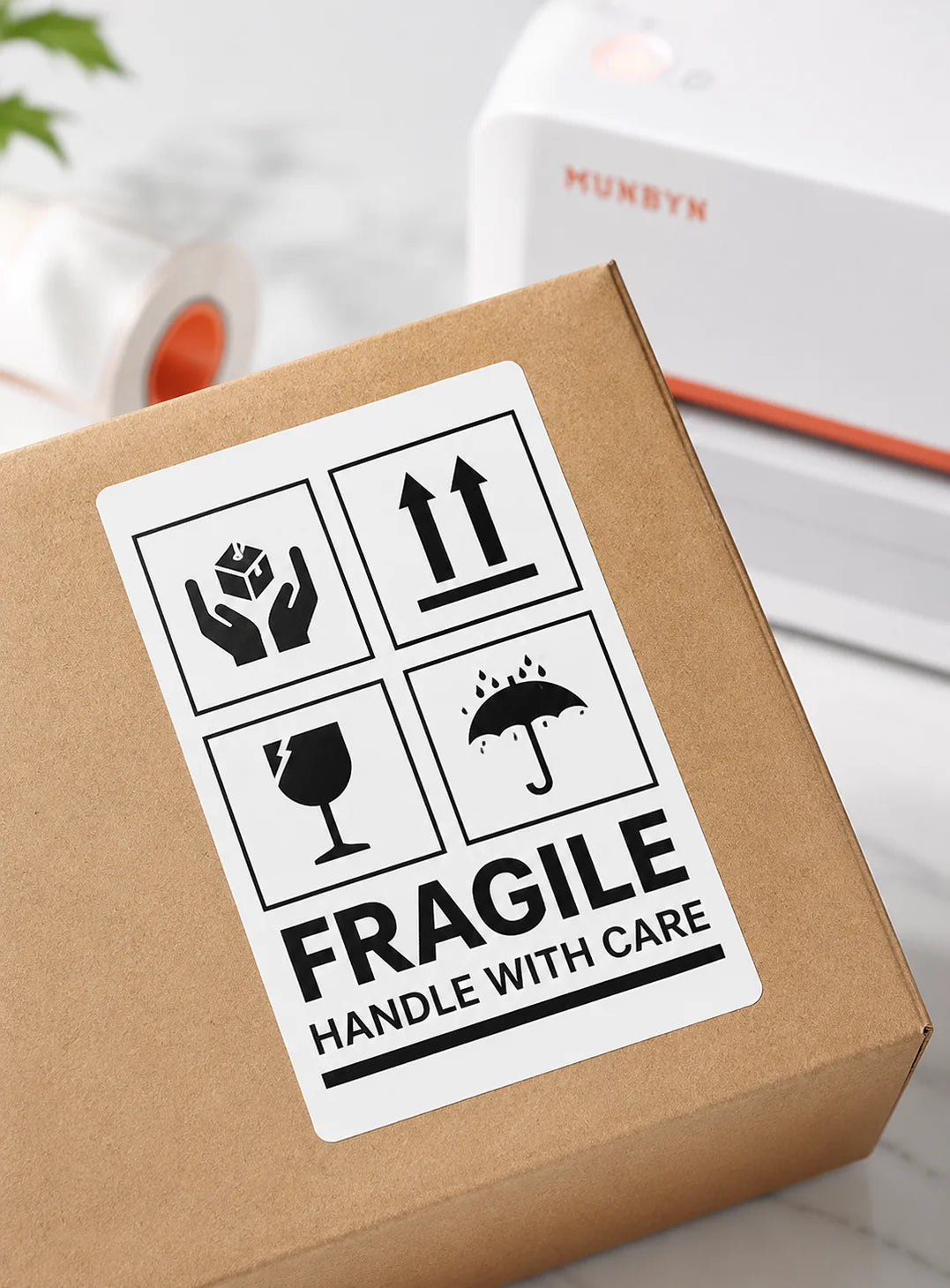
Fragile Labels

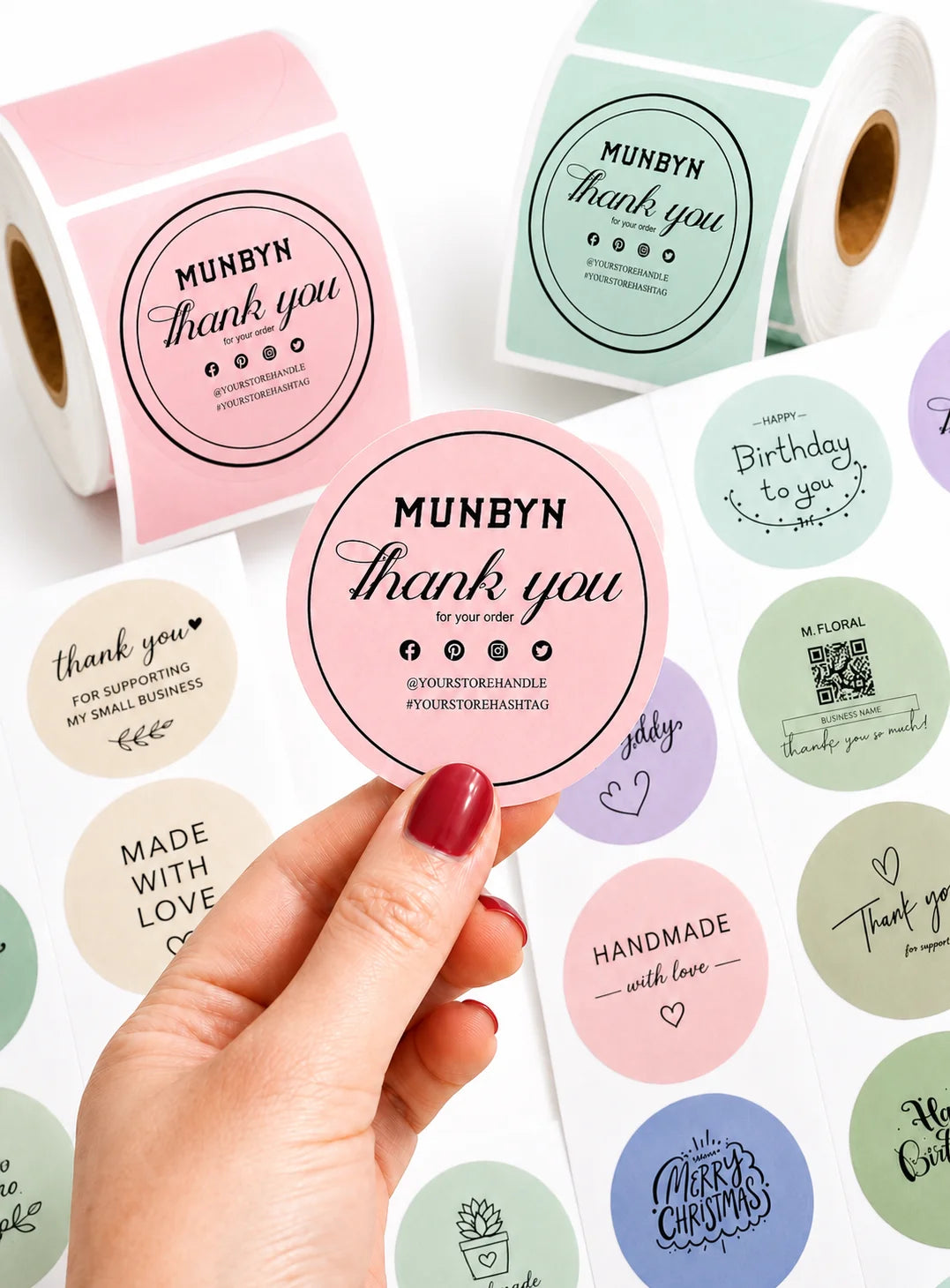
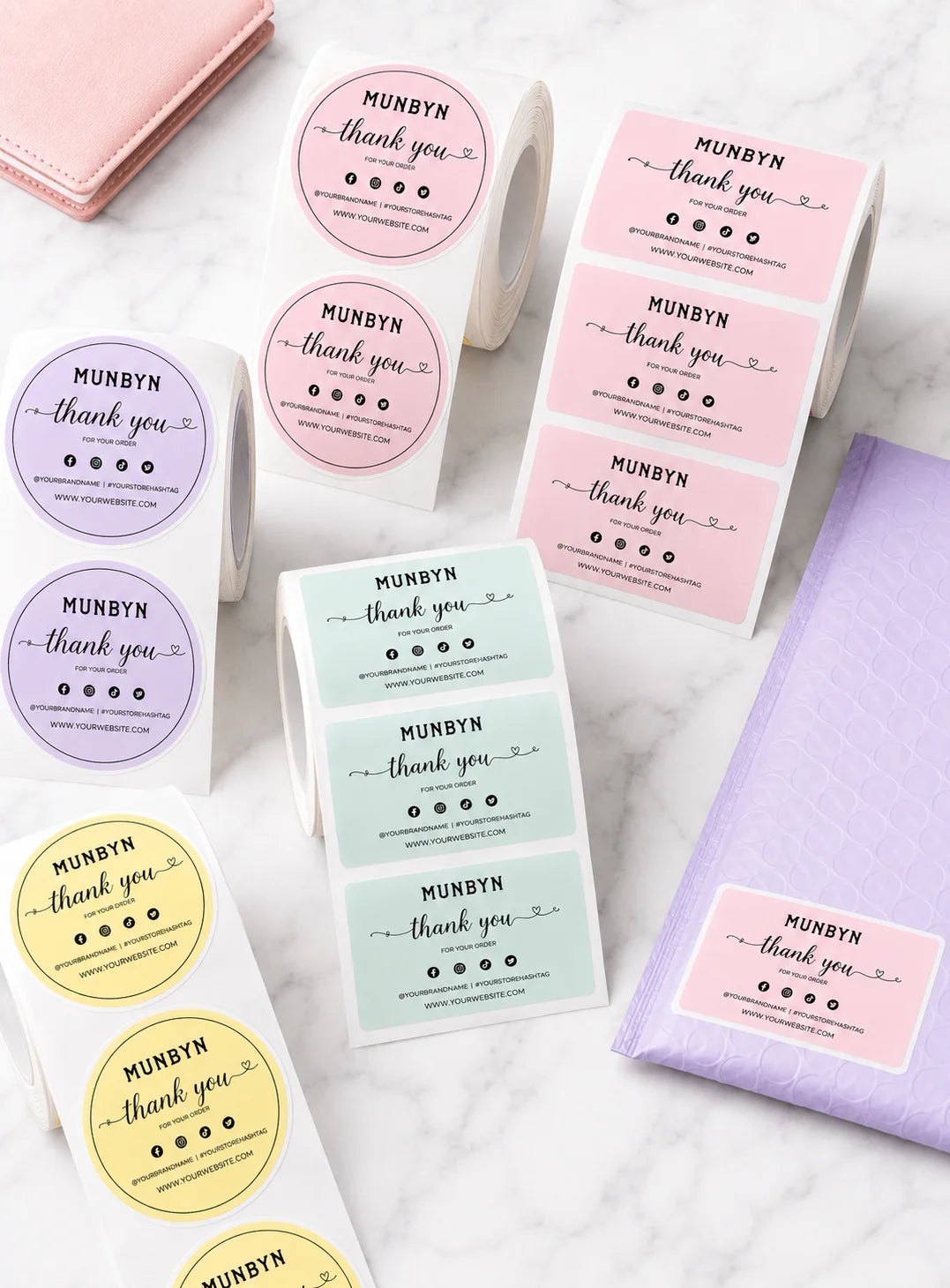
Branded Labels

Stickers for Daycare/School

Customers praised this battery-powered thermal label printer as a 'game-changer' for shipping and organization. It prints crisp, professional labels wirelessly via Bluetooth with no ink needed. The built-in battery and paper bin enable true portability. Setup is easy with a user-friendly app. Some noted it wastes a label when changing types and is slower for bulk printing.

  • 5 stars: 10 (71%)
  • 4 stars: 4 (29%)
  • 3 stars: 0 (0%)
  • 2 stars: 0 (0%)
  • 1 star: 0 (0%)
A
Amazon C.
MUnBYN Bluetooth Thermal Label Printer

This is a great thermal printer for shipping labels – easy to use, no ink needed, and works over Bluetooth.I’ve wanted a thermal printer for shipping labels for a long time, and this one did not disappoint. Before this, I was printing labels on regular paper and taping them to packages—this is a huge upgrade.Does it come with labels?Yes! It includes a roll of 50 4x6 thermal labels already installed, so you can start printing right away.Is it beginner-friendly?Absolutely. I was new to label printing and had one big question: can I print a shipping label from a standard 8.5x11 PDF? The answer is: not directly. If you print a full-page PDF, it will shrink the whole page to fit the 4x6 label, which isn’t ideal. But the Munbyn Print app (on Android) solves this easily. You can open the PDF, crop just the label, rotate if needed, and print directly via Bluetooth. It’s surprisingly simple. You can also design your own labels in the app.How’s the connectivity?I only use Bluetooth and it works great. I tried connecting it to my Windows 11 PC, but ran into driver issues—Windows didn’t recognize this specific Munbyn model. That said, I’ve always had trouble with printers on Windows, so your experience may vary. For me, the mobile app is so smooth I don’t need to print from my PC.Other highlights:- Built-in battery for full wireless use- Auto label alignment—no manual feeding- Adjustable holder supports different label sizes- Fast, ink-free thermal printing- USB-C chargingPros:- Includes 50 starter labels- Excellent mobile app with cropping and design tools- Reliable Bluetooth connection- Battery or wired power options- No ink or toner needed- Supports multiple label sizes- Quick setupCons:- Windows drivers for this specific model aren’t available via Windows Update (currently 3 three other Munbyn models are)Bottom line:If you want a hassle-free, mobile-friendly label printer that doesn’t require ink and works great over Bluetooth, this is a solid choice—especially for small businesses or home shipping.

J
Jacky
Very Impressive!

Super impressed with this printer. This is much more more expensive than other thermal printers but you get what you pay for.I primarily use this to create shipping labels and the labels this printer makes are on par with the ones you see on your Amazon shipping boxes. The lines are straight and most importantly barcodes are legible. Don't take this for granted - I tried a cheap no name printer and the labels that printer made were illegible.One of the best things about this is the app. It's a free app and you do not have to create an account to use it. It's also straightforward to use. Upload a PDF. Crop it if necessary. Hit print. What if you don't want to download an app on your phone? Use the browser based app. No need to install anything. No need to sign up for any thing. Wish more companies would do this.Small in size and fits nicely on a cramped desk or out of the way in a bookshelf.Only thing is I wish it included a way to hold labels. Mine is just hanging off the back in a big roll.

A
Andie D.
A little bulky, but easy to use and lots of design options!

The media could not be loaded.


As a fully type-A person, I’ve been dying for a label maker for a while now. This one isn’t quite as small and cute as some label printers I’ve seen, but it works well and is really fun to use. It comes with one roll of white, rectangular labels, so if you want something fancier, you have to buy that in addition (though there are plenty of options for various colored and differently shaped labels). You do have to download an app to design your labels—the app isn’t super fancy, and it’s sometimes a little awkward to use, especially on a phone, but it’s easy and intuitive, and there are a lot of different design options. You can choose different templates, change fonts, add graphics, etc., which makes it really easy to personalize your labels. The printer is also very easy to start up—you just have to download the app and connect to Bluetooth, which it did very quickly. A few things worth noting: As far as I can tell, the printer only prints in black and white. The label refills can add up, especially if you’re using colored or other specialized ones. Also, the printer isn’t cheap, so it’s probably worth thinking about exactly what you need/want (I’m not sure what features cheaper ones offer). That said, it’s easy to use and works well, and there are a lot of options to print all different sorts of labels, tags, lists, etc. I’m definitely enjoying using it!

T
The B.G.
A Compact Powerhouse for Labels, Crafts, and Organization

The MUNBYN Thermal Label Printer is one of those devices that quickly becomes indispensable once you start using it. For anyone who ships packages, sells items online, or simply enjoys keeping things neat and organized, this printer offers the perfect balance between functionality, convenience, and portability. What makes it stand out is not just how easily it prints professional-looking labels, but also how effortlessly it adapts to multiple uses, from business needs to creative hobbies.In a home office or small business setting, this printer is incredibly practical. Printing shipping labels directly from your PC or smartphone saves both time and money, especially if you frequently ship products through eBay, Etsy, or other online marketplaces. The crisp thermal printing technology ensures that every barcode and address is clear, making packages look polished and helping prevent scanning issues during shipping. During the holiday season, it becomes an invaluable tool for printing custom gift labels or return addresses, streamlining what’s usually a tedious process.Beyond logistics, the MUNBYN printer opens up a world of creative possibilities. With the included design templates, you can easily print decorative stickers, name tags, or aesthetic pattern labels to personalize gifts, jars, planners, or craft projects. I’ve used it to label spice jars in the kitchen, organize storage boxes, and even print small cartoon stickers for notebooks. The results are consistently neat and smudge-free. The variety of compatible label formats means you’re not limited to one type or size, so you can truly tailor it to your needs.Setting up the printer was simple. Whether connecting via USB to a computer or Bluetooth to a smartphone, the pairing process was fast and stable. Even those who aren’t particularly tech-savvy will find the installation process intuitive and frustration-free.One of the most impressive features is its portability. Once fully charged, the printer can be used wirelessly for close to an hour, making it ideal for mobile use. For instance, printing labels in your car, at craft fairs, or while visiting clients. The compact size means it doesn’t take up much space on a desk, and it’s light enough to carry in a work bag or tote. This flexibility makes it a true companion for anyone who values both productivity and creativity.The overall build quality feels durable yet minimalist, with a smooth finish that gives it a modern, professional look. It runs quietly, which is an added bonus for home office environments where noise can be distracting. The print speed is fast and consistent.Overall, the MUNBYN Thermal Label Printer is a compact yet powerful device that blends practicality with creativity. It’s more than just a label maker. It’s an all-in-one tool for organization, business efficiency, and personal expression. Once you start using it, you’ll find yourself wondering how you ever managed without it.

k
kenneth j.
Business Type: Bakery & Food
Great product

Great product exactly what I needed for my home baked goods

A
Asher N.
Cute printer

I only tested it out with a few labels but it seems to work well. I like that it's battery powered.

J
Jason
Leaning toward, I love it, but mixed thoughts

Mixed thoughts at moment. I dislike that it wastes a label everything a change labels (which is frequently) because it realigns. I also had problems with print being too lite but fixed that by increasing density a little. I really like that its portable, nothing else online competes with that feature. I also really like that it has the label bay built in because being portable with a battery but without labels in the self contained unit would have been a poor design, so im really happy you thought of that. It holds a lot of labels internally. Nice also that it still allows for external labels for larger volumes. The battery life is awesome. The bluetooth connection is very good amd reliable. The label app is very good as well, its one of the top reasons I selected this over other options. The unit is bigger than I expected but to be honest when I think about the built in battery and space for labels, its a good size. The multi color led for status is great, easy to understand, so in a glance I can see immediately what's wrong. Overall I really like this unit. Great price, great features. Only reason for not 5 stars is the wasted label because I frequently experience this frustration because I change label types so frequently.

My experience with ms windows print drivers hasn't been great so far because windows keep messing up orientation, but thats not your fault, thats windows.

C
Chris P.
reliable, portable workhorse

This MUNBYN Bluetooth thermal label printer has been a total game-changer for my small Etsy shop, printing crisp 4x6 shipping labels wirelessly from my iPhone without any cables getting in the way. The built-in paper bin keeps rolls secure and mess-free, so I can crank out dozens of labels for orders in minutes, and the battery lasts through a full day's shipping without needing a recharge. Setup was a breeze—just Bluetooth pair it to my Android phone and connect via the app for Amazon, Etsy, and USPS labels, with no driver hassles on my Mac for backups. It handles high-volume runs smoothly at 150mm/s speed, and the auto-feed feature grabs the next label perfectly every time. The compact design fits right on my desk, and it's quiet enough not to wake the house during evening batches. Only downside is the app could use more template options for custom Etsy branding. Overall, it's a reliable, portable workhorse that streamlines my shipping and saves me tons of time!

T
TC R.
very easy to use

This MUNBYN Bluettooth Thermal Label Printer is very impressive! I did not have a problem downloading the app. You do not even have to sign up which is a total plus plus. If you do not want to use your bobile phone, you can just do it on your PC. It is very easy to use. If you have a small online business, or ship quite a bit, this is indeed very helpful and will make it a lot easier for you to ship with labels. Eassy to use, fast printing after you hit print. The print quality is also very nice. The print is very legible and the bar codes are all straight. This is very important when mailing. Compatible with just anything you need to print a shipping label. It may be priced somewhat higher than others on the market, but you get your money's worth and it is for em a truly good value. I am not sure how I survived for a very long time without a shipping label printer. I thought they were hard to use until I discovered the great functionality of this. I am very happy, very very pleased and it did make my life a lot easier... I fully recommend this product for its ease of use and functionality.

F
Fred
Reliable and truly portable thermal label printing with internal roll and external feed slot.

I have never had a problem with any printers or labels purchased from MUNBYN. They have been robust, dependable and have more than met my needs. After buying three thermal printers from other manufacturers, I was impressed with a 941 model that has been my primary, go-to printer for a while now. I use the others for different label sizes so I can rapidly use a different sizes on the fly without having to load different rolls all the time.It was almost a no-brainier to select this one because of the built-in paper bin and battery, plus the good track record for me with MUNBYN products. It is also convenient to have an internal roll self-contained in side the printer and be able to feed a different label externally when needed.I had previously sourced an 8.5" x 11" capacity battery-powered portable thermal printer for off-site use from in the car, but that one is not really suitable for label printing. I print on full-sized sheets of thermal paper, cut labels down to size with scissors and then attach with clear heavy-duty shipping tape. It is adequate, but s-l-o-w and tedious, takes far more time than creating a label using MUNBYN Print app on tablet or phone and sending it to a printer.This MC240 printer performs exactly like my other label printers but works from my car. The print speed, density, depth of black color, etc., are just like printing in the office. The MUNBYN 941 which prints at 300DPI is my best printer, but the MC240 portable works better than my other non-MUNBYN thermal label printers -- and if needed I can print labels from the most remote places on demand!I am not running a commercial shipping business and therefore do not need industrial-quality printers that cost thousands of dollars. But I need to create many different size labels and printers that cost $100-$200 are adequate and, thus far, MUNBYN have proven to be high-quality and quite reliable performers. Having that trusted brand in a truly portable form factor that only costs $129 (!) allows me to more easily "take my show on the road"!

C
CB
Great for Wireless Label Printing

The media could not be loaded.


This Bluetooth label printer makes printing so easy and convenient. I love that I can print labels wirelessly right from my phone using the app, no cords or setup hassles. It connects quickly and prints clearly every time.The battery feature is a plus since I can use it anywhere without plugging in, and the labels come out crisp and professional. It’s perfect for shipping packages, organizing, or running a small business on the go.

L
LoganFam
Smart, Portable, and Ink Free Label Printer Keeps Shipping Simple

This MUNBYN Bluetooth label printer is designed for convenience. It connects easily through Bluetooth or USB, works with nearly every platform, and doesn’t need ink or toner. The built in paper bin keeps labels neat, and the rechargeable battery makes it great for mobile or small business use. Prints come out sharp and professional every time perfect for handling daily shipping tasks smoothly and efficiently.

H
Historically C.
Good thermal lable printer

I’ve been using this label printer for a few weeks now, and it’s definitely growing on me. Setup was pretty straightforward—connecting via Bluetooth with the app on my phone was much easier than I expected. I was able to print from both my phone and laptop without much fuss.The built-in battery is super handy. I’ve taken it out to a market booth, and it held up all day printing labels on the go. The internal label holder keeps everything tidy, which is a nice touch—no loose rolls rolling around the desk.Print quality is crisp enough for shipping labels and barcodes, and I love that I don’t need to worry about ink or toner. Just load the labels and go. I’ve used it with Etsy and Shopify without any issues.If you do a lot of small-business shipping or work events, this is a solid portable option. It's not perfect—some trial and error with sizing PDFs—but once it's dialed in, it really helps streamline things.

C
CECfromDBD
Works well

It took no time at all to hook this printer up to my phone. I downloaded the app on my iphone. It took longer to get a file from my computer to the iPhone to print than it did to set up the printer itself. I have a lot more to learn to get this to work efficiently but it will work great! I have a different MUNBYN printer that is directly connected to my computer and works with Word so it is a whole different process. The only downfall to this printer is that it is much slower than my other label printer and when I am printing 50 to 100 of the same label it will be too slow to deal with. But if you are doing labels one or two at a time like postage labels and you need it to be wireless or mobile, it won’t take long to figure it all out. The quality of the print is very nice on MUNBYN labels.

FAQs

Please read our FAQs page to find out more.

What is the MUNBYN MC240 designed for?

The MUNBYN MC240 is a battery-powered label printer for shipping labels, barcodes, address labels, product labels, and mobile labeling tasks. Its rechargeable battery and compact body are designed for work away from a fixed desk, while the built-in label bin keeps smaller labels organized.

How does the MUNBYN MC240 connect to phones and computers?

For mobile printing, the MC240 battery-powered printer connects wirelessly through the MUNBYN Print app on iOS and Android. Windows, Mac, and Chromebook users can print through a USB connection.

Which selling and shipping platforms work with the MC240 portable printer?

The MC240 battery-powered thermal printer can print shipping labels generated by Amazon, eBay, Shopify, Etsy, Poshmark, PayPal, USPS, UPS, DHL, and other services.

Can the MC240 portable printer print 4 x 6 shipping labels?

Yes. The MC240 battery-operated label printer supports label widths from 1.57 to 4.3 inches, or 40 to 108 mm, and can print standard 4 x 6 shipping labels through the external feed. Its built-in bin fits labels up to about 52 mm wide, including common 50 x 50 mm and 50 x 30 mm formats.

Does the MC240 battery label printer need ink or toner?

No. The MC240 battery-powered thermal printer uses direct thermal technology and prints on compatible heat-sensitive labels without ink, toner, or ribbon cartridges.

What print quality and speed does the MC240 offer?

The MC240 portable label printer has a 203 DPI print resolution and a listed printing speed of up to 150 mm/s. It is designed to produce clear shipping text, address information, barcodes, and product labels.

Can the MC240 print while it is away from a power outlet?

Yes. The MC240 portable printer has a rechargeable battery that supports portable printing without being connected to a wall outlet. Battery runtime depends on print volume, label size, print density, wireless use, and standby time.

What should I do if an MC240 label is cropped or misaligned?

Confirm that the document size matches the loaded label, select the correct orientation, and avoid automatic scaling that changes the dimensions. Check whether the media belongs in the built-in bin or external feed, load it straight, and recalibrate after changing sizes. A two-year warranty and technical support are included.

Didn’t find your answer?

Don't hestitate to contact us

Free shipping and returns