Scroll to top

Print Anything, Anywhere

Your ideas, your space — print wherever inspiration strikes.

Ink-Free, Worry-Free

Zero ink. Time, money, and planet-saving.

Fast to Print, Easy to Keep Going

High speed:150 mm/s = one 4×6 label per second.

MUNBYN RealWriter 941BP thermal label printer kit with five printers, compact design, and multiple connectivity options.
MUNBYN RW941BP 300DPI Bluetooth Thermal Label Printer Kit for Product Labels
$177.99

Product details

Download our app

High-End Labels in Minutes
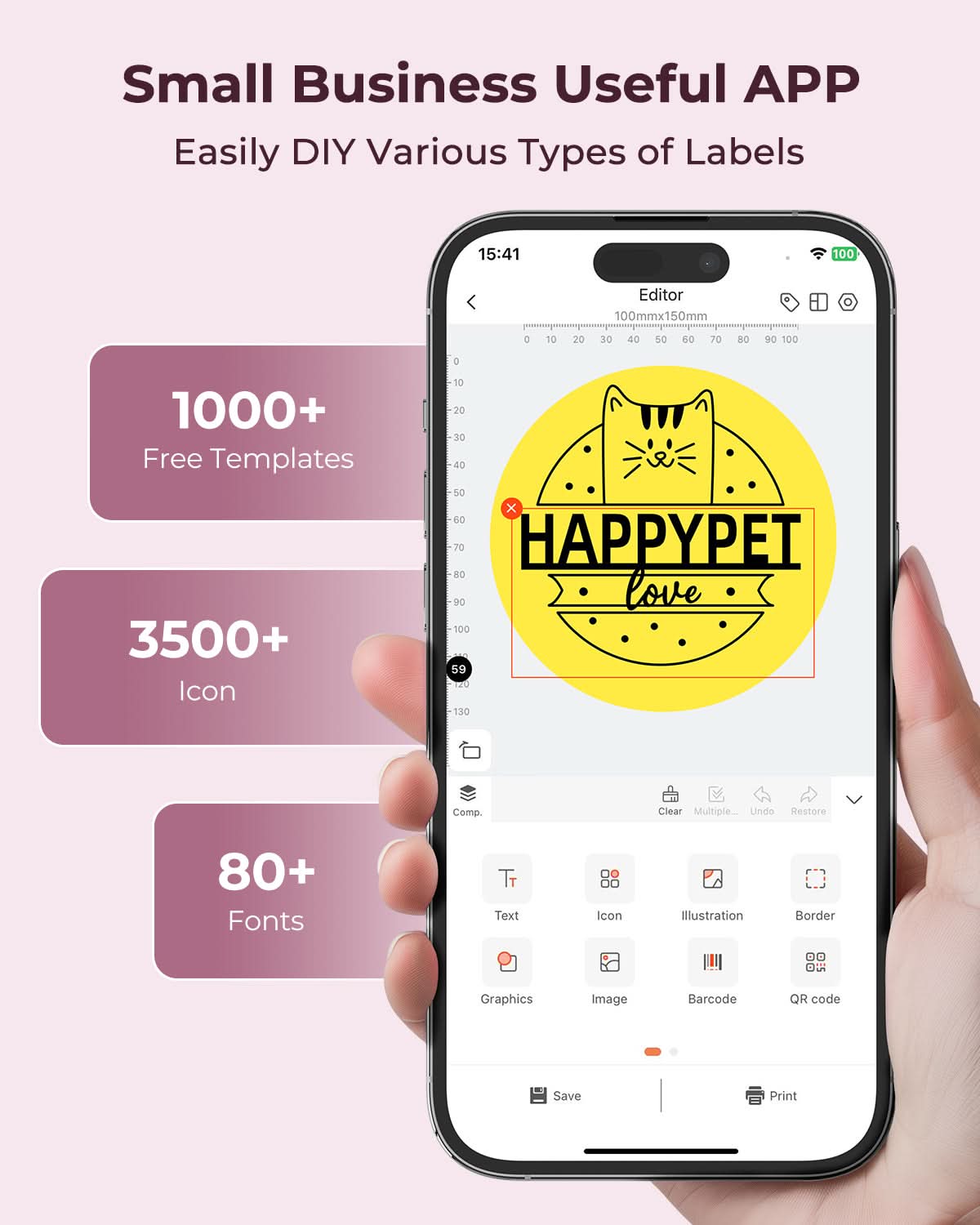
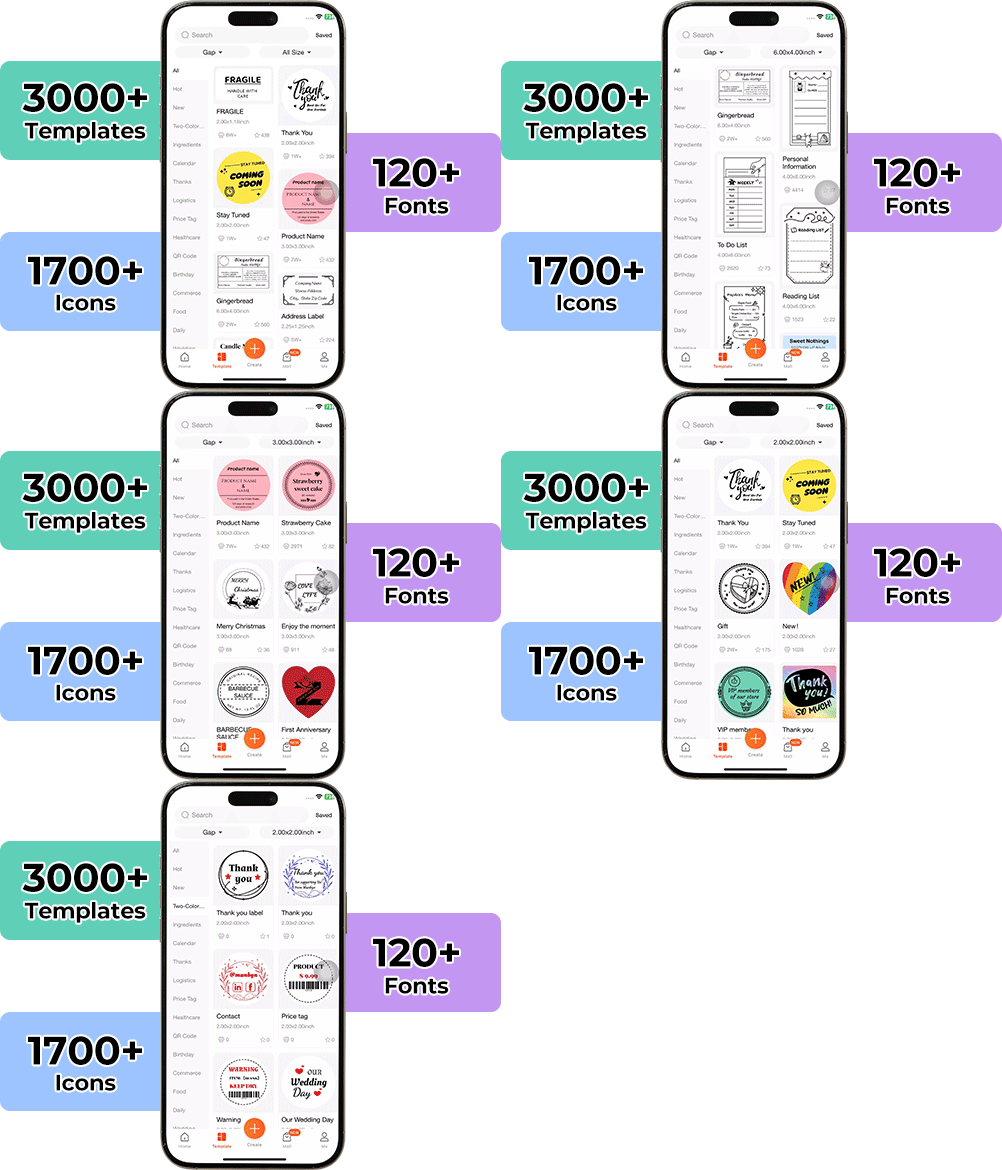
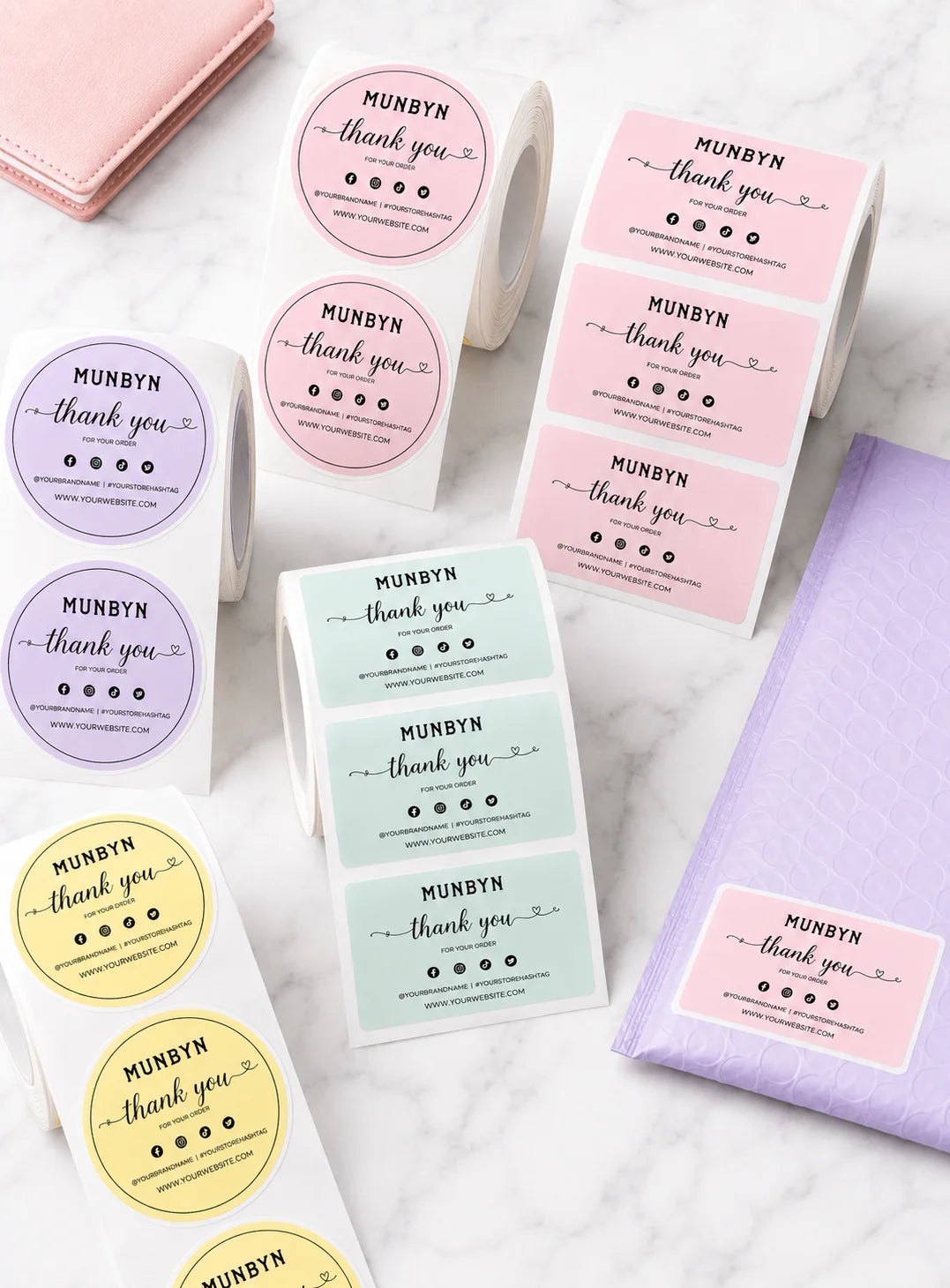
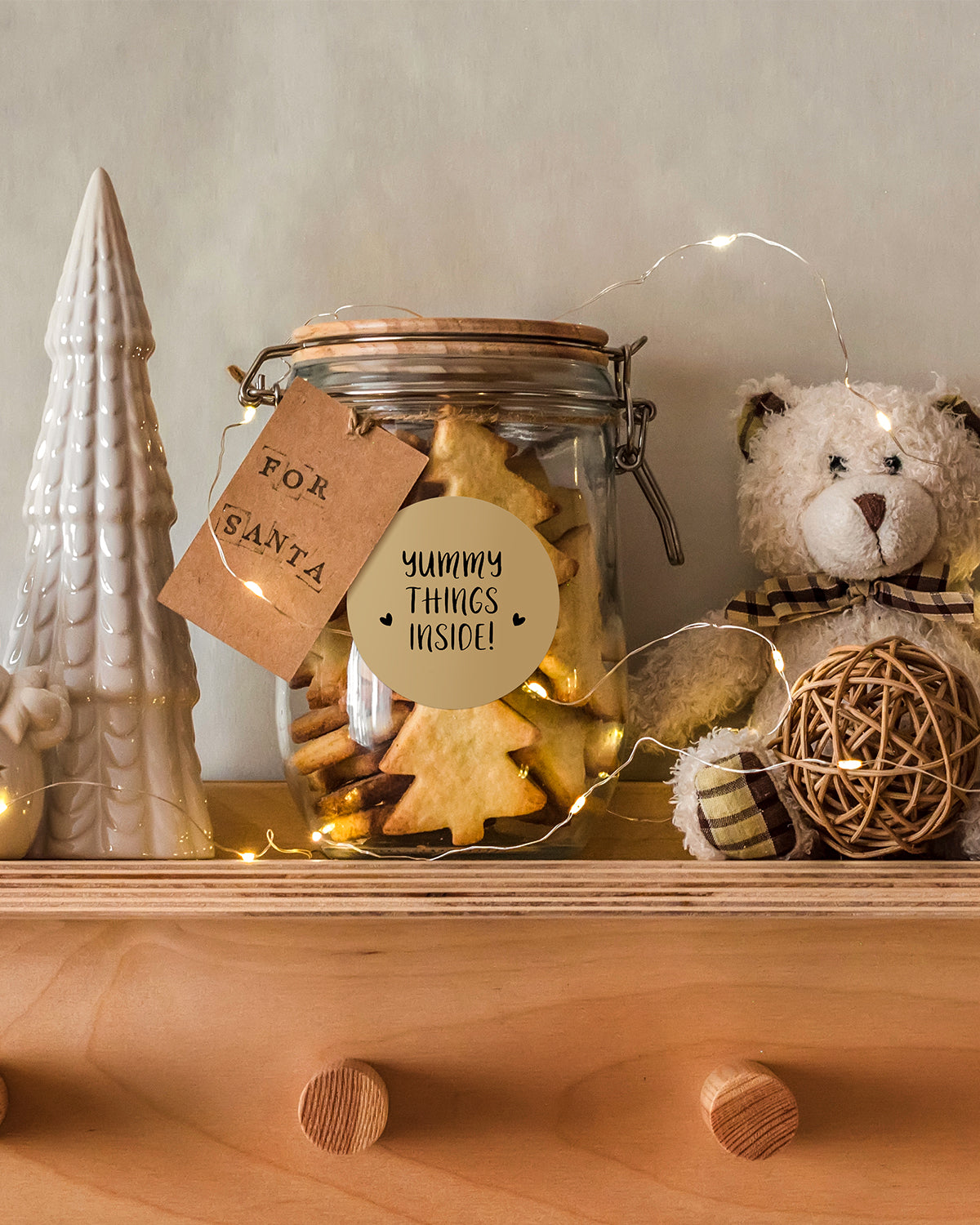
Designing custom packaging has never been this simple. Using the MUNBYN app and our versatile DIY Labels, you have a library of 3,000+ design assets and templates at your command.

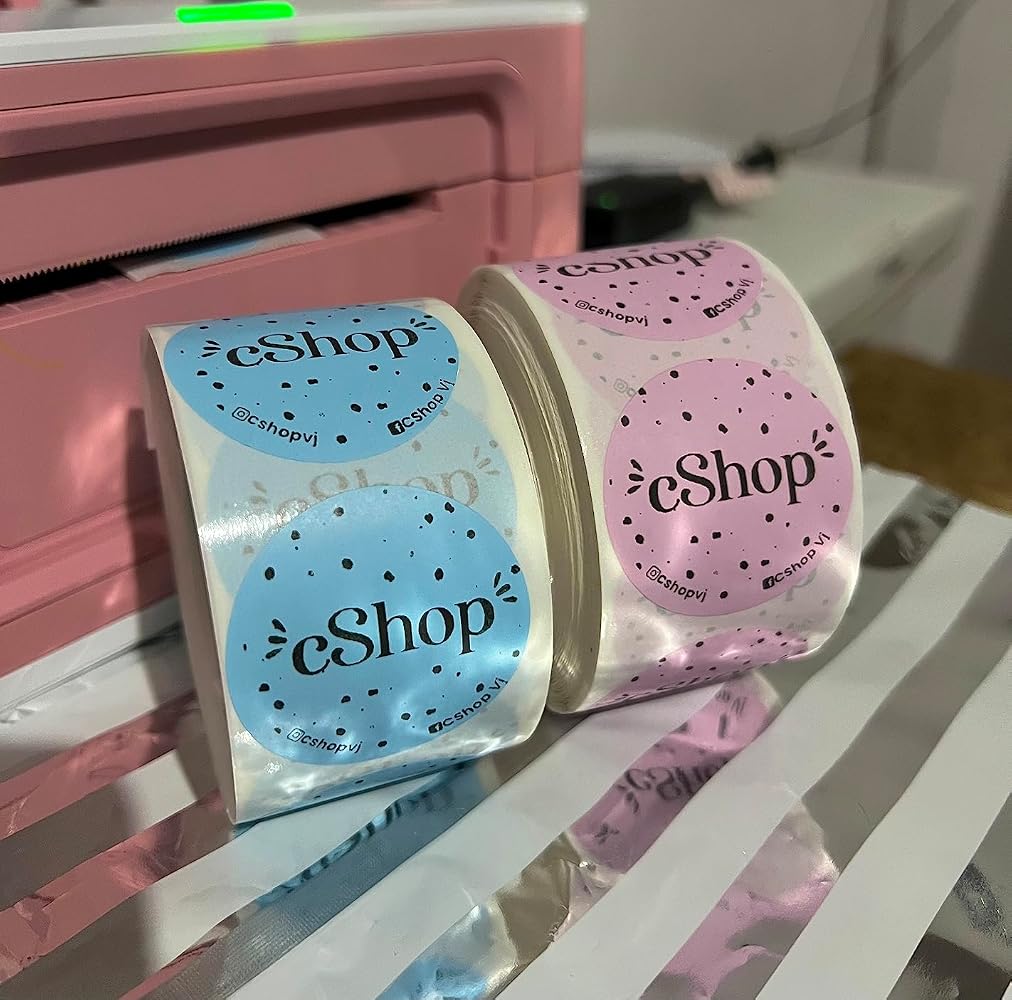
Craft bespoke logos and promotional stickers that perfectly capture your brand’s personality—all while keeping your budget in check.


Google Play

Google Play

Download Now

 
Online Editor

Online Editor

Create Now

 
User Manual

User Manual

Download Now

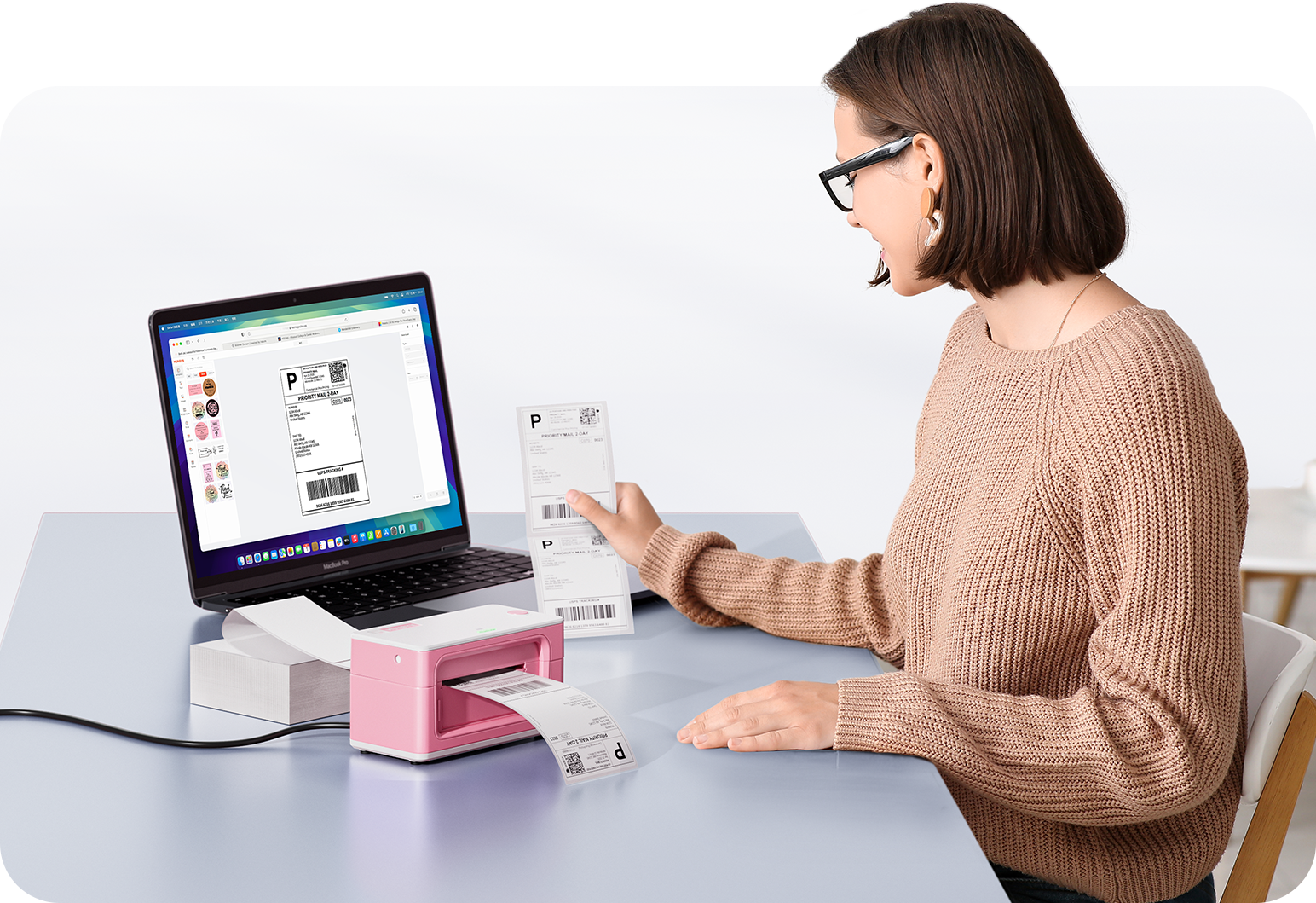
Woman using a laptop with a barcode scanner on a desk

Proudly Women-Operated

80% of our leadership team are women, bringing empathy and innovation into every design and decision. Because when women lead, technology becomes more human — and creation becomes more meaningful.

Wireless Freedom

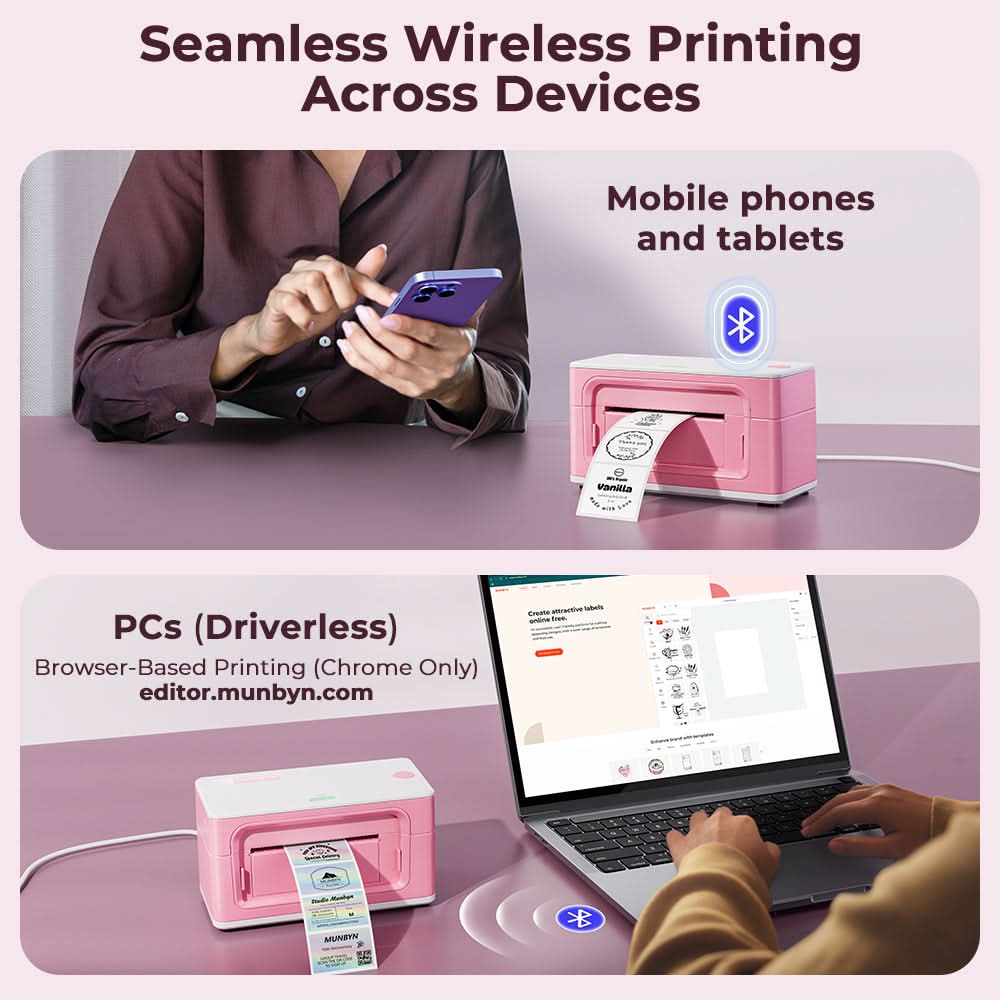
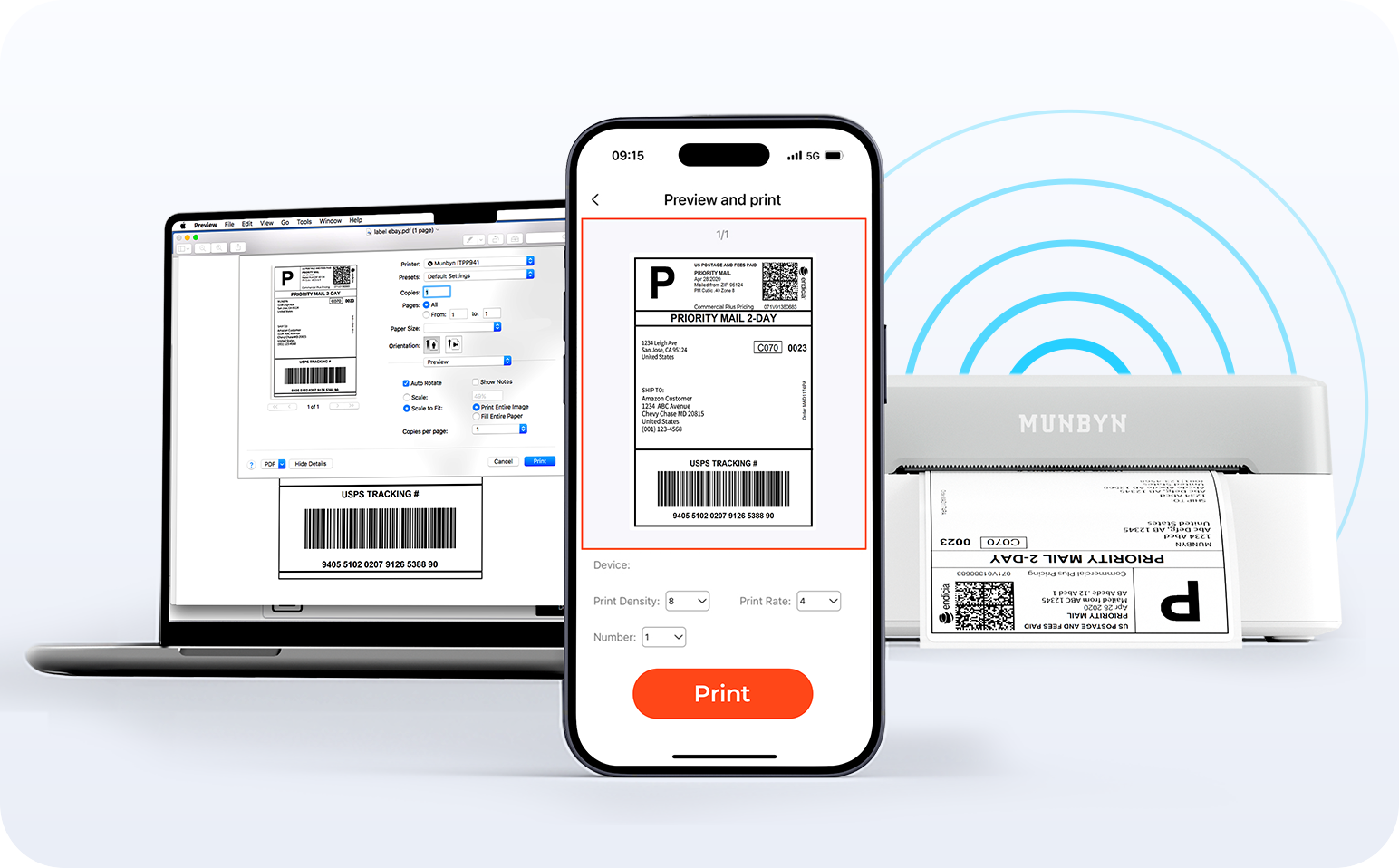
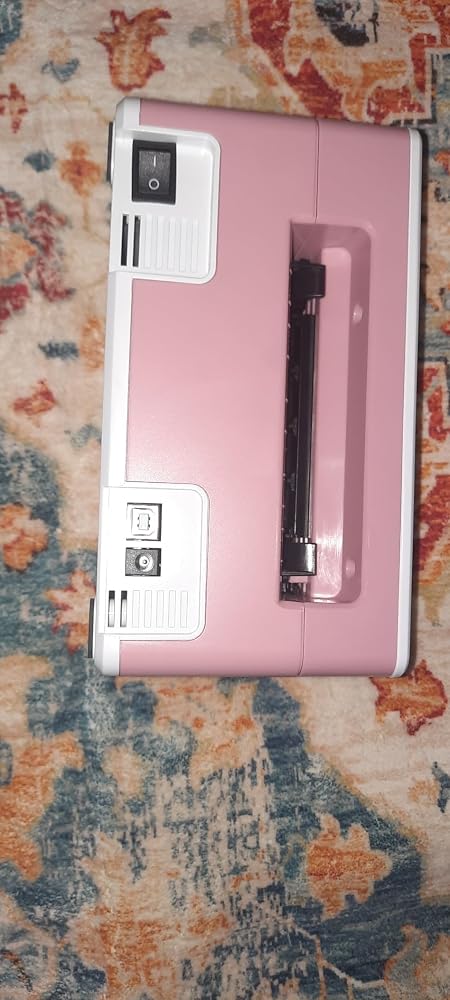
Say goodbye to tangled cables and hello to effortless printing. Enjoy instant Bluetooth connectivity wherever you work, or plug in via USB when you need it.Seamlessly compatible with Windows, Mac, iPhone, iPad, and Android—your whole workspace connected, your printing made simple.

Load video:

Smart label detection

Set of five colorful square icons in a horizontal row.

Label Freedom. Effortless printing starts here.

Supports ANY direct thermal label

4x6" 3x2" 3x1" 2x1" 4" 2"

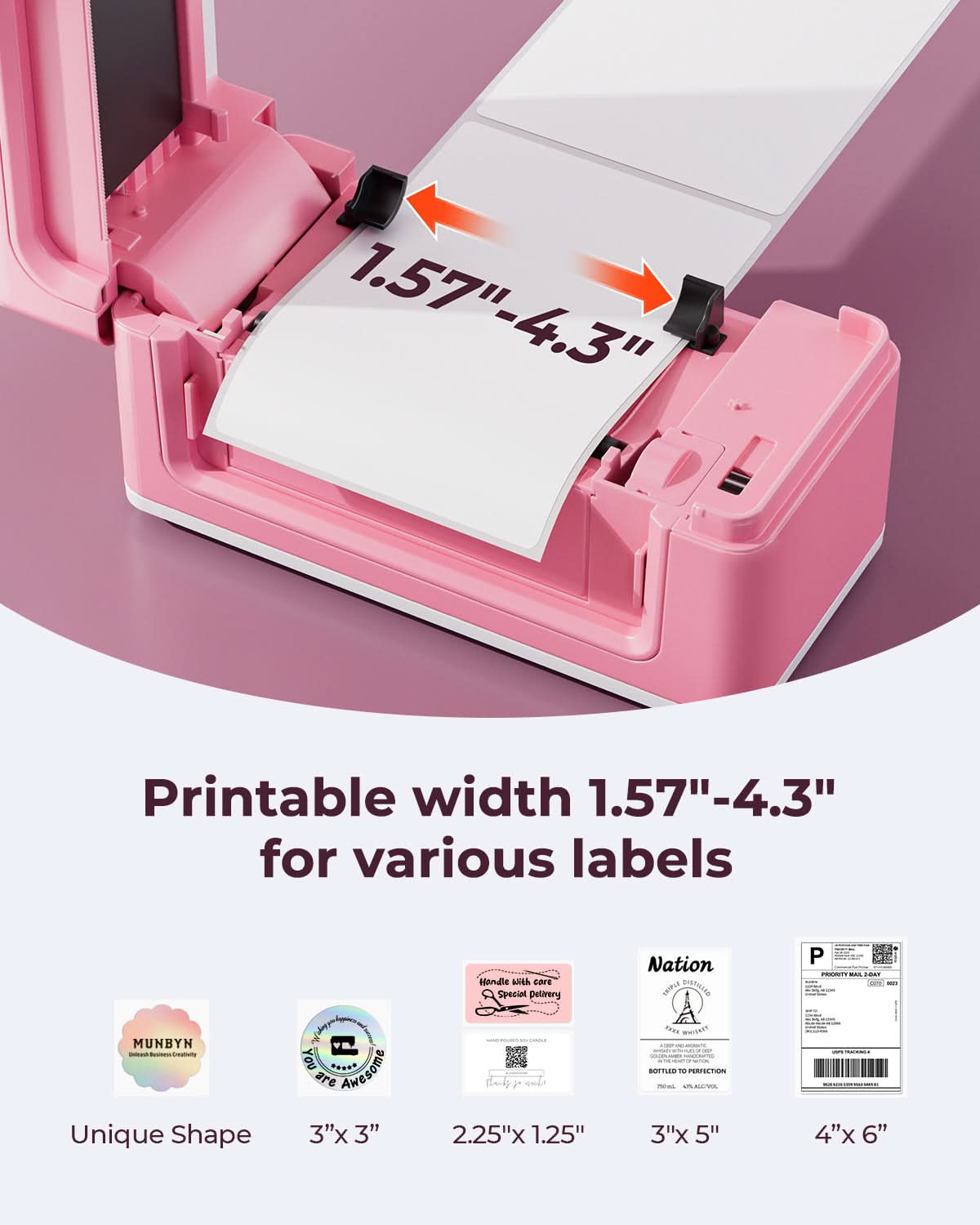
Your MUNBYN printer automatically recognizes and adjusts to different label sizes—no manual setup needed.
From 4×6 shipping labels to 2×2 logo stickers and a wide range from 1.57" to 4.3" wide, switching between tasks takes only seconds.

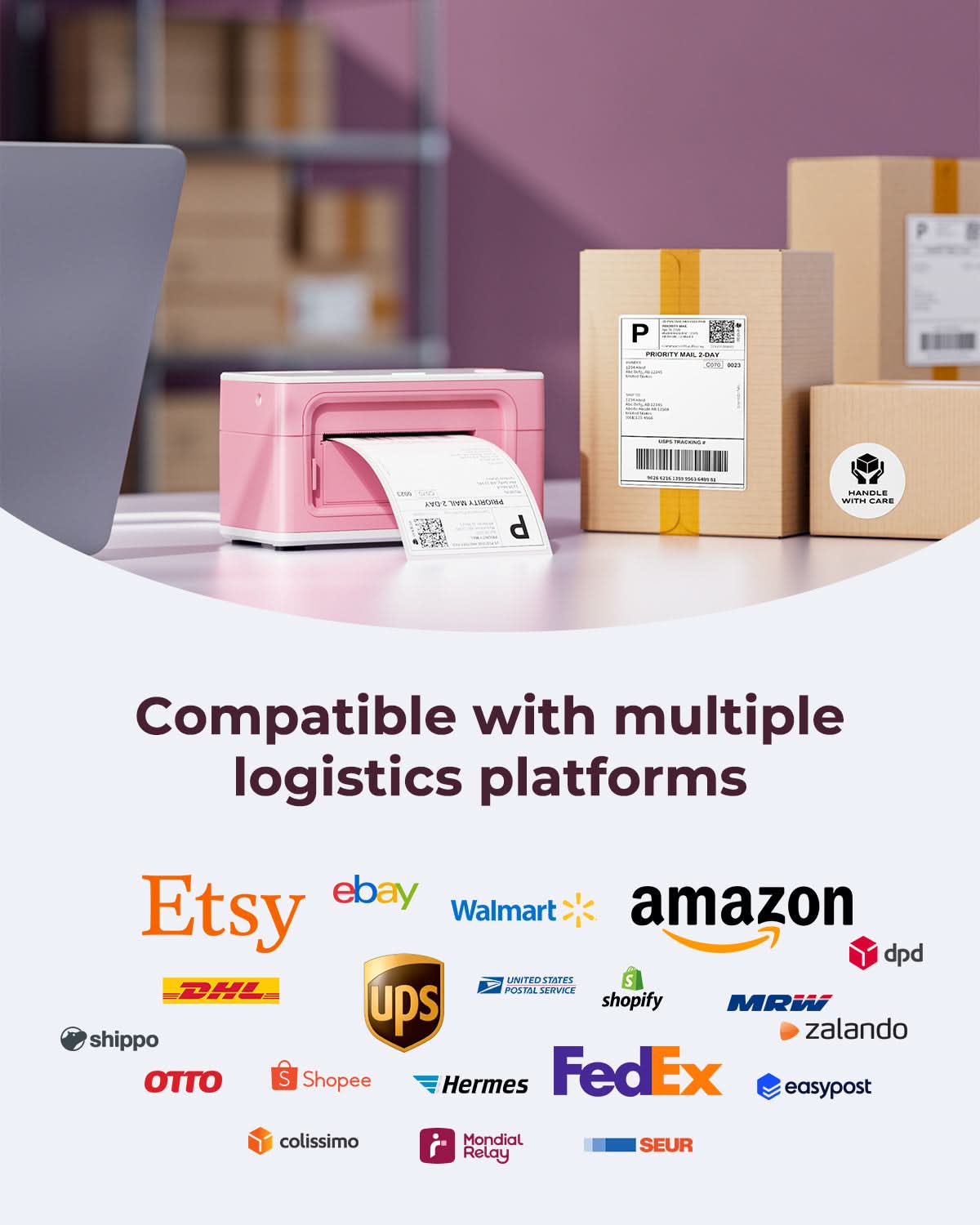
Your all-in-one tool for major marketplaces and carriers, including but not limited to

Etsy logo in orange on a white background
Amazon logo on a white background
Ebay logo in multicolor on a white background
Shopify logo on a white background
FedEx logo in purple and orange on a white background
UPS logo on a white background
Shipwire logo on a white background
Ninjavan logo with a red circle and black text on a white background
J&T Express logo in red on a white background
DHL logo in red on a white background
Easypost logo on a white background
Flash Express logo with a black lightning bolt on a white background
Poshmark logo on a white background
ShipStation logo on a white background
Easyship logo on a white background
ShippingEasy logo in green on a white background
XPSship.com logo on a white background

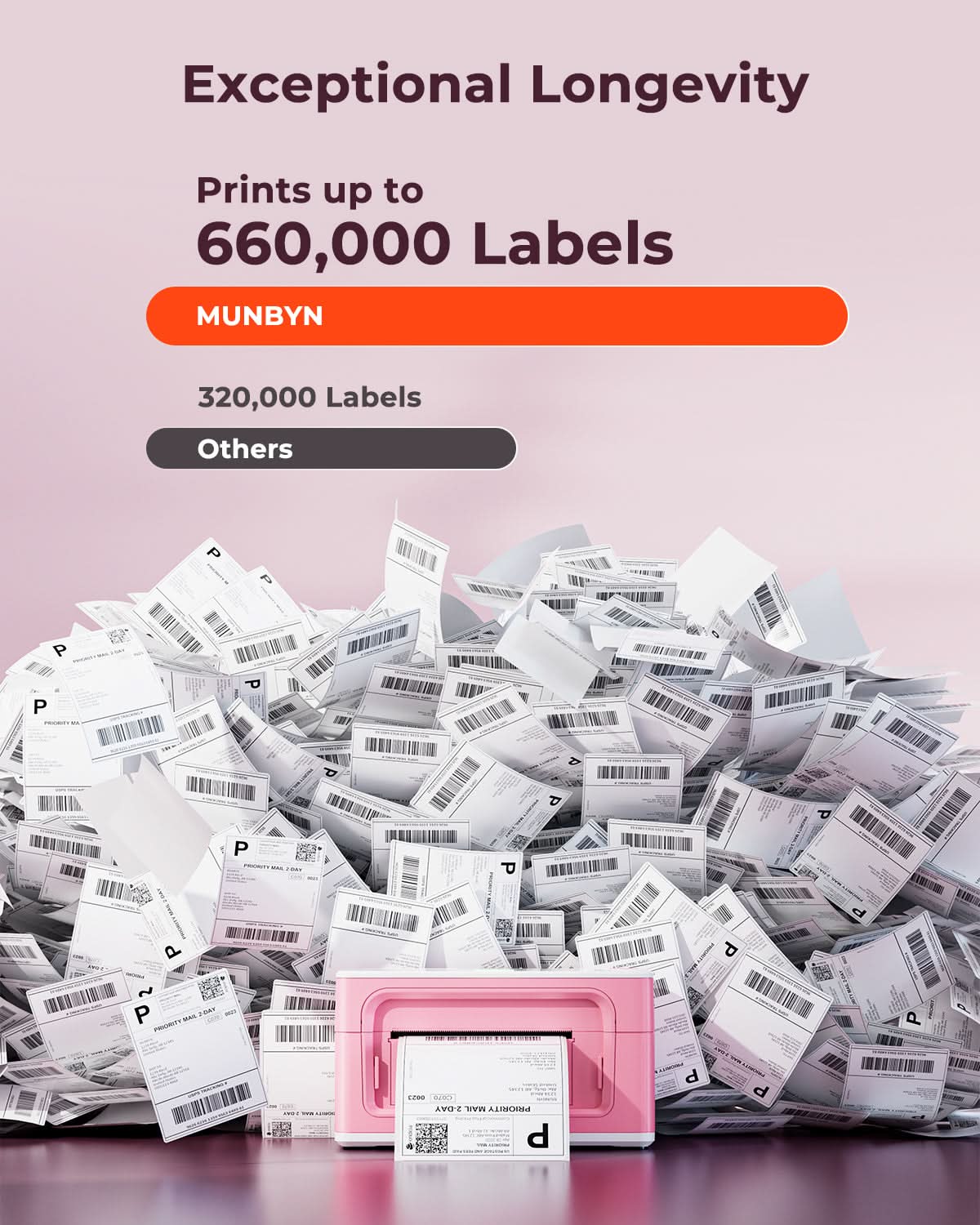
Designed to print more than 980,000* labels in shipping labels

How People Use MUNBYN

Print life and label quantity estimates are based on laboratory calculations (150 KM printhead life × 4×6" label length). Actual performance may vary due to print frequency, label material, operating environment, and maintenance conditions.

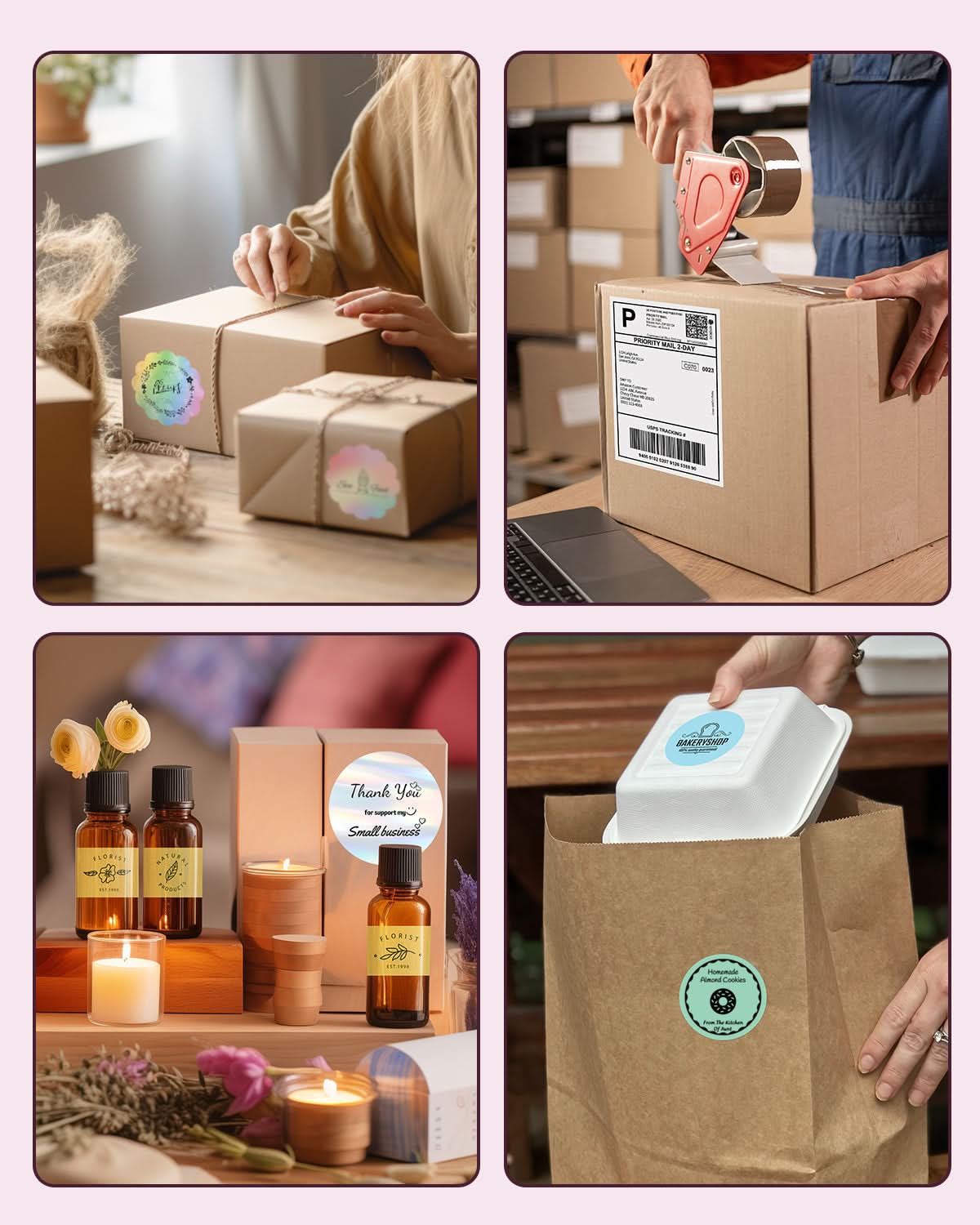
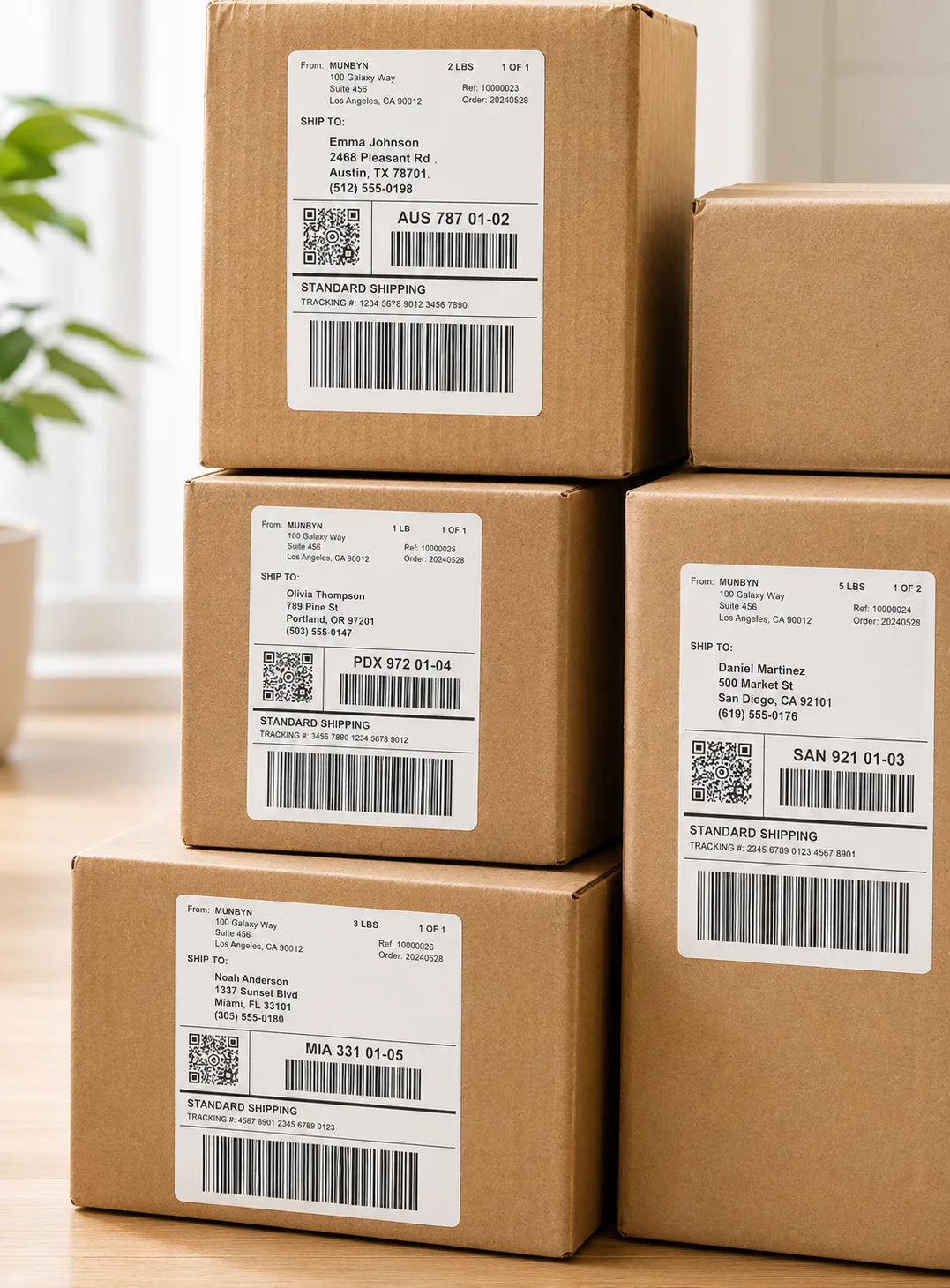
Shipping Label

Custom Labels

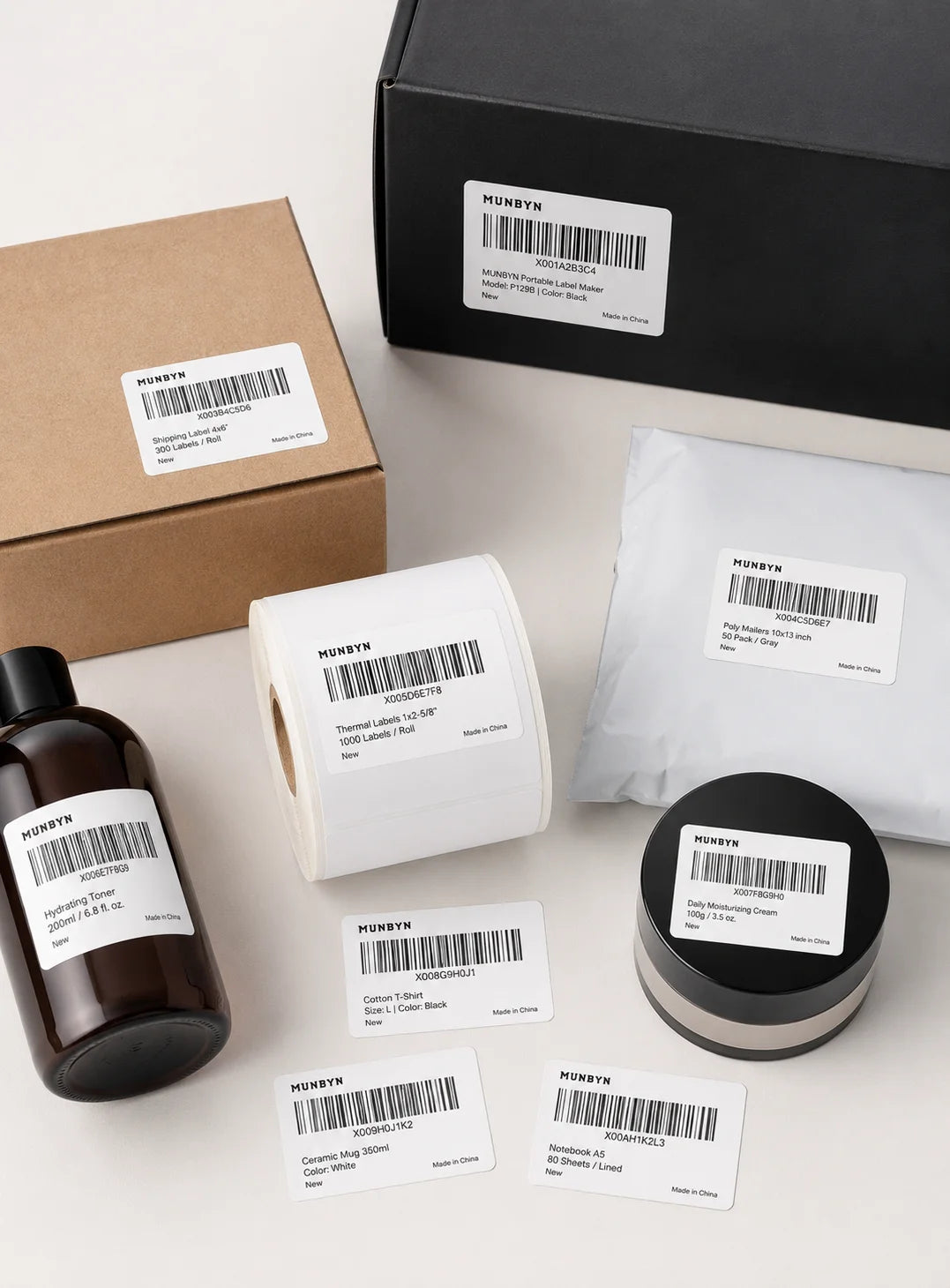
Barcode Labels

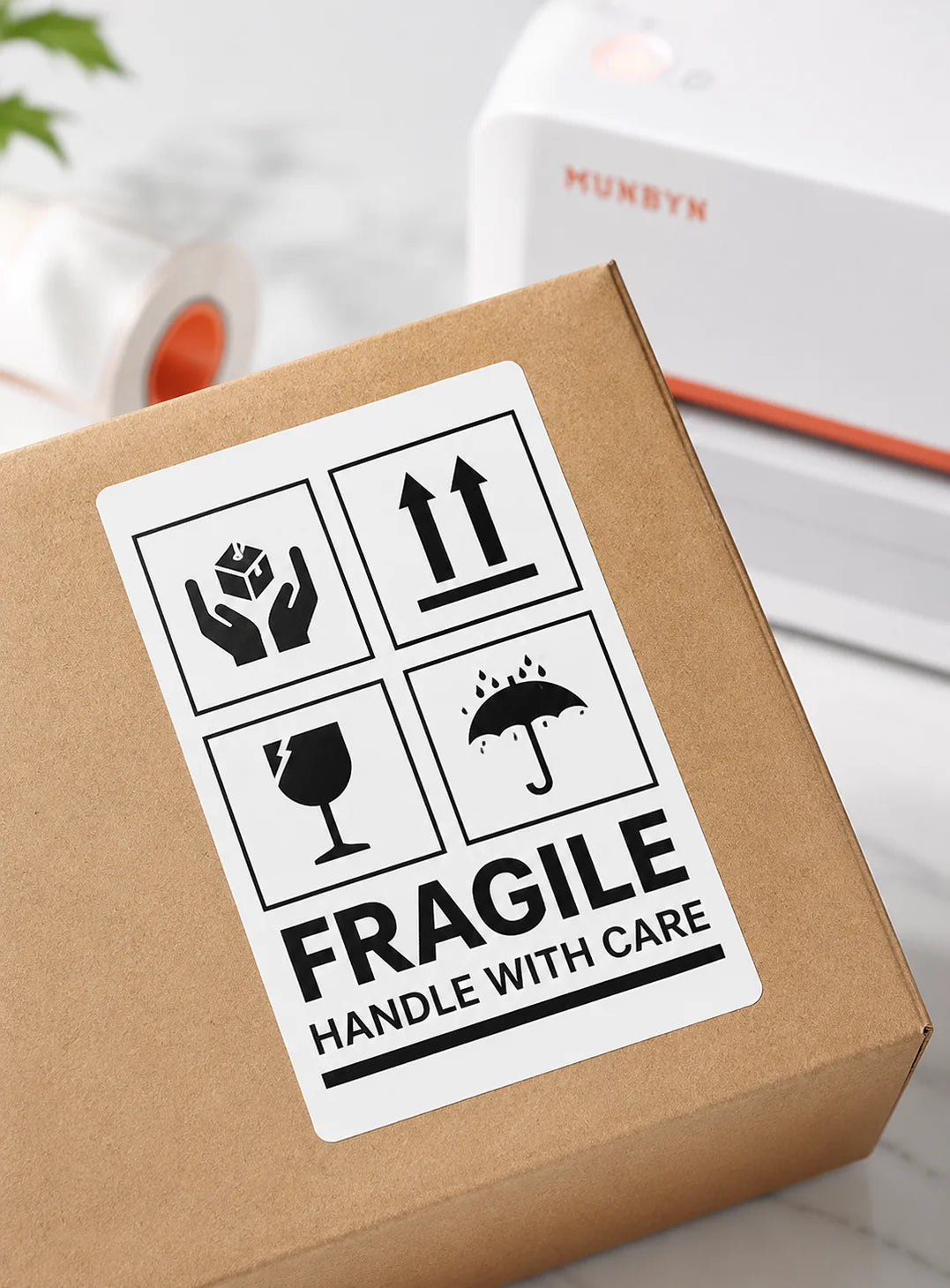
Fragile Labels

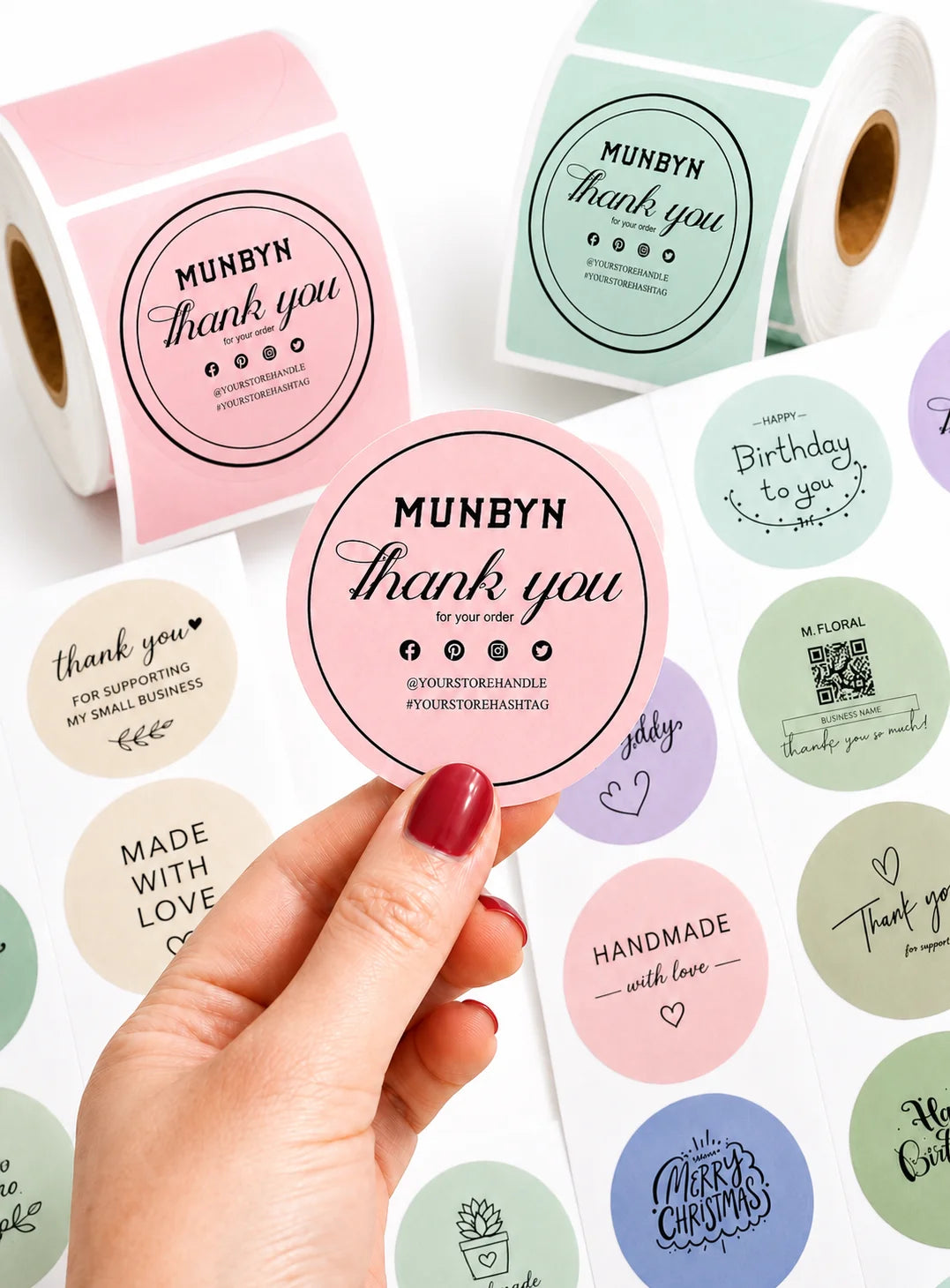
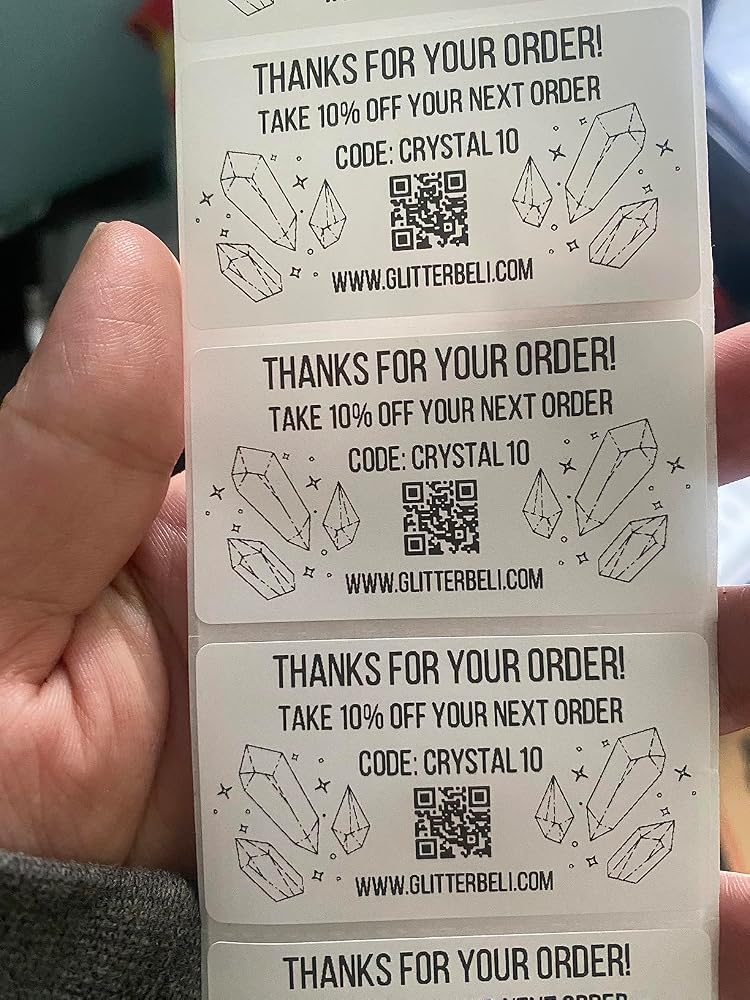
Branded Labels

Stickers for Daycare/School

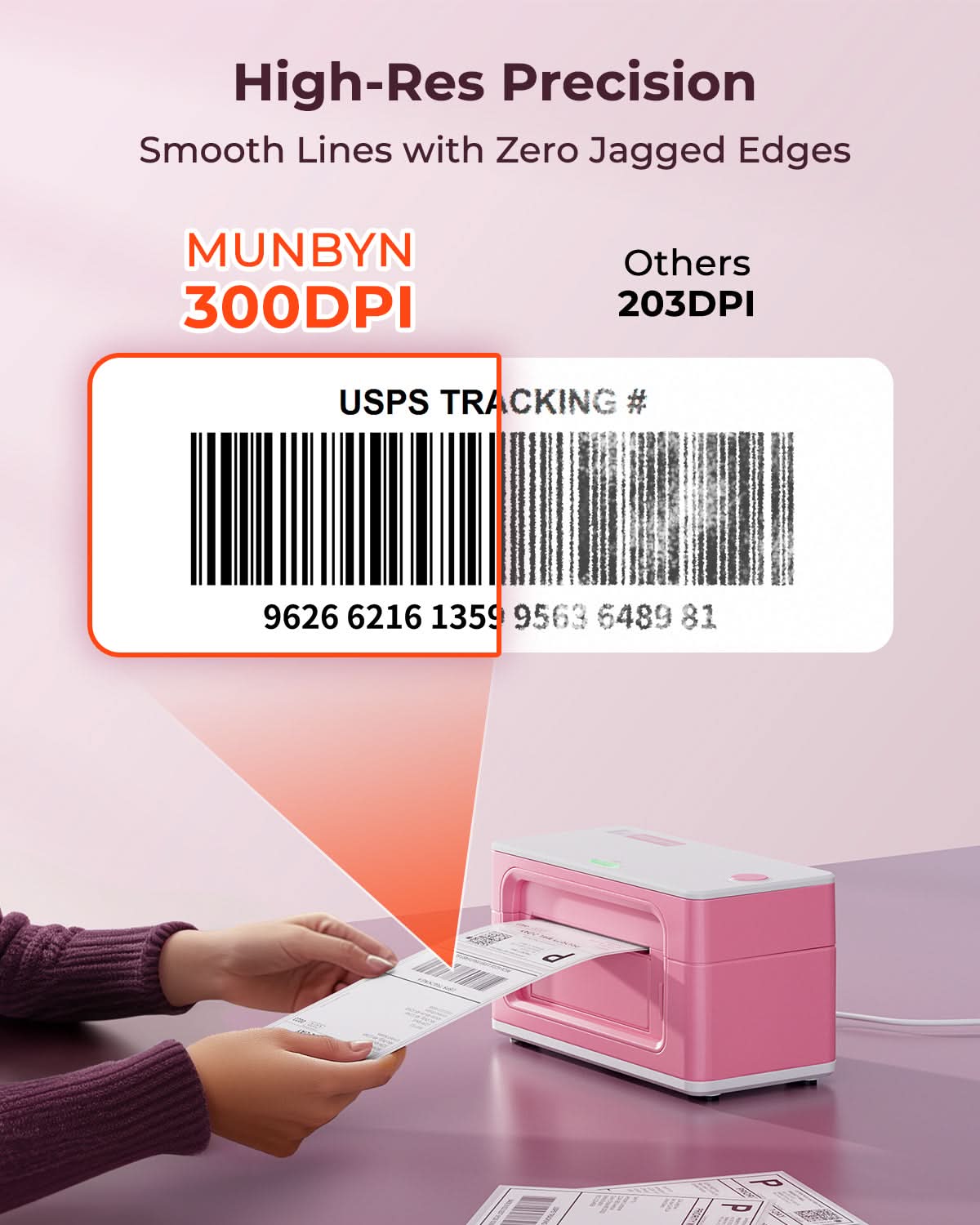
Customers praised this Bluetooth thermal label printer for its compact design, fast printing speed, and crisp 300DPI output quality. Many noted easy setup and excellent customer support. Some mentioned initial Bluetooth connectivity challenges and a learning curve with the app. "Great quality at a great price" and perfect for small businesses.

  • 5 stars: 112 (93%)
  • 4 stars: 7 (6%)
  • 3 stars: 1 (1%)
  • 2 stars: 0 (0%)
  • 1 star: 0 (0%)
M
Miriam P.
Bakery shop gift

I got the printer as a gift for my sister who is starting a bakery from home. I set it up and printed 50 stickers and 50 labels all in less than an hour. They came out perfect and are very clear. I would definitely recommend the set together as it takes so little room and is so organized.

C
Cheryl S.
Quick to set up - looking forward to creating

Quick to set up - looking forward to creating some cute labels for my Farmers Market products

M
Mar��a C.Q.G.
Excelentes producto y atenci��n al cliente

Desde que recib�� el paquete ven��a muy bien empaquetado y protegido lleg�� sin ning��n rasp��n y con todo incluido para su instalaci��n, la cual fue muy f��cil y no eh tenido problema alguno solo unas dudas las cuales me resolvieron inmediatamente por WhatsApp. 10/10 con el producto lo recomiendo bastante

D
Dreamy
Best Thermal Printer

Products are amazing and their customer service is amazing as well. 10/10 recommend all products

A
Amazon C.
Awesome!!! Love it!

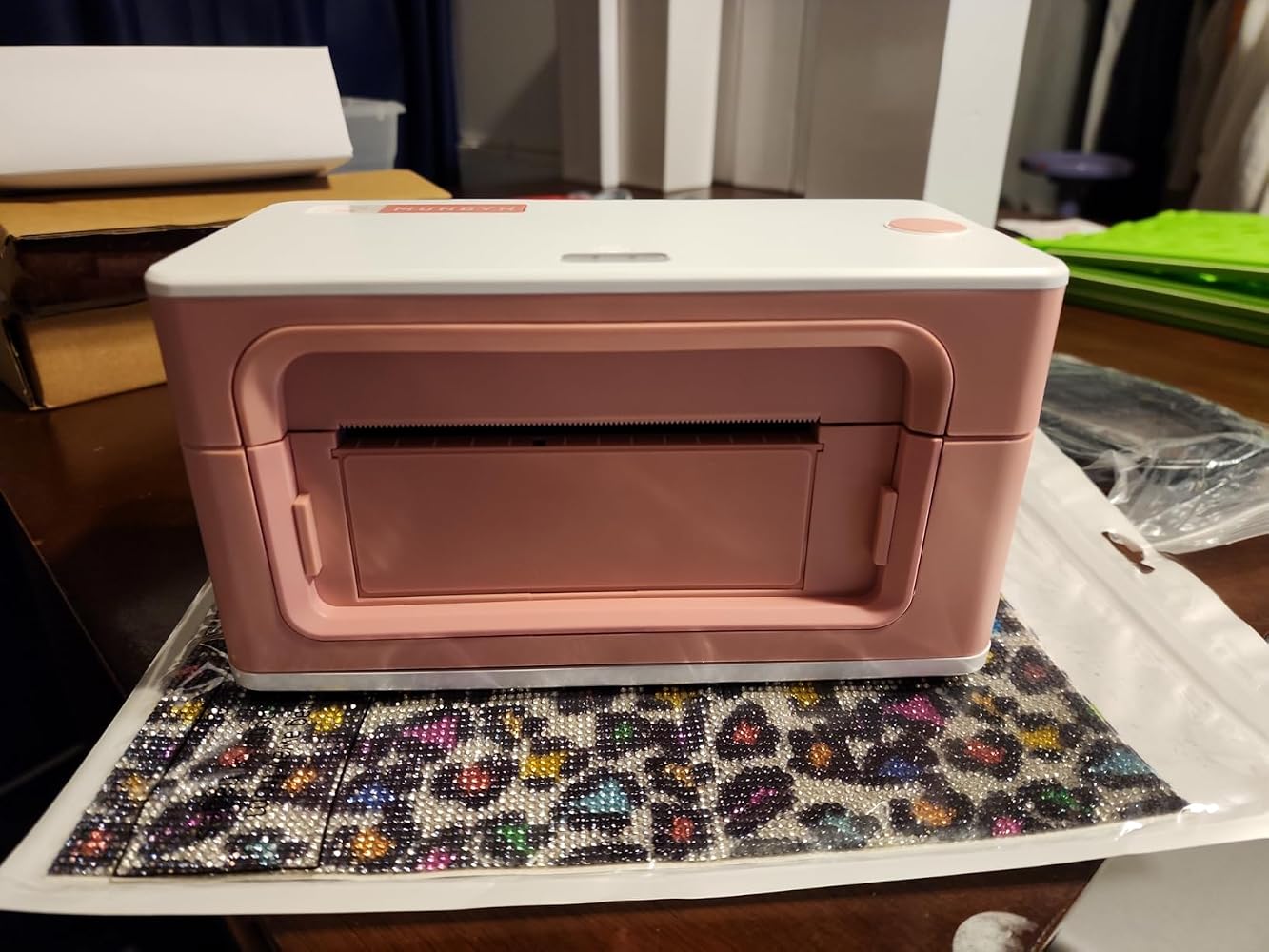
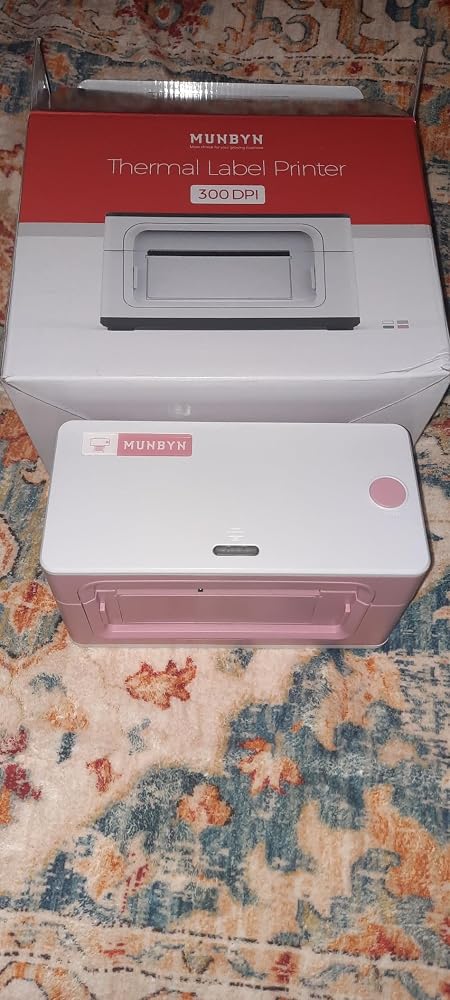
I'm so excited to use my new printer! I'm in love with this pink color. So helpful and inkless!

S
Steve W.
Great for shipping labels

Comes with a pack of 4x6 labels. Works great with the app on a mac or iPhone. Easy setup and can be wired or used via Bluetooth. I would recommend.

R
Rissey
Easy as 1, 2, 3...

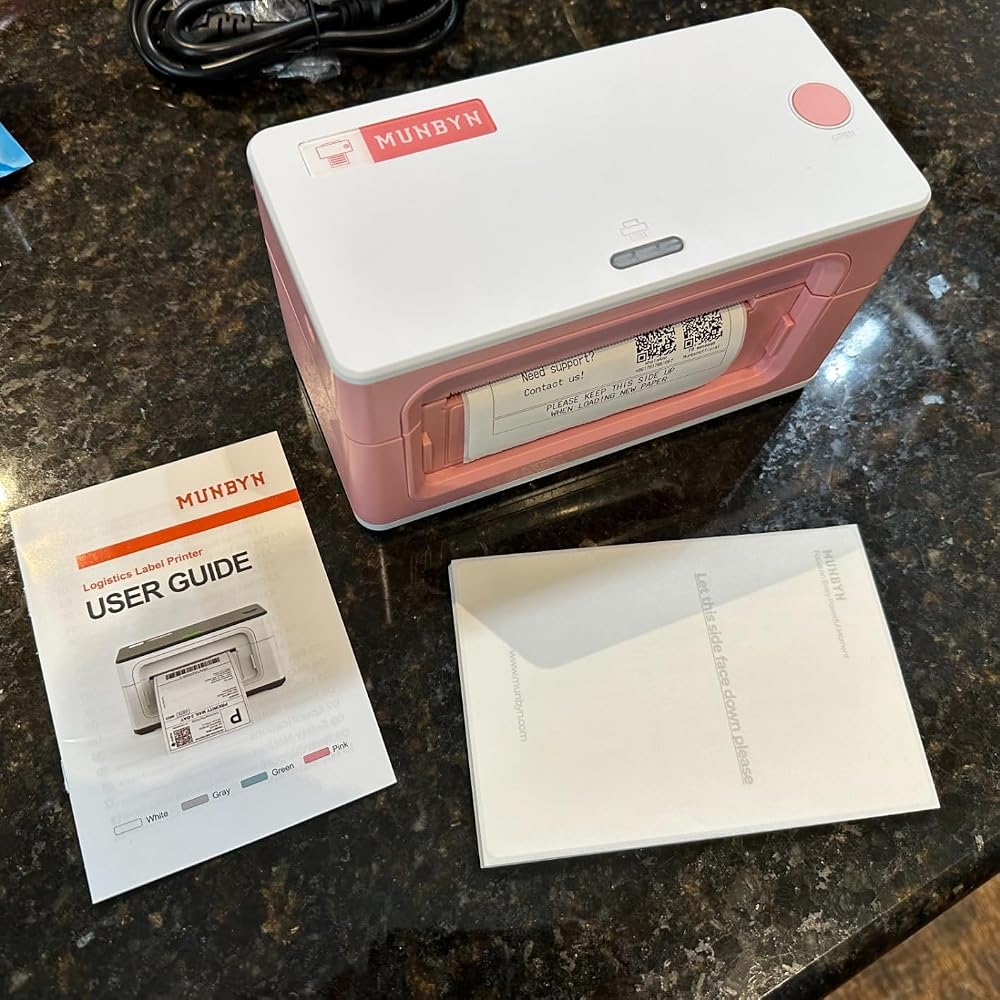
Name: MUNBYN Bluetooth Thermal Label Printer 941BSize: 4" x 6"Planned Use: PrintingGiftable: YesAs Pictured: YesIncludes: Type C Cable, Power cord & USB Flash DriveLikes:Easy to setup and use with the appPrints without issueDoesn't require ink or tonerIt's pinkCan use multiple size thermal labelsBluetooth & USB printingDislikes: NoneProduct improvement suggestions: NoneRecommend: Yes

A
Abdul
Nice thermal printer!

I see mixed reviews about this product and i don��t understand why! This is a very nice thermal printer. It is a small compact design and easy to set up. Plug in the printer, feed the paper, download the app and customize your project and then print. I was able to connect it via bluetooth in minutes without any issues. The app offers a variety of templates you can use or customize it. Perfect for small businesses, organizations freaks like my wife, home projects like jar labels, thank you notes, etc��my wife loves it! On the other hand, the only issue is that is is on the expensive side.

H
Heather A.
Great printer

MUNBYN makes heart quality thermal printers. I was ankle to connect almost instantly to my LG android phone via Bluetooth. It's quick and easy to print out crisp, clear shipping labels. This is a great quality product!

A
Azriel-Goddess
Printing here we go!

This MUNBYN ?????????????????? Thermal Label Printer 941B, Wireless ???????????? 4x6 is nothing short of amazing and I love to be able to print the labels out from the printer and how gorgeous it is in its own capacity of small but impactful. Not to mention being able to have it supported by my phone made it even better for mobile use while I'm on the go and I did test some things out for the next upcoming launch that we have. I absolutely love it. It was very functional. The printing was a deep rich color and as well as it was portable enough to bring wherever I needed to whatever space!

P
PaceBene
Nifty But Versatile Little Label Printer

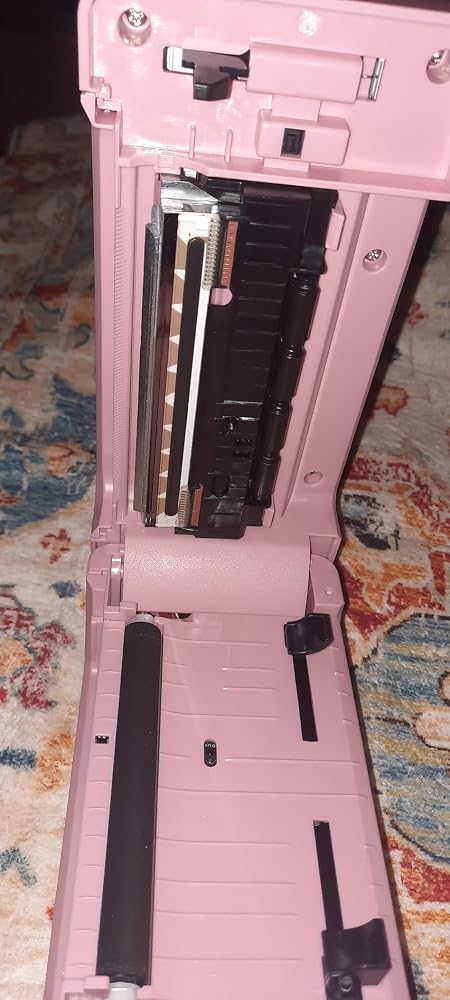
It has a few idiosyncrasies, but all in all this is a great little label printer.The printer comes with cables to hook it up to a computer (including a USB-C to USB-A conversion cable to hook it up to a mac.) Additionally, a small, metal jump drive is included in the kit which has new firmware software for the device, though I didn't use these cables or the jump drive to upgrade the firmware.Instead, I simply downloaded the "Munbyn Print" app from the App Store on my iPhone and connected to the device using bluetooth. The app is somewhat challenging to use (as the documentation is a bit spotty), but I was able to reason through connecting the printer to my phone without issue. There's also a video on their website that shows the recommended process of getting the printer set up which helps somewhat, but I found that to be somewhat incorrect as well. (It's better to "Feed" the label stock into the back of the printer instead of closing the top of the printer over the label stock, as suggested in the video.)Once I connected my iPhone to the printer directly, I had no difficulty in using the printer to print labels. A small stack of 4"x6" labels are included with the printer (this is essentially a common sized shipping label). I'm not a small business with the explicit purpose of using this printer for printing FedEx/UPS labels, but I could see where this could easily be done. Instead, I experimented with the templates in the Munbyn Print app and was able to get the printer to print without too much trouble.The software interface (especially for printing specific text within labels) is pretty clunky to use. Instead of using it, I recommend using another software to generate an image of the label you're trying to generate (whether it's paint, Visio, Adobe Express, or whatever software can easily generate an image that you can somehow get to your phone) to generate an image that you can print off of your iPhone. This has worked really well for me.Overall, though, it isn't too hard to figure out. If you're patient and you don't mind spending a little bit of effort to figure it out, this is a pretty decent printer to use, and can print on any sized labels fed to it that will fit into the input feed (about 4" wide.)

J
Jackie C.
GREAT!

I love it! And the pink one is so cute!The only issues are: 1) if you have the label holder the power cable gets in the way of it if you have a small space on your table/desk. 2) it wastes the first label of every reloadI��ve only printed one shipping label, but I love it already! Will update my review if something happens overtime.

J
Jones R.
Love it but��Bluetooth setup needs some work

Works great once you get it to work. Initially it wouldn��t pair via Bluetooth at all. I had to go into the settings for the app first and turn in Bluetooth�� then it was able to find it and connect. Now that it is connected, it��s my favorite small business purchase! I use it all the time for many things. I design my labels on Canva and then import to the MUNBYN app to print.

E
Elihu
What a shame - read for the details (Updated)

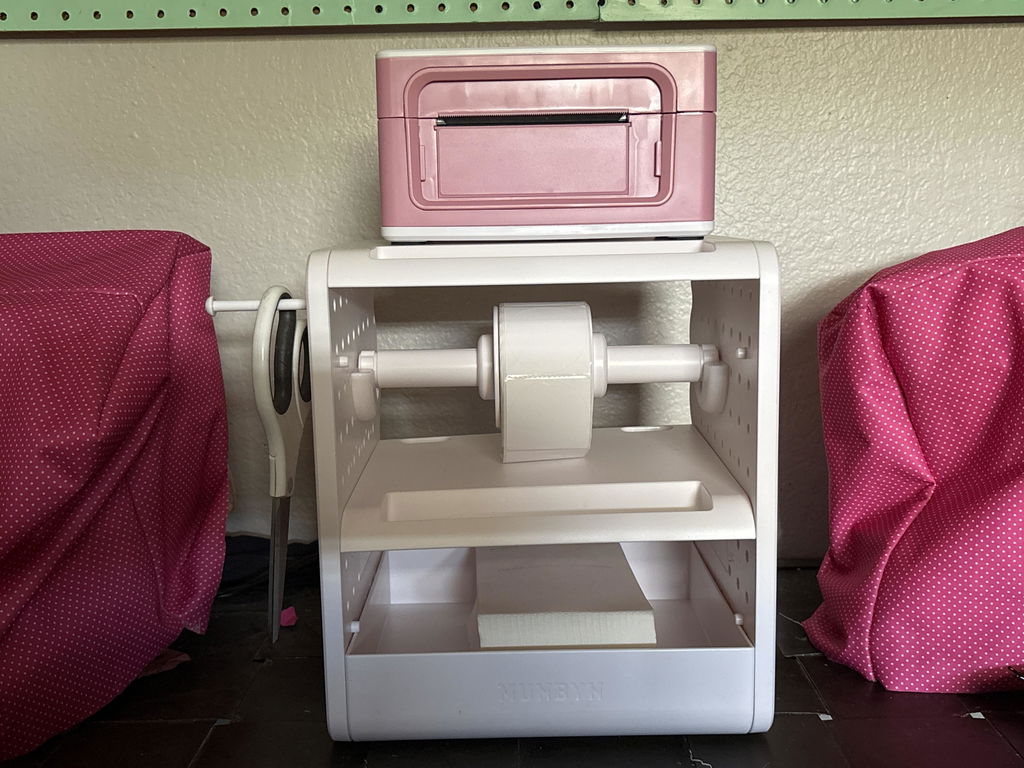
I've had this printer just short of a month, but believe me when I say I have used it a LOT. I have experienced every aspect of this printer, and here's the good, the bad, and the flat out UGLY.THE GOOD -No ink. That has its own short comings, eventually, over time, as the stickers *will* fade at some point. You have to also be rather careful about letting them get too hot. But for the average person and the average use, those aren't really a big deal. That makes the no ink a good, in my book.The printer is very compact. I even have the little stand for it that holds the stickers you are using and feeds them for you into the printer. THAT part is great. You can put this whole set up on a desk and it will only take up a tiny footprint.The app is fairly intuitive. Just READ (although some of the translation to English is uh...rather...ODD and the words they used don't really mean what *they* obviously think they mean) and DO click around. You're not going to mess it up by clicking tabs to see what does what. DO be patient and give yourself a nice chunk of time the first time or two (or three or four) if you're wanting to make a lot of custom stickers or labels. Of course the more I used the app, the faster I got.I can make some really cute labels and stickers with this app. I would like to see more functionality on the app (more icons to pick from would be nice, too) but overall, I was satisfied.The printing actually LOOKS nice. It is crisp and clear, and that surprised me a little given that it's thermal.The company has a lot of different stickers that you can pick from, and I bought 4 different ones. I like all of them.The company has different accessories that are VERY nice, including 2 different types of stands.THE BAD -The app MUST be used on a mobile device. There is a driver for computer use, which seems to be ONLY for mail label printing. To get custom labels and stickers, you need the app. They include a cord to hook it up to your computer, but I didn't mess with that aspect of it since that's not what I bought it for.On the app, you cannot trust the "print preview." It will show you the printing perfectly centered on the preview, but when you actually print, it will be lower, and to the right, at least on mine. You *can* off set in the settings, but to be honest, THAT part is tricky.EVERY time you switch the type of sticker roll, the printer will waste at least 2 - 3 stickers. It *must* recalibrate each time or it will get the line up wrong, and for some reason that I will never understand, it will *always* spit out 2 or 3 stickers. I got around this wastefulness by using those to write on by hand for other things. I also tried just refusing to switch sticker rolls. However, every once in a while the printer just goes a little wonky and endlessly rolls through blank stickers. When that happens you *have* to recalibrate and there go 2 or 3 more stickers despite your best efforts. LOLTHE UGLY (and boy do I mean UGLY) -Here just recently, the app wouldn't even open. It was completely nonfunctional. What's worse - every time I tried to open it to check on it, it jammed up my phone and what an ordeal that turned into.When I downloaded the app, I didn't notice that Munbyn had the default set at auto-update. (I never turn on auto update for the very reason I'm going to explain.) Apparently just over a week ago, they updated their app. After that, it simply wouldn't work. There are dozens and dozens of reviewers on Google Play that all said the same thing. The app just wouldn't open.Google gives app developers the ability to roll their apps back to a previous version should this situation occur. Munbyn just DIDNT for some reason that I cannot fathom. There were people waiting to print shipping labels and custom label stickers for their home-based businesses and Munbyn left them hanging. Munbyn did not provide those who rely on their mobile devices with an alternative. There is no custom app for the computers. They simply left the failed update up for over a week (!!!!) vs rolling back to the previous version that worked just fine. Unacceptable.I couldn't use my printer for the reason that I bought it AT ALL without the app. I contacted them and told them about the ability to roll back their app version. About an hour and a half later, that's what they did.I think that was a real shame. I hope that they have learned from this. I probably would have given this 4 stars despite the little flaws and issues, but with such a HUGE problem with the app, I don't feel like I honestly can. Maybe in a few months, I can update to 4 stars, so long as the ability to USE it isn't compromised again.

M
MPhoto
Software is a bit lacking, but printer works well

I had a thermal printer before this, but it would always give me problems. Every time I'd go to print, lines would be skipped/missing. I'd open it up and wipe it down, which would work. But the next print would happen again. I wasted so much paper just trying to get a good, readable print done. It was a pain having to wipe it down every time I went to print. So I got this thermal printer.It's been great so far. I've printed a number of times on it, and it's clear with no missing lines.The software is a bit lacking and simple. It's not an exe that installs itself, instead you have to drag the folder somewhere on your PC and run the exe from there (as well as create your own desktop shortcut to it). Once opened, you tell it where the pdf label is, and then it takes a little time to print. My old printer software, it installed itself, you'd import a pdf and could crop it right in the program, flip it around if needed, etc. and right when you clicked print, seconds later it was done.So this software is very simple compared to that. But in the end, it works and printed the labels I needed. So I can live with the more simple software. My biggest headache before was the bad printing/having to wipe down every time for a clean print. So, I'm glad this fixed that and everything comes out clear and crisp. Very happy with it.


FAQs

Please read our FAQs page to find out more.

1. Why should I choose a MUNBYN thermal printer over an inkjet or laser printer?

MUNBYN uses advanced Thermal Printing Technology, which means zero ink, zero toner, and zero ribbons. You only need thermal labels. This not only saves you hundreds of dollars in supply costs annually but also eliminates the mess of leaking cartridges and the frustration of running out of ink mid-shipment.

2. Can I use any brand of thermal labels with this printer?

Yes! MUNBYN printers are compatible with any Direct Thermal Labels. Whether you prefer fan-fold or roll labels, as long as the width is between 1.57" to 4.3" (40mm-110mm), our thermal printer will automatically sense and calibrate to it.

3. Which shipping platforms and marketplaces are compatible?

MUNBYN is a favorite for small business owners. MUNBYN label printers are fully compatible with major platforms, including:

  • Marketplaces: Amazon, eBay, Etsy, Shopify, Zalando, and Shopee.
  • Couriers: UPS, FedEx, ShipStation, Pirate Ship, USPS, and DHL.

4. What labels can I use with this printer?

Our thermal printers support a wide range of direct thermal labels, including 4×6" shipping labels, 3×2", 2×1", barcode labels, round labels, and custom sticker sizes (40–110mm width depending on the model). The printer auto-detects label size—no manual calibration required.

5. Is this label printer easy to set up?

Yes. The sticker printer is designed for quick setup with step-by-step installation guides and driver downloads available. Most users can complete installation in just a few minutes.

6. How do I calibrate the printer for different label sizes?

Our intelligent Automatic Label Identification does the work for you. Insert your labels, press and hold the top button until you hear a single beep, and the printer will automatically adjust the label size and spacing for perfect alignment.

7. What should I do if my labels are printing blurry or with white streaks?

High-quality printing starts with a clean print head. If quality drops:

  1. Power off the printer and let it cool.
  2. Wipe the thermal print head with an alcohol swab or microfiber cloth.
  3. Adjust the Print Density and Speed settings in your driver preferences.

If the issue persists, contact customer support for further assistance.

8. Does this label printer come with a warranty?

Yes, every MUNBYN printer is backed by a 2-year warranty. We stand by our hardware and will provide a replacement or repair if you encounter any manufacturing defects.

9. Can I use the label printer for both business and home organization?

Yes. You can use this printer for both business labeling (shipping, barcodes, inventory, retail tags) and home organization (storage labels, pantry tags, files, craft projects). Its versatile direct thermal printing and support for multiple label sizes make it suitable for a wide range of personal and professional uses.

10. Are there customization options for labels?

Yes, we offer flexible label customization, including stickers, logo labels, and creative templates for branding. Shop Custom Label Here.

Didn’t find your answer?

Don't hestitate to contact us

Free shipping and returns