Scroll to top

Print Anything, Anywhere

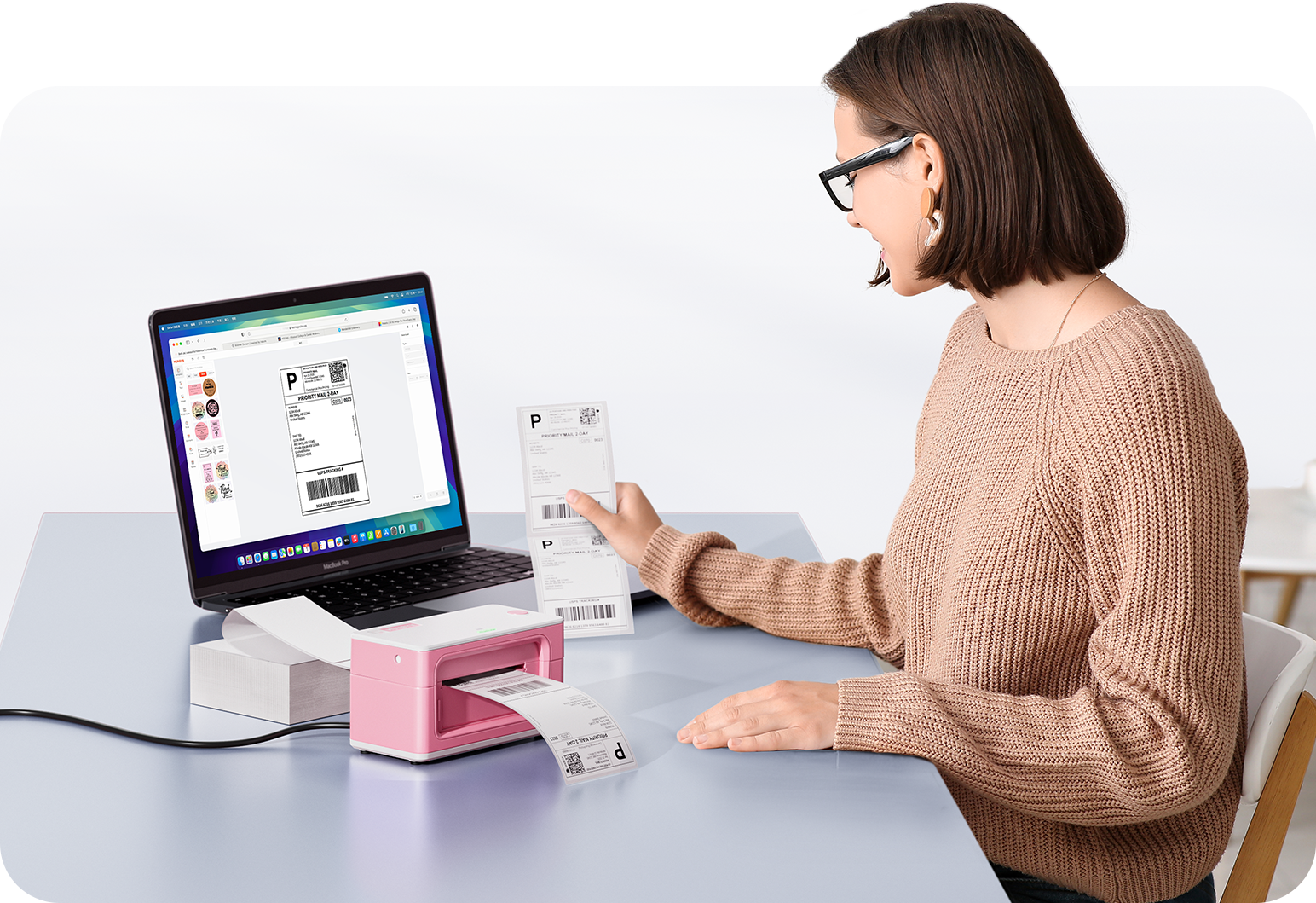
Your ideas, your space — print wherever inspiration strikes.

Ink-Free, Worry-Free

Zero ink. Time, money, and planet-saving.

Fast to Print, Easy to Keep Going

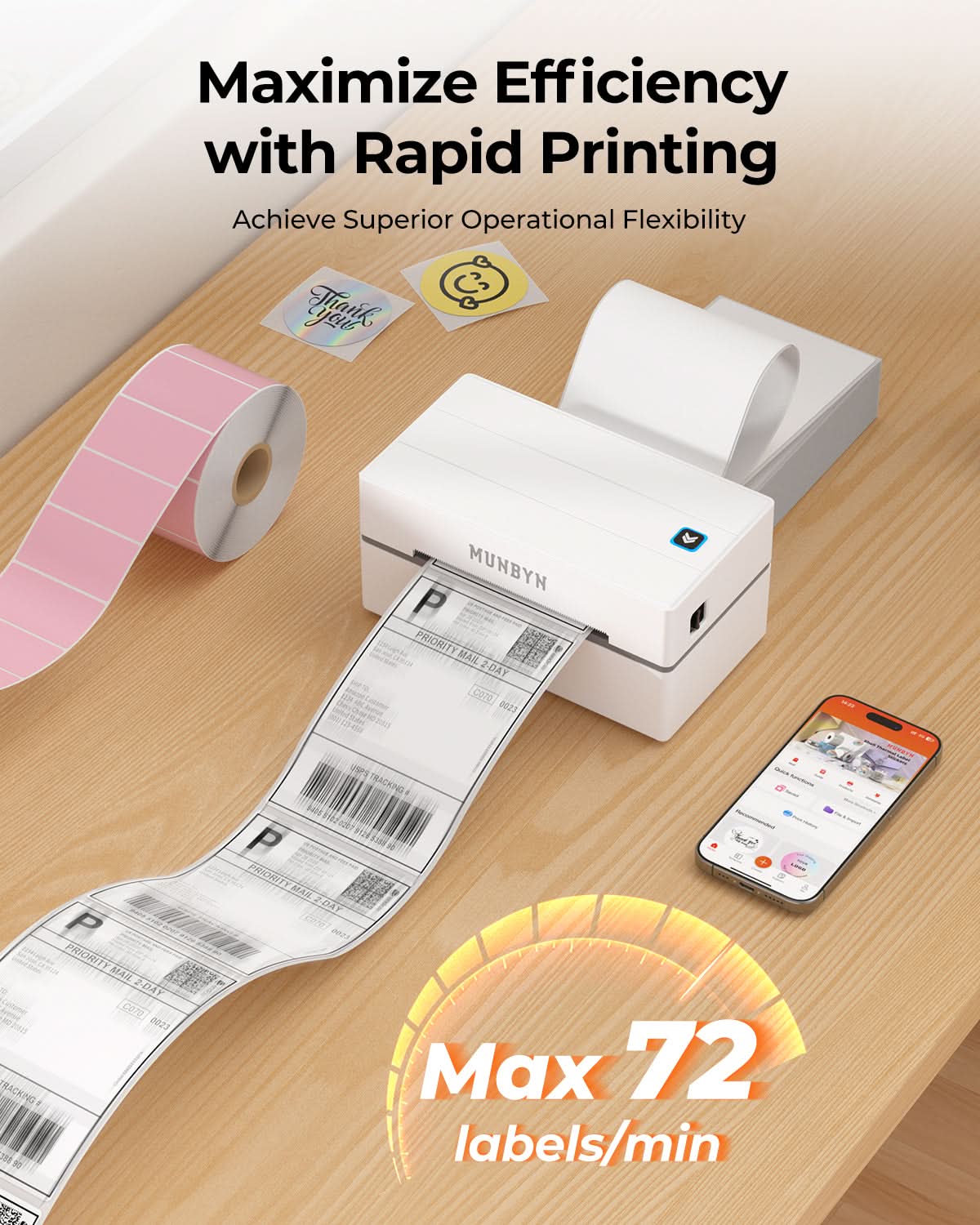
High speed:150 mm/s = one 4×6 label per second.

MUNBYN RealWriter 130B thermal label printer kit with white model ITPP130B-WH, showing the compact printer and accessories.
MUNBYN RW130B Bluetooth Thermal Label Printer Kit for Starter Shipping and Basic Labels
$115.99

Product details

Download our app

High-End Labels in Minutes
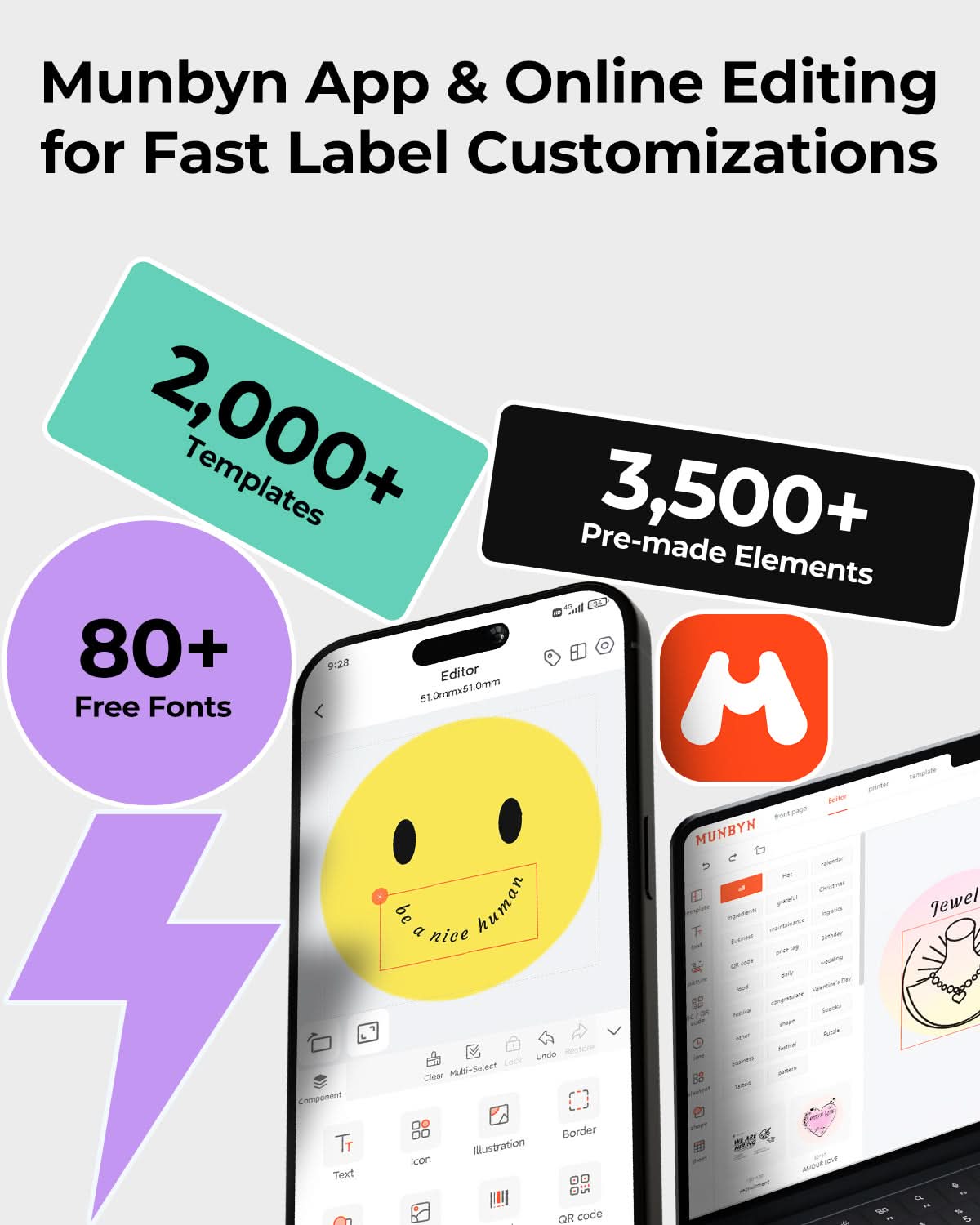
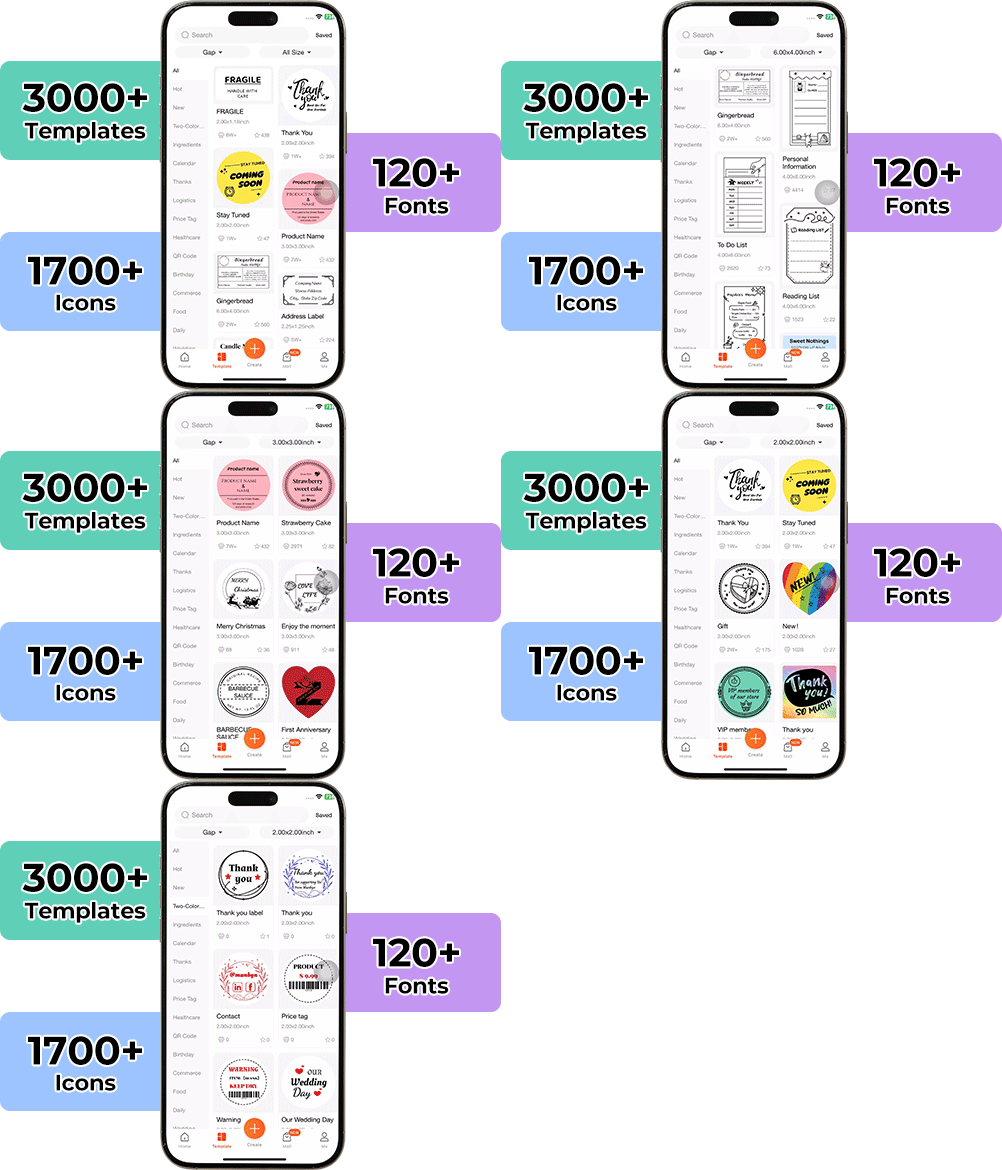
Designing custom packaging has never been this simple. Using the MUNBYN app and our versatile DIY Labels, you have a library of 3,000+ design assets and templates at your command.

Craft bespoke logos and promotional stickers that perfectly capture your brand’s personality—all while keeping your budget in check.


Google Play

Google Play

Download Now

 
Online Editor

Online Editor

Create Now

 
User Manual

User Manual

Download Now

Woman using a laptop with a barcode scanner on a desk

Proudly Women-Operated

80% of our leadership team are women, bringing empathy and innovation into every design and decision. Because when women lead, technology becomes more human — and creation becomes more meaningful.

Wireless Freedom

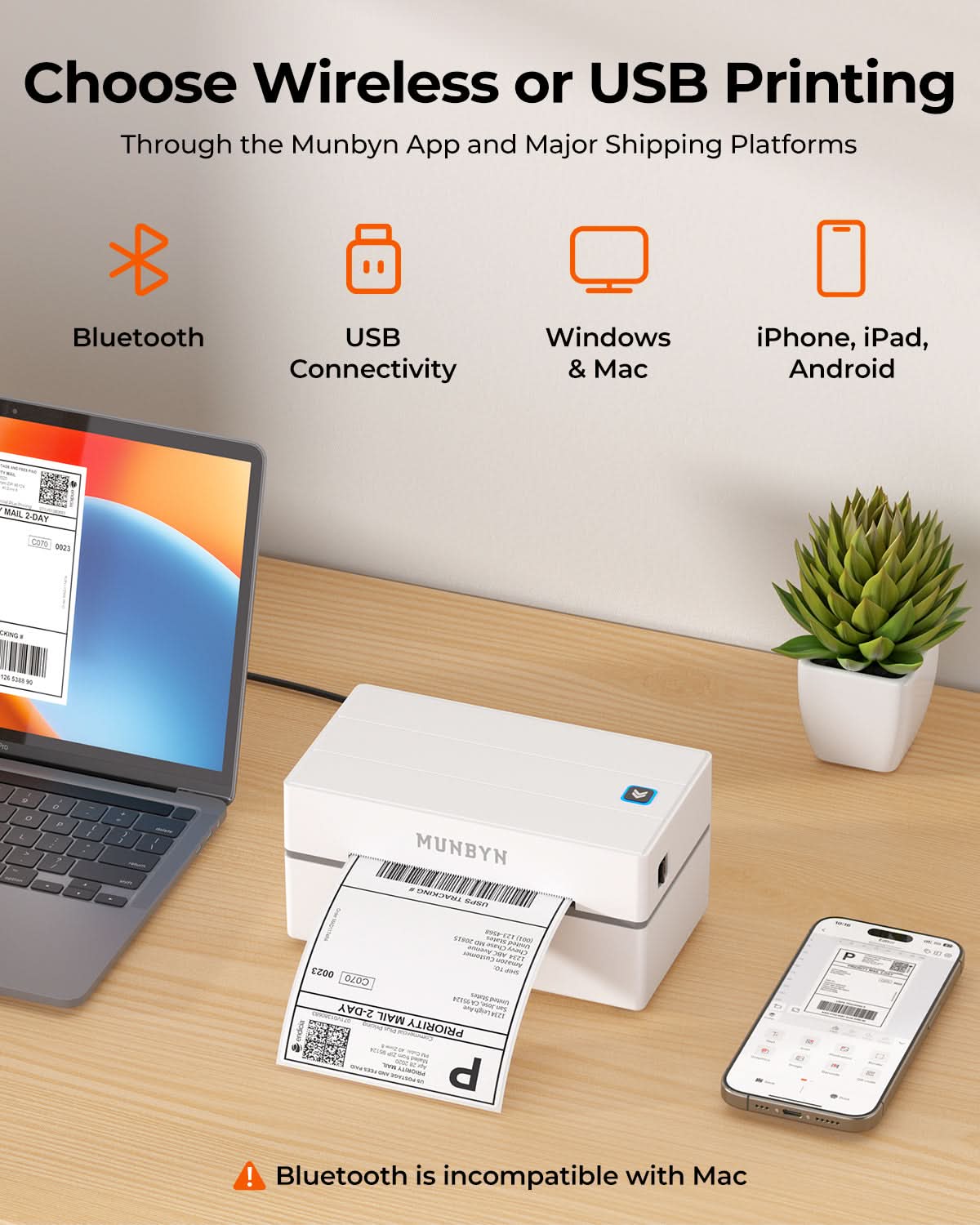
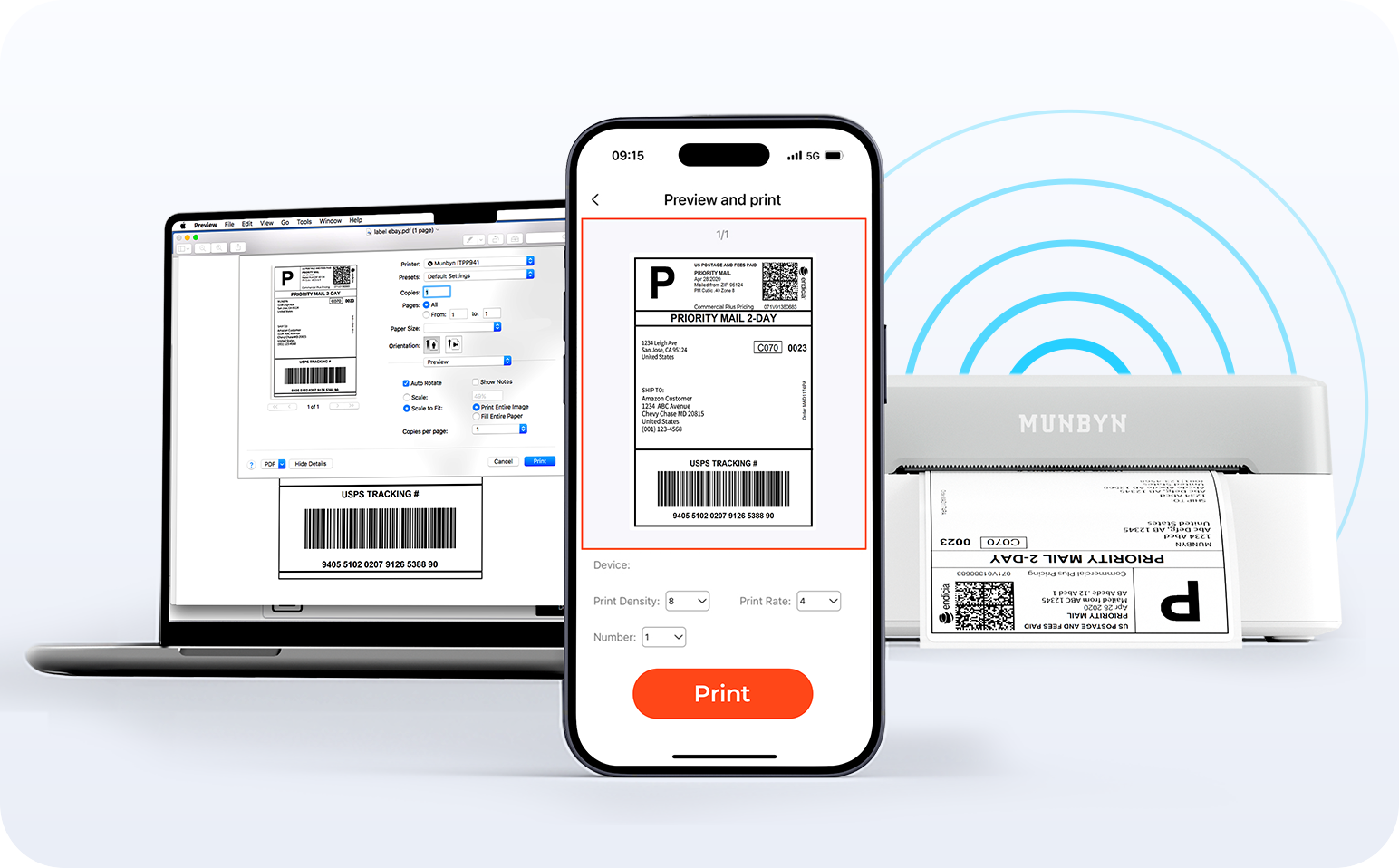
Say goodbye to tangled cables and hello to effortless printing. Enjoy instant Bluetooth connectivity wherever you work, or plug in via USB when you need it.Seamlessly compatible with Windows, Mac, iPhone, iPad, and Android—your whole workspace connected, your printing made simple.

Load video:

Smart label detection

Set of five colorful square icons in a horizontal row.

Label Freedom. Effortless printing starts here.

Supports ANY direct thermal label

4x6" 3x2" 3x1" 2x1" 4" 2"

Your MUNBYN printer automatically recognizes and adjusts to different label sizes—no manual setup needed.
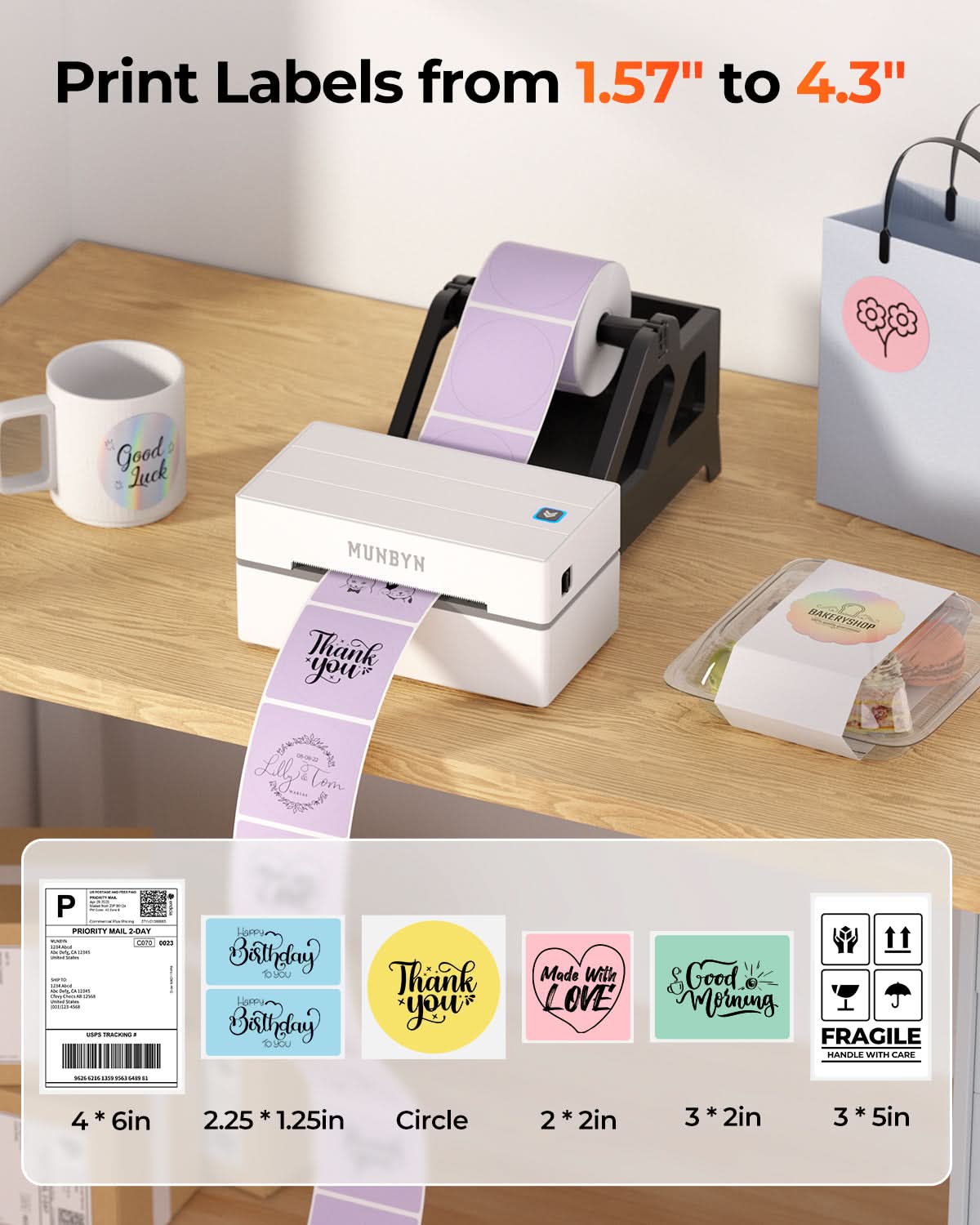
From 4×6 shipping labels to 2×2 logo stickers and a wide range from 1.57" to 4.3" wide, switching between tasks takes only seconds.

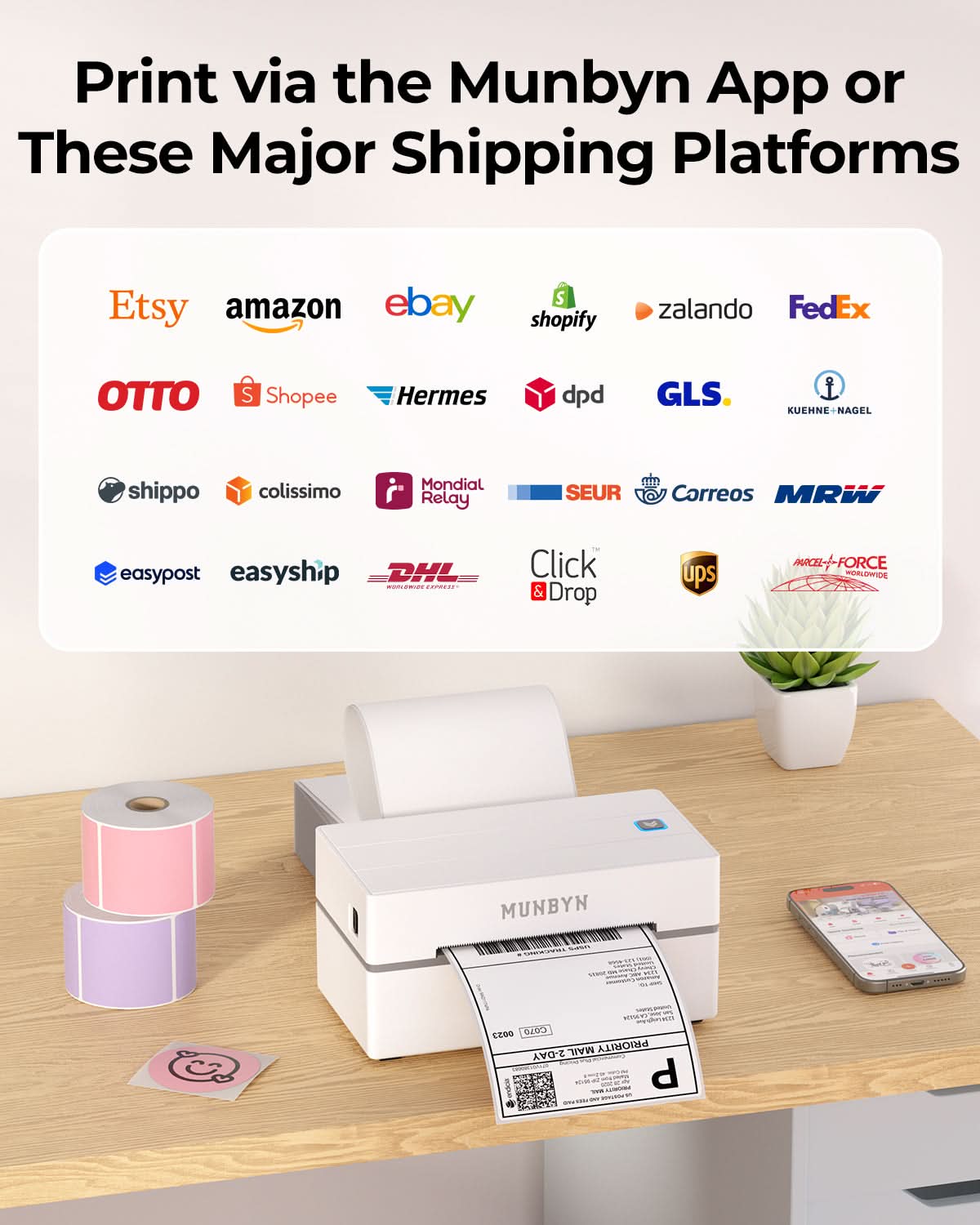
Your all-in-one tool for major marketplaces and carriers, including but not limited to

Etsy logo in orange on a white background
Amazon logo on a white background
Ebay logo in multicolor on a white background
Shopify logo on a white background
FedEx logo in purple and orange on a white background
UPS logo on a white background
Shipwire logo on a white background
Ninjavan logo with a red circle and black text on a white background
J&T Express logo in red on a white background
DHL logo in red on a white background
Easypost logo on a white background
Flash Express logo with a black lightning bolt on a white background
Poshmark logo on a white background
ShipStation logo on a white background
Easyship logo on a white background
ShippingEasy logo in green on a white background
XPSship.com logo on a white background

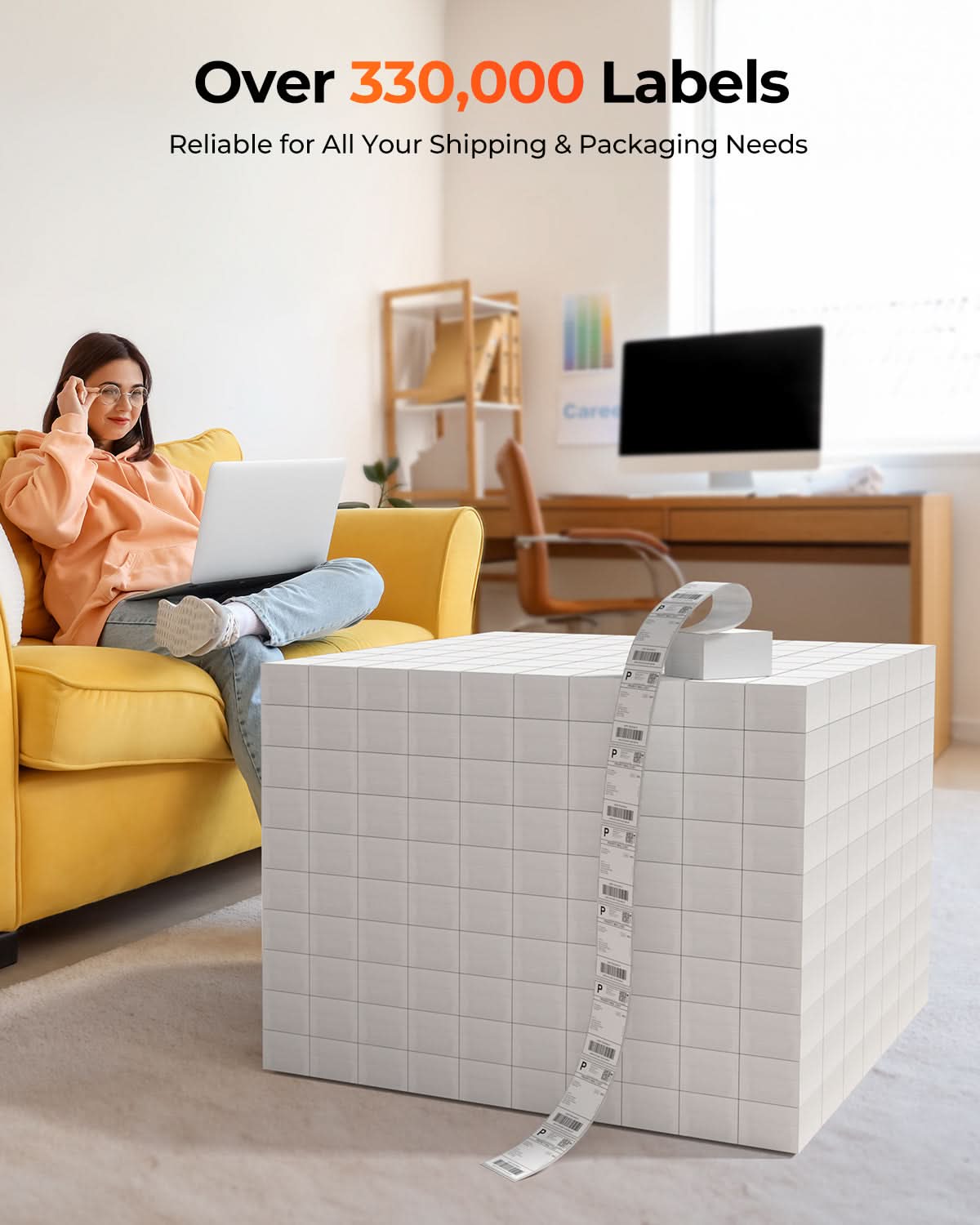
Designed to print more than 980,000* labels in shipping labels

How People Use MUNBYN

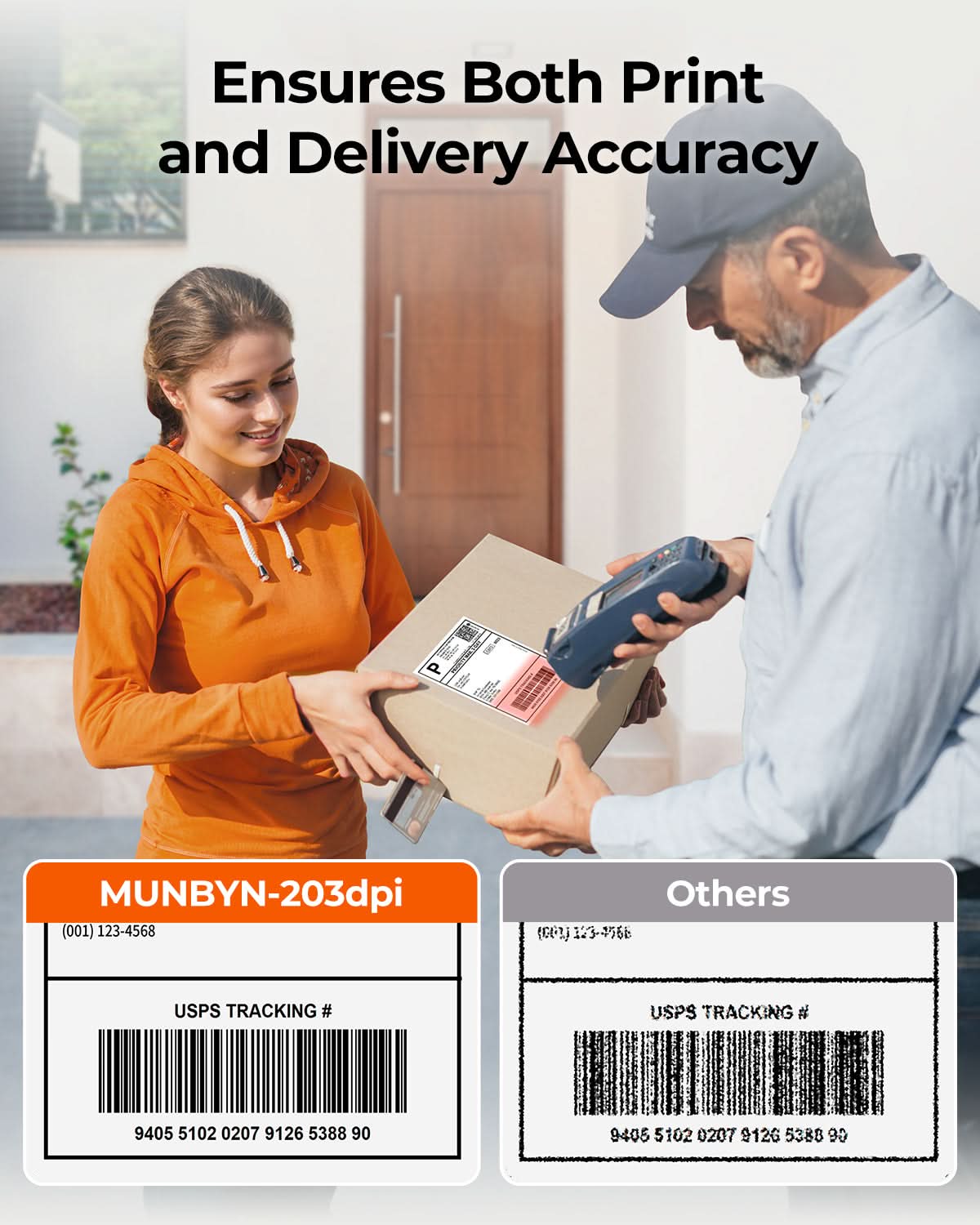
Print life and label quantity estimates are based on laboratory calculations (150 KM printhead life × 4×6" label length). Actual performance may vary due to print frequency, label material, operating environment, and maintenance conditions.

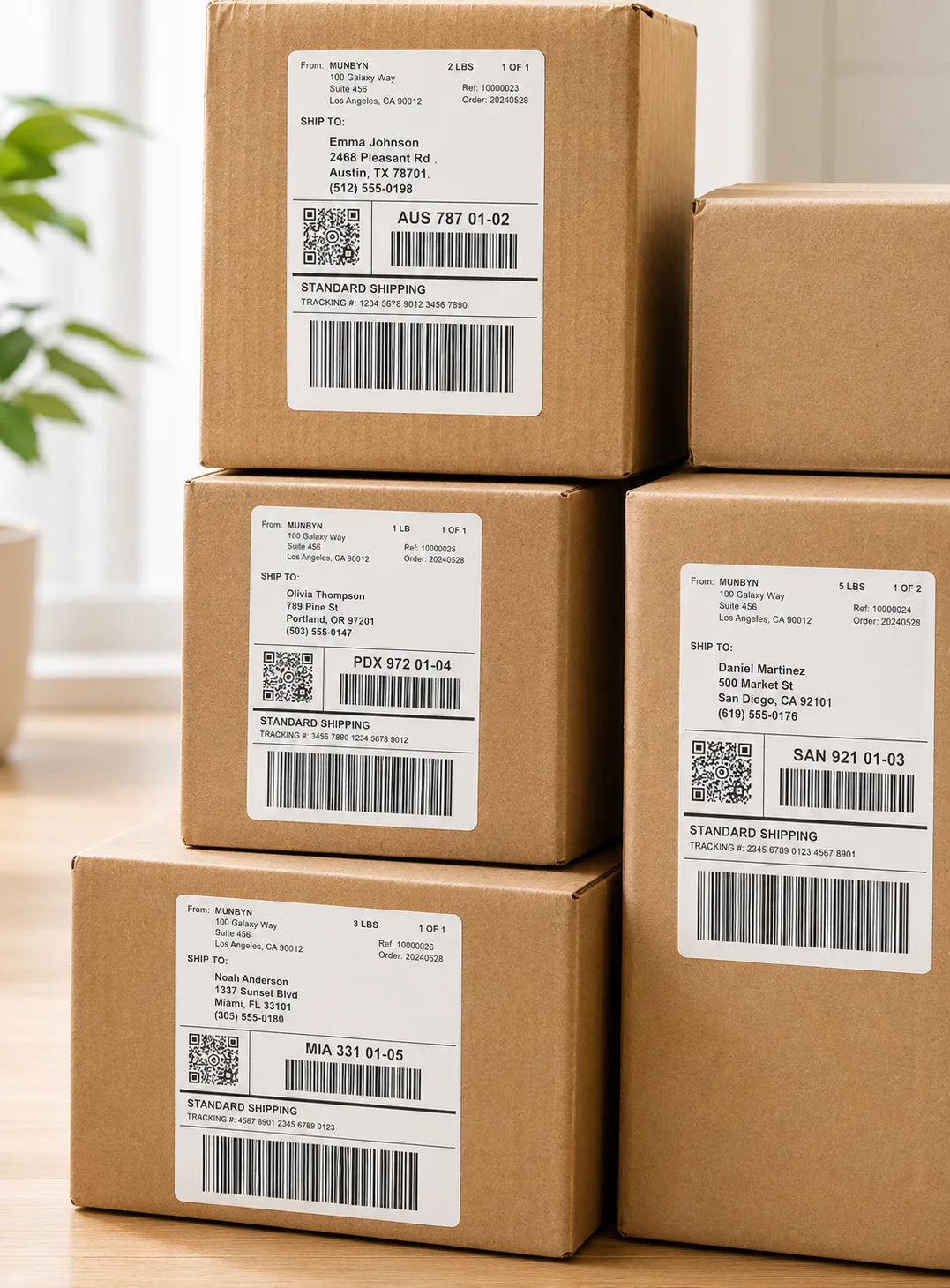
Shipping Label

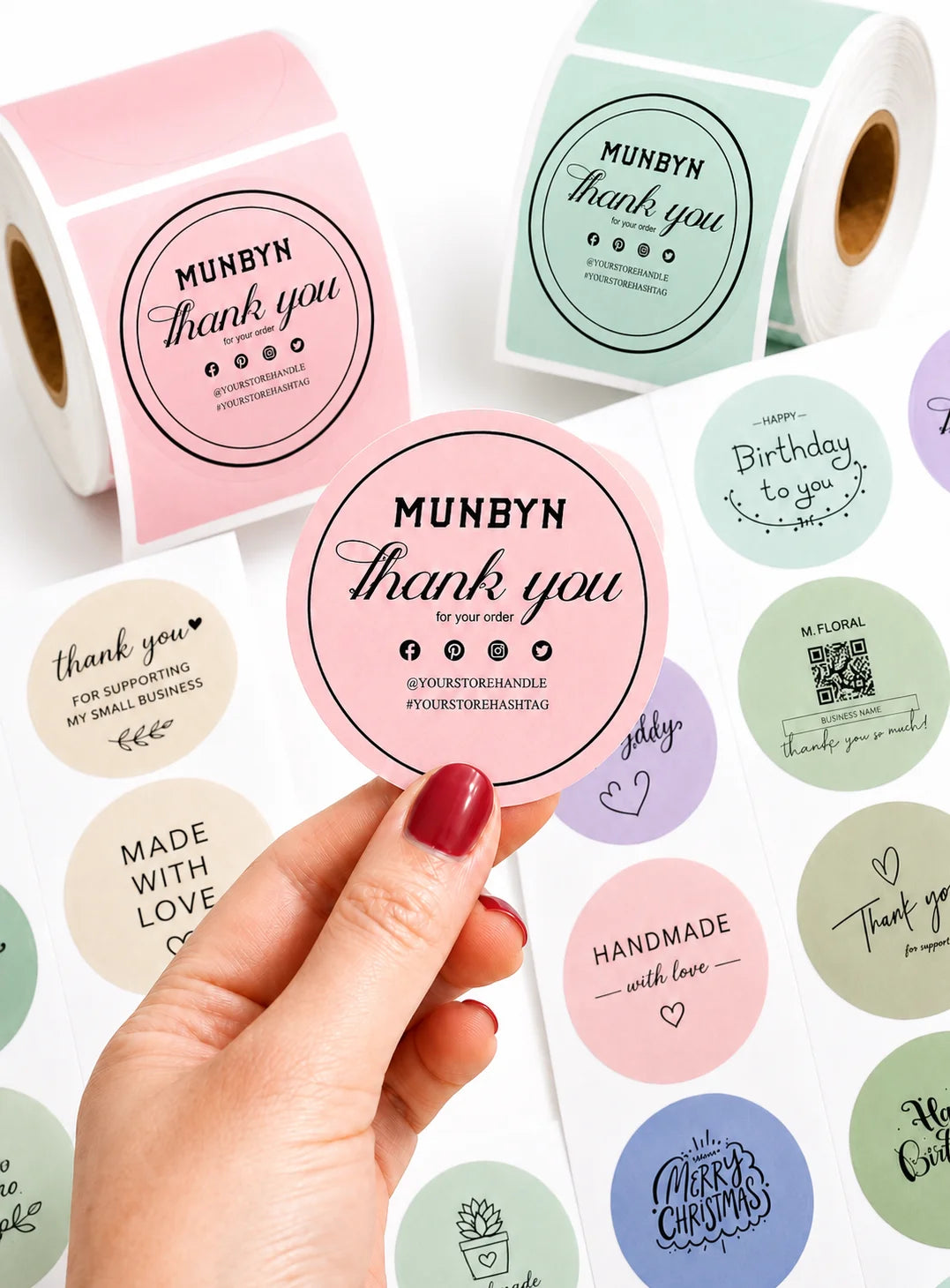
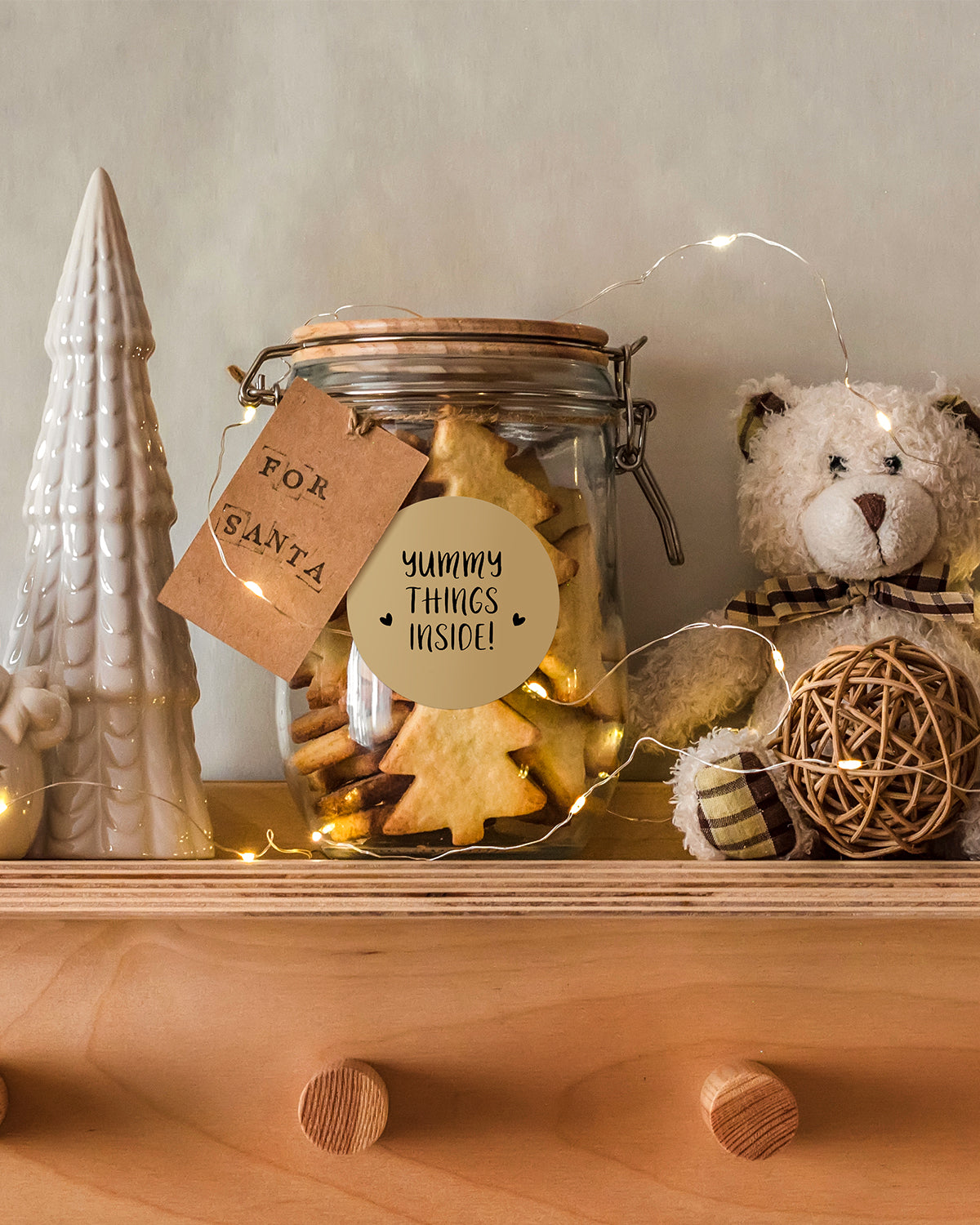
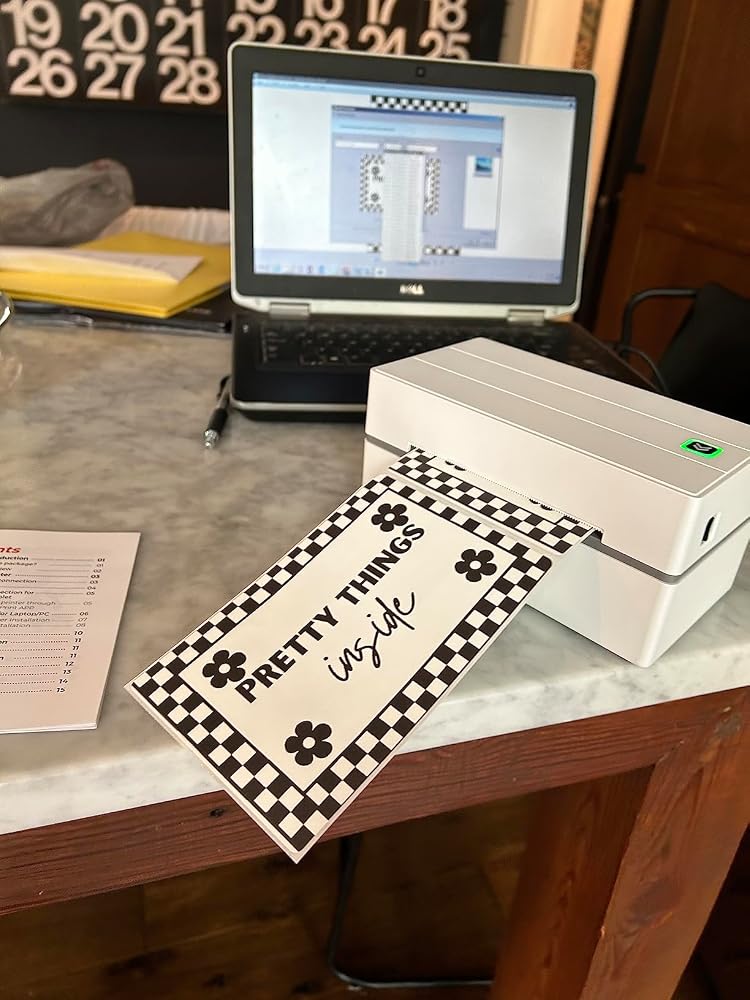
Custom Labels

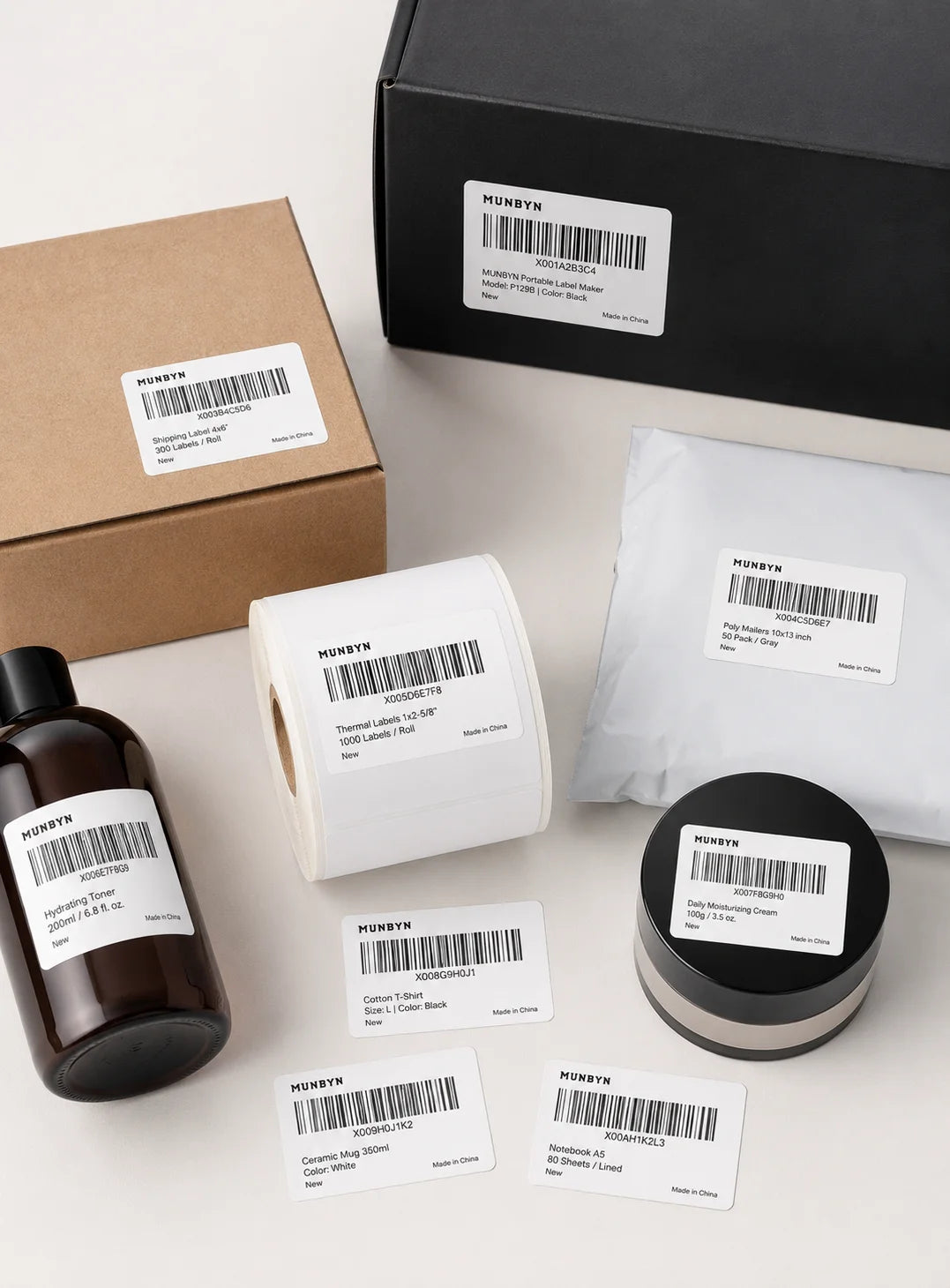
Barcode Labels

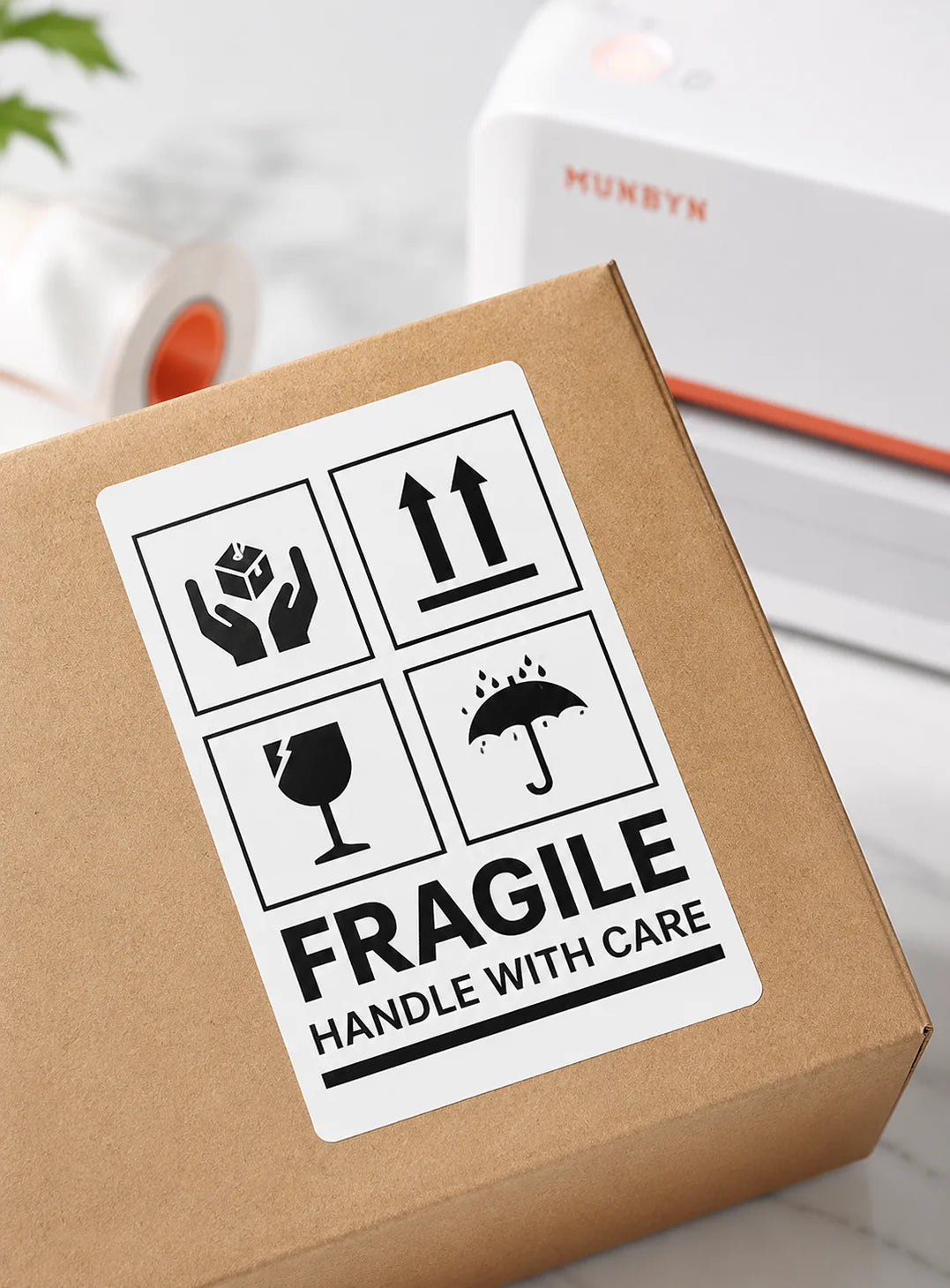
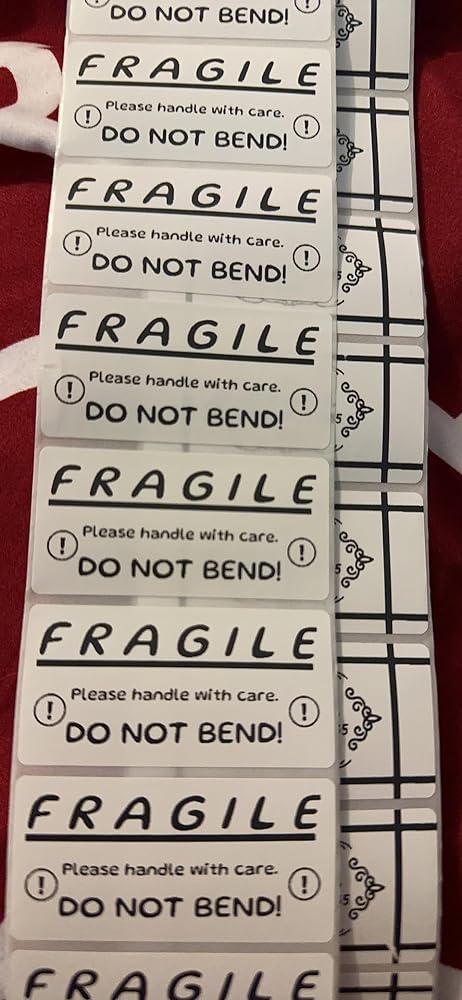
Fragile Labels

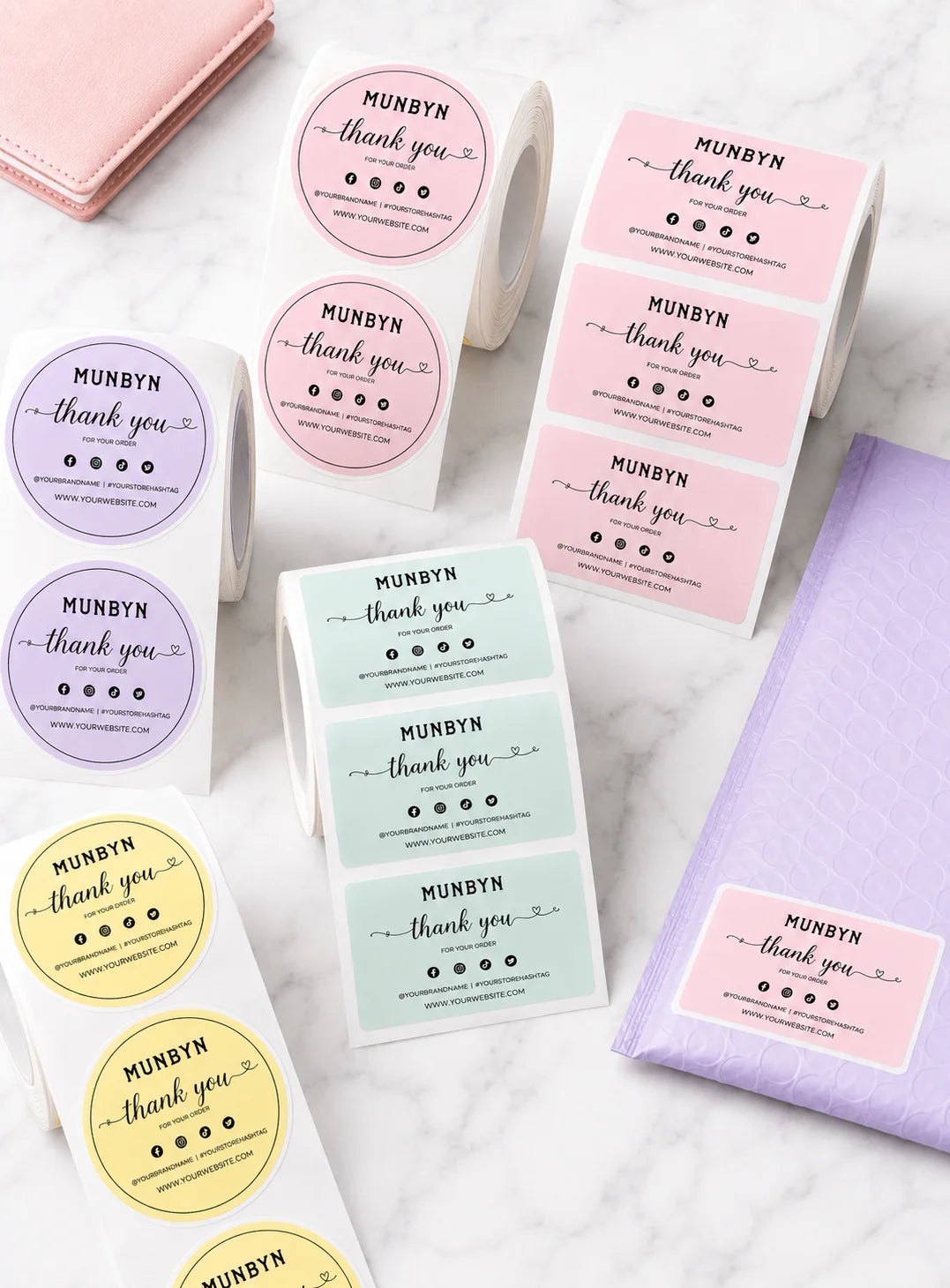
Branded Labels

Stickers for Daycare/School

Customers praised this thermal label printer for easy setup, fast printing, and excellent quality. Many noted it's "easy to use and connect" with Bluetooth to phones and computers. Print quality is "really nice" and "crisp and clear." However, some reported Bluetooth only works via app, not for shipping labels from platforms. A few experienced alignment issues and occasional print quality inconsistencies.

  • 5 stars: 147 (81%)
  • 4 stars: 27 (15%)
  • 3 stars: 7 (4%)
  • 2 stars: 0 (0%)
  • 1 star: 1 (1%)
T
Todd W.
Good USB Wired Printer. No bluetooth :(

While it is technically a Bluetooth printer. You can not print shipping labels via Bluetooth. You can only print silly designs and stickers from their app via bluetooth. It does print shipping labels via usb. It is a fast and legible shipping label printer.

F
Franke W.
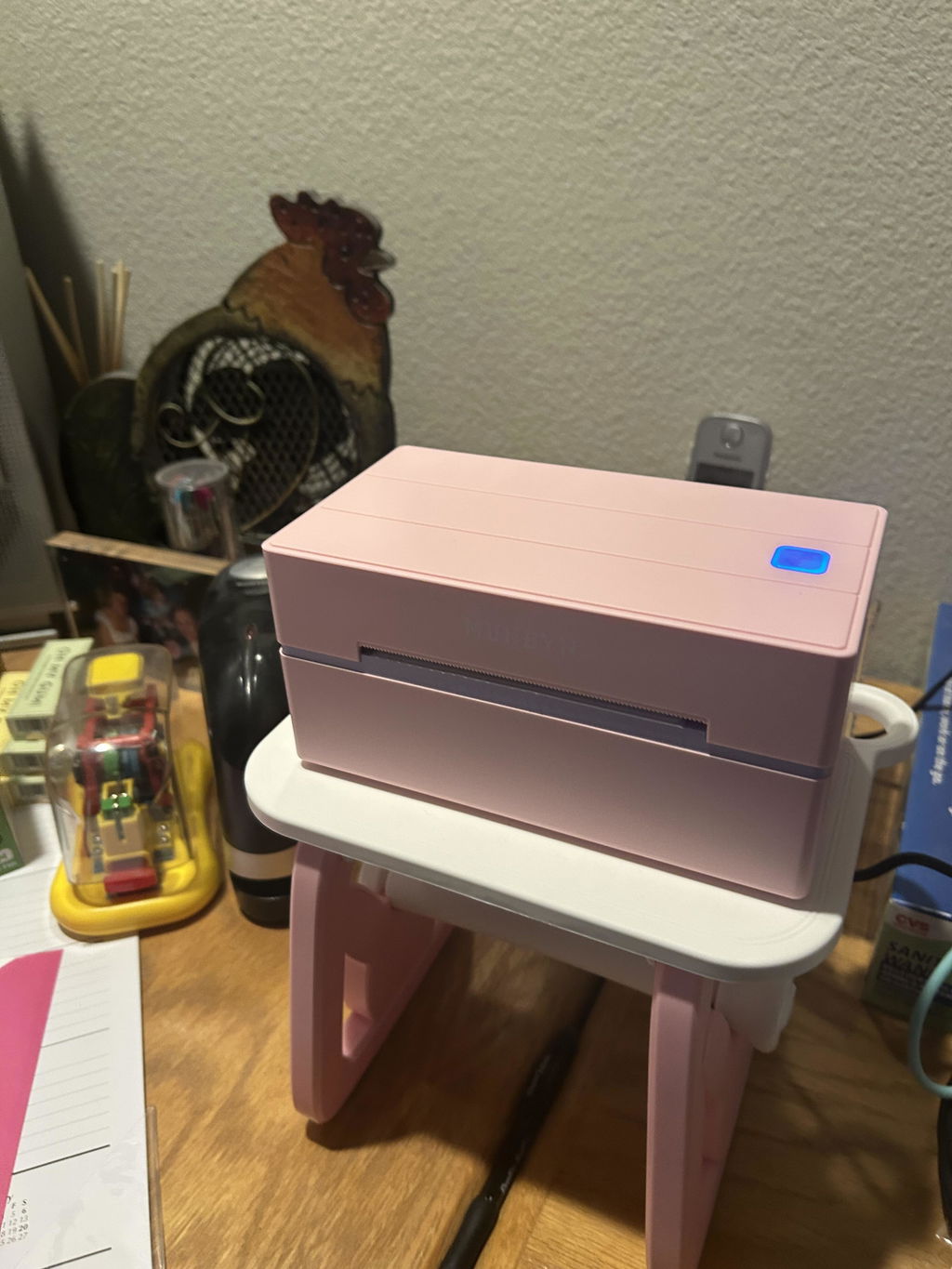
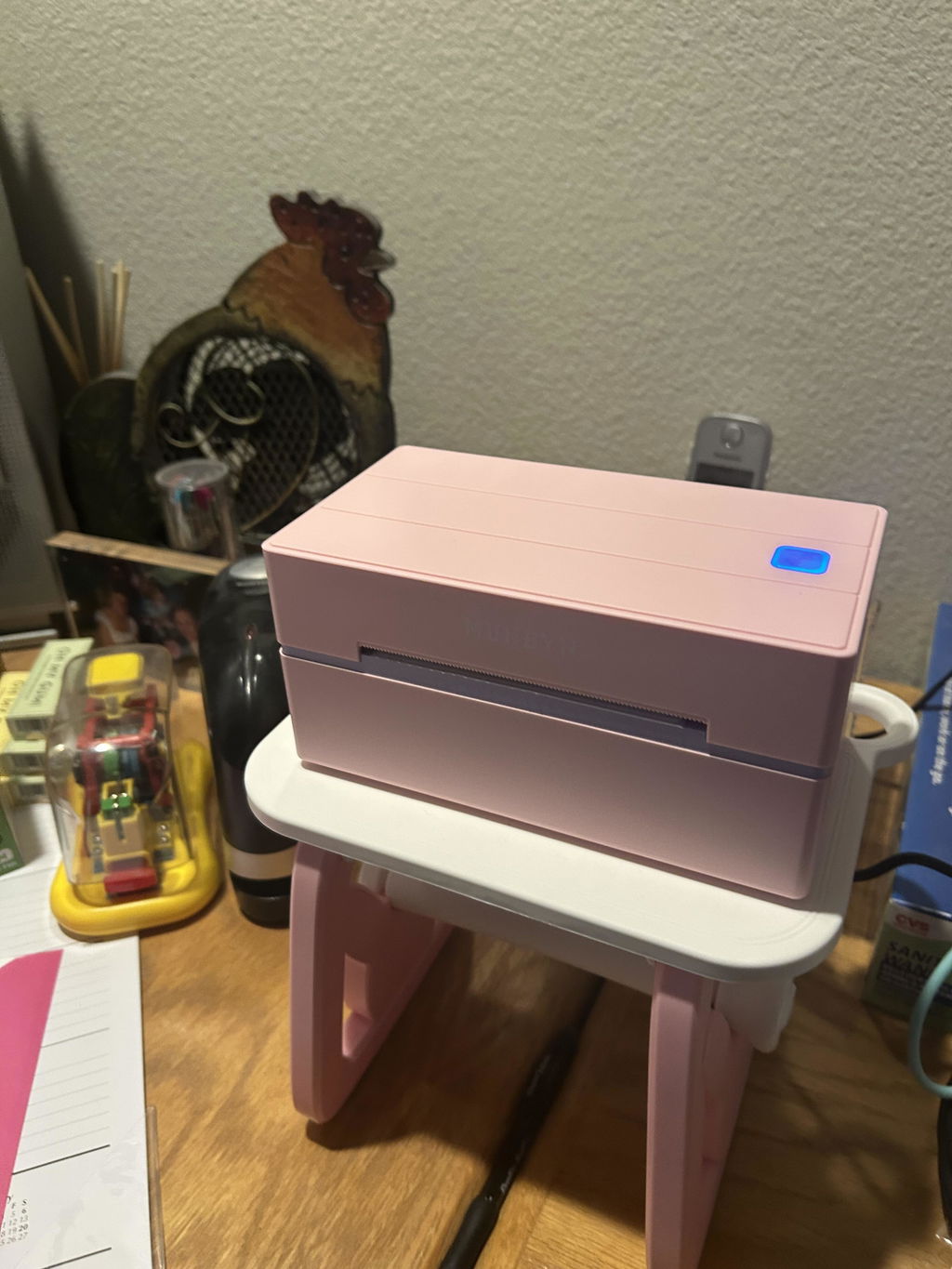
My lovely pink printer

Works like a charm!

D
Douglas S.
Fantastic little printer that performs a big service! Easy setup

Fantastic little printer that performs a big service! Easy setup.

r
roberto c.
Simple and Versatile

The media could not be loaded.


The setup was honestly easy. I love that I can create custom labels for what I want. I can either use the app itself or import files. I can also create custom label sizes on the app for other brand labels. I really loved that!

J
Jacqueline L.
Very efficient! Excellent printer!

It is exactly what I need for my small business and is easy to use and gives me nice, professional labels!

A
Angela G.
Love it

Stickers made super easy. Loved labeling my kitchen things and especially when I would make gift bags

s
sorro d.
Bluetooth label printer is very easy and fun to use!

Very easy and fun to use this Munbyn P130B printer! I love it so much. I used this template from the app to print these labels. I love that I can use this through Bluetooth from my phone so I don��t have to plug my laptop in when I need to print some labels.

F
Fayth C.
Awesome, took a little to set up

This is an amazing thermal label! It took a little bit to set up and I found it easier on a smart phone than my computer. Once I got the hang of it, it��s wonderful! Such a fun thing to make designs for! Cant wait to use this for my small business!

C
Chondra
Easy setup with bluetooth

The media could not be loaded.


The printer was easy to setup using the app and my Android phone. I was able to plug it in, load the blue circle labels I purchased, and print some test labels in just a few minutes. Looking forward to using it in the future for my baking orders and other projects.

E
EAPastor
Love that it��s Bluetooth!

I was tired of buying ink for my regular printer and occasionally need to print labels for my side hustles. I was in the market for a thermal label printer and this one checks all the boxes, most importantly the Bluetooth capabilities! I am so excited to print (and send) my first package using this label printer!

J
JHallberg
Very happy with printer

I��ve been wanting to try the Bluetooth version of this printer and was so excited to set it up. Set up was fairly easy. I have a Mac. And I set up the app on my phone. Both work great. All in all from set up to print took less than 15 minutes. Would definitely recommend.

D
Dab's
Cute printer!

I love that this is bluetooth and I dont have to be worried about plugins.I just got the munbyn printer and once again it is fabulous. Does exactly what I need and saves so much time and cost. Thanks munbyn for another wonderful printer.Again its bluetooth ????

J
Jodi T.
Quality is the worst

Nothing I'm printing comes out legible, it's grainy .. my graphics are high dpi .. Can't get it to center on the circle. Entire roll of labels wasted so far.It has to get better, from what the other reviews say I guess. This is my second one and I don't want to return this one like I did the last.

M
M A.Y.
Superb TECHNICAL SUPPORT

I placed a call to TECHNICAL SUPPORT because I was having a problem with printing out labels in a certain size. TECHNICAL SUPPORT was very caring and professional, and guided me through solving the problem in very little time. I was very impressed with the knowledge and caring. ????

Y
You n.t.
Definitely a must!

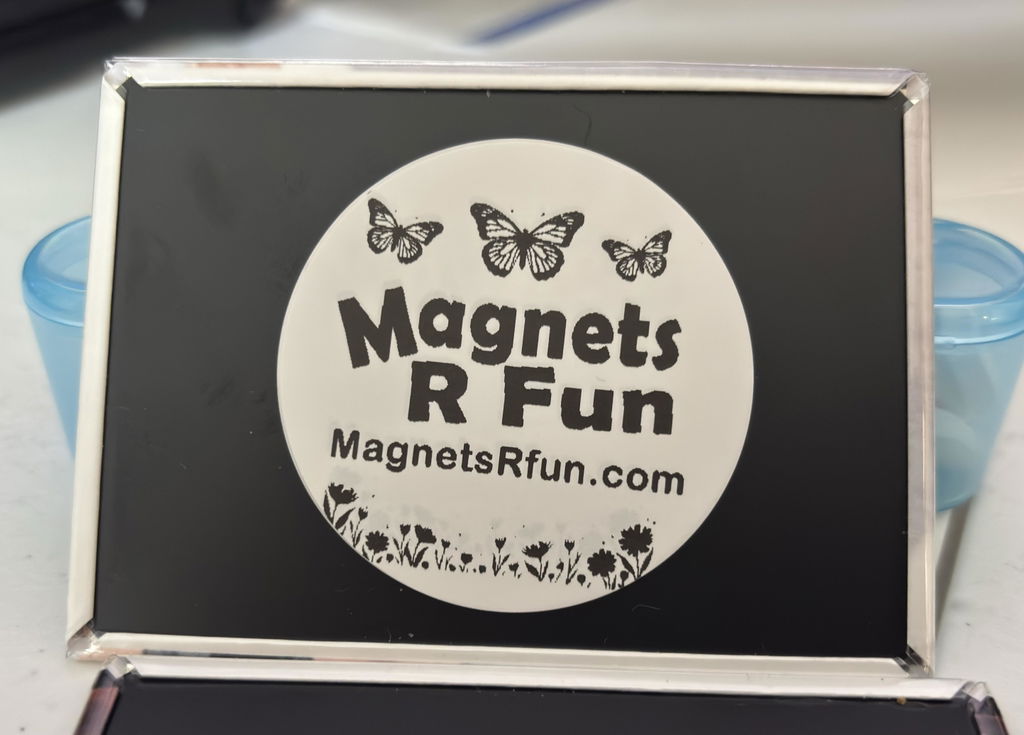
No need for me to have an ink printer anymore. Thermal printing is the way to go. The size of this Munbyn thermal printer is super small and won��t take up a lot of space. It��s easy to print shipping labels and or circle stickers like I��ve shown. Great for small businesses. AND it��s Bluetooth!! Perfect!!

C
Courtney T.
It��s a must have!

The printer comes with simple instructions for setup. The printer also comes with scannable barcodes to make set up quick and easy. The prongs are fast and clean! Can��t wait to use on a daily basis running my side business! Bluetooth feature was very easy to setup and connect to this product and brand is a must have for business owners.

F
Felicia H.
Does the Job!

Bought this thermal printer for my online business and it has been nothing but perfect. The APP is easy to use and works great!

K
Karen
Must have!

This thermal printer from Munbyn was easy to set up and use. It connected right away and able to print a quick image. Didn��t even realize it came with some 4x6 shipping labels which was nice! I used an iPad to connect everything and it was a breeze. Definitely a must have for any small business needs!

T
Tawny B.
Second buy

We love it. We have 2 now. We can print shipping labels and product stickers without having to switch paper!

M
Mely g.
Easy Setup

The setup was super easy on my IPhone it only took around 5-10 min not hard at all, easy to use, it prints clear and clean. I am really happy for this purchase, I am a reseller and I need this to print shipping label, it works great.Definitely worth the money! ????I will do an update once I use it for a couple months.

A
Amazon C.
Best thing I ever bought for my small business

This little printer is AMAZING. No ink required, setup is easy and straight forward.Munbyn provides ton of support for their product including a getting started YouTube playlist that is great to watch for first time thermal printer owners.Just buy it!

S
SonyaFit
Just what I needed for my business!

I don't know why I waited so long. I have an etsy shop and have been printing shipping labels on my printer for years. Tons of ink used. This is fast. Set up was pretty easy! I highly recommend for any business owner for sure. It prints out 5 labels faster than my printer does one invoice. haha!

M
Mar
Amazing quality and easy to set up!

I got this printer today and it took me less than 3 minutes to connect and print from my tablet. The quality of the print is amazing and it even comes with a free stack of 4x6 thermal label paper, USB for a laptop/ computer and a flash drive! The app has so many stickers and templates to choose from as well. The labels have a perforated edge for easy cutting! Perfect for printing shipping labels or any labels in general!

L
Luke

Will this label maker accept 1"x3" labels? I can see that it can handle 3" wide, but is 1" tall too short?

MUNBYN

Yes, a width of 3 inches is supported, but a height of 1 inch is too short.

FAQs

Please read our FAQs page to find out more.

1. Why should I choose a MUNBYN thermal printer over an inkjet or laser printer?

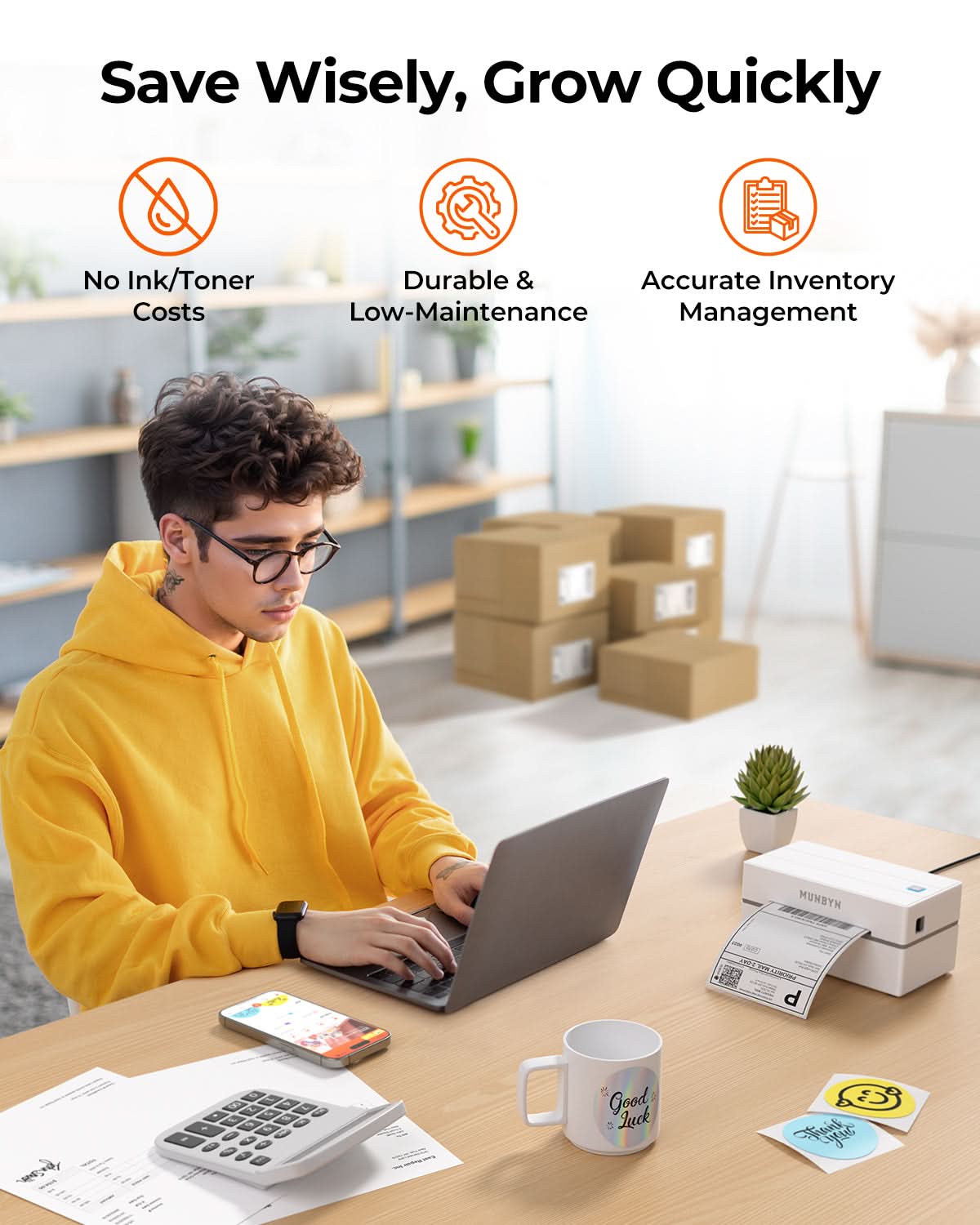
MUNBYN uses advanced Thermal Printing Technology, which means zero ink, zero toner, and zero ribbons. You only need thermal labels. This not only saves you hundreds of dollars in supply costs annually but also eliminates the mess of leaking cartridges and the frustration of running out of ink mid-shipment.

2. Can I use any brand of thermal labels with this printer?

Yes! MUNBYN printers are compatible with any Direct Thermal Labels. Whether you prefer fan-fold or roll labels, as long as the width is between 1.57" to 4.3" (40mm-110mm), our thermal printer will automatically sense and calibrate to it.

3. Which shipping platforms and marketplaces are compatible?

MUNBYN is a favorite for small business owners. MUNBYN label printers are fully compatible with major platforms, including:

  • Marketplaces: Amazon, eBay, Etsy, Shopify, Zalando, and Shopee.
  • Couriers: UPS, FedEx, ShipStation, Pirate Ship, USPS, and DHL.

4. What labels can I use with this printer?

Our thermal printers support a wide range of direct thermal labels, including 4×6" shipping labels, 3×2", 2×1", barcode labels, round labels, and custom sticker sizes (40–110mm width depending on the model). The printer auto-detects label size—no manual calibration required.

5. Is this label printer easy to set up?

Yes. The sticker printer is designed for quick setup with step-by-step installation guides and driver downloads available. Most users can complete installation in just a few minutes.

6. How do I calibrate the printer for different label sizes?

Our intelligent Automatic Label Identification does the work for you. Insert your labels, press and hold the top button until you hear a single beep, and the printer will automatically adjust the label size and spacing for perfect alignment.

7. What should I do if my labels are printing blurry or with white streaks?

High-quality printing starts with a clean print head. If quality drops:

  1. Power off the printer and let it cool.
  2. Wipe the thermal print head with an alcohol swab or microfiber cloth.
  3. Adjust the Print Density and Speed settings in your driver preferences.

If the issue persists, contact customer support for further assistance.

8. Does this label printer come with a warranty?

Yes, every MUNBYN printer is backed by a 2-year warranty. We stand by our hardware and will provide a replacement or repair if you encounter any manufacturing defects.

9. Can I use the label printer for both business and home organization?

Yes. You can use this printer for both business labeling (shipping, barcodes, inventory, retail tags) and home organization (storage labels, pantry tags, files, craft projects). Its versatile direct thermal printing and support for multiple label sizes make it suitable for a wide range of personal and professional uses.

10. Are there customization options for labels?

Yes, we offer flexible label customization, including stickers, logo labels, and creative templates for branding. Shop Custom Label Here.

Didn’t find your answer?

Don't hestitate to contact us

Free shipping and returns