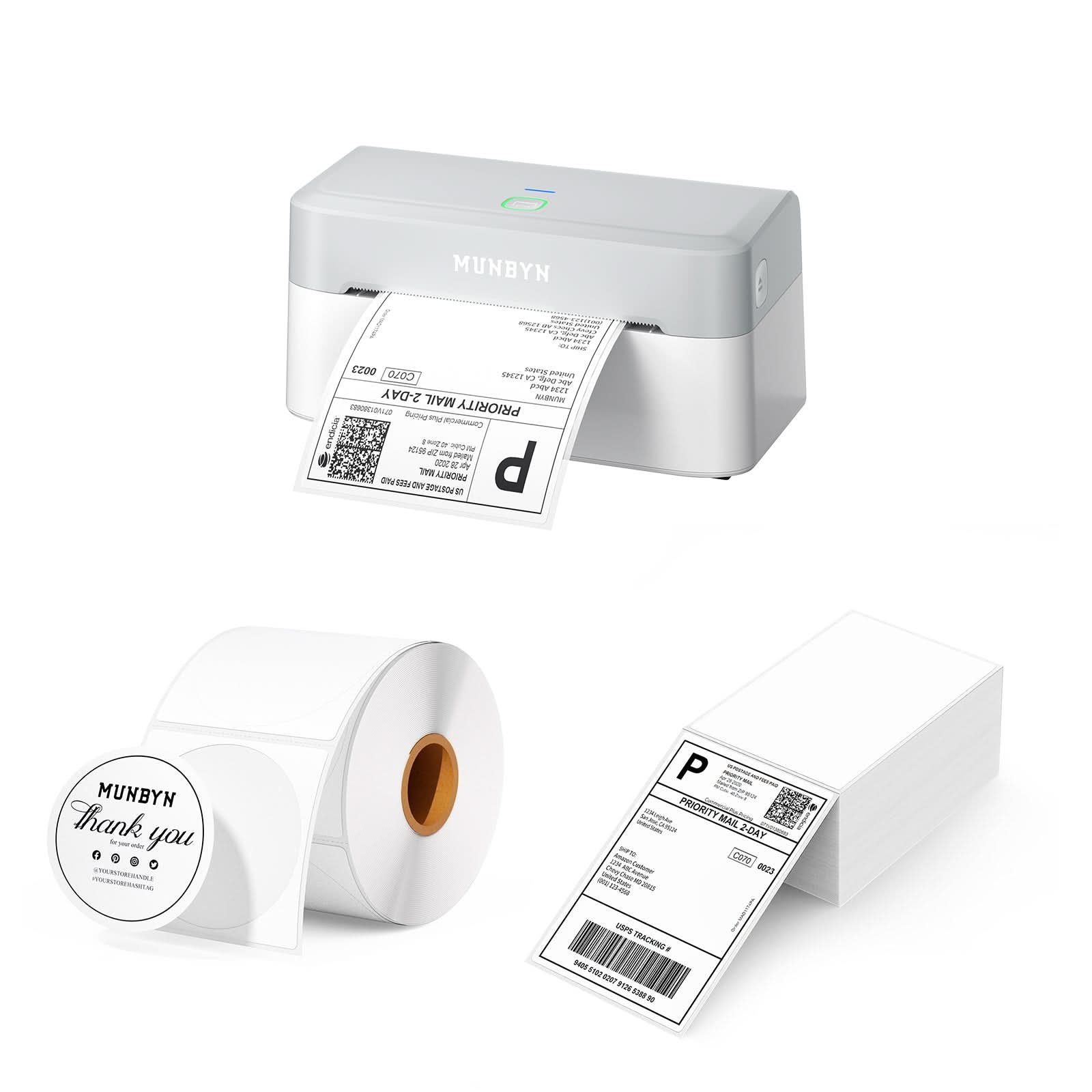
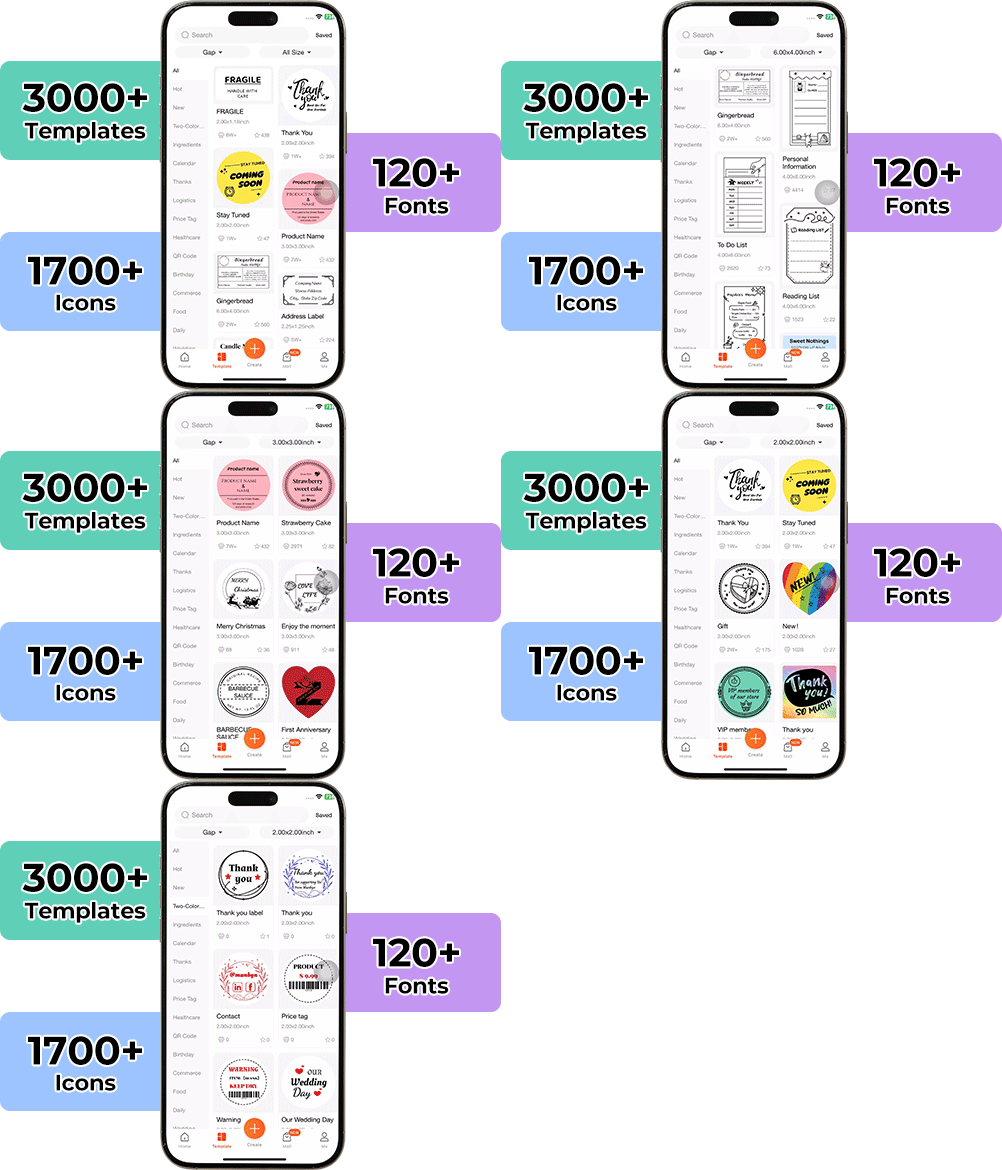
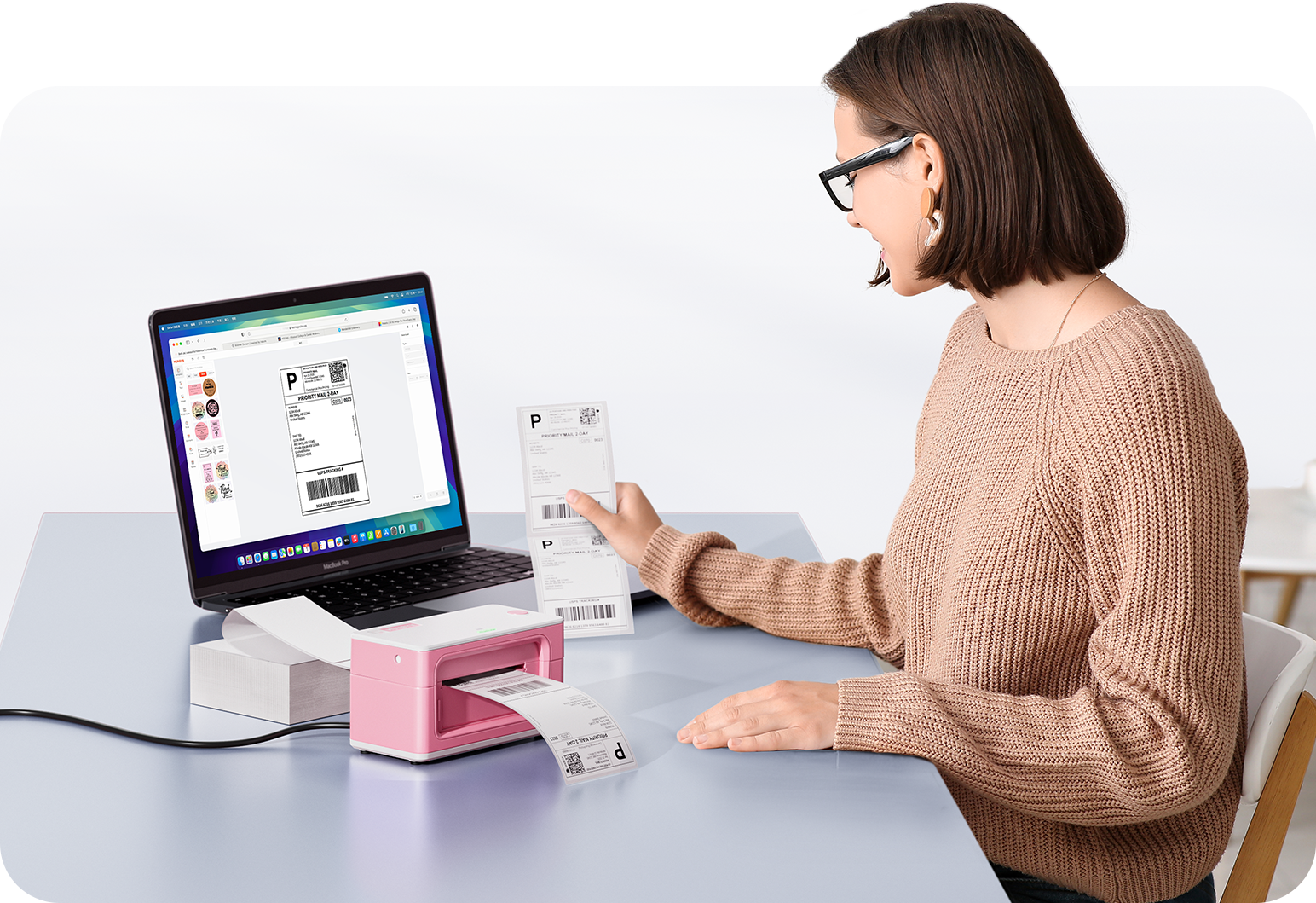
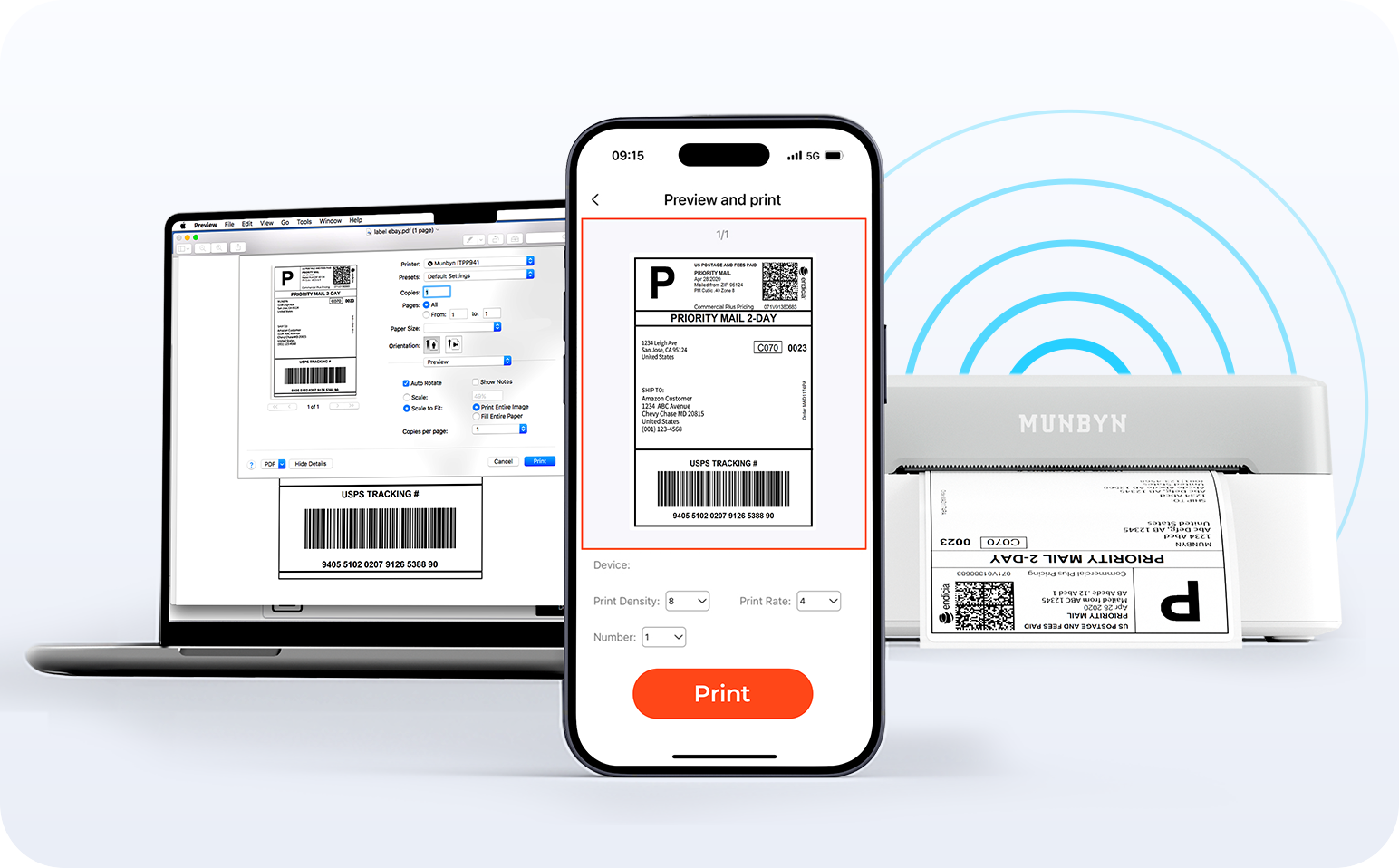
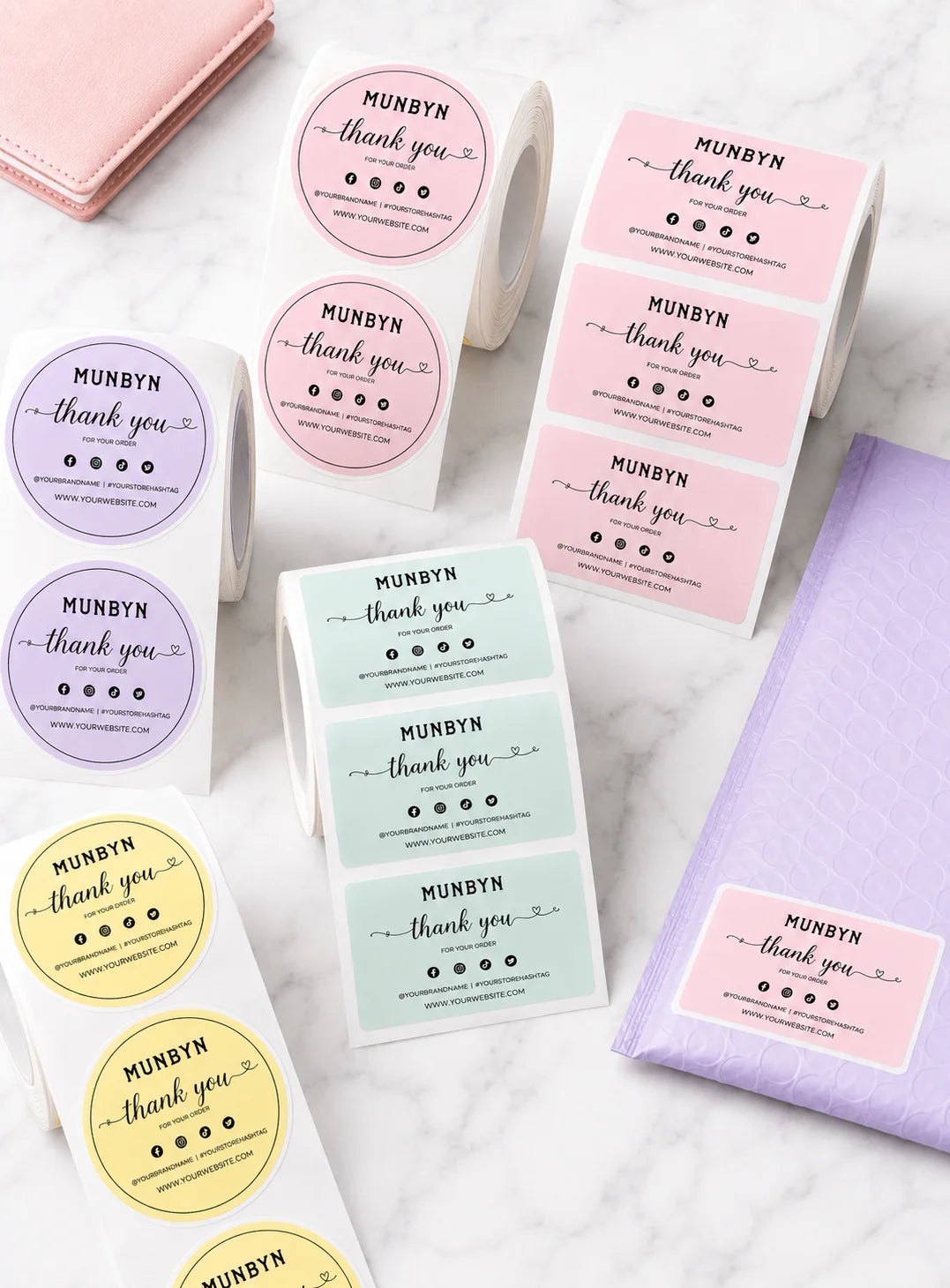
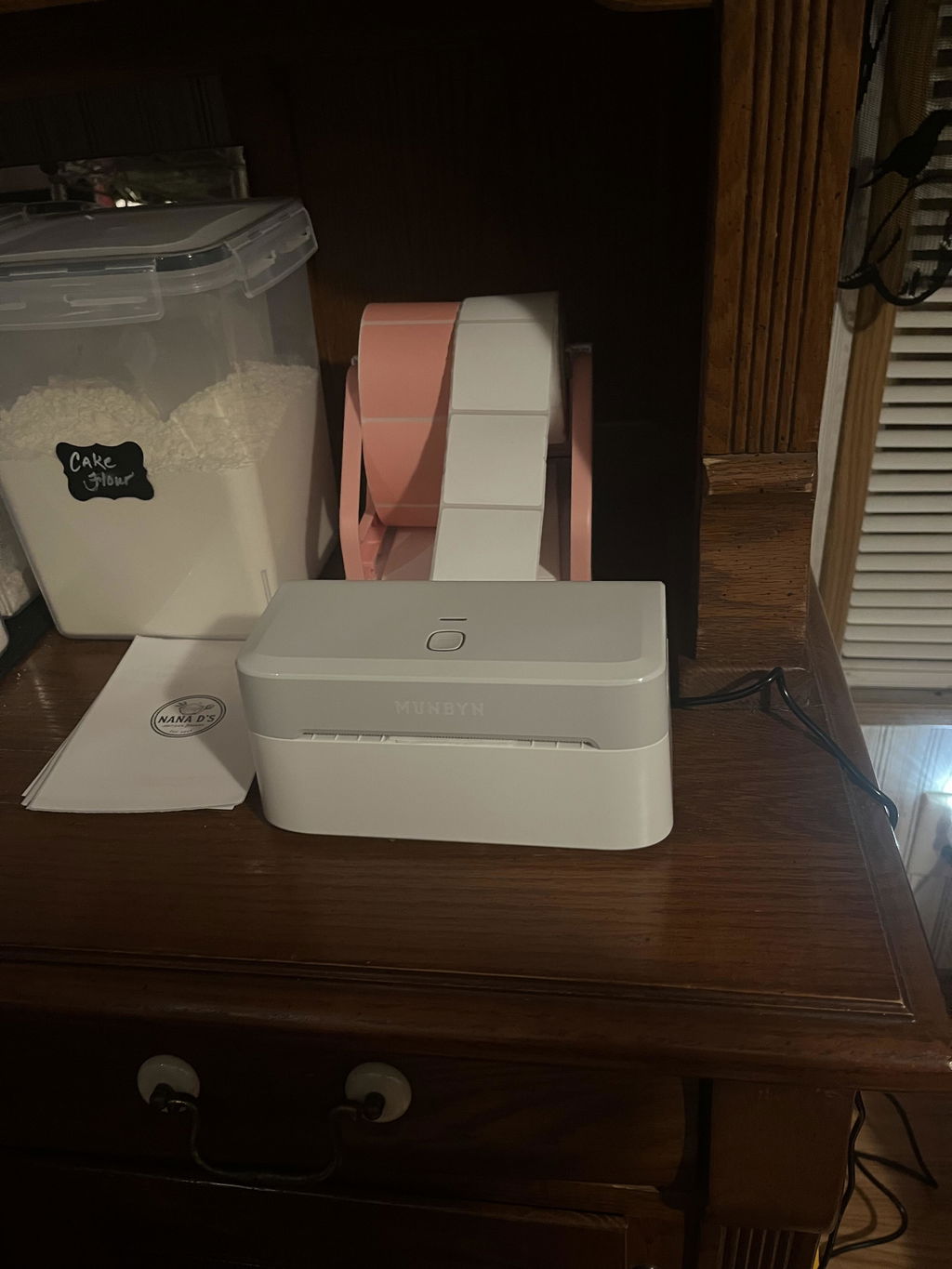
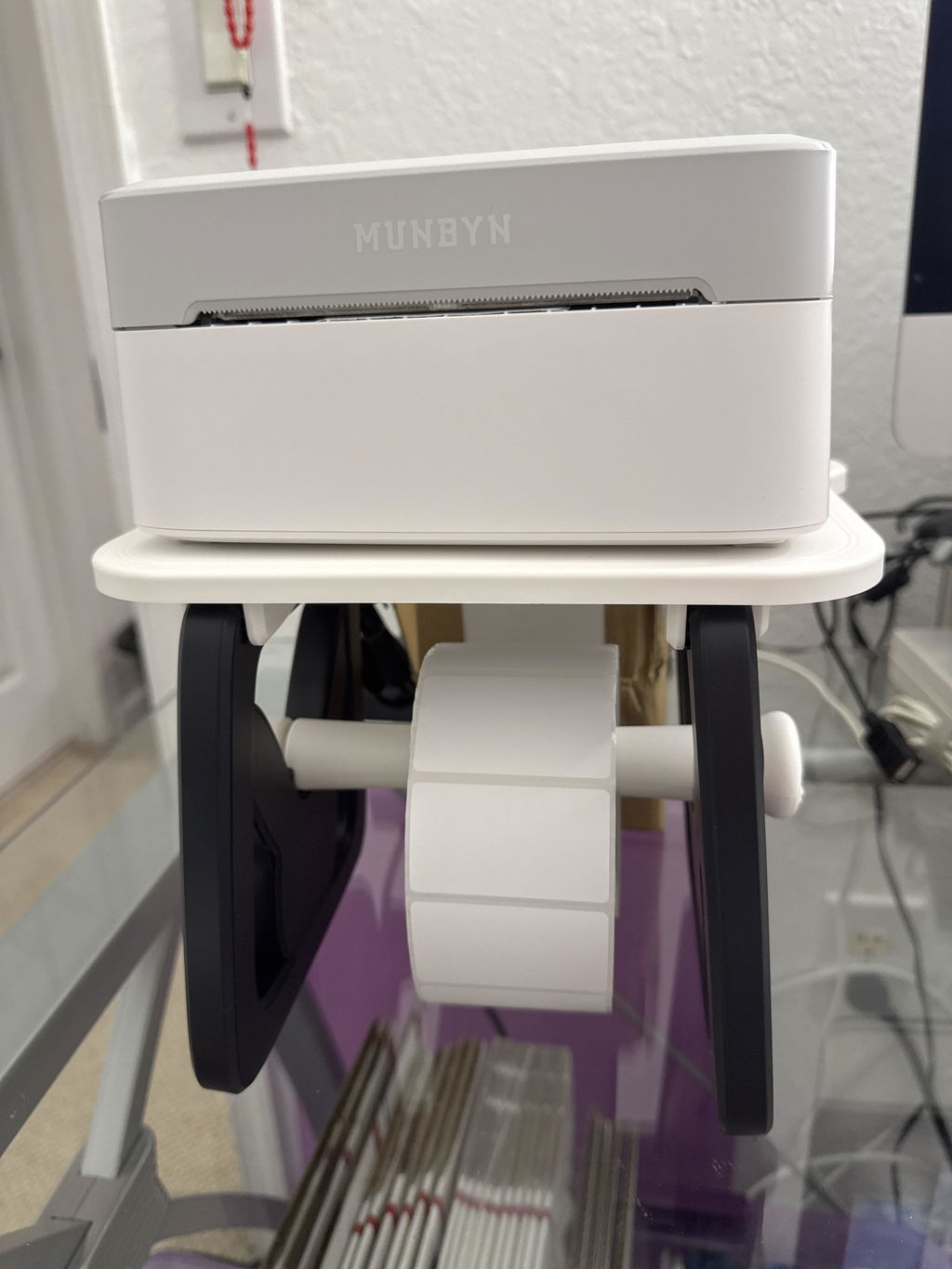
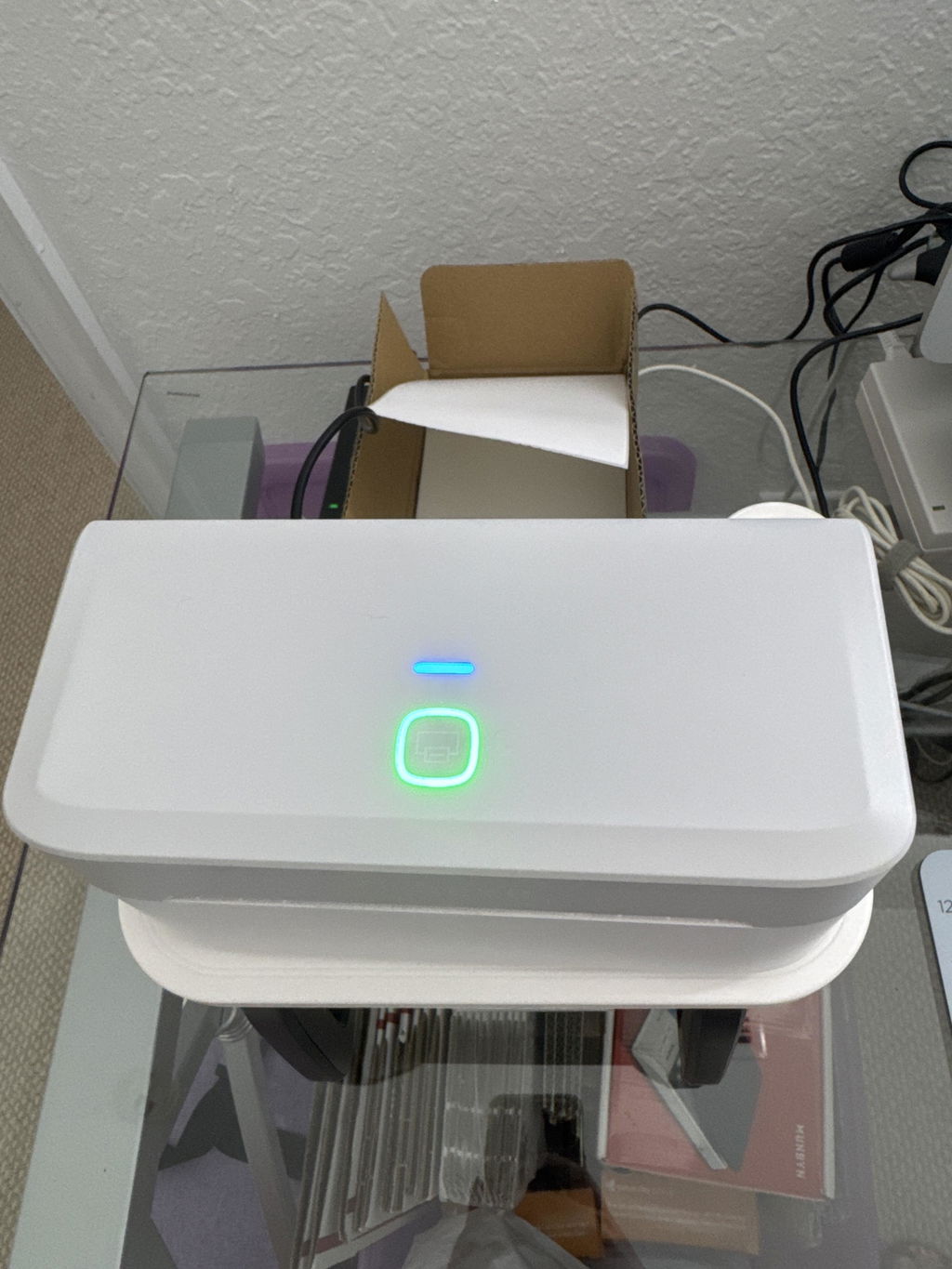
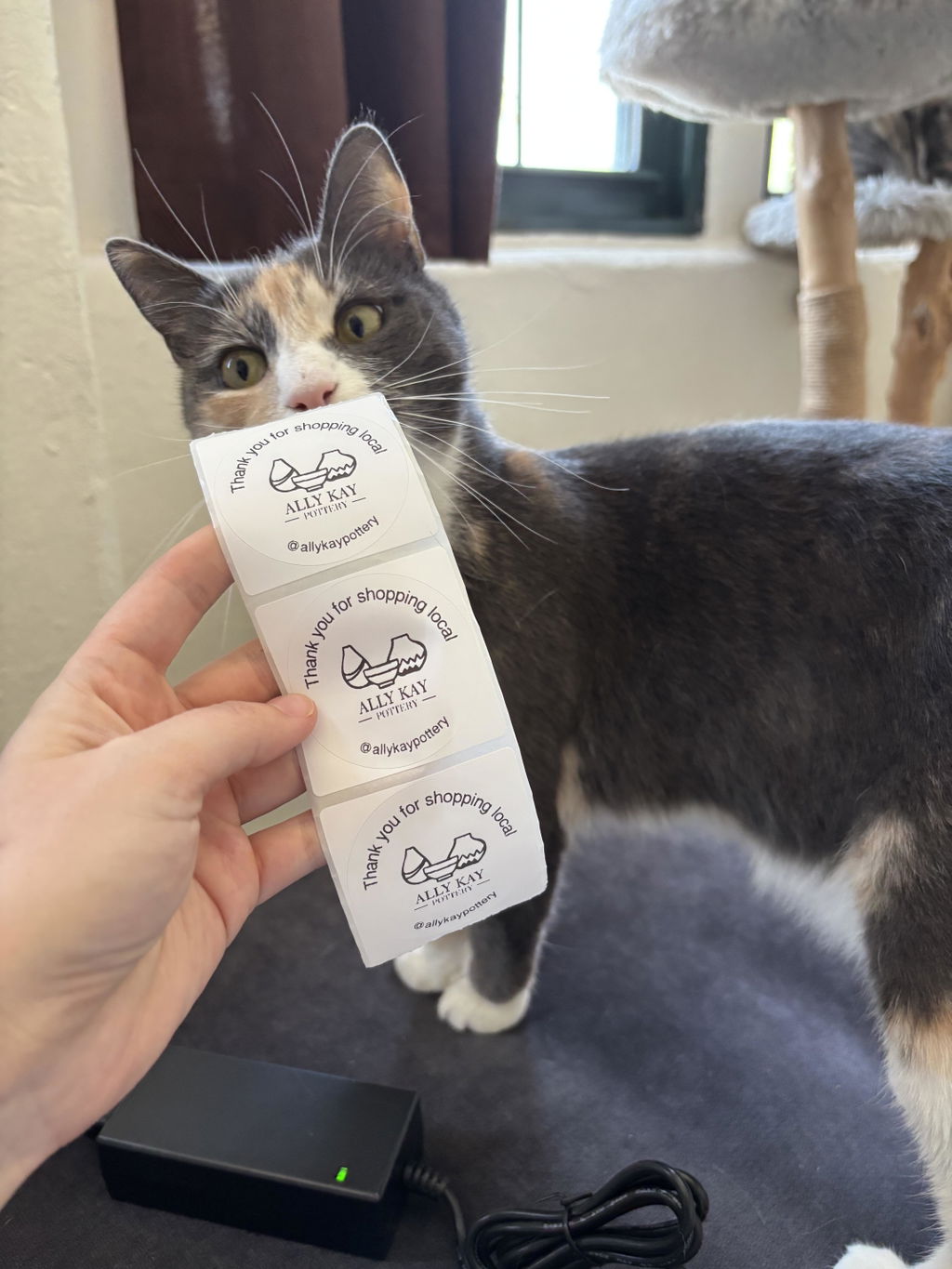
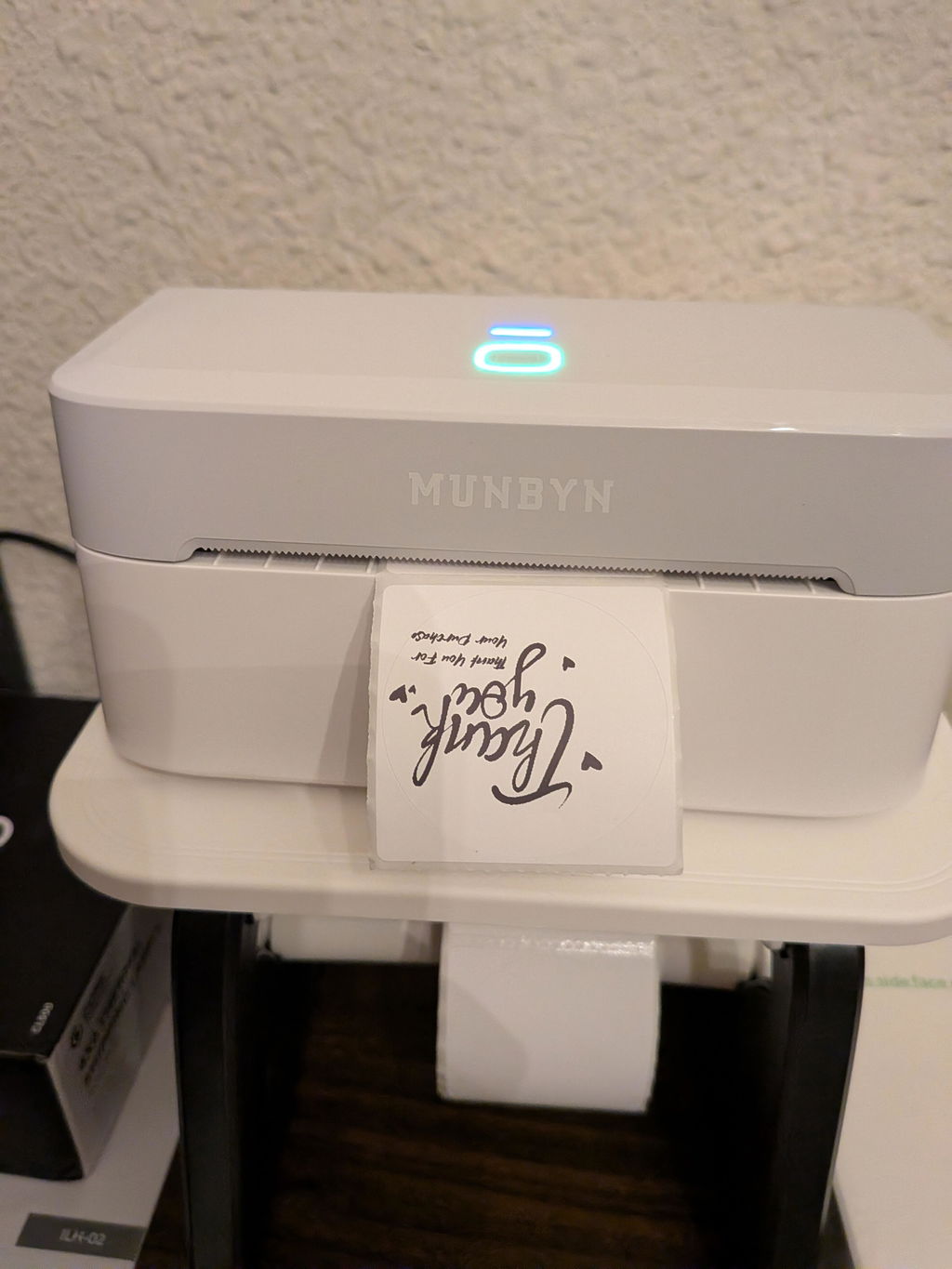
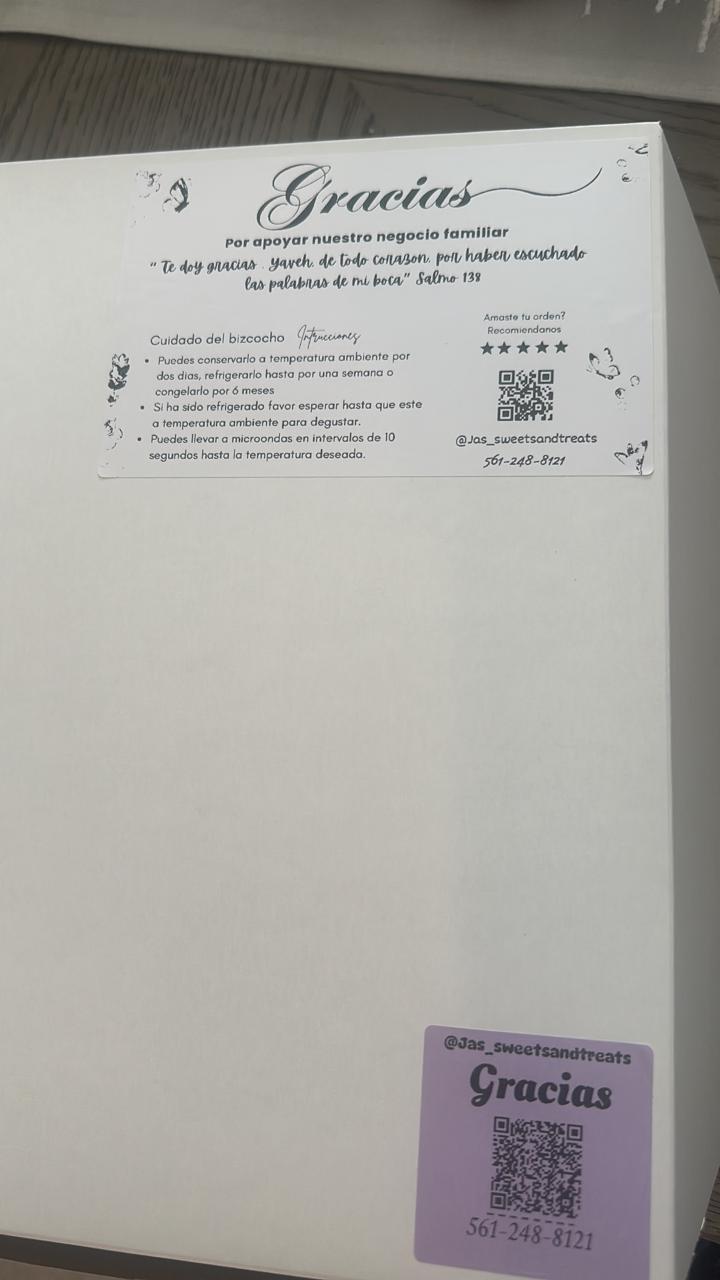
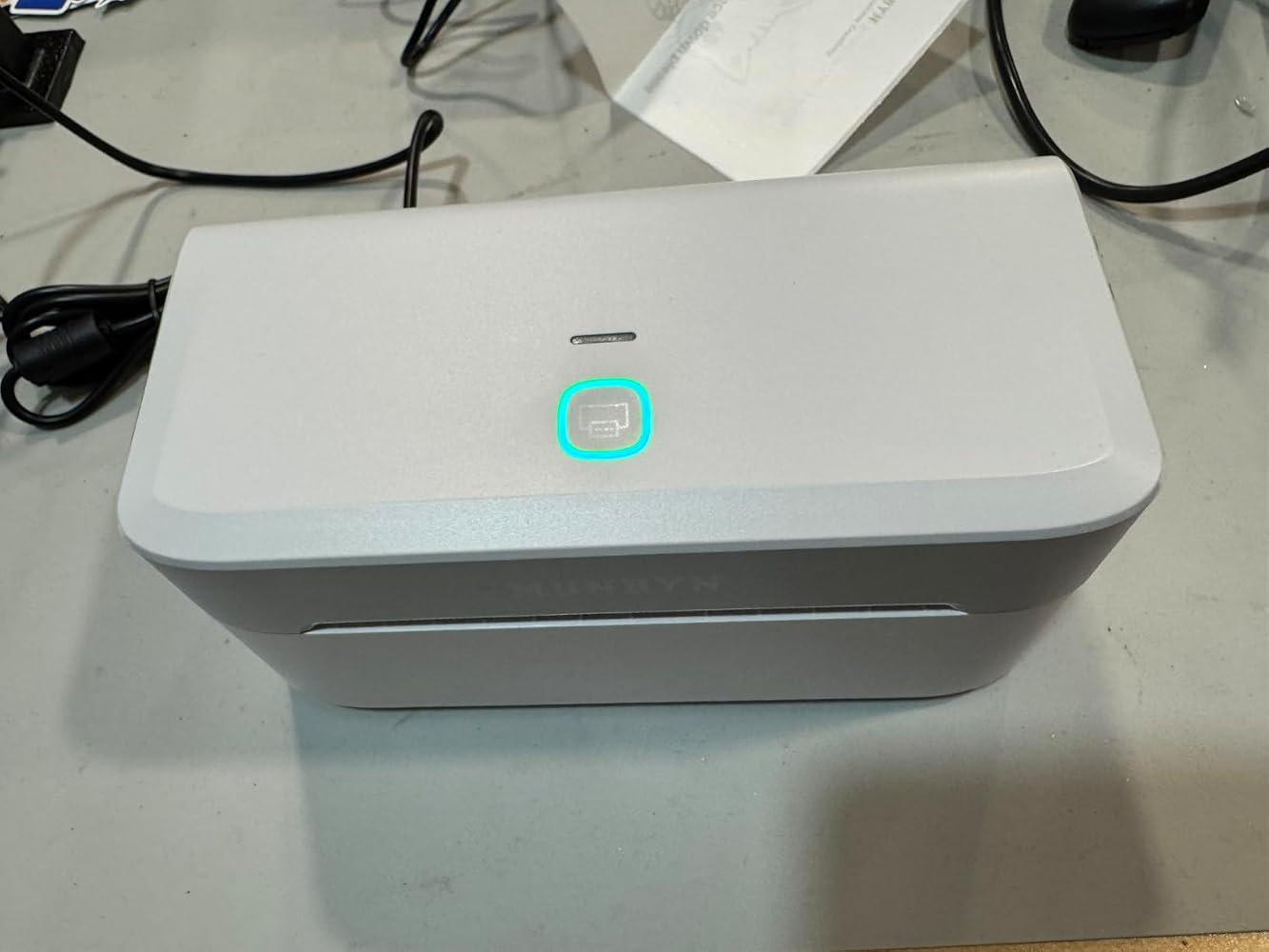
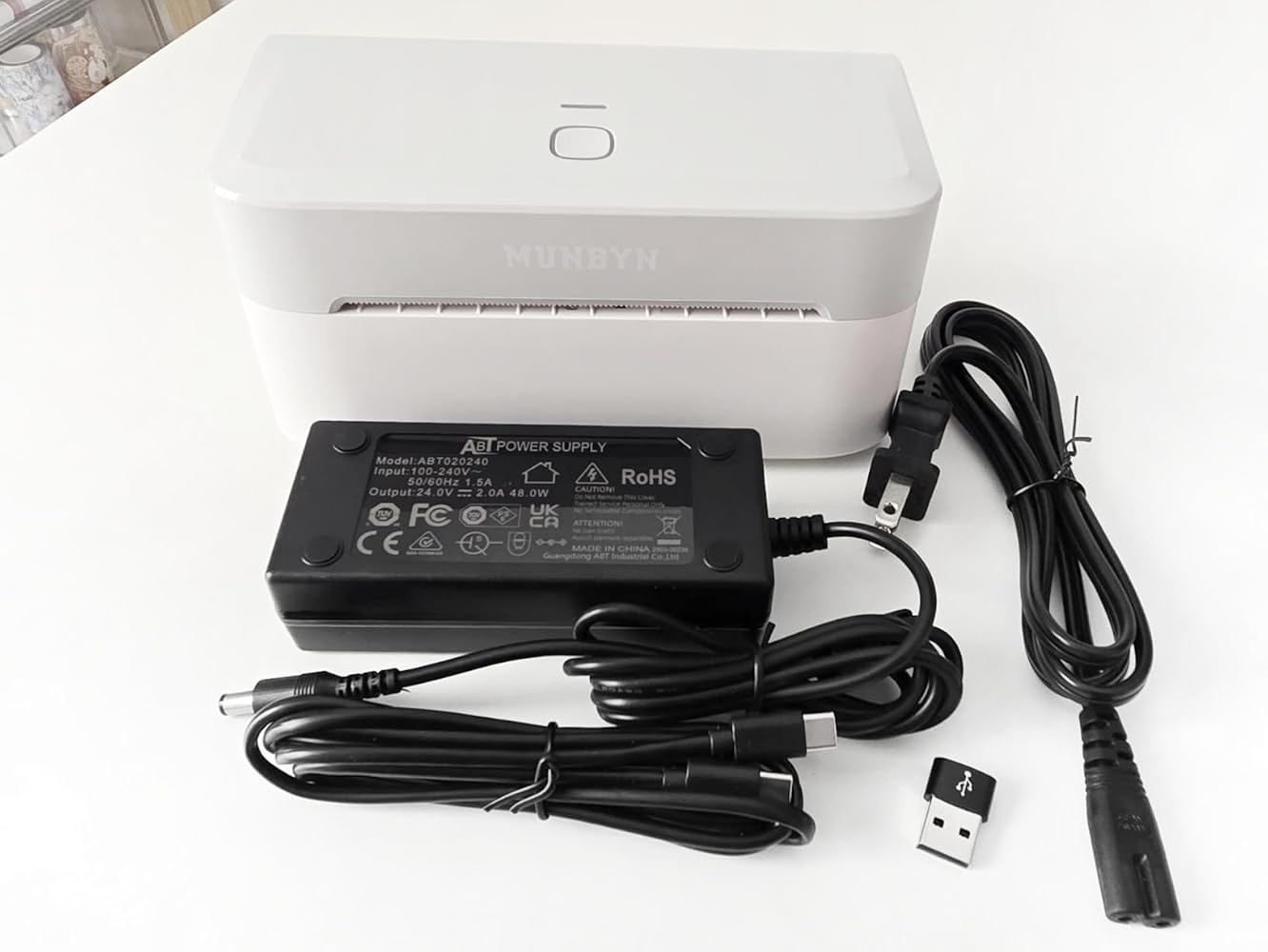
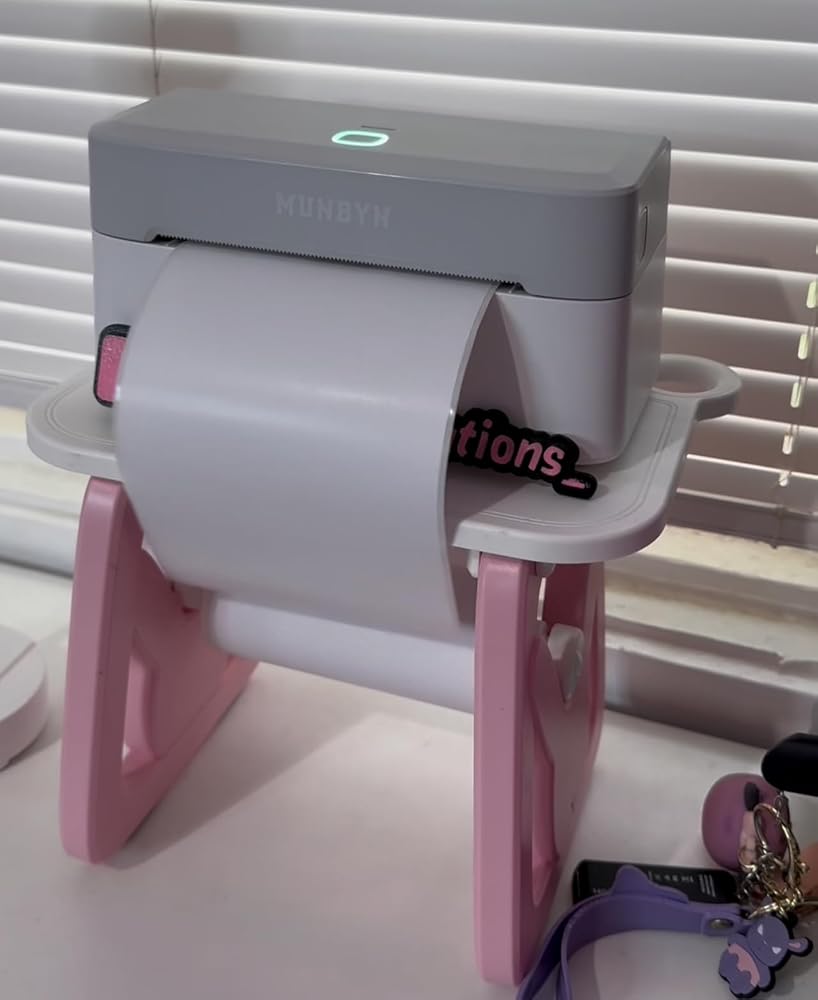
Updated 5/27/2025After contacting Customer Service, I can comment that they are responsive & professional.They asked for a video of me using the machine (weird), but after compressing it and sending, they determined it was an issue with the print head. They sent me a new machine & shipping label to send the old one back.I used the new one about 5x more than I used the other one, and it's great.I am still having issues making it print in any reasonable way on circular labels. It still drifts and is offset - but is perfect on a square label.Super nice machine. I even printed the return label they sent on the new machine!----------------------------------------------------------I started out loving this and was ready to gush about it.Pro's:- Super easy to set up. The app was a no brainer, I was test printing in under 5 minutes.- Small, compact, portable.- Handles labels 1.57" to 4.25" wide, and there are a *ton* of good quality thermal labels in this range- Crisp prints- Super fast- a 4"x6" label full of print was 1-2 seconds- Phone editor and online editor are easy to use.- Can upload to view or use the phone app and use your own logos and images.- Can save projects created on your phone to the cloud (Awesome!). There is an issue with this under the Cons, though.Cons- The project maker online or on the phone is not super intuitive. A new Project will let you pick a blank label of a specific brand and off you go. If you want to use a template, you do not start a new project, you just pick the template and edit it and save it with a custom name. Not a biggie, just was a bit cumbersome to figure out, since the manual is lacking documentation for this.- The online editor initially looks to be only a Scratch Pad. I tried making a new online template, editing a template I created on the phone app (according to them, should not be able to edit on the web, but tried anyways). I could create one online via the web, but could not save it. If you have this issue, go to your account preferences and change something. I changed my avatar picture and saved. *Then* I could save projects online (and then see them in the phone app). Why? I do not know why. But it worked.- Frustratingly, you have the option of saving projects created on your phone to the cloud (Awesome! )- however, you cannot edit them in the cloud. And it doesn't warn you or tell you this anywhere until you dig into the FAQ's. If I can create a new label on the web and it shows on my phone (yes), and upload and edit one from my phone to the web (yes), I should be able to save it and see the changes back on my phone.- The circle labels did not detect correctly- it auto detects the perforation gaps and aligns with the front of the label and off you go. The circle consistently detected low. One out of 5 lined up correctly. Was figuring out the ins and outs, but am blocked, now due to the biggest con.- Between one print and the next, it started printing blank labels.So, I checked the manual and .. irritatingly, the answers to the FAQ in a printed booklet are URL's that are like munbyn.biz/403abc. Great.I did all the troubleshooting from soft and hard resetting to cleaning the print head (even though I've printed less than 20 labels). Turned it on and off, change labels, used their own labels. Waited to make sure it was 1000% cool.Nope, the most that happens is now it prints parallel lines the length of the print (If your print area is 2", it would print 2" lines on a 6" label, for instance)- the image is of the test print designed to fill a 4x6 label.A machine intended for business use needs to be close to 100% reliable. I've contacted their customer service and if we can figure out what happened and get it resolved, I will edit this review with an update.I can accept that sometimes things go wrong during manufacture.


 United States
 Best Seller
 Label Printers
 All PDAs
 All Tablets
 All Thermal Labels
 Printer Accessories