Scroll to top

Print Anything, Anywhere

Your ideas, your space — print wherever inspiration strikes.

Ink-Free, Worry-Free

Zero ink. Time, money, and planet-saving.

Fast to Print, Easy to Keep Going

High speed:150 mm/s = one 4×6 label per second.

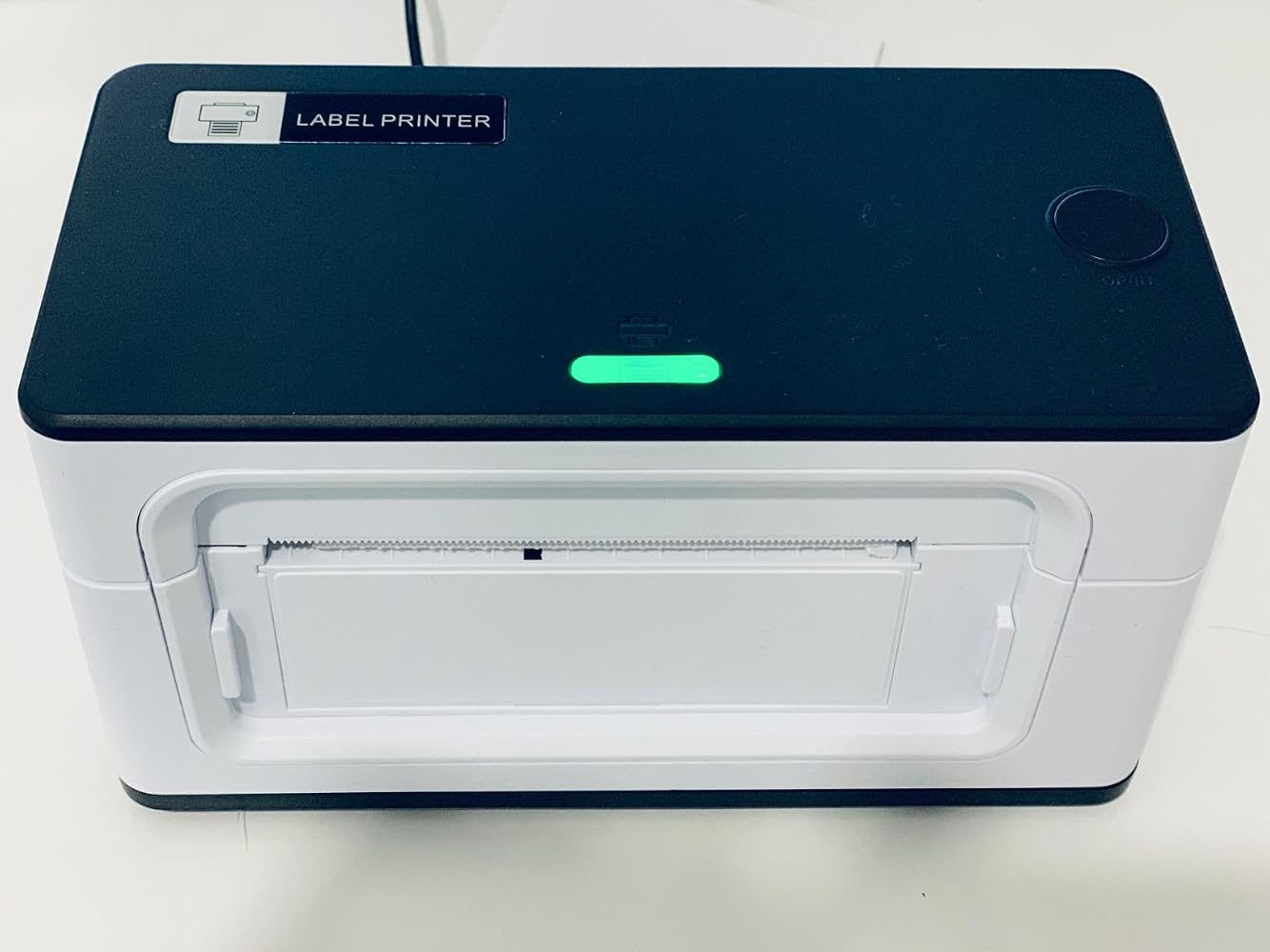
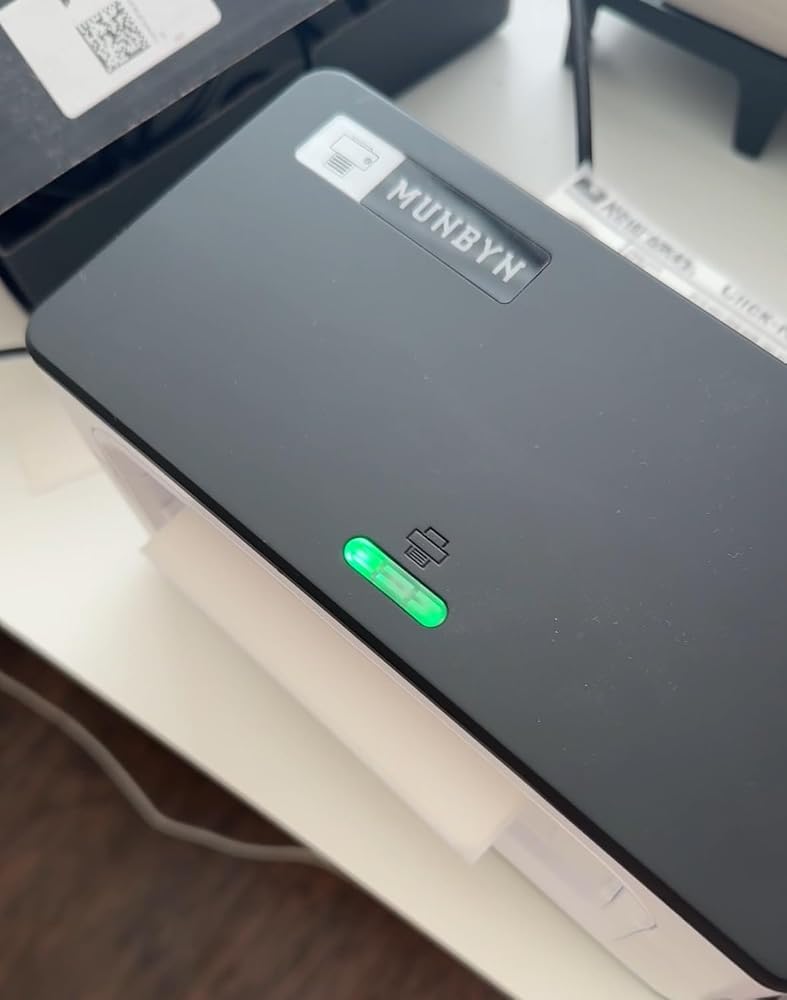
MUNBYN RealWriter 941B thermal label printer with white finish, showing front view of the compact thermal label printing device.
MUNBYN RW941B Bluetooth Thermal Label Printer
$129.99

Product details

Basic Introduction

SKU

- ITPP941B-WH-US

Moel Type

- 941B

Resolution

- 203 DPI

Printing Speed

- 150 mm/s

Weight

- 0.9 Kg

Product Dimensions

- 198x96x109mm(L*W*H)

Compatibility
Connectivity

Bluetooth:Windows/iOS/Android
USB:Windows、Mac OS

Compatible Label Sizes

- 40-110 mm

Special Feature

- Portable

Compatible Devices

- Laptops, Mac, PC, Windows

Power Adapter

- 24V/2A

Others
Usage Scenarios

- Warehouses
- Retail
- Offices
- Business
- Home

Service Warranty

- 2-Year Warranty
- Technical Support

Included in the Box

  • Printer

  • USB Flash Drive

  • Type C line

  • USB Cable

  • Adapter

  • Standard Plug

  • User Manual

  • Quick Tips

  • Labels

Download our app

High-End Labels in Minutes
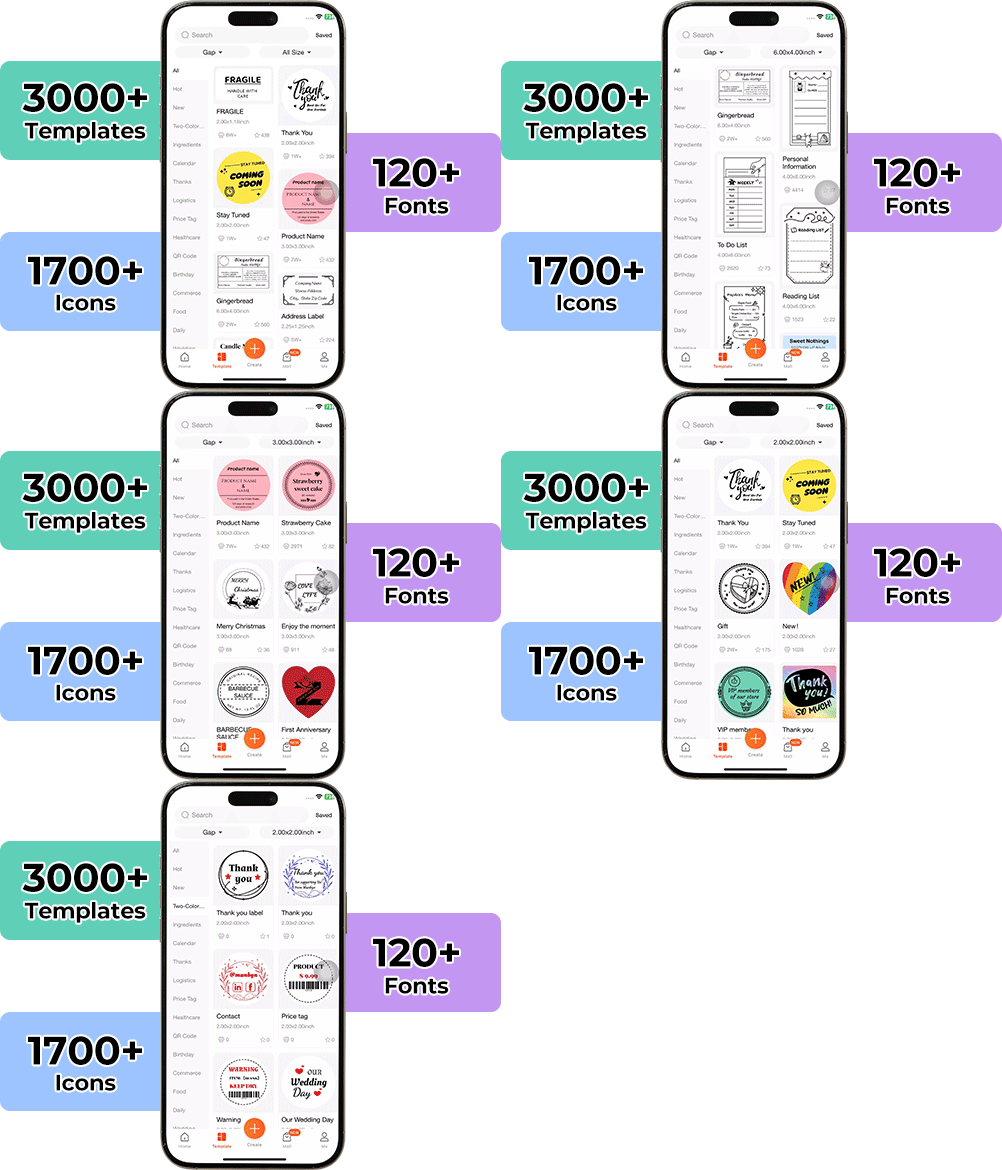
Designing custom packaging has never been this simple. Using the MUNBYN app and our versatile DIY Labels, you have a library of 3,000+ design assets and templates at your command.

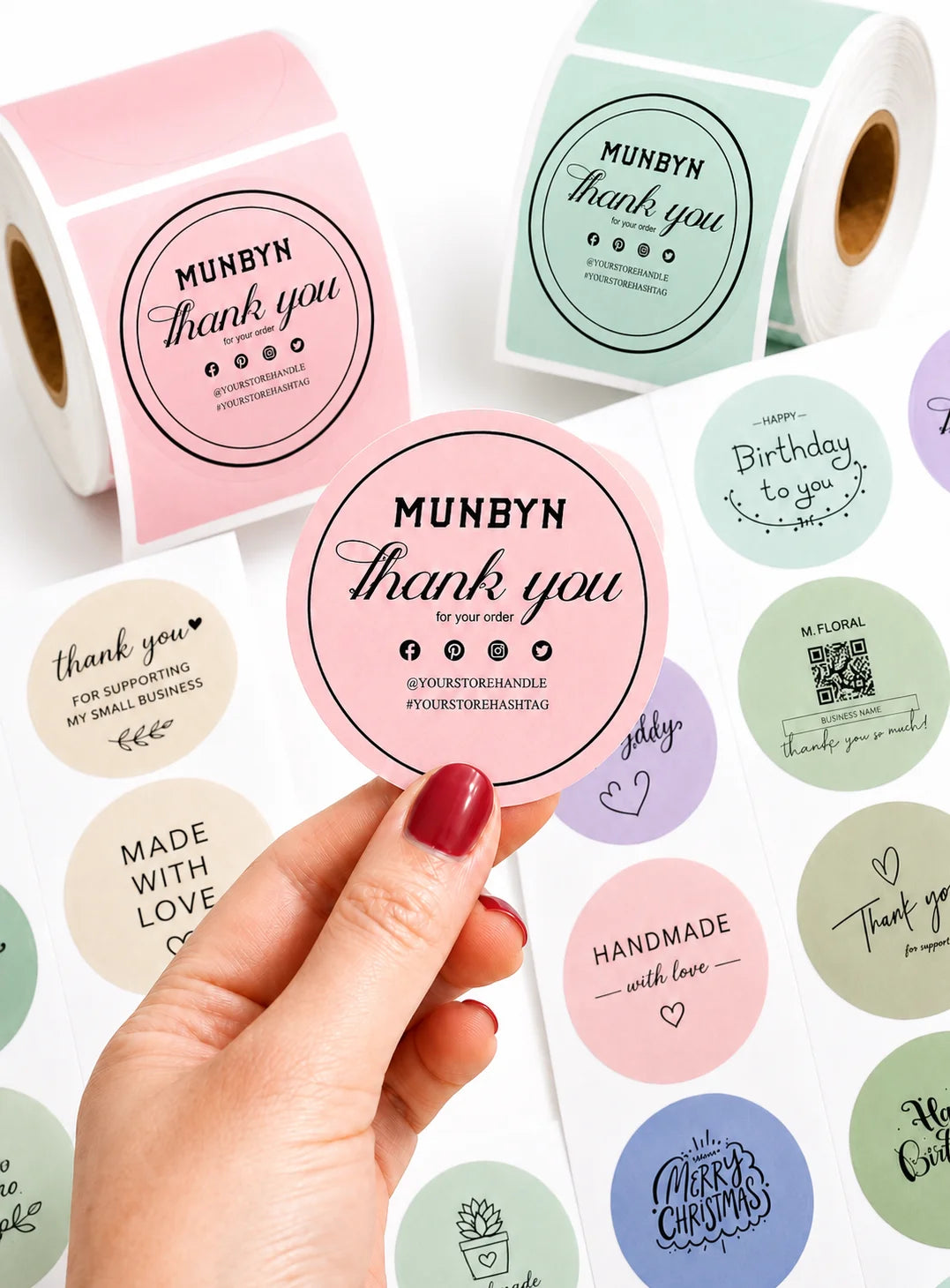
Craft bespoke logos and promotional stickers that perfectly capture your brand’s personality—all while keeping your budget in check.


Google Play

Google Play

Download Now

 
Online Editor

Online Editor

Create Now

 
User Manual

User Manual

Download Now

Woman using a laptop with a barcode scanner on a desk

Women-Led Tools for Everyday Small Business Printing

The RW941B carries MUNBYN’s women-led philosophy into a simple, reliable label printing solution for small businesses, home office. Built for daily shipping and organization, this shipping label printer helps sellers print clear labels, reduce manual work, and keep orders moving with confidence.

Wireless Freedom for Modern Workflows

Print directly from your phone, tablet, or computer without being tied to your desk. With seamless Bluetooth connectivity and broad device compatibility, the RW941B shipping label printer keeps your shipping workflow smooth, efficient, and hassle-free.
Smart Calibration for Daily Label Tasks

Set of five colorful square icons in a horizontal row.

From Shipping Labels to Custom Stickers

Thanks to intelligent automatic label calibration, this thermal label printer for shipping ensures perfect alignment every time with minimal waste and setup. Spend less time troubleshooting and more time growing your business.

Your all-in-one tool for major marketplaces and carriers, including but not limited to

Etsy logo in orange on a white background
Amazon logo on a white background
Ebay logo in multicolor on a white background
Shopify logo on a white background
FedEx logo in purple and orange on a white background
UPS logo on a white background
Shipwire logo on a white background
Ninjavan logo with a red circle and black text on a white background
J&T Express logo in red on a white background
DHL logo in red on a white background
Easypost logo on a white background
Flash Express logo with a black lightning bolt on a white background
Poshmark logo on a white background
ShipStation logo on a white background
Easyship logo on a white background
ShippingEasy logo in green on a white background
XPSship.com logo on a white background

Designed to print more than 980,000* labels in shipping labels

How People Use MUNBYN

Print life and label quantity estimates are based on laboratory calculations (150 KM printhead life × 4×6" label length). Actual performance may vary due to print frequency, label material, operating environment, and maintenance conditions.

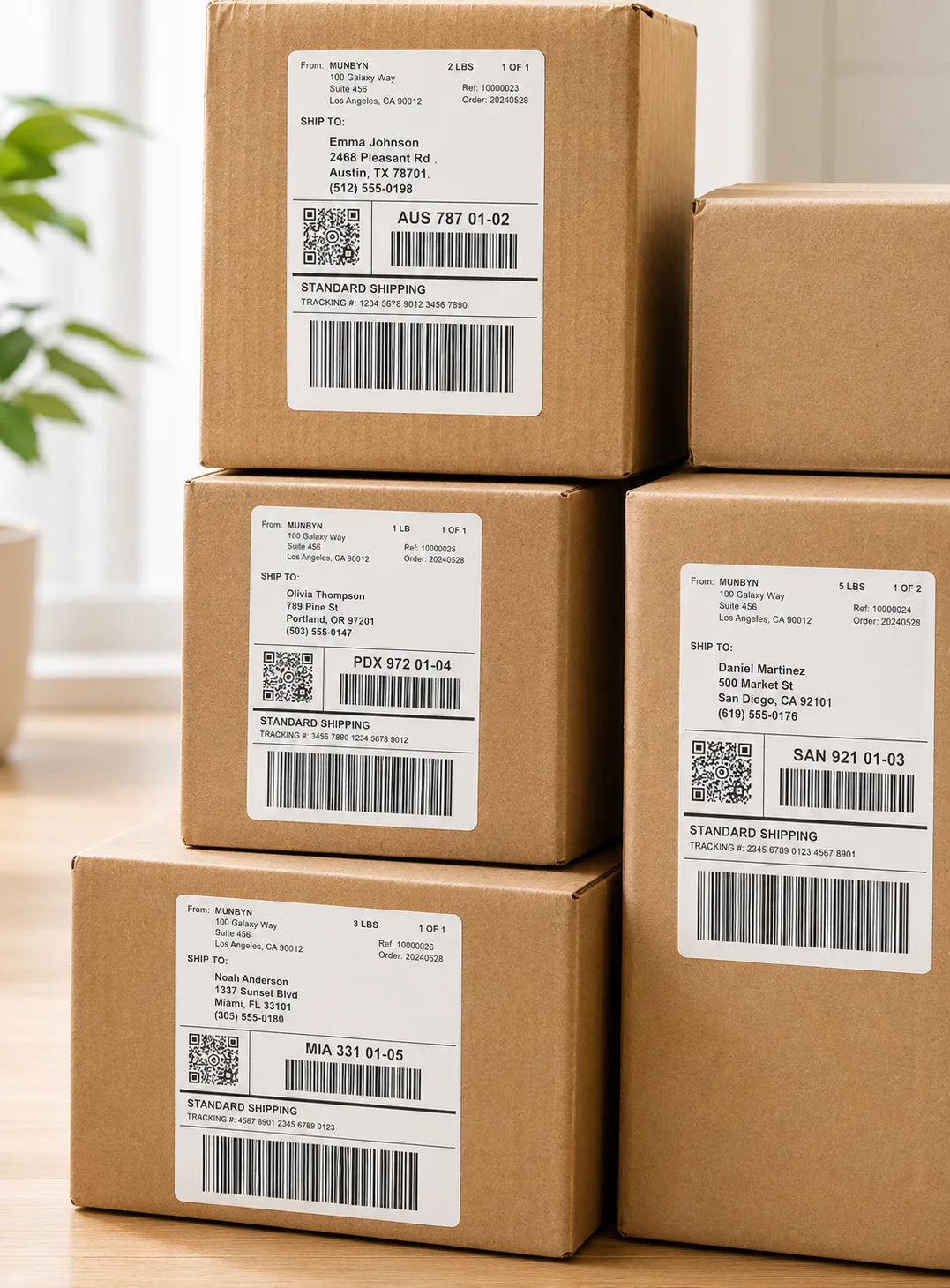
Shipping Label

Custom Labels

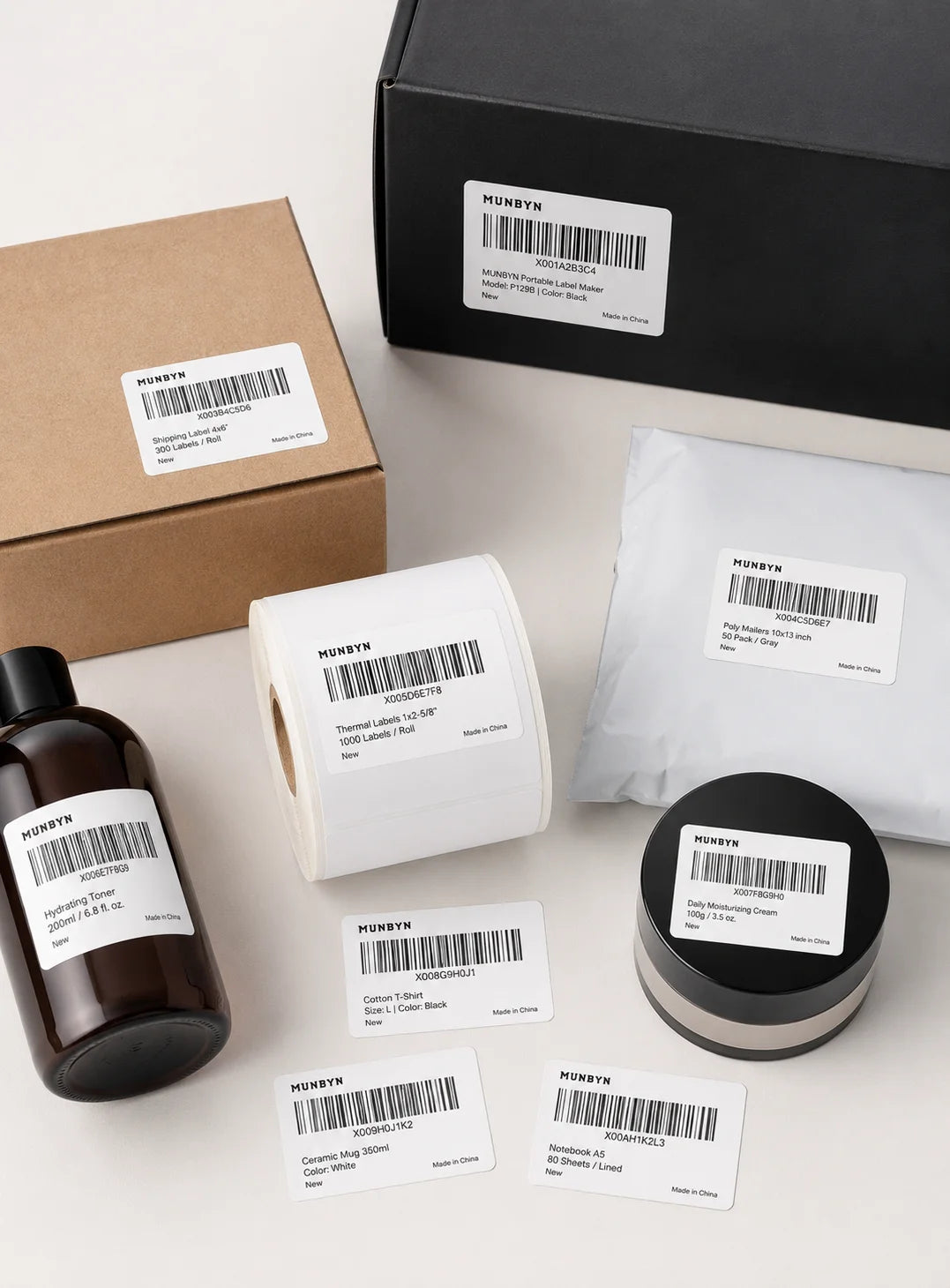
Barcode Labels

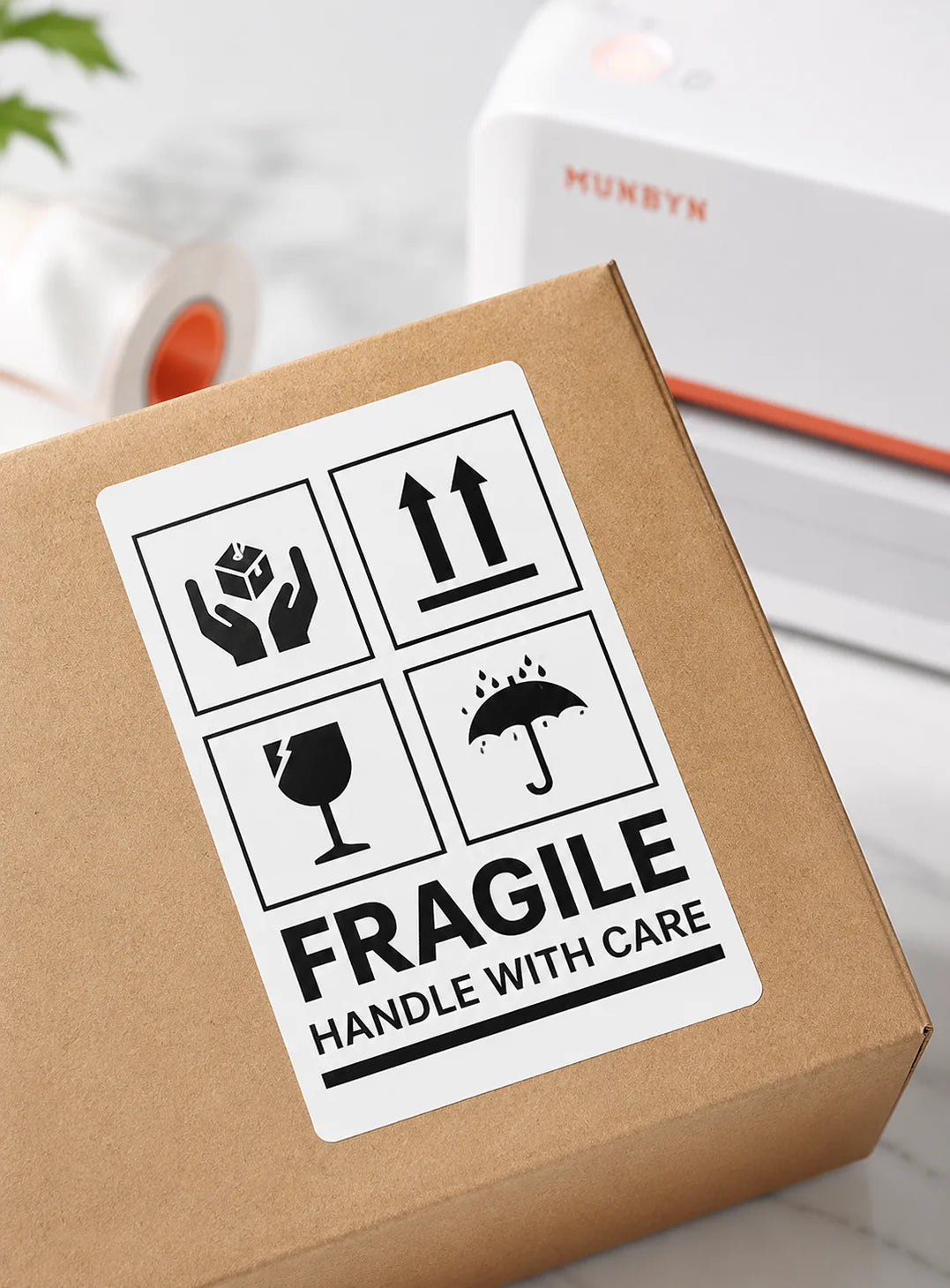
Fragile Labels

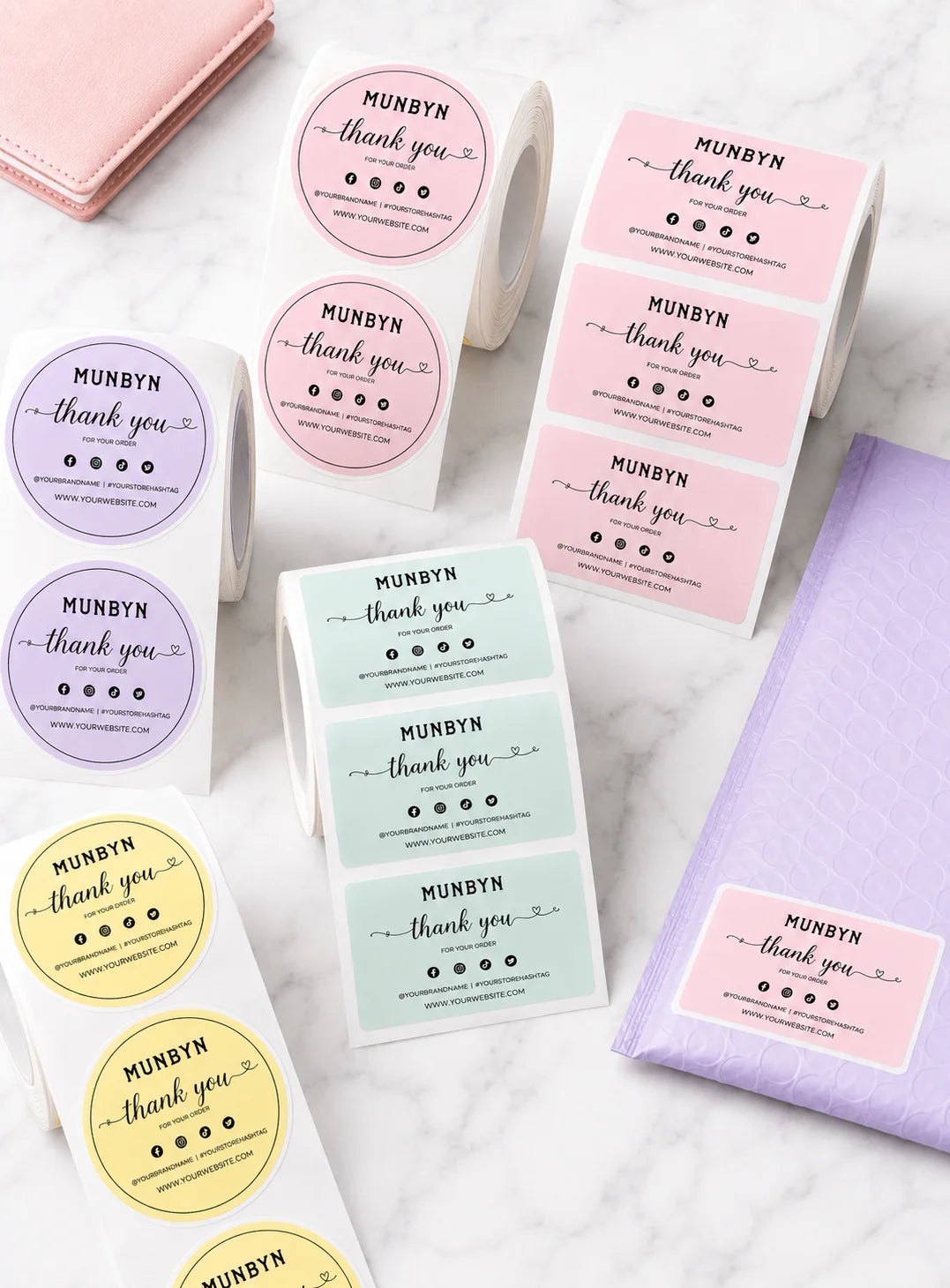
Branded Labels

Stickers for Daycare/School

Thermal label printer praised for easy setup, fast printing, and no ink requirement. Customers said it "works great" and is "a game changer" for small businesses. Some noted initial setup challenges with Mac compatibility and print alignment issues. Quality concerns include inconsistent print clarity and label calibration. Excellent customer service frequently mentioned.

  • 5 stars: 69 (77%)
  • 4 stars: 20 (22%)
  • 3 stars: 0 (0%)
  • 2 stars: 1 (1%)
  • 1 star: 0 (0%)
J
Jason L.
Small Business Owner Approved

I��d like to start off by mentioning that I��m a first time user of thermal printers I knew absolutely nothing about them and yet this has been my go to not just for shipping labels but as you can see for thank you stickers and ways to promote my business .I was able to install this no problem , it came with everything I needed to set up and I was up and running in less than 10 minutes .It��s easy to use and easy to set printing preferences, I haven��t had a single issue with it and it is the most versatile printer in my business .As a small business owner this is something I recommend to everyone that needs a professional set up .

J
Jennifer B.
Great MUNBYN Shipping Label Printer P941 for my small business

I have been using the MUNBYN Shipping Label Printer P941 for several months now, and I must say, it has completely transformed the shipping process. This printer has exceeded all my expectations and has made label printing an absolute breeze. I am thrilled to share my glowing review for this outstanding product.The customer support provided by MUNBYN has been exceptional too. It's always reassuring to know that there's reliable customer support ready to assist if any issues arise.Happy printing!

M
Mark S.
Best Value . Gets the job done !

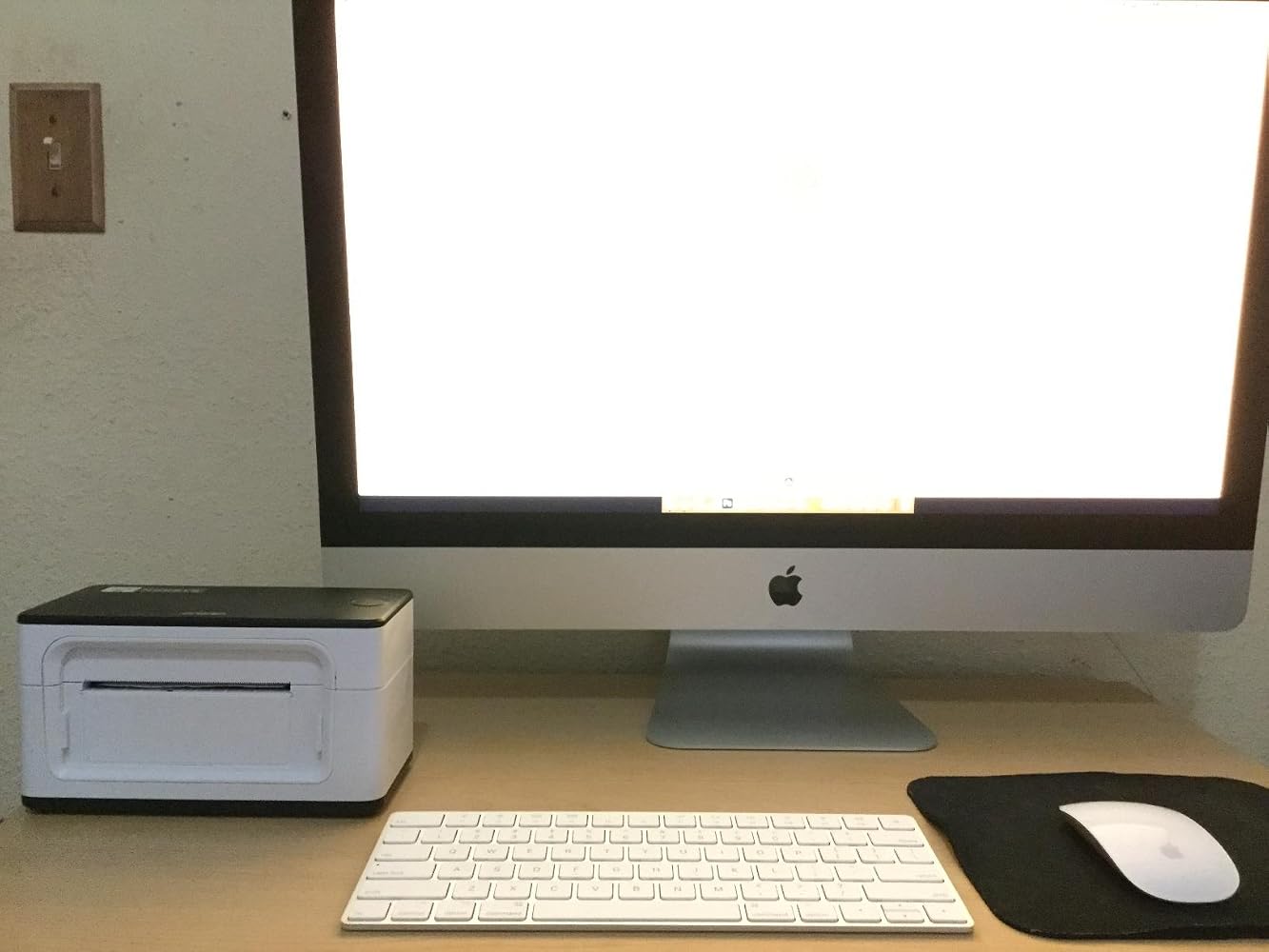
I primarily use this label printer for my business�� 4 x 6 shipping labels. I��ve printed over 30 so far - all have printed perfectly the very first time so I didn��t need to trash any. All of my orders that used these labels have been verified as ��delivered.�� I��m currently using this printer on an iMac desktop. Honestly was nervous about installing the drivers but it was very simple to do. Instructions are provided in a manual with clear direction on how to use the printer (electronically available manual too) Setup was about 20 minutes for me. This is an investment I am thankful to have found especially when I compared it to the DYMO. It does not have wireless capability but I was aware of that before the purchase and honestly, it makes no difference on how pleased I am with the result. No ink needed either? I��d get on this before the price goes up.

N
Nalls
Outstanding Customer Service

I purchased this printer a few months ago and it worked beautifully. Then out of nowhere my computer stopped recognizing it and I immediately called customer service and spoke with James the Senior Tech. Let me tell you GE went above and beyond. We even facetimed each other to trouble shoot all the scenarios and when it none of them prevail he simply asked to send a screenshot of my amazon order and shipped me out a new printer at no charge. I received the new printer in 2 days and it works like a charm! Now I can continue my small business I have and this problem which could of really messed things up for me had it taken a long time was handled fast and professionally. Ge you've got a lifetime customer out of me for all that you did!

M
Mr c.
Gets the job done faster

I bought the label printer for my wife. She sells a lot on EBay. It��s safe to say she loves it. Her old way of having to print a label off of her printer, cut it out, and tape it to the package are long gone. Now she just prints it and sticks it to the package and off it goes. I highly recommend.

M
Melinda A.
good, but resolution can be better

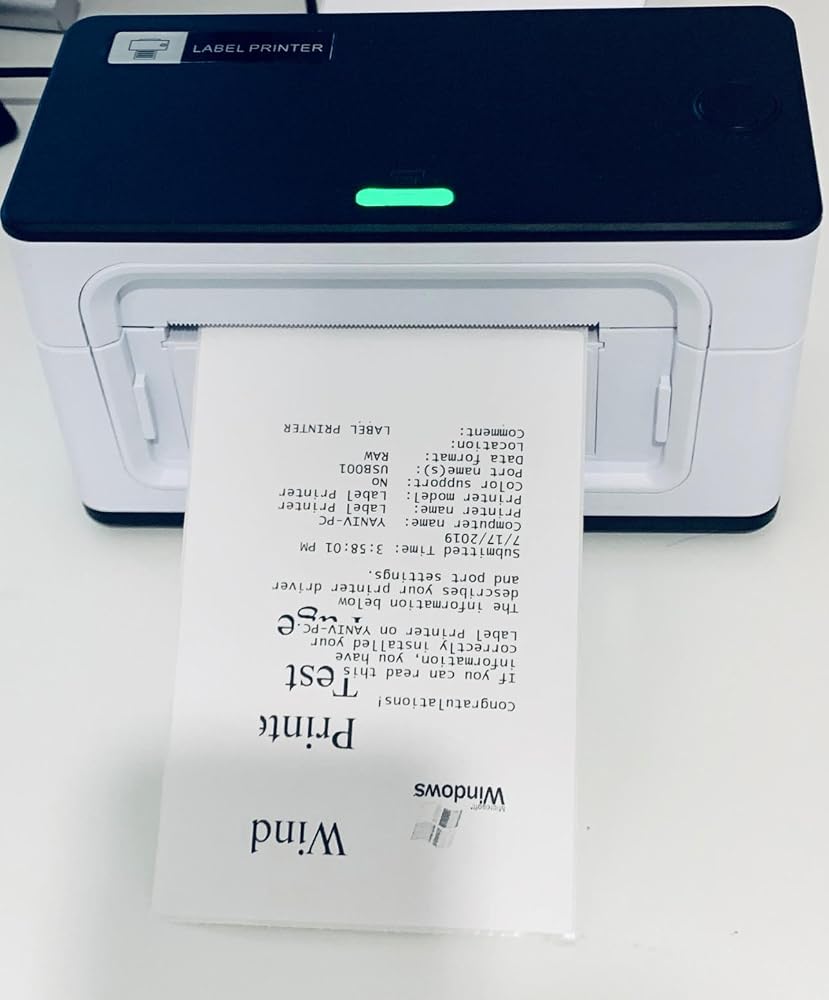
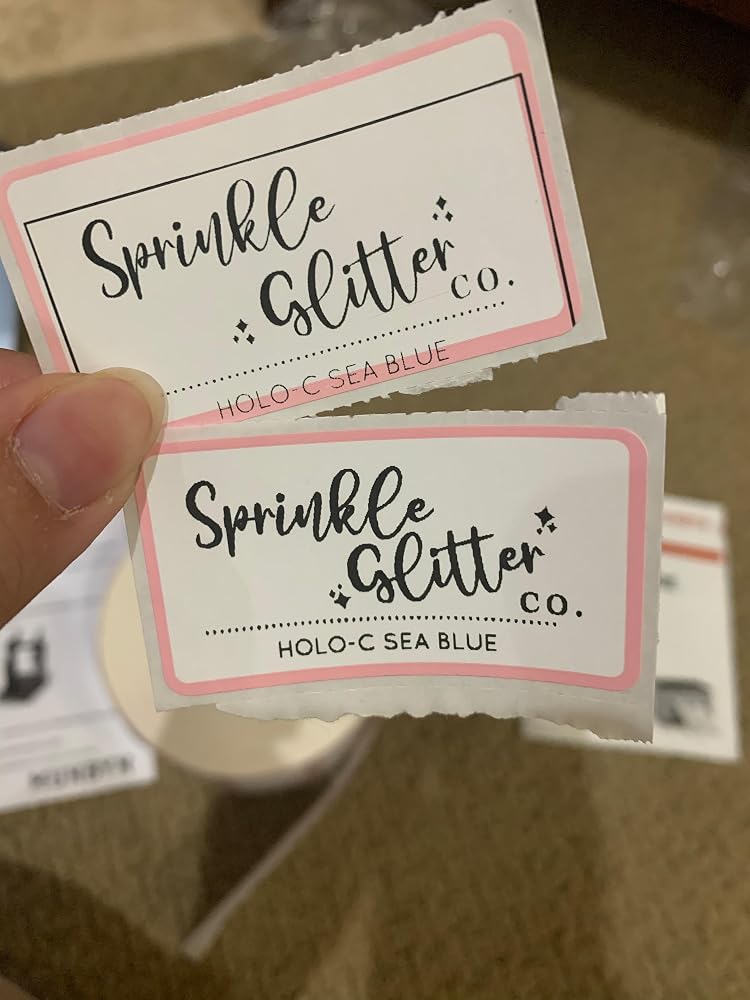
really easy to install and get it working. this is my second label printer, i have the dymo 4xl and it doesn��t print these 2.25x1.25 labels i wanted for my stickers. the top sticker i tried printing on the dymo to see if it would work (it printed but wasted 10 of my labels and the spacing was off) BUT it did print it clearer with better resolution. the bottom sticker is with the MUNBYN printer. i got the spacing down after a few tries and realized you can pinch the black things on the inside of the printer to hold your smaller labels down so they don��t move while printing. the quality of the print isnt as good as the dymo, but it will do for what i need. overall good product

Y
Y. Y.
Flawless Operation, Easy Installation, Great Buy.

Out of the box (well packaged) nice Small footprint label printer.An email with the installation driver, and a YouTube installation link was emailed to me by the seller.The Video made the set-up process fast and easy, I was ready to print in 5-minute.Printing quality is crisp and clear (Paper quality is a factor in quality), operation is smooth and quiet, when printing a lot of labels that��s exactly what you want.To sum it up - PROS Design: 5 stars compact minimalist design with small footprint. Support: Welcome email includes necessary driver and step by step video link That��s a good start showing customer appreciation, and making installation A breeze. Functionality: works as it should fast quiet with good quality printing. Value: Excellent value for the money. I had a different label Printer at almost twice the cost honestly it works just as good even quieter than the one I had.CONS Design: Wish they had an all-Black color.Overall very pleased with this purchase 5 Stars.

N
Nancy N.
No Need to Look Any Further!

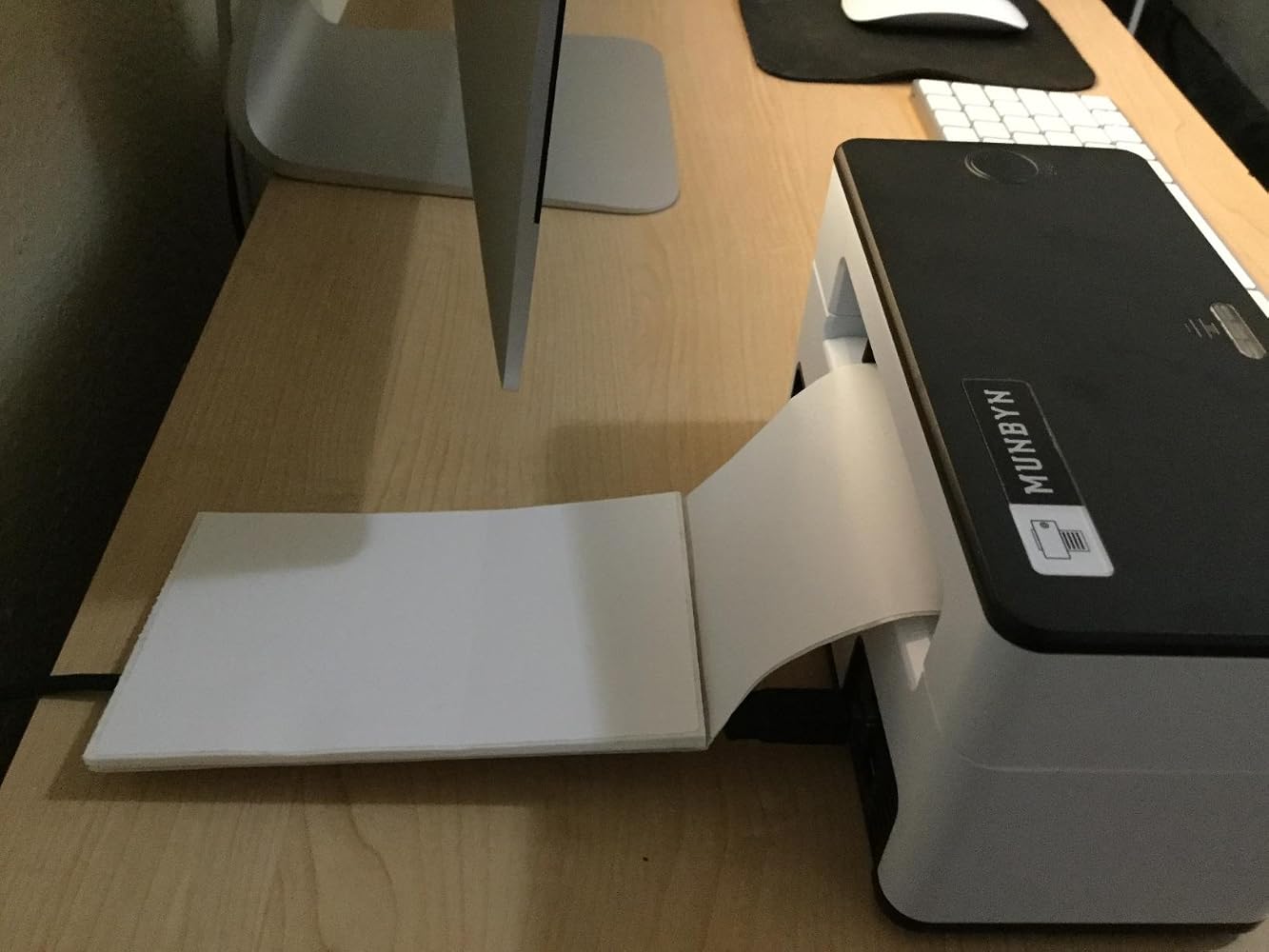
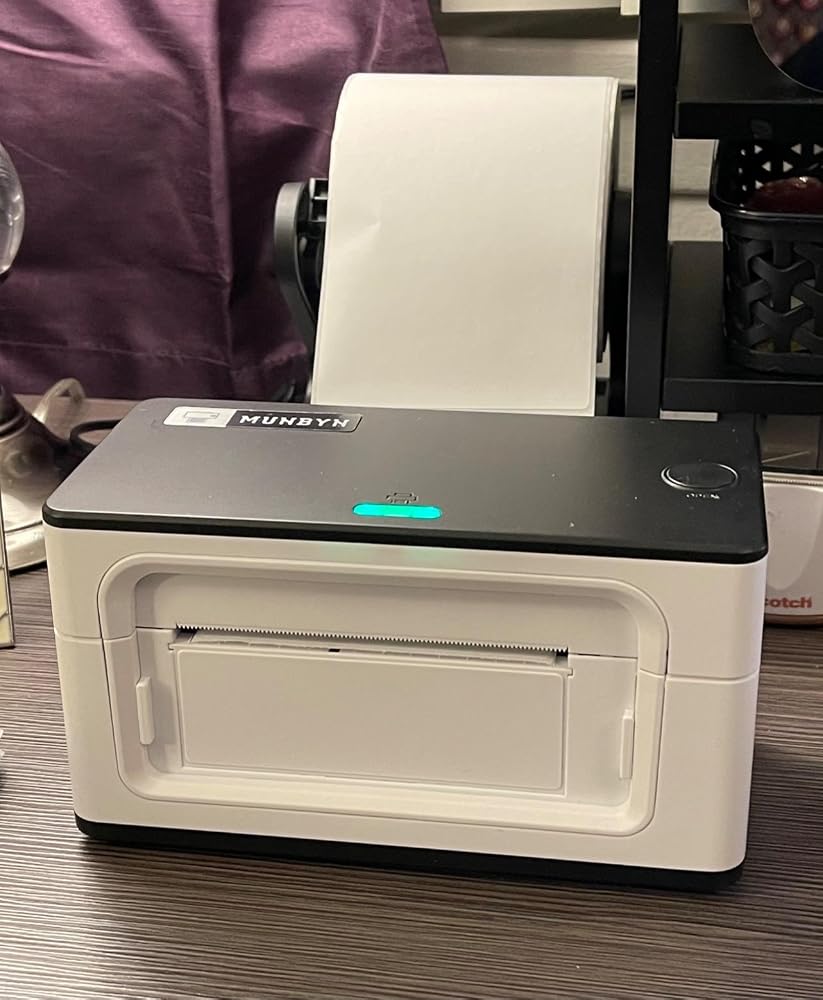
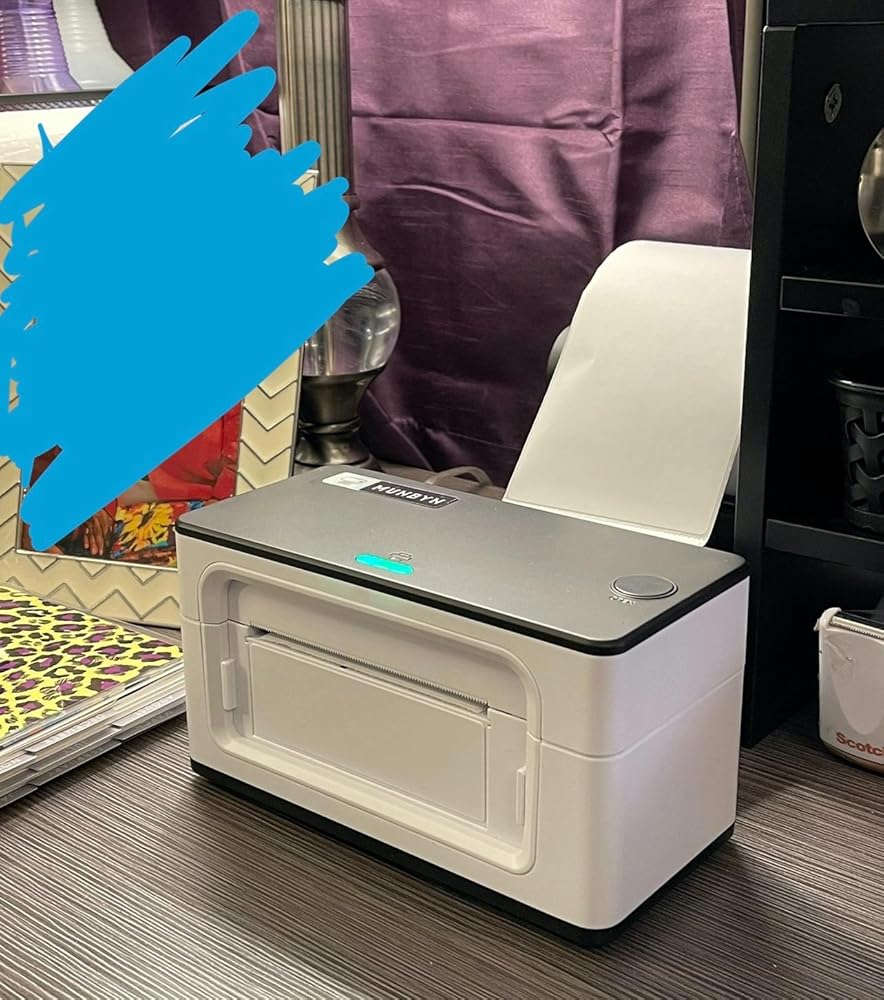
Stop your search for a reliable, high quality, super fast, easy-to-setup, AFFORDABLE thermal label printer. This printer is awesome! I had it up and running within about 15 minutes. The direction booklet and YouTube video are clear, concise, and to the point. Originally I wanted a printer that held the paper on the inside but this one has completely changed my mind. The printer doesn't take up a lot of space but you do need a little bit of space behind it for the printer paper. I'll be reorganizing my desk so it doesn't stick out as much. The print quality is great and it works fine with generic label paper. I think I paid $15-ish for 4x6 label paper that came with 4 rolls and 450 labels per roll. I am so excited to finally have a label printer so I don't have to waste printer ink and sticker paper for labels. Best purchase I've made in a long time!

R
Rhashanna C.
Perfect for any small business!

This laser printer is nothing short of amazing! Firstly it is aesthetically pleasing with a beautiful mint color (other colors also available) which we definitely love!Secondly the setup is very simple, the instructions in the manual are very clear and concise and it is compatible with our MacBook Pro.Thirdly the printing of the stickers after setting it up in Canva is impeccable!!! The only thing that took a little bit of trial and error was the measurements in Canva for the round stickers but once you set it to 53mm x 53mm and center everything you are all set to start printing and labeling! We discovered this at an opportune time for our business as we were moving towards branding our products and it has not disappointed in the slightest! We��d definitely recommend this printer for any small business or any crafter!

L
Larisa I.
Perfect Solution for my small business

Thank you for the fantastic budget printer! It works perfectly, very quickly, and is incredibly convenient.I appreciate the tech support for their helpful consultation and for quickly helping me resolve my silly question.It turns out that to change the paper size, you need to hold the red button until it turns green.Then the printer immediately recognizes the new size and starts printing without any issues!

A
Amy
Easy, cute, awesome

I enjoyed using this product!! I got it for my Etsy business to make labels and stickers! It was very easy to setup and use. I also followed munbyn's tutorial on Instagram and have learned how to not waste any stickers when changing out stickers!!It prints very fast, what you see in the video for printing is its actual printing speed!!I love my color. I got the blue one and it is a very nice shade of blue :)I'd say that the only things about it is that it is pretty loud and does take up some space. The beeps especially when you turn it on or do a recalibrate. It's not a problem for me personally though! I also think I saw a stand for it so you can stack the printer on top of your sticker roll! That would save me a lot of space :)

J
J F.
Lasts!

I��ve had for almost 2 years- works great! No issues. Consistent quality!

P
Paul a.N.
Rough start, happy ending. PLEASE READ!!!!

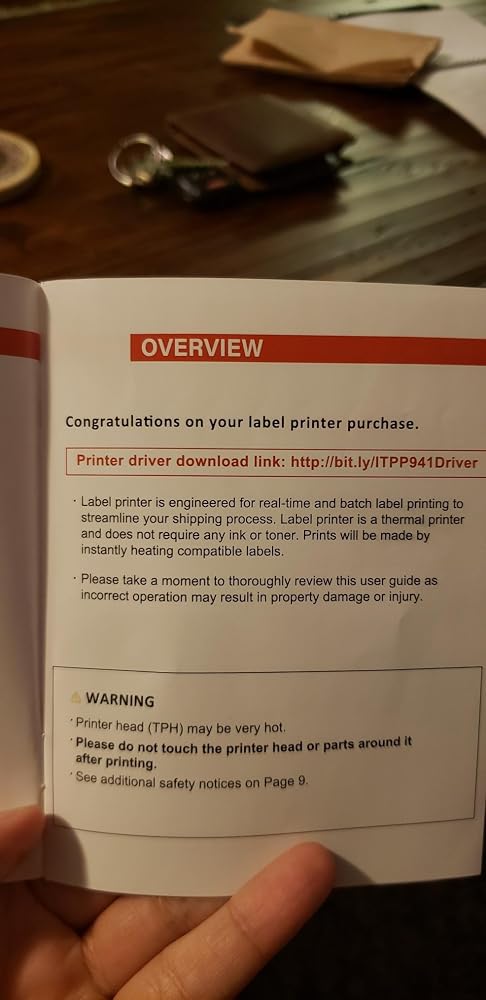
First of all, I would like to say that the customer service I received was exceptional. I had a few bumps in the road with my initial experience. The instructions provide a URL to download the drivers for the printer. I was not aware that URLs were case sensitive. So when I typed in the URL provided I did not type the letters at the end in CAPS as it was shown in the manual. Unfortunately when you type this URL in all lower case letters the website it takes you too is a dangerous website. I downloaded what I thought was the driver. I got a warning from my computer about downloading it but I ignored it based on all the amazing reviews. I assumed it would be fine. Unfortunately by doing so I downloaded a virus on my computer. A few hours later my paypal was hacked and so was my husband's. They spent 700 from my account, transfered 2,000 from my husband's and opened a business credit card. They changed my email and password and phone number. They tried to access my credit card accounts. So PLEASE make sure to use capital letters as shown in the link provided in the manual. I am leaving a 4 star review I stead of 5 because the manual should say the URL is case sensitive. Not everyone is aware of that. I realize my fault in this and should have typed it exactly as shown, but I just didn't think it mattered. It is especially important since the exact website without capital letters is a scam website that will try to take your money. I learned the hard way so please learn from my mistakes. Munbyn was on the ball. They called me, emailed me and worked with me to find the cause of the problem. They even uploaded a video showing them installing the drivers onto their computers. Bottom line, they truly care. Munbyn, please consider including a note in your manual that the driver link is case sensitive. It may also be a good idea to include a photo of the website that they will see when they type in the URL.

L
Lisa F.
Excellent printer

I have had this printer for more than a year now and use it almost daily for my shipping labels. I used to print my labels on regular paper and have to cover the entire label with clear shipping tape to ensure the ink didnt get destroyed in the elements. A waste of supplies and unprofessional looking so I researched thermal printers and chose munbyn and I'm glad I did. It had been easy to set up, use and has been very reliable. Today, I started having a problem getting it to print so I contacted tech support. My call was answered immediately by an actual person! No waiting on hold and pressing multiple prompts to get the help I needed. I spoke to a very kind tech support agent, Thirdy, who helped me troubleshoot and resolve my issue quickly. I'm happy to say it was complete user error and not an issue with the printer itself. I shuffled around my desk the other day, unplugged and moved all my printers, computer, lamps etc. In the process, I used the wrong cable to reconnect my munbyn. It gace it power but didn't print full sheets because it wasnt the right cable. While I was trouble shooting on my own, i removed my printer from list of printers on my PC and Thirdy helped me add my munbyn back as an available printer. All in all, our call lasted maybe 20 minutes, allowing me to quickly get back to work. I know there are bigger brand name printers, i researched them, both online and by asking those i know use them how satisfied they were and they all had already had to replace their more expensive thermal printers within a years time. That made me decide on my munbyn which is at a lower price point and now I can say, after well over a year of heavy use, my little munbyn is still printing excellent, clear labels and working as well as the day I bought it. If you read my whole lengthy review... that tells me you are doing your research. I say, don't sleep on the less expensive munbyn. It is excellent and a good investment!

S
Saad E.
Fantastic

Must include more labels but item is good and easy setup and good speed.

D
Denielle N.
I’m unsure of the product

I’m unsure of the product. I’ve had it for a couple days and it was easy set up but print isn’t clear.

K
Kelly B.
Pretty Good Label Printer

I use this for mailing at work. It was easy to set up and easy to use. For some reason it is cutting off the right side just slightly. But they work, despite that.

C
Cobretti
Wish I would have switched sooner.

It takes a little getting used to and sometimes switching from different websites you have to reconfigure the settings so it will print on the 4 x 6 sheet. With that said I love the fact that I no longer have to buy ink for printing labels. Couldn't comment on anything else, just labels. Thermal printer is the way to go if you are looking to save money on ink, oh and printing time is very quick!

A
Annabella
Great customer service

Good for small round or rectangular small labels only. Print perfect from Canva BUT it Requires too many steps to print shipping labels from Poshmark, Etsy eBay, not worth the trouble, waste of time, you have to download Acrobat Reader and print from there, I bought this to make my life easier and I spent hours trying to print a shipping label. I have to say that Customer service is amazing! They really go the extra mile to help.

S
SurfCaster
Pretty good so far. I need to figure a few things out

Was looking at the Dymo 4xl for awhile and saw this and a couple others. This ended up being a black Friday sale item so I decided to take a chance because reviews were good and it was a great deal cheaper with the added holiday savings. Overall I like it. Works great with ebay and PayPal shipping.I can print USPS click and ship labels bit it's more of a multi step process. Same with Amazon labels. I havent been able to print UPS.com labels yet, but I think I need to load an extension for that. I need to investigate that a little further and havent tried very hard yet to figure it out

m
michelle
Great product and easy to use customer service

I purchased this label printer on June 22, 2021 and didn't open it until November 26th. When I opened it I realized that it was missing the labels it was supposed to come with but my return window was closed. I reached out to Munbyn on Facebook messenger. After a few days of corresponding with Martin (time difference was the reason for a few days) he had an order of 500 labels sent it to me to replace the missing labels. The only thing asked of me was to leave them a review. I have since used the printer and love it! It's super easy to use and prints clear! I would recommend this printer to any small business or even just anyone who ships from home! Overall I am very happy with the product and the customer service!

J
Joe T.
Great printer for Tote and Bin labels

This little printer works like a dream. Once set up, it makes labeling for Totes very easy. Worth the money. Labeling your totes or bins is a breeze. The adhesive on the labels is very sticky, so ensure you have it where you want it placed. I wanted a label that would not fall off, even in the cold. These labels are those labels. Once they are on, they are on.

FAQs

Please read our FAQs page to find out more.

What is the MUNBYN RW941B designed for?

The MUNBYN RW941B is a 203 DPI thermal label printer for daily shipping, barcode, address, inventory, and product labeling. It is designed for online sellers, home offices, retail operations, and warehouses that need fast 4 x 6 label printing without ink or toner.

How does the MUNBYN RW941B connect to phones and computers?

The RW941B shipping label printer uses Bluetooth with iOS and Android phones or tablets through the MUNBYN Print app. Windows, macOS, Linux, and Chromebook computers connect by USB. Choose the connection intended for your device and confirm the label dimensions before printing.

Which marketplaces and carriers are compatible with the RW941B?

The RW941B thermal label printer can print labels from Shopify, Etsy, eBay, Amazon, Poshmark, Royal Mail, FedEx, ShipStation, ShippingEasy, and other shipping services.

What label widths does the MUNBYN RW941B support?

The RW941B thermal printer supports direct thermal labels from 40 to 110 mm wide, or approximately 1.57 to 4.3 inches. It can handle standard 4 x 6 shipping labels as well as narrower barcode, address, product, and organization labels. Recalibrate after switching to a different size.

Does the RW941B label printer need ink, toner, or ribbons?

No. The RW941B label printer uses direct thermal technology, so the only regular printing consumable is compatible direct thermal label media.

How fast and clear is the MUNBYN RW941B shipping label printer?

The RW941B prints at 203 DPI with a listed speed of up to 150 mm/s. This resolution is suitable for standard shipping text, addresses, and barcodes. Label quality, print density, connection type, and the complexity of the document can affect actual output.

How does automatic label identification work on the RW941B?

Automatic label identification helps the RW941B label machine detect and calibrate the loaded media so each print begins in the correct position. Load the labels straight, adjust the guides, and run calibration after changing sizes.

What should I check if the RW941B prints blank or misaligned labels?

Make sure the thermal side of the label faces the print head, then reload the media straight and recalibrate. Verify the document size and disable scaling that changes the layout. A test print can confirm alignment before a batch.

Didn’t find your answer?

Don't hestitate to contact us

Free shipping and returns