 United States
 Best Seller
 Label Printers
 All PDAs
 All Tablets
 All Thermal Labels
 Printer Accessories
Download the Digital User Guide
User Manual
Download Now >>


 United States
You are currently viewing:
United States
Items in your shopping cart will be removed when you change country
Your cart is currently empty.
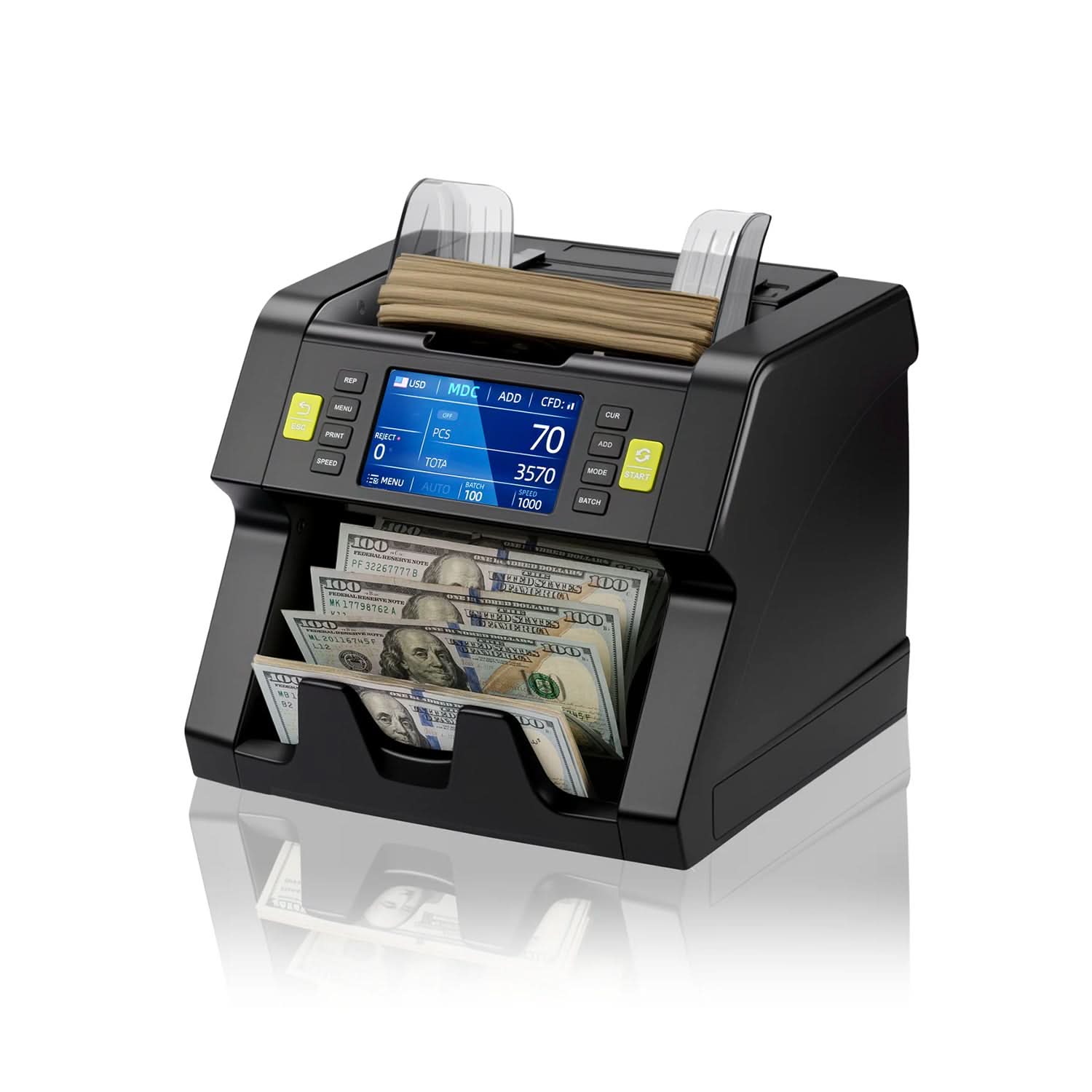


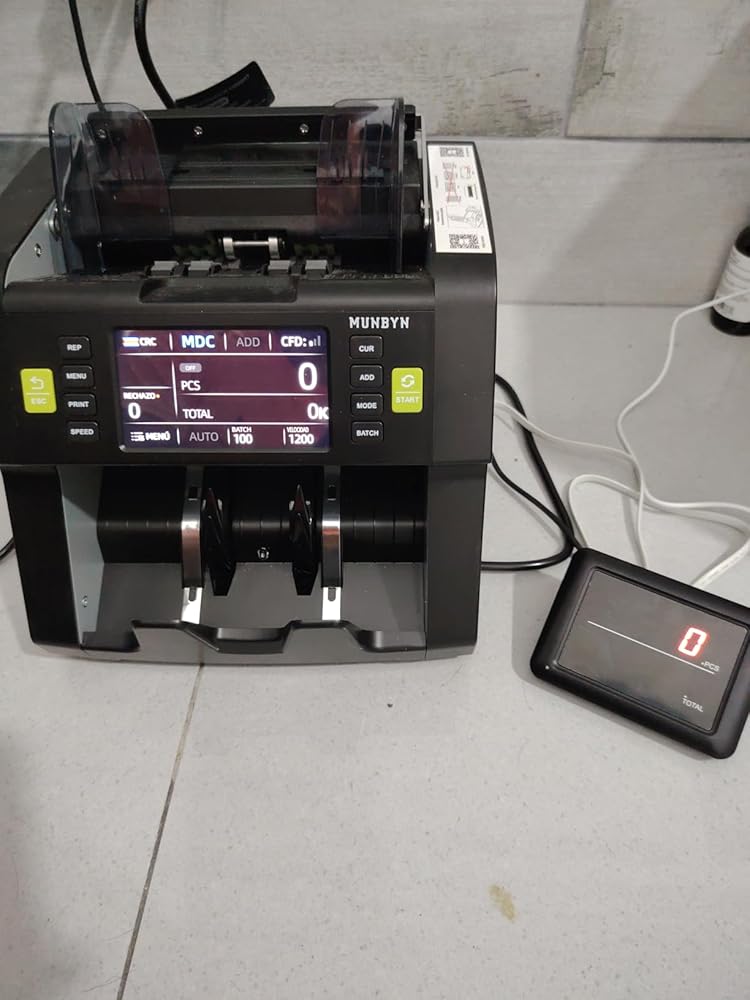
Product highlights

Professional CIS Detection

Auto Denomination Recognition

Intuitive & Easy Operation

Free Software Upgrades Always

Product highlights
Professional CIS Detection
Auto Denomination Recognition
Intuitive & Easy Operation
Free Software Upgrades Always
Free Shipping on Orders Over $79*
Ships within 48 Hours.
14-day Risk-free Trial
2-Year Warranty & Lifetime Support
30-day Price-Match
Need help choosing the right product or placing an order?
Our MUNBYN support team is here to help. If you have any questions about products, compatibility, orders, or after-sales service, feel free to contact us at any time. We respond to all inquiries within 24 business hours (Monday–Friday).
Shipping Information
We offer free shipping straight to your door throughout the contiguous US*. It usually takes 2-5 business days* for your package to be delivered, so you can sit back and relax, worry-free.
*Please see our shipping policy for more details.
Help Center
Find everything you need in one place:
FAQ’s
Have a quick question?
Visit our FAQ page, which covers the most common topics, including:
If you can’t find the answer you’re looking for, our support team is always ready to help.
Still need assistance?
Contact Us at
Order: order@munbyn.com
Tech: support@munbyn.com
+1 628 229 3612
Mon - Fri: 7AM - 5PM (UTC-8)

| Feature | Details |
|---|---|
Model | IMC21 |
Material | ABS plastic + metal |
Product Dimensions | 250 x 270 x 263.5mm |
Item Weight (g) | 6.5 kg |
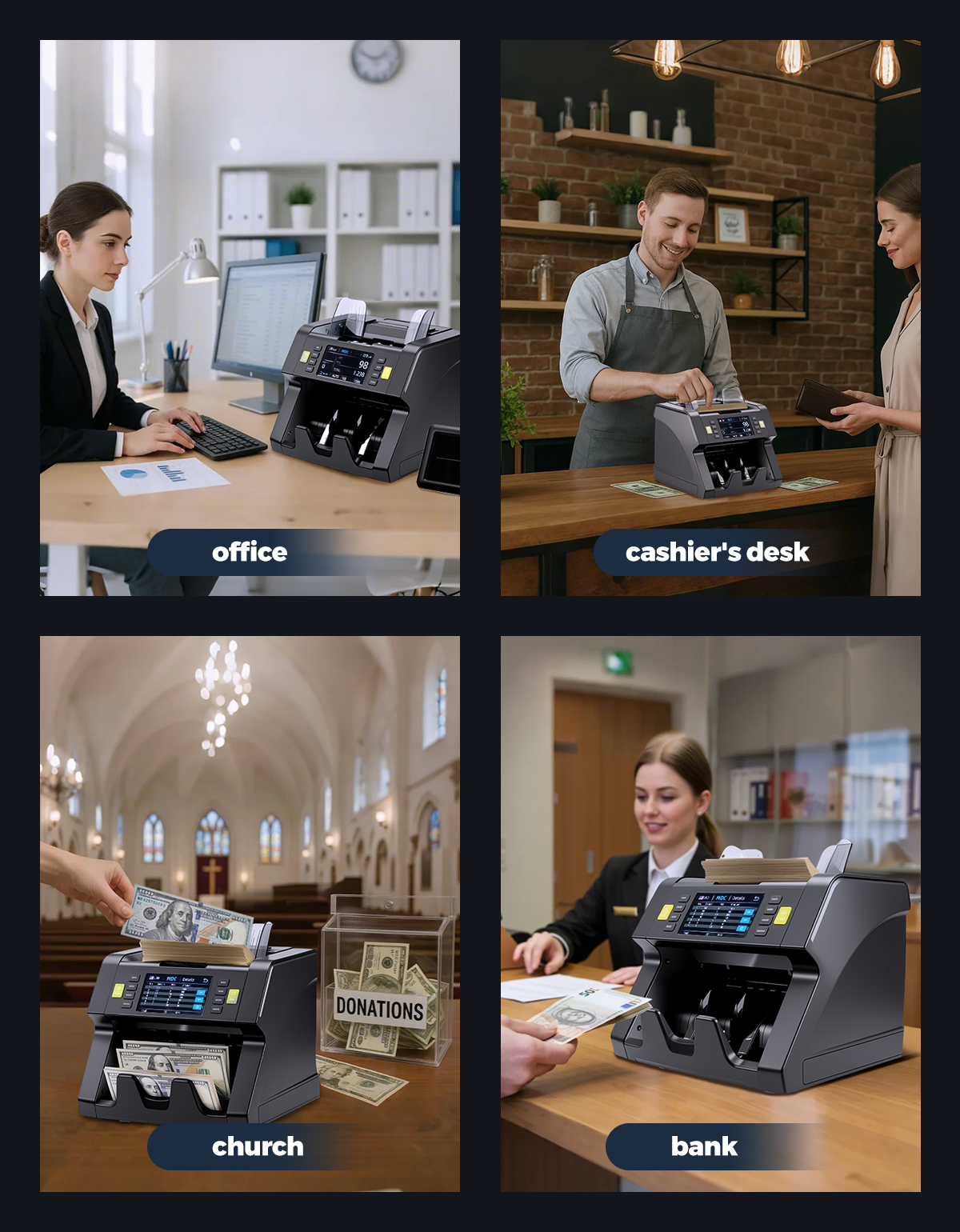
Industry Use | Banks, Retail Stores, Gas Stations, Supermarkets, Casinos, Restaurants, Hotels, Offices Handling Cash, Currency Exchange Centers |
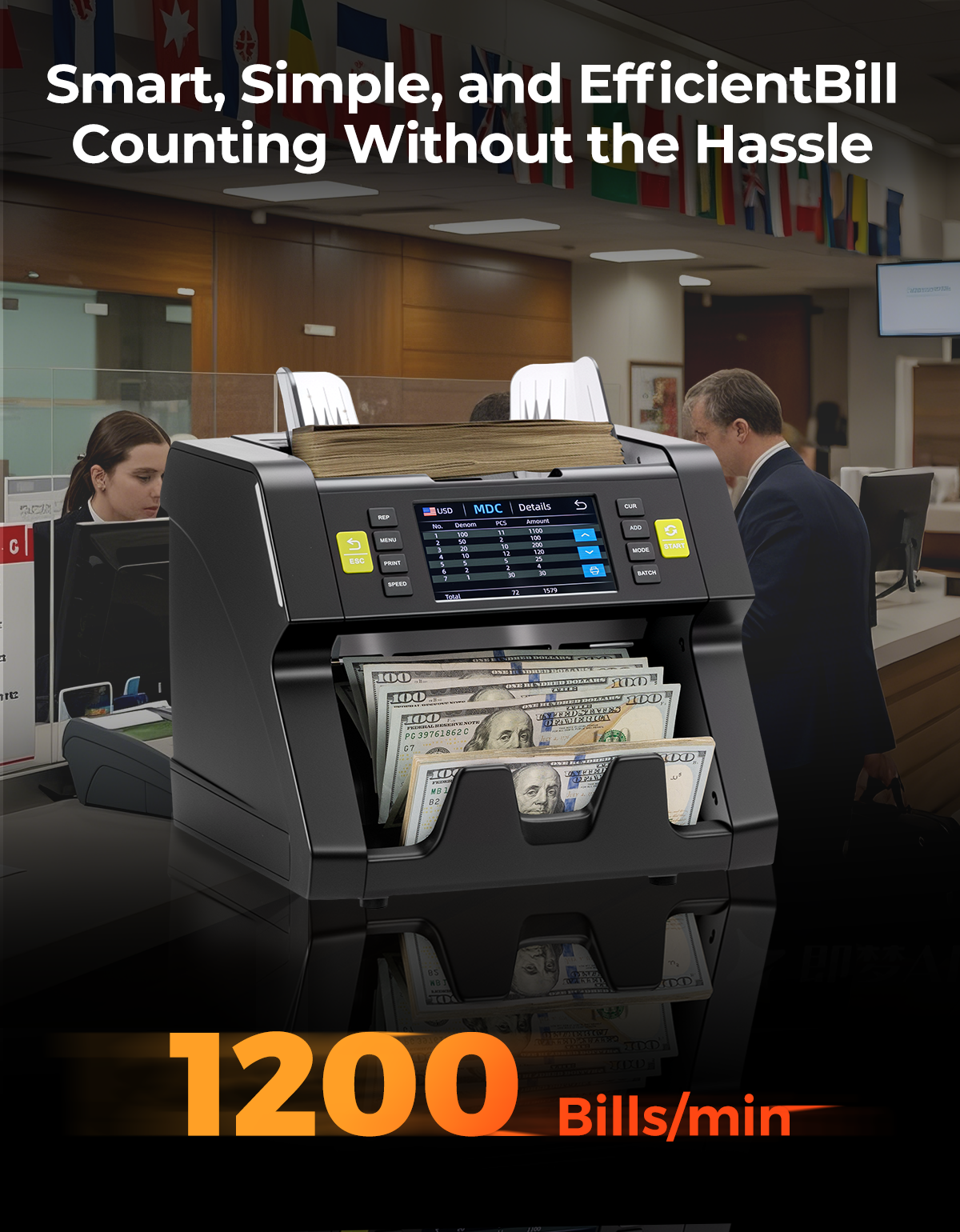
Counting Speed | 800-1200 pcs/min |
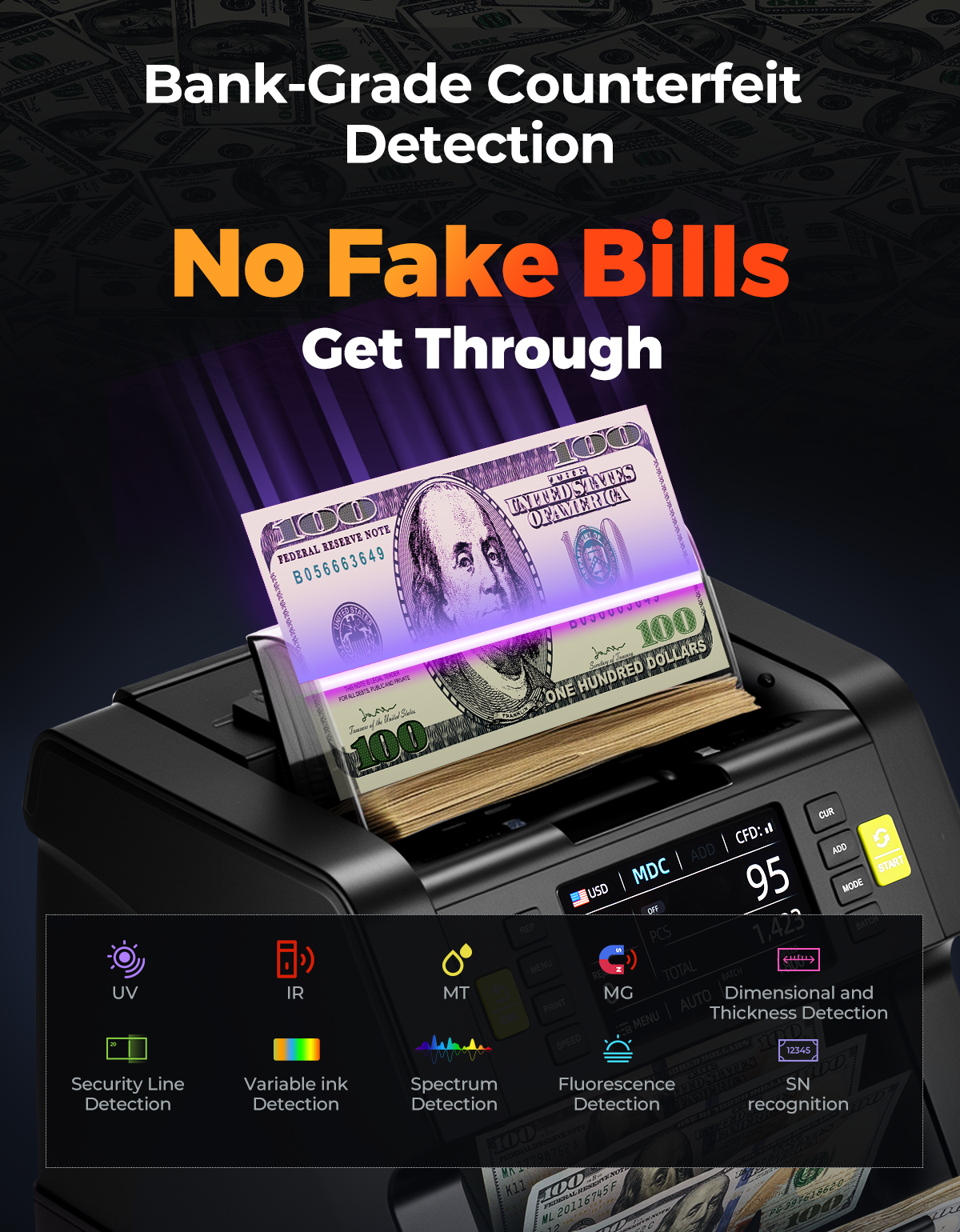
Counterfeit Detection | CIS, UV, MG, MT, IR, etc |
False Detection Rate | ≤0.01% (Ultra-high accuracy: 99.99%) |
Banknote Sorting | Manual |
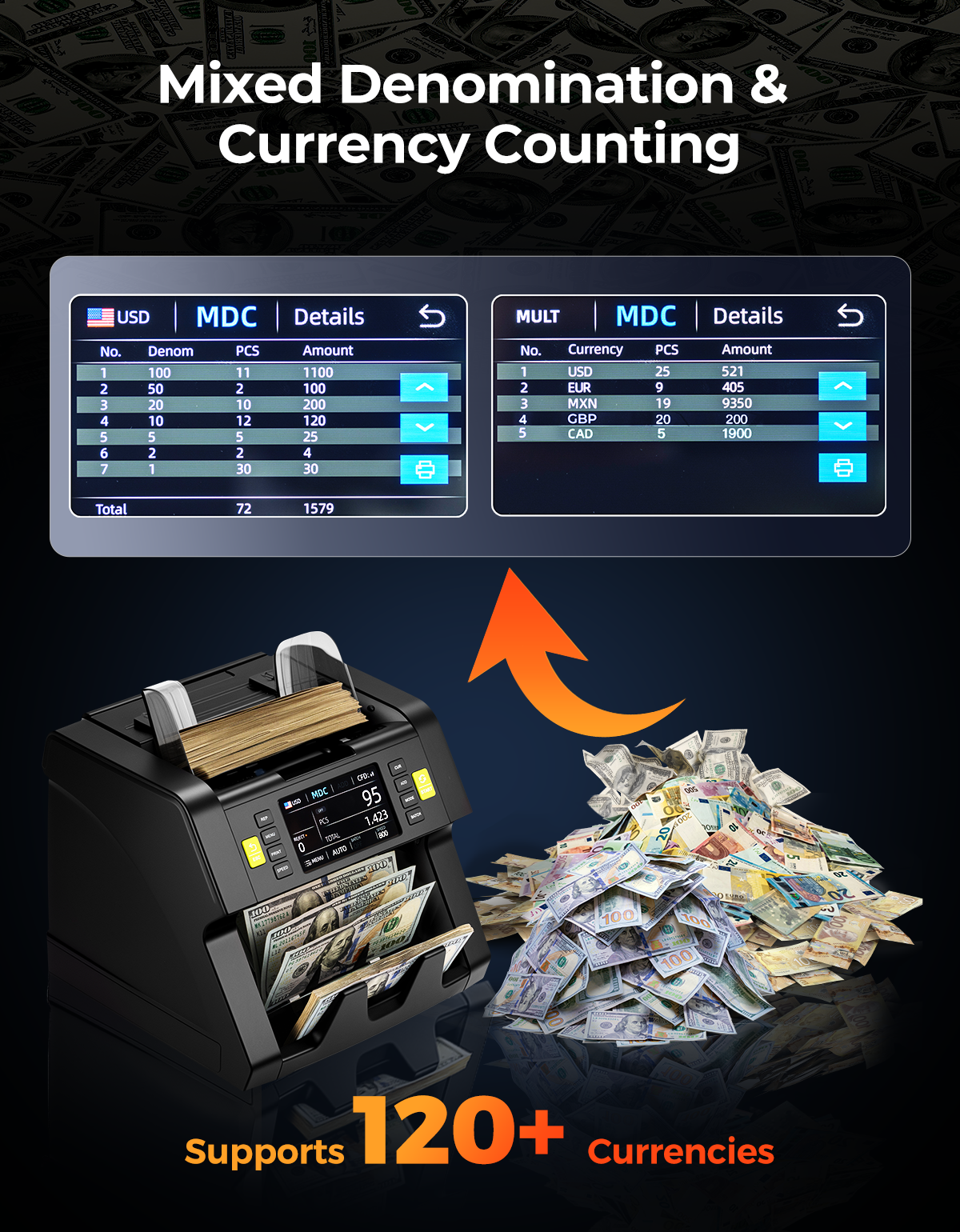
Multi-Currency Support | 120+ currencies, including USD, MXN, CAD, EUR, COP, LBP; can count 4 mixed currencies at once |
Counting Modes | MDC / CNT / SDC / SDCV / Batch / ADD / Face / Orient |
Connect with Printer | Supported |
Hopper Capacity | 500 |
Stacker Capacity | 200 bills |
Denomination Recognize | Supported |
Serial Number | Supported |
Counting Display | LCD display |
Batch Display | Supported |
Certifications | CE, FCC, ROHS, ECB |
Power Supply | AC 100-240V 50-60Hz |
| Models |
THIS MODEL
 MUNBYN IMC21 Mixed Bill Money Counter
Current Page
|
---
|
---
|
|---|---|---|---|
| Counterfeit Detection | Image (1 CIS Sensors), Magnetic, Infrared, Ultraviolet | --- | --- |
| Available currencies | USD/EUR/MXN/LBP/GBP/CAD | --- | --- |
| Hopper Capacity | 500 bills | --- | --- |
| Stacker Capacity | 200 bills | --- | --- |
| Counting Mode | Multi-Currency MDC、SDC、CNT、SDCV | --- | --- |
| Counting Speed | 800, 1000, 1200pcs/min (CNT & MDC & SDC & SDCV Mode) | --- | --- |
| Size of Countable Notes | 50×110 ~ 90×190 mm | --- | --- |
| Thickness of Countable Notes | 0.075 ~ 0.15 mm | --- | --- |
| Certifications | CE、FCC、ICES、ROHS | --- | --- |


Download Now >>
Discover the difference of choosing MUNBYN.
Over
Satisfied Customers
Over
Products Sold
Over
Patents
Selling in
Countries
Over
Factory
Over
Employees
Over
Technicians
Always
Service & Tech Support













Customers praised this money counter as "fast, smart, and way more advanced" with exceptional accuracy. The mixed denomination counting handles stacks in seconds with "bank grade" counterfeit detection. Shoppers appreciate the serial number tracking and multi-currency support. Minor jam reported about once per 1,000 bills.
It is the best bill-counting machine on the market.
Everything went smooth
The MUNBYN IMC21 is a beast of a money counter....fast, smart, and way more advanced than anything I��ve used before. It handles mixed denominations with zero issues, and the built-in counterfeit detection gives me peace of mind without slowing things down. I was especially impressed that it tracks serial numbers and supports multiple currencies, which is super handy for my setup. It��s easy to use right out of the box, and the interface is clear and simple. If you��re tired of manually counting and double checking every stack, this machine does the heavy lifting and doesn��t miss a beat.
The MUNBYN IMC21 Money Counter Machine is exactly what you want if you are in need of a fast and reliable money counter machine. This unit comes with everything you need, including a USB disk you can use to update your software. I love that I don't have to worry about any counterfeit bills getting through since the machine literally detects and isolates the bills, which provides peace of mind from getting scammed. It's amazing at counting different denomination and sorts for you as well. Incredible unit! Highly recommended!
MUNBYN Money Counter Machine Mixed Denomination������ (5.0 Stars!)Recently installed this fine machine at the back office of a family establishment run by my son, and had it operational in no time.Quite the time saver!The MUNBYN IMC21 machine is feature-packed and counts extremely fast.? In MDC mode (Mixed Denomination Count), it took all of 5 seconds to count a stack of 50 bills sorted by denomination while passing through its "bank grade" counterfeit detection process; then reports total quantity and amount.? The other simple mode we tested is CNT which only counts the number of bills.It can recognize over 100 currencies, and can count a mix of up to 4 currencies. It recognized USD, JPY, EUR & CAD in our test, again passing through counterfeit detection.? It can track serial numbers, among a myriad of other modes and options, chosen as needed.The device's front panel is clear and intuitive.? Pressing REP gives a more detailed report.The back includes the ON/OFF switch, power port, USB-A port and a printer port.Overall, good investment for a quality, feature-packed currency counter machine.
I used this with my friend who runs a laundromat, and it��s been working great so far for end of day counting. It makes handling all the bills way easier and has been 100% accurate so far, even flagged a fake prop bill we tossed in just for fun. I really like how it stops right on the bad bill so you know which one it is. The speed is no joke; we had stacks of mixed bills done in the time it took to make a cup of coffee. If you��re running a small business or just tired of manual cash counts, this machine is well worth the money and then some.
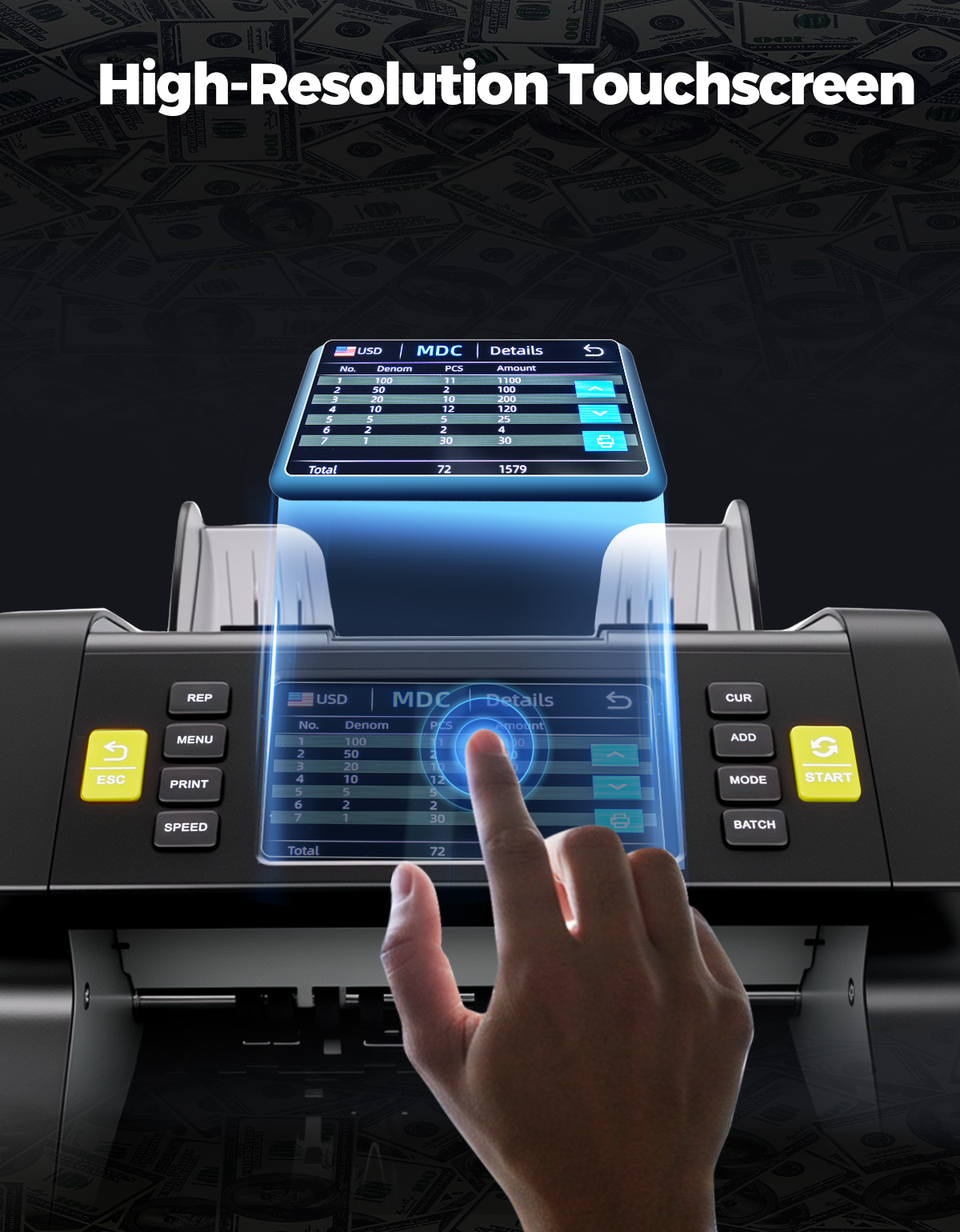
I have a gift shop and need to do all the accounting by myself, it includes counting cash in the end of a day. This machine does it in seconds and shows how many of each bill I have. It doesn't count change but I bring it to a store near by that has those coin machines. The build feels sturdy and it has external screen if needed. It has build in touchscreen as well as buttons on the side of it. It has several modes but most likely you'll need only one, want to test multi-currency setting, wondering how it handles it, single currency mode works exceptional.
I've had a couple of money counters before, very basic ones, and definitely nothing like this beast. It ran through a stack of about 500 bills, of all denominations, in no time flat. Right out of the box, it's plug and play. For the more advanced features, those take a little time to learn everything it does, but that too, is super simple. I love that you can update it and use it for foreign currency too, not that I get much of that, but the update feature is great, they even include a USB drive to take care of it, which I guess makes sense at this price point.
When we first unboxed the MUNBYN IMC21, I was skeptical it could live up to its claims - but within minutes of plugging it in, this machine had already counted a week's worth of register deposits faster than I could brew coffee. The mixed denomination counting (MDC) feature is revolutionary for our retail shop, accurately sorting and totaling stacks of varying bills in seconds while simultaneously checking for counterfeits.What impressed me most was how it handles problematic bills. Rather than jamming, it gently stops with the questionable bill on top, allowing us to inspect it immediately. The serial number tracking has already helped us identify a customer's duplicate bills, potentially saving us from loss. While the advanced features took some practice (the USB software updates were straightforward with the included drive), the basic counting functions worked perfectly right out of the box.After three months of daily use processing hundreds of bills, the IMC21 has proven its worth tenfold. It's eliminated human counting errors, reduced our bank deposit prep time by 80%, and given us confidence in spotting fakes. For any cash-heavy business, this counter pays for itself in time saved and mistakes prevented. Just be sure to clean the rollers monthly; our only maintenance requirement so far.
Been using it for my store, tens of thousands of dollars flow through it a day. Very good counting machine! It is highly accurate, never miscounting after months of use. It comes with a user manual and maintenance manual, so I figured it would need to be thoroughly maintained, but I have yet to need to clean it, it stills works perfectly.I like that you can change the speed it counts through the bills, ranging from moderately fast to speed of light. I like that it doesn't use a touchscreen, that means it will last way longer. I like that it doesn't interrupt the count if it encounters a bill so mangled or folded it can't recognize it, in those cases you just put it to the side, and since we verify authenticity at the registers beforehand, I add the side bills to the total to get what is expected.There is multiple ways listed to reach customer support if there's any issues which is thoughtful. The machine isn't very heavy at all, which makes it easy to transport between rooms if needed. The machine is easy to learn how to use, and the user manual is very detailed. I also like that the service menu is password protected.With the fast moving parts you would expect instances where bills get stuck inside, but that has not happened. Only sometimes will a bill or two be inside when it stops for an error, but when the error is resolved (usually by removing the note from the top of the counted stack), it cycles through a couple times to make sure no bills stay inside the machine, which is intuitive design.It has many different settings for all the various counting scenarios, although I've mostly used the MDC (Multi Denominational Count) setting. Very happy using this product!
I recommend this machine Munbyn IMC21 to any small or medium sized business that handles cash on a daily basis. It��s a reliable, safe, and easy to use. The price to quality ratio seems fair to me, and so far, it has performed its function perfectly.
Works well. We get a jam about once in 1,000 bills.
Do you have a printer that is compatibility with the IMC 21 model, the P01 printer info doesn’t show it being being compatible with IMC21
The P01 printer is fully compatible with the IMC21 money counter.
Please read our FAQs page to find out more.
Free shipping and returns