


 美国
美国 Best Seller
 Label Printers
 All PDAs
 All Tablets
 All Thermal Labels
 Printer Accessories


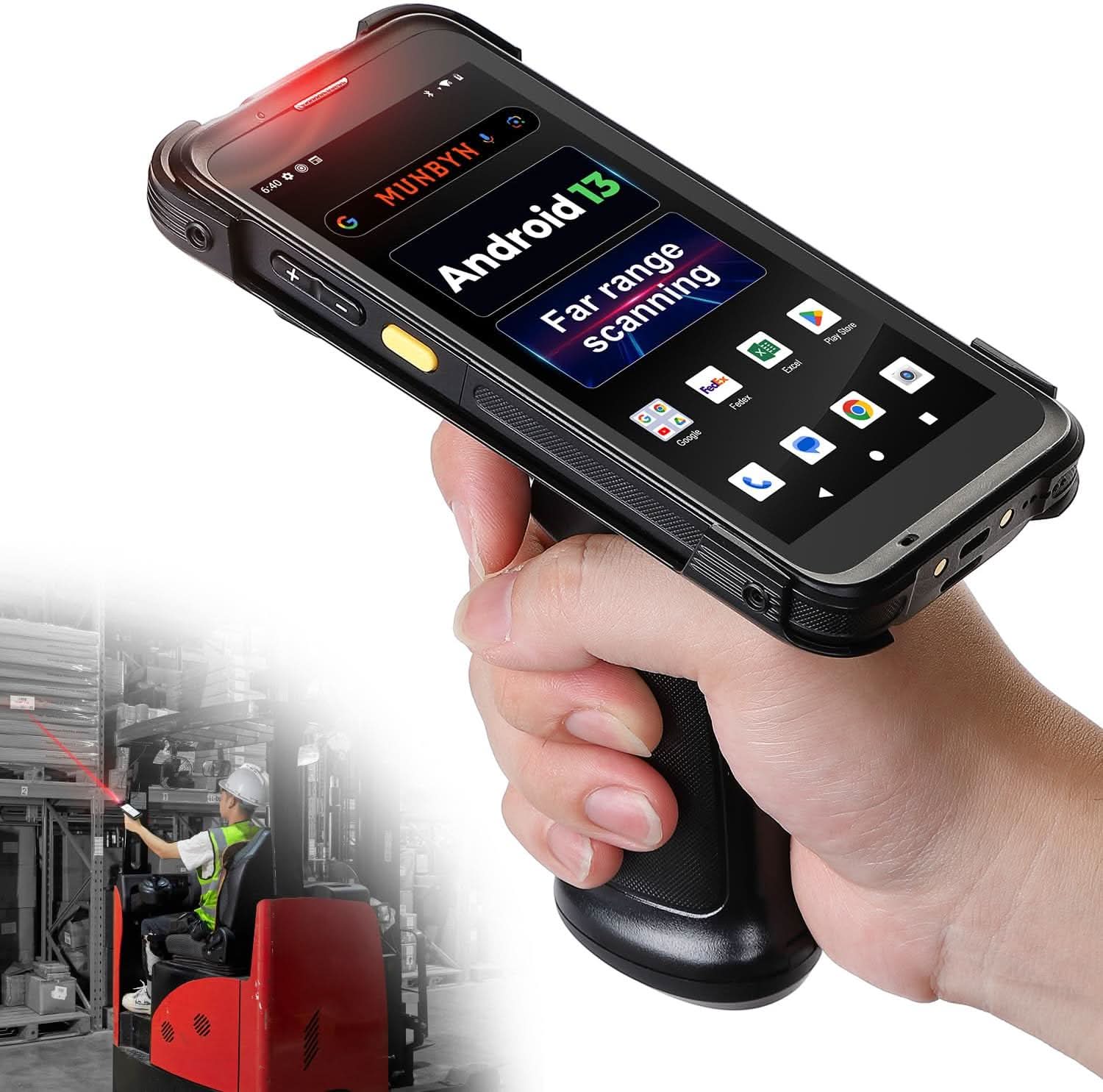
Product highlights

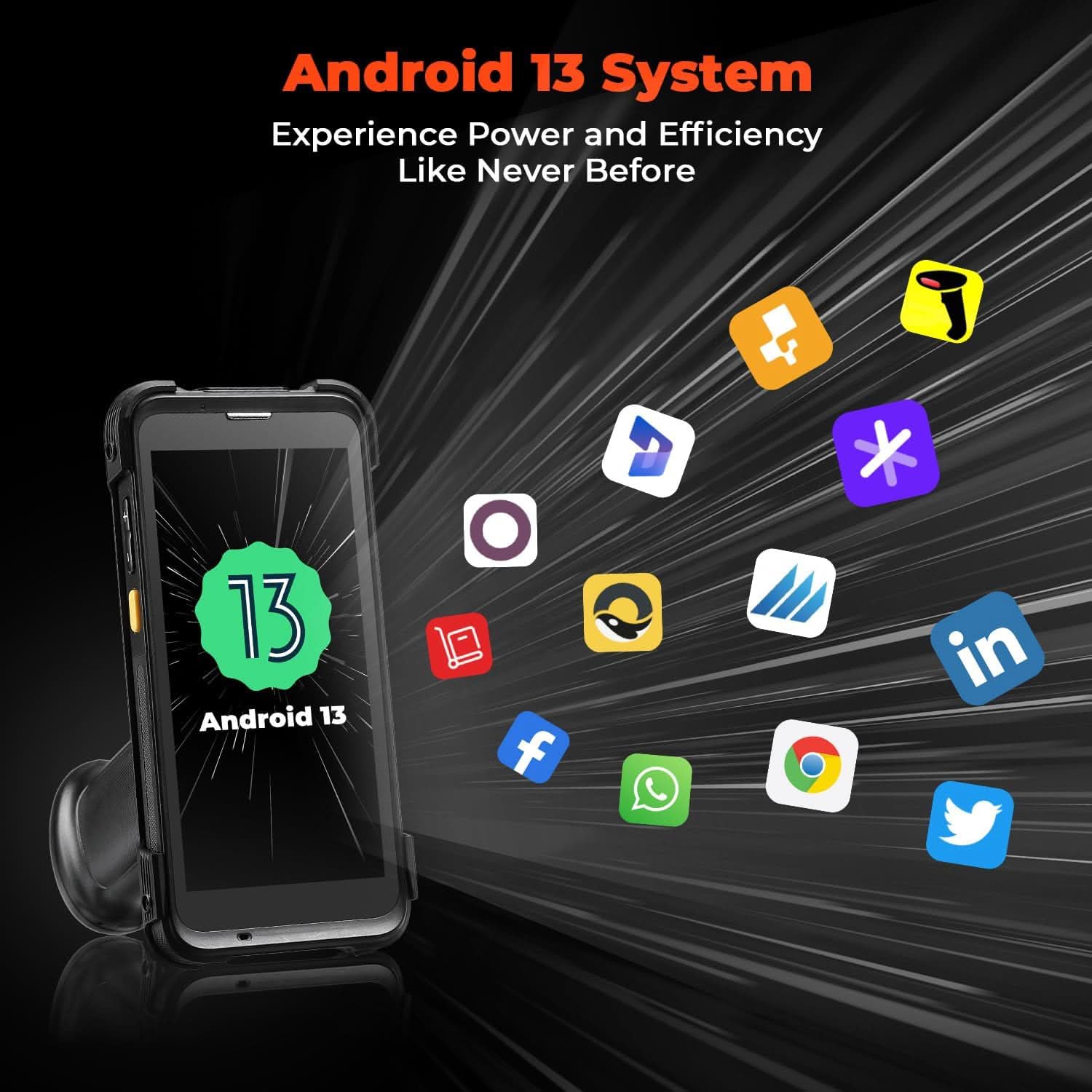
Android 13
Smooth & Secure Enterprise OS

Wi-Fi 6
Ultra-Fast & Stable Connectivity
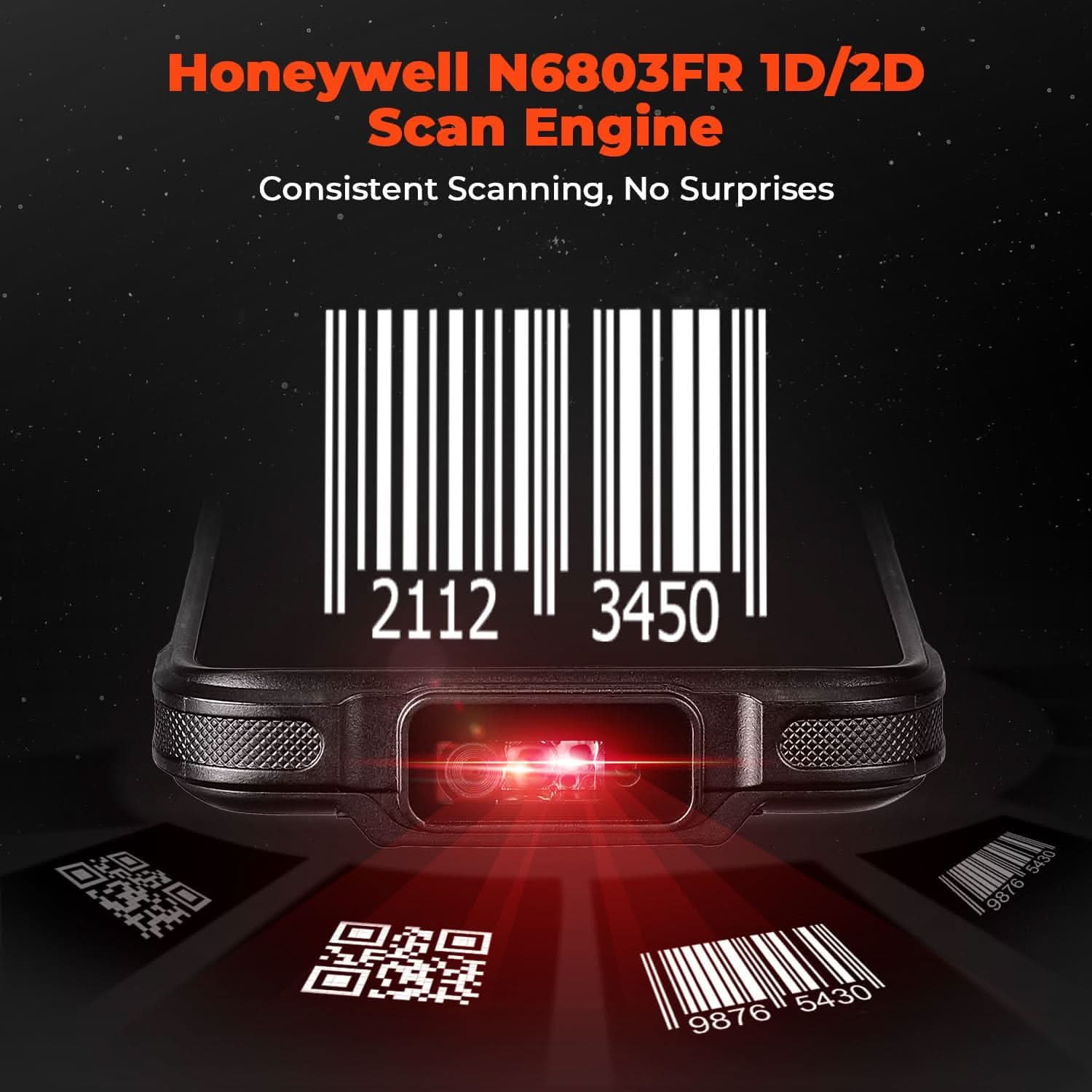
Honeywell N6803FR
Advanced FlexRang Scanning

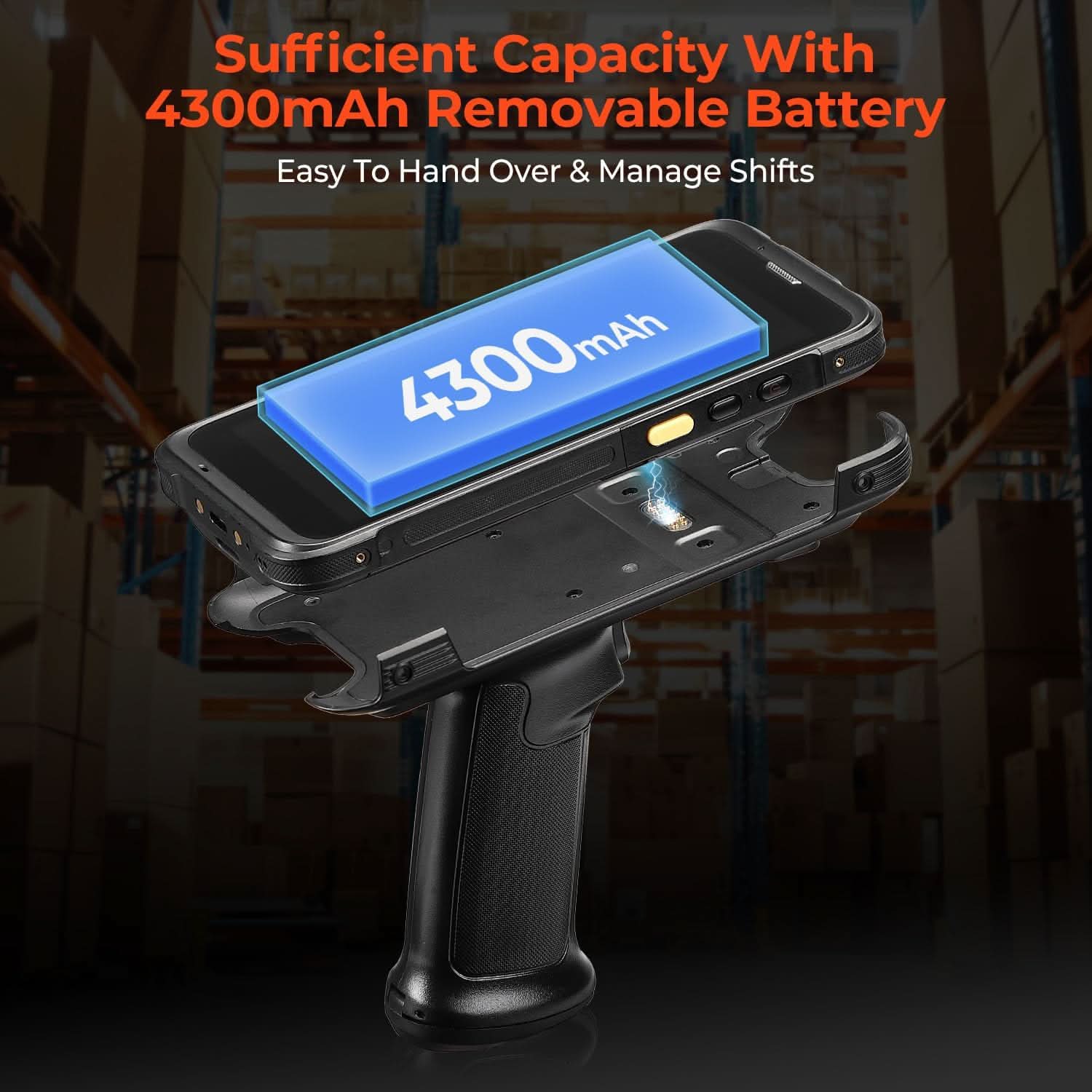
9500mAh
Removable for 24/7 Shift
节省 24%
MUNBYN IPDA101P-LR Android Barcode Scanner for Long-Range Scanning
10-Meter FlexRange Scanning
Ultra-Fast Wi-Fi 6
Android 13 Enterprise
5.5-inch Gorilla Glass Display
Advanced scanning power for enterprise logistics.
Engineered with the high-performance Honeywell N6803FR engine, this PDA delivers superior near-to-far range scanning (up to 10 meters). Paired with Wi-Fi 6 connectivity and the secure Android 13 OS, it provides the speed and reliability needed for high-efficiency warehouse operations.
NOW
$759.00
Saved $240.99
Original Price

00
D
00
H
00
M
00
S
Code:
WK5
Code copied to clipboard!
Translation missing: zh-CN.warranty_bundle_sync.heading
Ready to ship with free delivery.
Buying for a business?
Get a custom quote for potential bulk savings on approved business orders.
Product highlights
Android 13
Smooth & Secure Enterprise OS
Wi-Fi 6
Ultra-Fast & Stable Connectivity
Honeywell N6803FR
Advanced FlexRang Scanning
9500mAh
Removable for 24/7 Shift
Key Features
FEATURES
IPDA101P Derivative Models
MUNBYN's model (IPDA101P-LR) barcode scanner, equipped with the Honeywell N6803FR scanner, further pushes the boundaries of the reading range needed in warehouses and distribution centers. It supports near, mid, and far range distances scanning, up to 10 meters (30 feet). Whether you work in a distribution center, retail, logistics, or in the field, workers need the capability to scan at near, mid, and far range distances to improve workflow efficiency and reduce fatigue.
The Latest System in Its Class
Compared to its class of products using Android 11, this Android barcode scanner has adopted Android 13, which offers enhanced privacy features, improved personalization options, and better compatibility. Compatible with 'Odoo' and 'Zoho Inventory' inventory management software. We can help you test your apps before you purchase in bulk.
Faster Data Exchange
Equipped with Wi-Fi 6, which offers triple the data transfer speed of WiFi 5, this facilitates seamless workforce collaboration and efficient on-demand training, revolutionizing the warehousing landscape. It enables businesses to address labor shortages effectively and can boost work productivity by up to 300%. The camera and the scan engine cannot be running at the same time.
Large Screen But Rugged
It features a superior 5.5-inch touch screen, the largest in its class, delivering enhanced information visibility to Android barcode scanner users. Designed for excellent outdoor readability, the display remains clear even in intense sunlight, ensuring users can easily read the screen. It incorporates Corning Gorilla Glass, known for its high-impact resistance, which extends the screen's durability. Additionally, it includes a replaceable screen protector for added longevity.
Smooth Operation
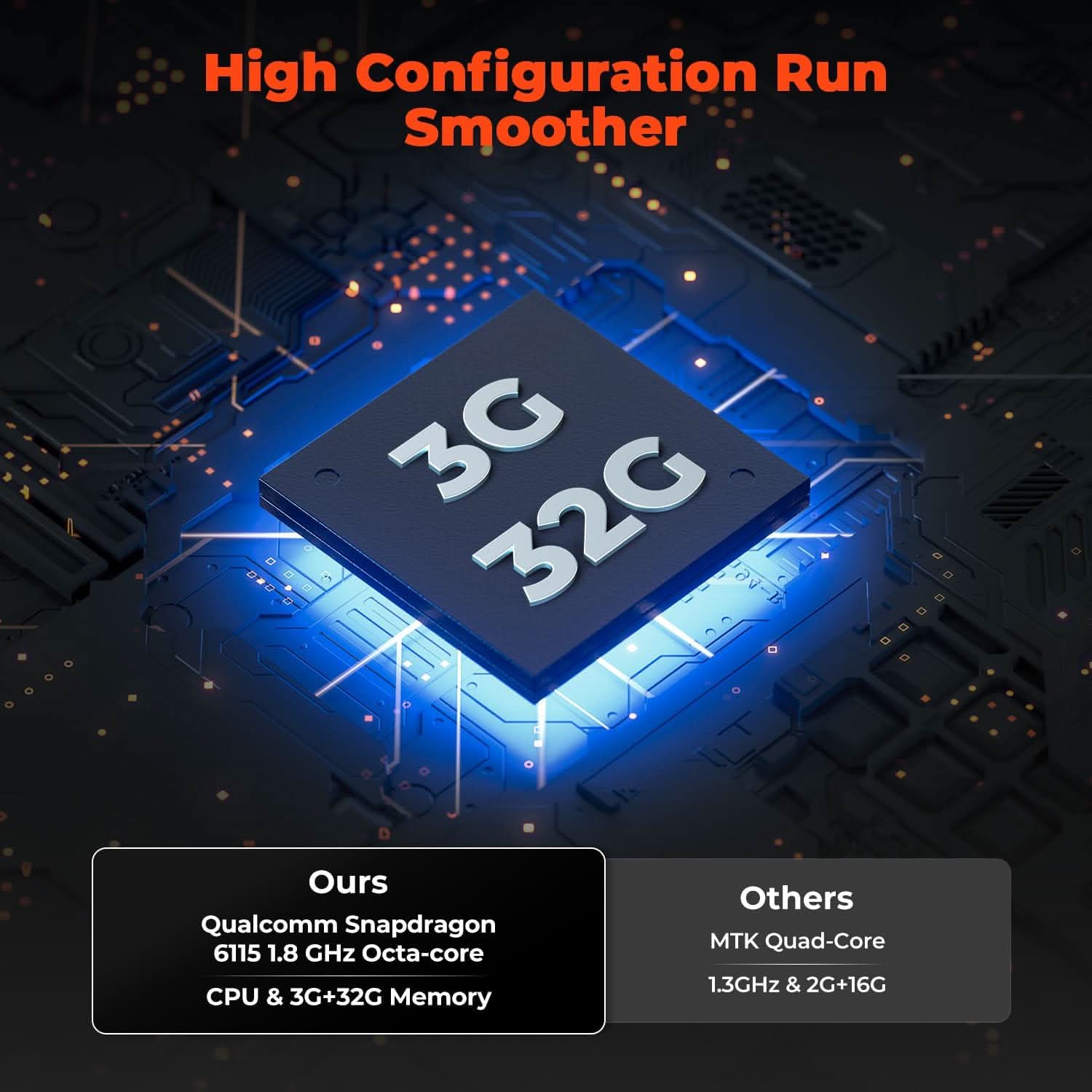
The mobile computer is equipped with an advanced Qualcomm Snapdragon 6115 1.8 GHz octa-core processor and a 4300mAh battery. This enterprise-grade Android barcode scanner is tailored for efficient long-range warehouse picking and inventory control, offering a rapid operational pace and up to 12 hours of battery endurance. Moreover, it boosts app responsiveness, web browsing, record playback, and more by 50%, ensuring smoother interactions across various tasks.
What's in the box?
Free Shipping on Orders Over $79*
Ships within 48 Hours.
14-day Risk-free Trial
2-Year Warranty & Lifetime Support
30-day Price-Match
$759.00$999.99
Saved $240.99
4 interest-free payments of $189.75
Order now, ships within 48 hours
Need help choosing the right product or placing an order?
Our MUNBYN support team is here to help. If you have any questions about products, compatibility, orders, or after-sales service, feel free to contact us at any time. We respond to all inquiries within 24 business hours (Monday–Friday).
-
Shipping Information
We offer free shipping straight to your door throughout the contiguous US*. It usually takes 2-5 business days* for your package to be delivered, so you can sit back and relax, worry-free.
*Please see our shipping policy for more details. -
Help Center
Find everything you need in one place:
- Manuals & drivers
- Setup guides and troubleshooting
- Order, shipping, and warranty support
-
FAQ’s
Have a quick question?
Visit our FAQ page, which covers the most common topics, including:
- Product features and specifications
- Compatibility with devices and software
- Shipping, returns, and warranty policies
- Troubleshooting and basic setup
If you can’t find the answer you’re looking for, our support team is always ready to help.
-
Still need assistance?
Contact Us at
Order: order@munbyn.com
Tech: support@munbyn.com
+1 628 229 3612
Mon - Fri: 7AM - 5PM (UTC-8)

MUNBYN IPDA101P-LR Android Barcode Scanner for Long-Range Scanning
$759.00
Product details
Product Comparison
| Models |
THIS MODEL
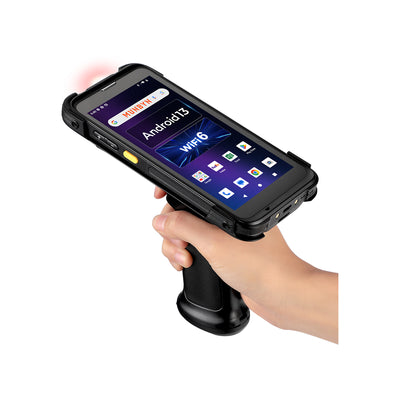 MUNBYN IPDA101P-LR Android Barcode Scanner for Long-Range Scanning
Current Page
|
---
|
---
|
|---|---|---|---|
| Scanner | Honeywell N6803FR | --- | --- |
| Screen | 5.5-inch 450 Nits 1440 x 720 |
--- | --- |
| Color | Black | --- | --- |
| CPU | Qualcomm SDM6115 | --- | --- |
| Connectivity | Wi-Fi 6 NFC 4G BT5.1 |
--- | --- |
| OS | Android 13 | --- | --- |
| Battery | 4300 mAh(main) removable main battery 5200 mAh optional pistol battery |
--- | --- |
| Memory | 4GB+64GB | --- | --- |
MUNBYN Android 13 & Long-range Scanning Bar code Scanner, Raise Your Working Efficiency!

Adopted with Outstanding Far-Range Scanner Engine - Honeywell N6803FR

New Model - IPDA101P-LR, New System - Android 13

High-end Configuration, Designed to Solve Problems


Why Customers Choose MUNBYN
Discover the difference of choosing MUNBYN.
Over
Satisfied Customers
Over
Products Sold
Over
Patents
Selling in
Countries
Over
Factory
Over
Employees
Over
Technicians
Always
Service & Tech Support
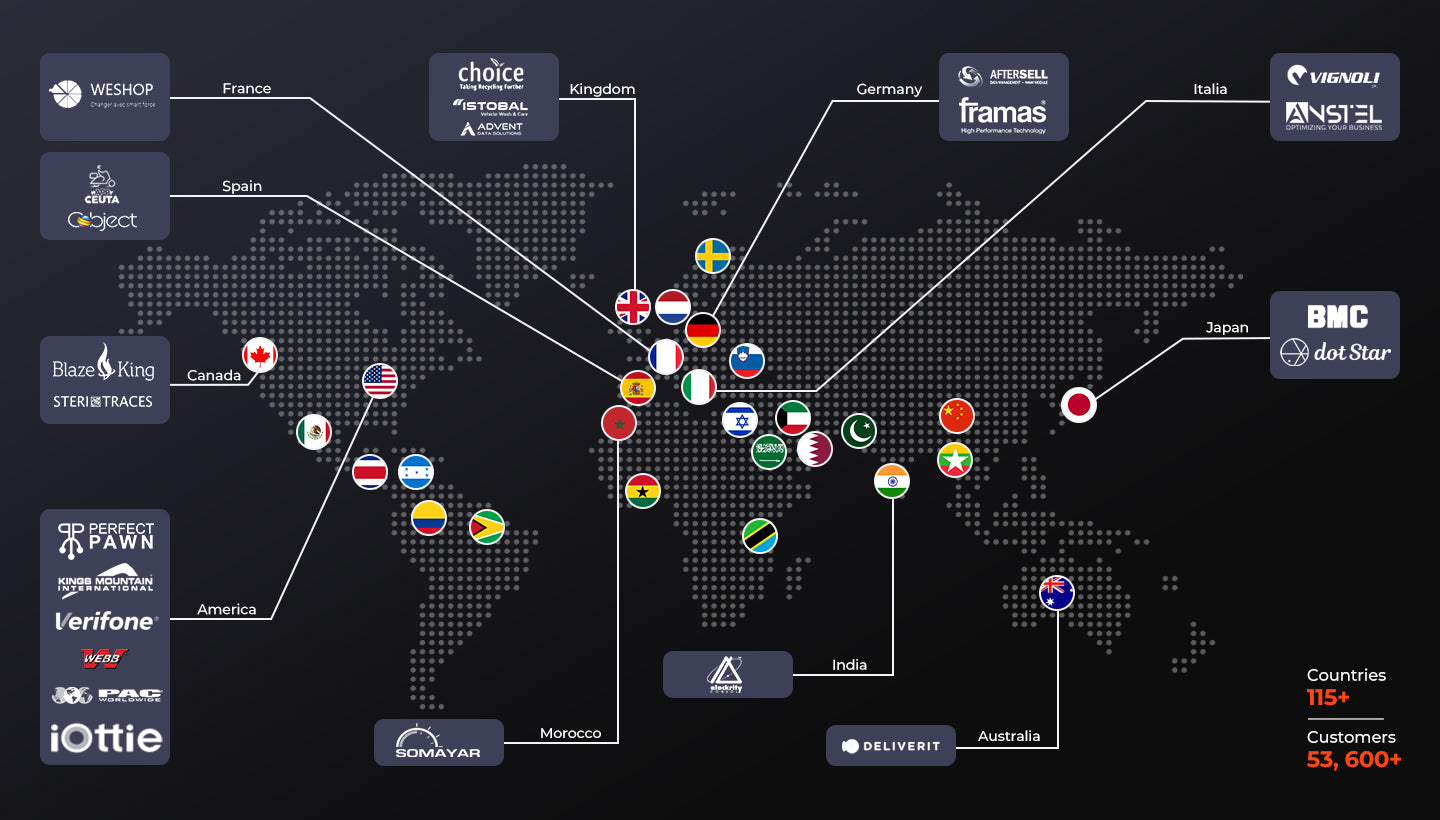
Our Partners












FAQs
Please read our FAQs page to find out more.
What is the MUNBYN IPDA101P-LR long-range barcode scanner best for?
How far can the IPDA101P-LR scan barcodes?
Does the IPDA101P-LR read both 1D and 2D warehouse barcodes?
Can I install inventory software on the IPDA101P-LR handheld mobile scanner?
Does the IPDA101P-LR scanner support Wi-Fi 6?
How long can the IPDA101P-LR operate on a charge?
What display does the IPDA101P-LR use?
Why does the IPDA101P-LR stop scanning when the camera is open?
Free shipping and returns