Best Seller
 All Printers
 All PDAs
 All Tablets
 All Thermal Labels
 Printer Accessories


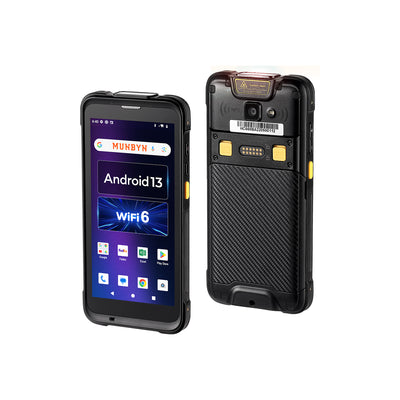
MUNBYN Android 13 & Wi-Fi 6 Scanner, Raise Your Working Efficiency!
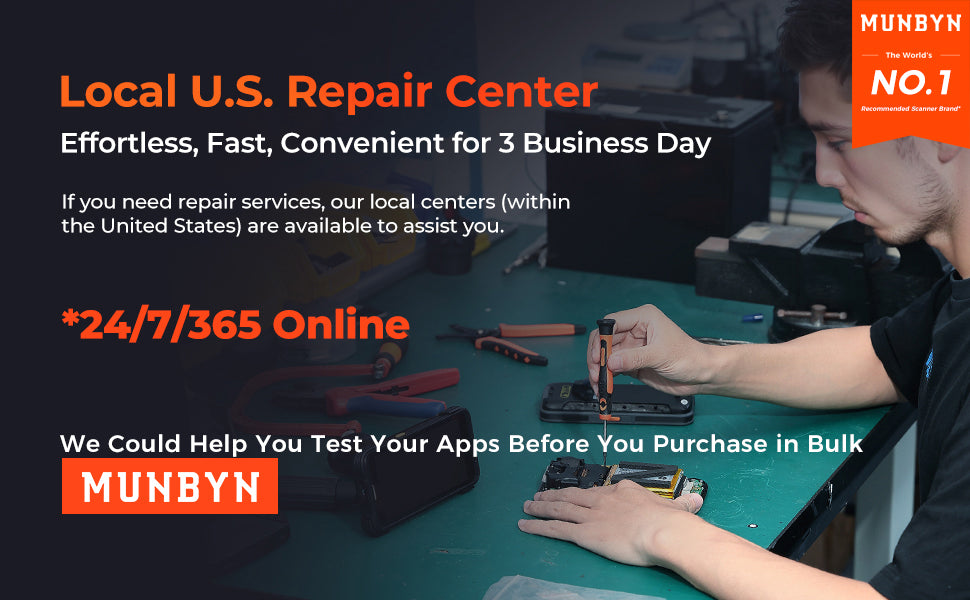
Maximize Device Uptime — Value Beyond The Hardware
- If you need repair, our local centers (within the United States) are waiting for you. Once you select MUNBYN device, you get comprehensive coverage — if it’s broken, we fix it. With live 24/7 agent technical, help is available when you need it. There’s no waiting for scanners to be returned — a ‘like new’ ready-to-use replacement scanner arrives the next day, complete with your apps, OS version, network configuration and more.
- The Android data terminal offers a converged solution to cater to the demand of cycle counting, on-demand delivery, asset management, etc.
- This handheld scanner has obtained Android Enterprise Recommended(AER), which means finely protects the security of enterprise and personal data.
- The Android bar code scanner is widely used for warehouse management, logistics, retail, manufacturing, agriculture, and e-commerce.
- Specific applications of the intelligent Android mobile computer are as below: commodity/ quantity/ inventory checks, item locator, assisted selling, items tracking, inventory/ asset management, payment, etc.
- Ideal for managing your business, support this MDM software: Ivanti, SOTI, Scalefusion, and WizyEMM.
- Support Zello and Voxer intercom software for recording multiple voices. Say goodbye to traditional radios. The push-to-talk walkie-talkie app is available on your Android scanner, providing unlimited and secure private channels, and crystal-clear broadcasts over cell networks and Wi-Fi. You no longer need expensive specialized equipment or tower leases, making it affordable for everyone to have a voice.
- Increase work efficiency by never missing any important messages. The intercom software allows you to play back any message at any time, allowing workers to focus on the task at hand and resolve it without any distractions.
- With a preinstalled professional scanning app (infowedge) for fast and reliable scans. If the trigger is unresponsive, it could be a setting issue.
**Some Unique Designs in Its Class:
- Scan button wake up the screen: Click on Settings > Click on Display > Find Wake on Scan and enable it
- Different apps can offer different scanning settings: Select the created profile > On the Configuration page, click Associated Applications to start associating applications > Tap the menu in the upper right corner and select > New Application/Activity , a list will be displayed containing all the applications installed on the device
- Different bar codes can offer different settings: Clicking on Test ProFile you can see the Advanced Data Formatting > Select your target bar code for differential settings
And so on(check for user manual)
Note: Scanning Range: Show code 39 as an example-scanning range between 1.97 inch/5 cm to 29.92 inch/76 cm.
The Upgraded Android Version from IPDA086 to IPDA101.
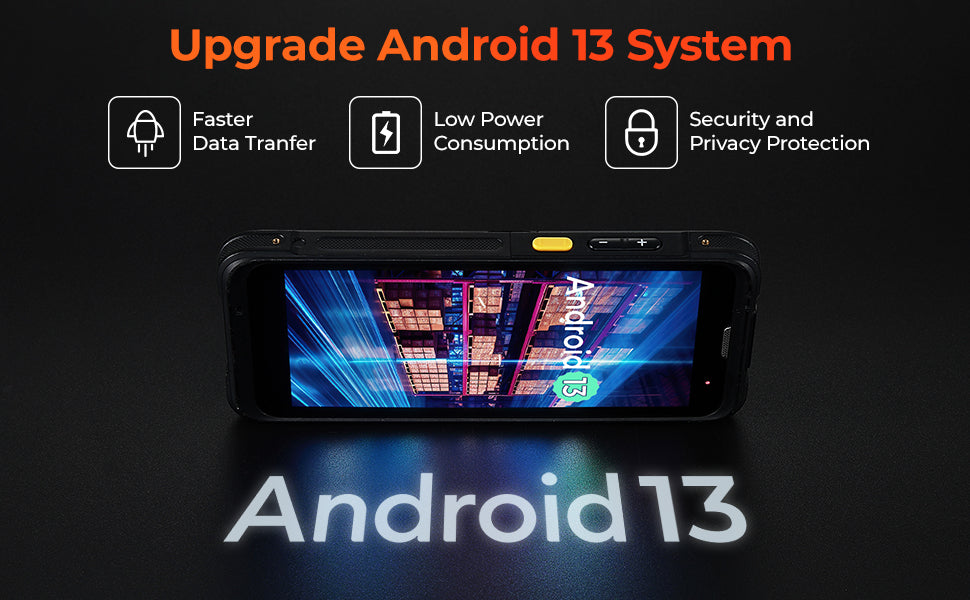
High-ended Android Version
- The Android bar code scanner IPDA101 adopts the highest PDA Android system in the Enterprise market, thereby maximizing the application user experience.
- Android 13 is easier to develop and compatible with more Apps. Other devices are equipped with Android 6.
- Using Android 13 OS ensures the data and processing are safe and protects your privacy.
Three Main Advantages:
- Faster Data Tranfer: The latest version of Android system allows device hardware to better integrate with the latest operating system and improves the smoothness of device operation.
- Low Power Consumption: Android 13 includes several features designed to reduce power consumption and extend device battery life. The updated version of Android 13 system greatly improves energy efficiency compared to the previous old system version.
- Security and Privacy Protection: In Android 13, the capability to integrate bar code scanning features doesn't inherently come with specific security and privacy protections tied directly to the action of scanning bar codes. However, the overall security and privacy framework provided by Android 13 can indirectly benefit applications used in warehousing and logistics, including those that utilize bar code scanning functionality.
High Performance Wi-Fi 6, Key Features & Benefits
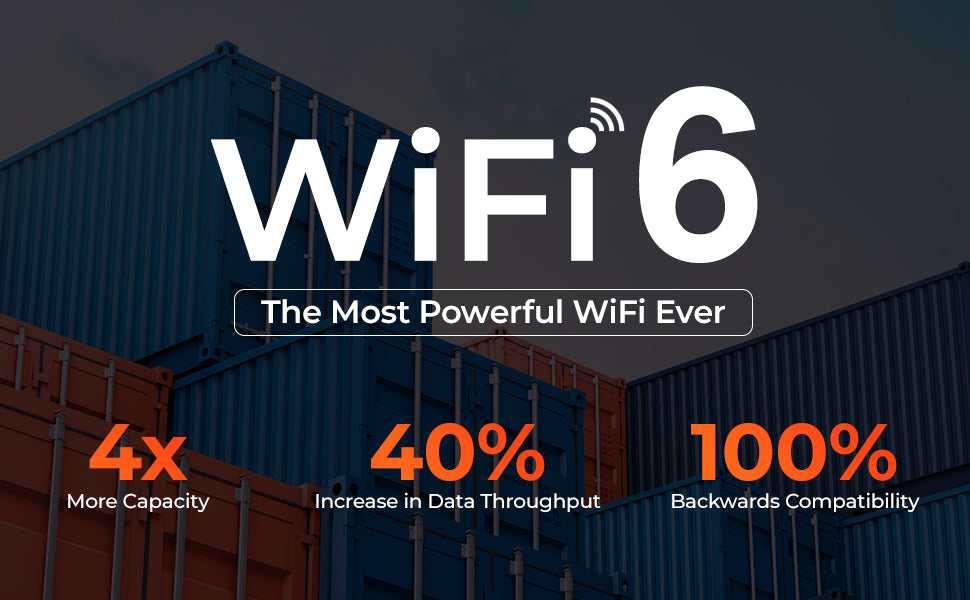
- It’s triple the speed, and Wi-Fi 6 offers much faster data rates. It can raise 300% efficiency when downloading or transferring files.
- Where Wi-Fi 5 (802.11ac) maxes out at 1200 Mbps, Wi-Fi 6 offers a maximum possible data rate of 1800 Mbps, potentially tripling the speed of its predecessor, Wi-Fi 5,6, and providing support for more bandwidth-intensive applications.
Compared to WiFi 5:
- More Capacity Up to 4 times;
- Data Throughput Increase Up to 40%;
- Backwards Compatibility Up to 100%.
** Please make sure to get MUNBYN Scanner. The products get from other brands may look similar, but there are many differences, such as the scanning setting software. Ours is infowedge (like zebra design), and other brands are keyboardemulator.
In addition, only scanners got from MUNBYN can get MUNBYN's high-quality lifetime assistance.
Know More Details of Android Bar code Scanner
Three Different Handling Methods
- The PDA handheld computer is equipped with a lanyard and hand strap.
- Users can choose different handling methods depending on the environment and fields.
- Make a safer, easier, more convenient working environment.
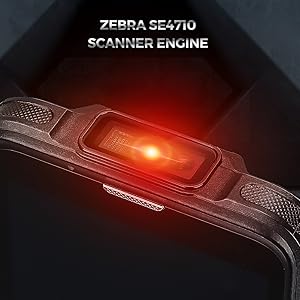
Equip with Accurate Zebra Scanner Engine
- Finishing the jobs by the Zebra precise scanner engine.
- Wherever in warehousing, sending, picking, logistics. Track each bar code and commodity from the whole chain.
- Also, coupled with a rear 13 MP Autofocus with flash, keeping each picture/video clear, significantly increases the user experience.
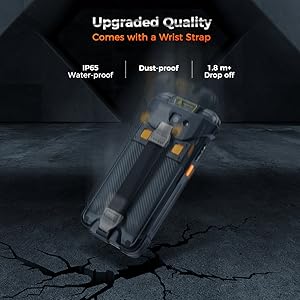
Rugged & Durable Mobile Computer
- The handheld computer is of IP65 grade, it's enough to be used in kinds of harsh environments.
- In addition, it has multiple 1.8 m / 5.91 ft. drops (at least 20 times) to the concrete after installing rubber bumper.